Celebrating Tymeslot 1.0

May 08, 2026 · 3 min read
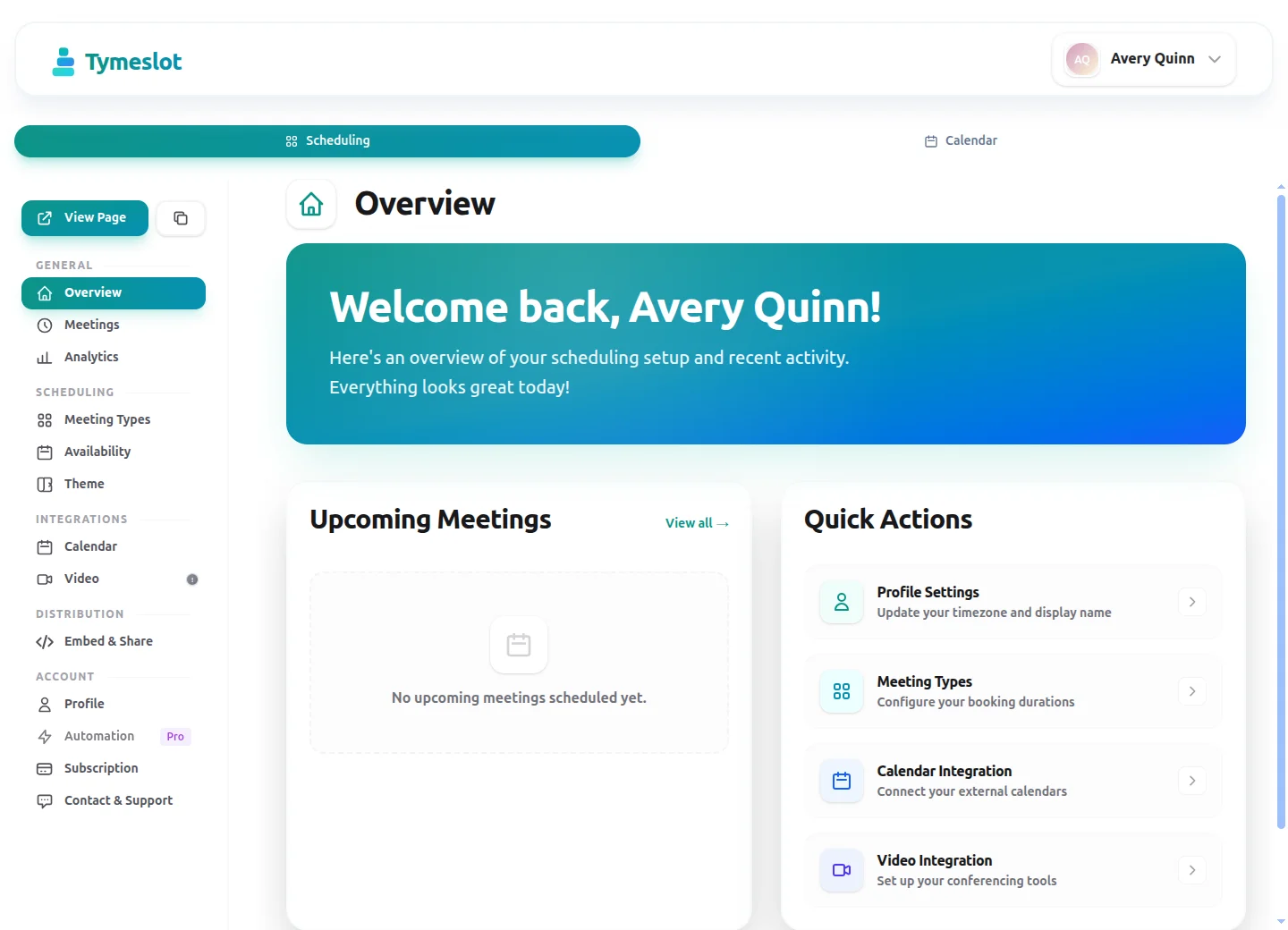
Four months ago we put out the first release of Tymeslot. Today we are calling it 1.0, the point where it does the whole scheduling job rather than a promising slice of it. Here is what that means in practice.
The booking page
Tymeslot ships with two themes for your public page, Quill and Rhythm. You can offer as many meeting types as you need, each with its own length, description, and calendar. Whoever books picks a time in their own timezone, and the conversion is handled for them.
Underneath sits the logic that decides which slots to show: weekly working hours, overrides for the days that break the pattern, and breaks inside the day. Once someone has booked, they can reschedule or cancel without going through you.
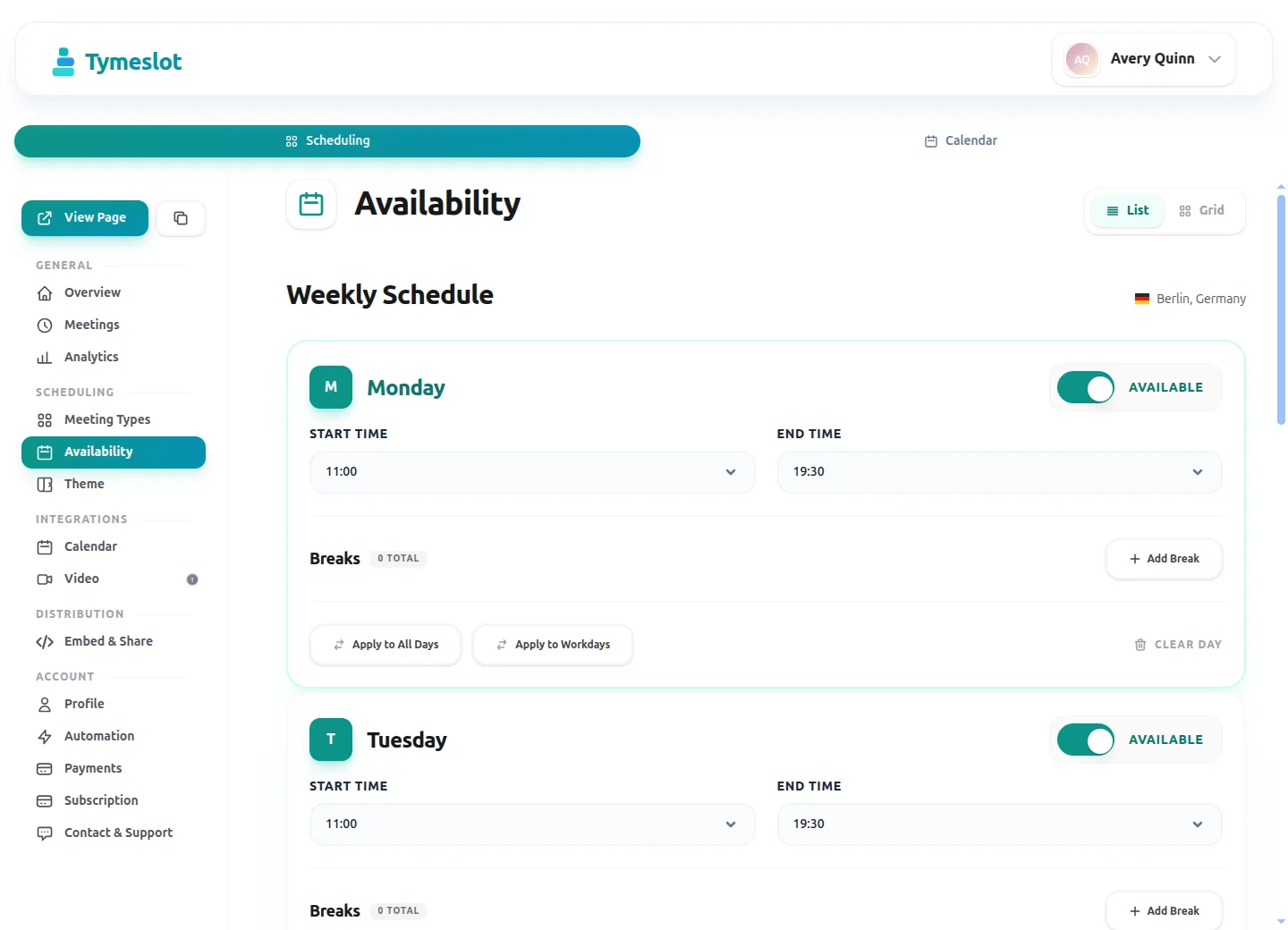
Weekly hours, overrides, and breaks — the rules behind which slots a booker sees.
Calendar sync that checks your calendar
Conflict detection is the part that earns trust, so Tymeslot syncs both ways. It reads your busy times to hide slots, and writes each booking straight back. At 1.0 it works with:
- Google Calendar
- Microsoft Outlook and Microsoft 365
- Any CalDAV server, with tested instructions for Nextcloud, Radicale, Zimbra, and mailbox.org
Sync is queued when a provider is briefly unreachable, and kept current by push updates instead of slow polling.
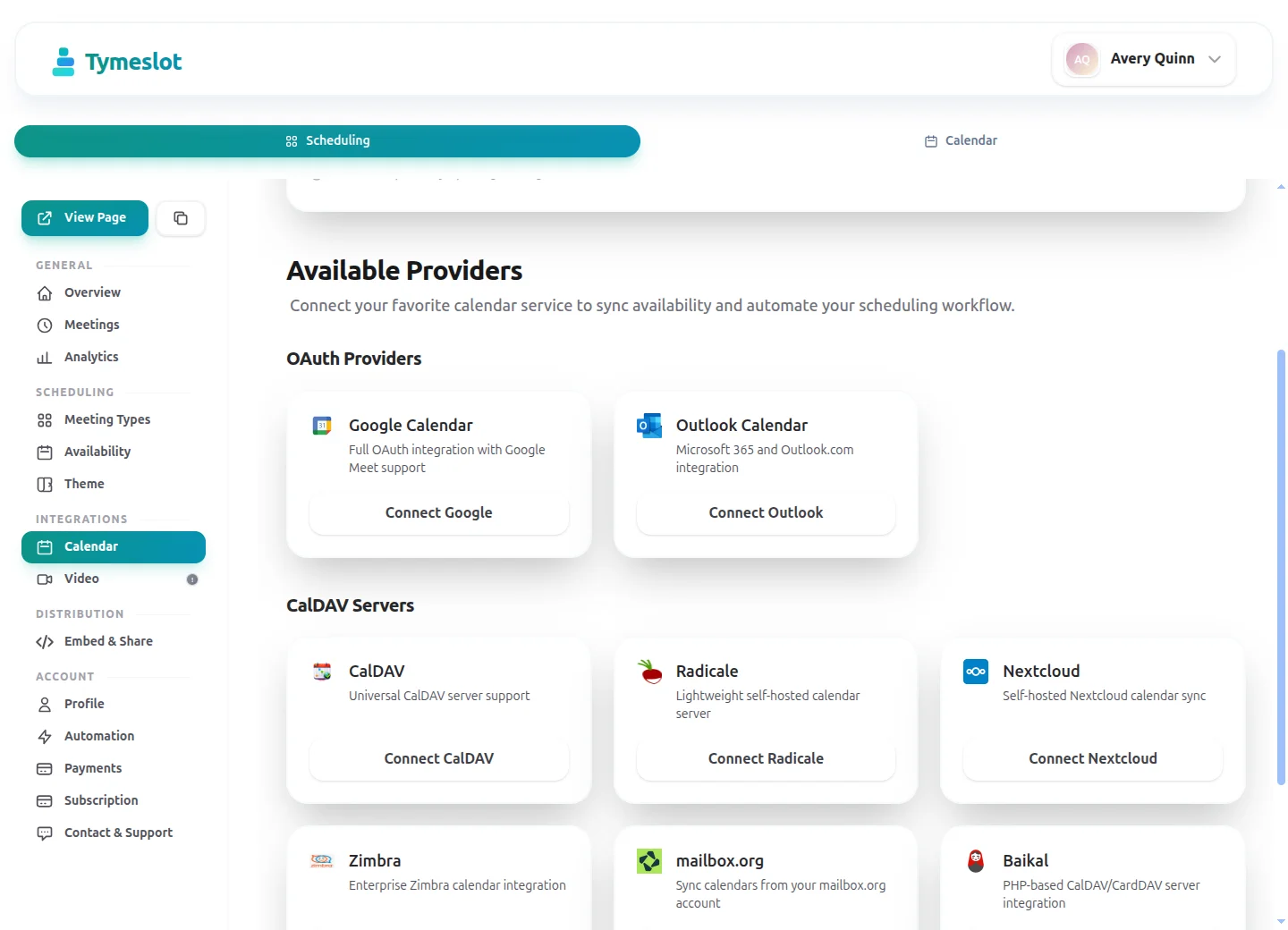
Google, Outlook and Microsoft 365, or any CalDAV server.
Video links, created for you
Connect a provider and each booking gets its meeting link automatically, dropped into the calendar invite and the confirmation. At 1.0 that means MiroTalk, Google Meet, or Microsoft Teams. If you use something else, you can paste your own link.
Put the booking page anywhere
The embeddable widget drops your booking page onto any site with a snippet you copy in. It loads in an isolated frame, resizes itself to fit, and only runs on the domains you allow.
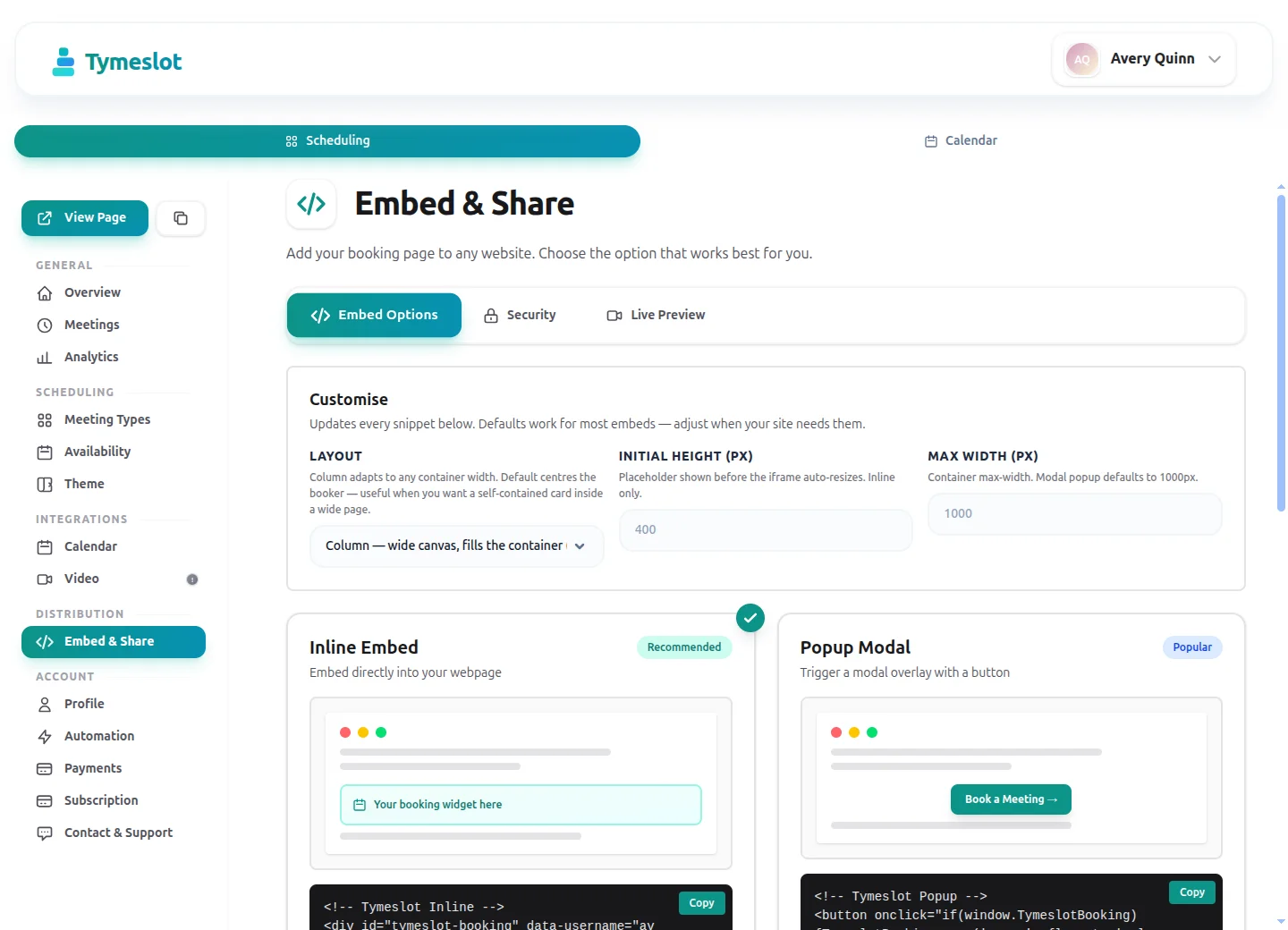
Inline or popup, with the snippet ready to copy.
Reminders and notifications
Confirmations, cancellations, reminders, invitations, and reschedule requests go out as proper emails, and reminders are configurable per meeting type. If you would rather have a nudge on your phone, connect a Telegram bot for instant notifications.
Sign in how your team already does
Alongside email and password, you can sign in with Google, GitHub, or any OIDC provider, including self-hosted ones like Keycloak.
Five languages
The interface is available in English, German, French, Italian, and Ukrainian. Booking emails reach each attendee in their own language, with dates and times formatted the way they expect.
Yours to run
Tymeslot is open source, and self-hosting gives you the complete product rather than a community cut-down. There are Docker and Cloudron packages for running it yourself, and a managed service if you would rather we did. The scheduling engine is the same either way.
That is 1.0. Thanks to everyone who ran the early builds and told us what was missing. A good deal of it made the release. We are already on what comes next.