Calendar Sync

Never get double-booked again

Tymeslot syncs two-way with the calendars you already use. New bookings appear instantly; busy time you block elsewhere disappears from your availability automatically.

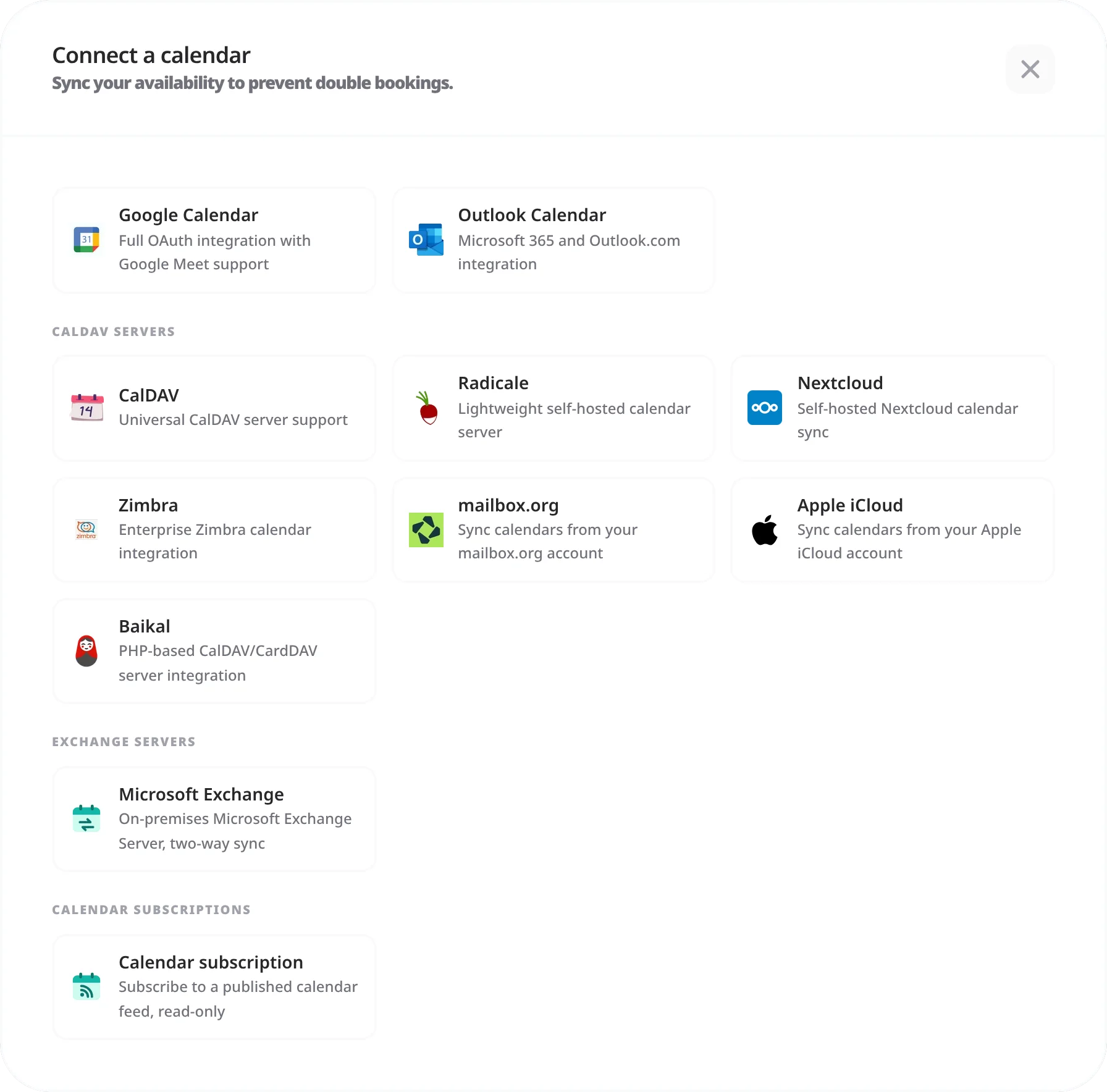
Google & Outlook Any CalDAV server Real-time two-way sync
Start free — no credit card required

One availability, every calendar

If your real availability lives across a work calendar, a personal calendar, and whatever your booking tool thinks is free, double-bookings are only a matter of time. The usual fix — manually blocking time in two places — is exactly the busywork a scheduling tool is supposed to remove.

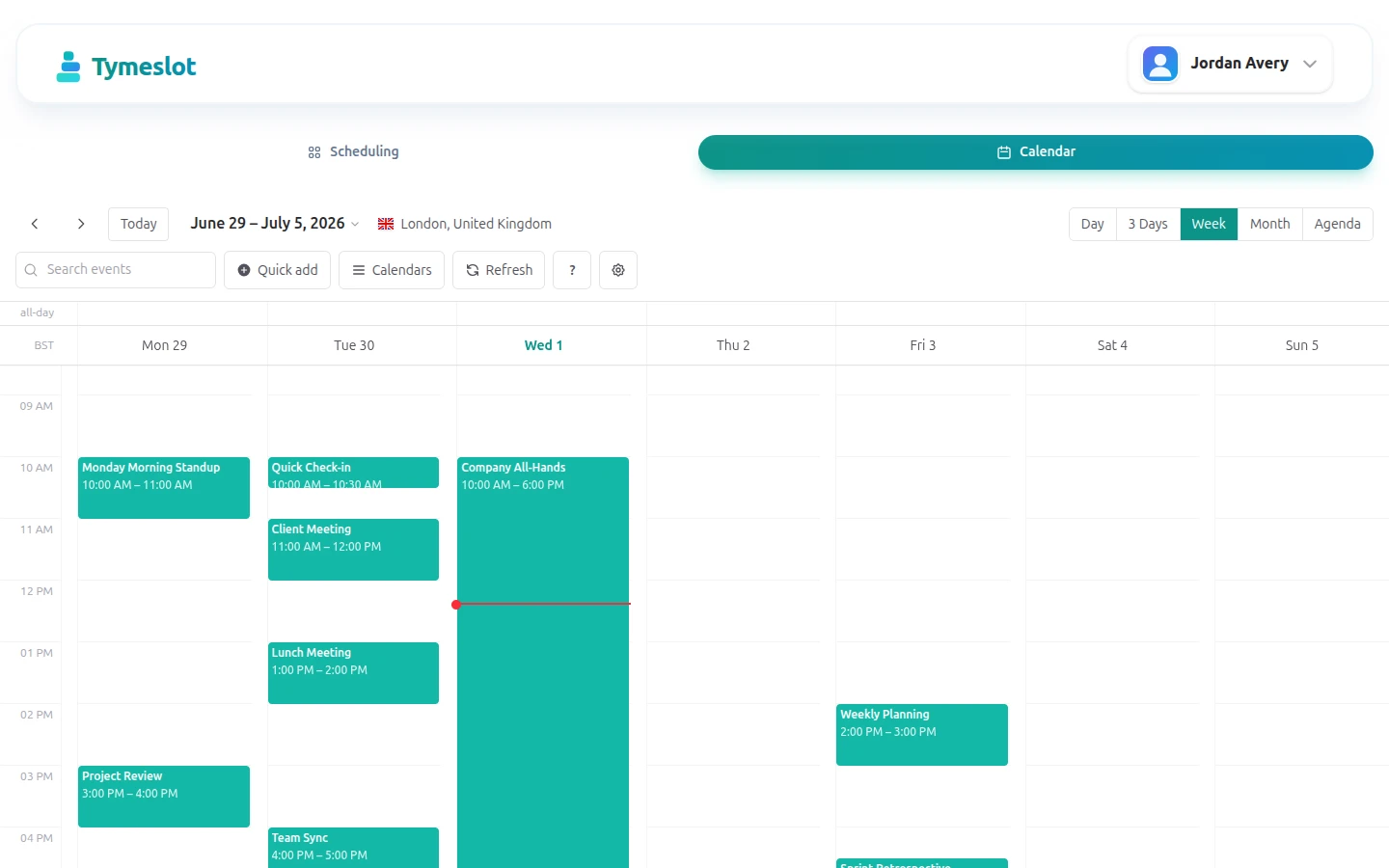
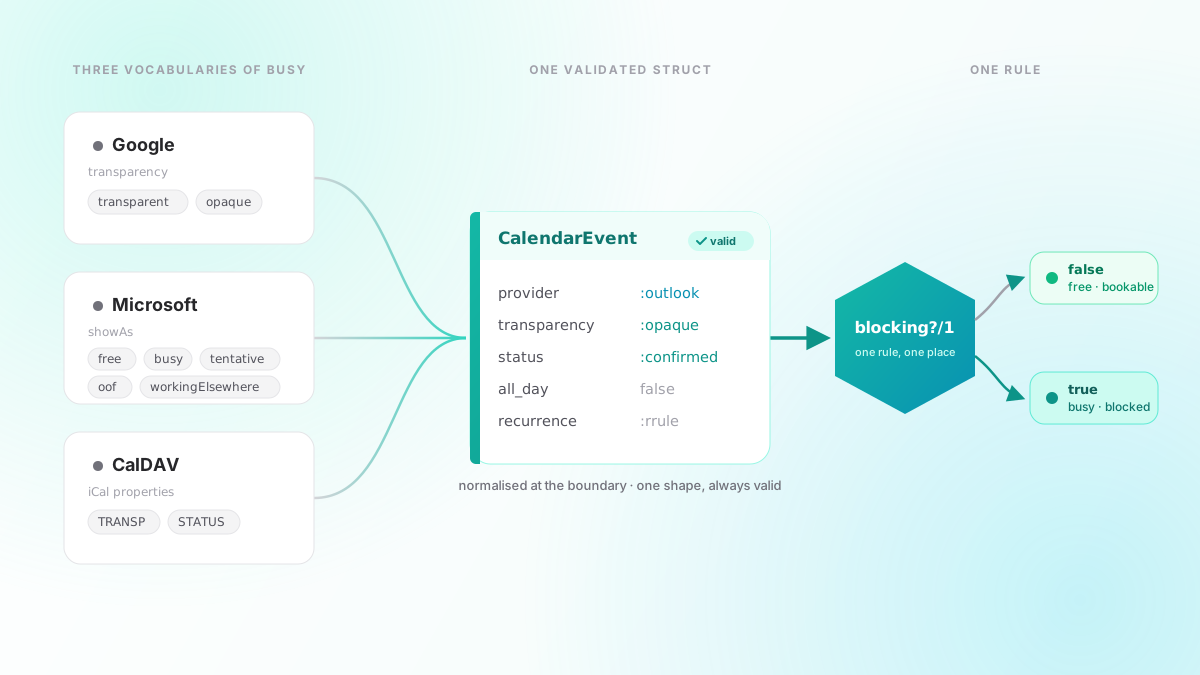
Tymeslot reads your connected calendars to compute genuine free/busy in real time, and writes every new booking straight back. Block a dentist appointment in your personal calendar and that slot vanishes from your booking page; accept a meeting and it lands in the right calendar with the video link attached. And unlike the mainstream tools, Tymeslot speaks plain CalDAV — so Nextcloud, Radicale, Baïkal, Zimbra, and mailbox.org are first-class, not second-class.

How it works

Up and running in minutes

1

Connect your calendars

Link Google Calendar or Outlook with OAuth, or point Tymeslot at any CalDAV server with a URL and credentials.

2

Choose which calendars count

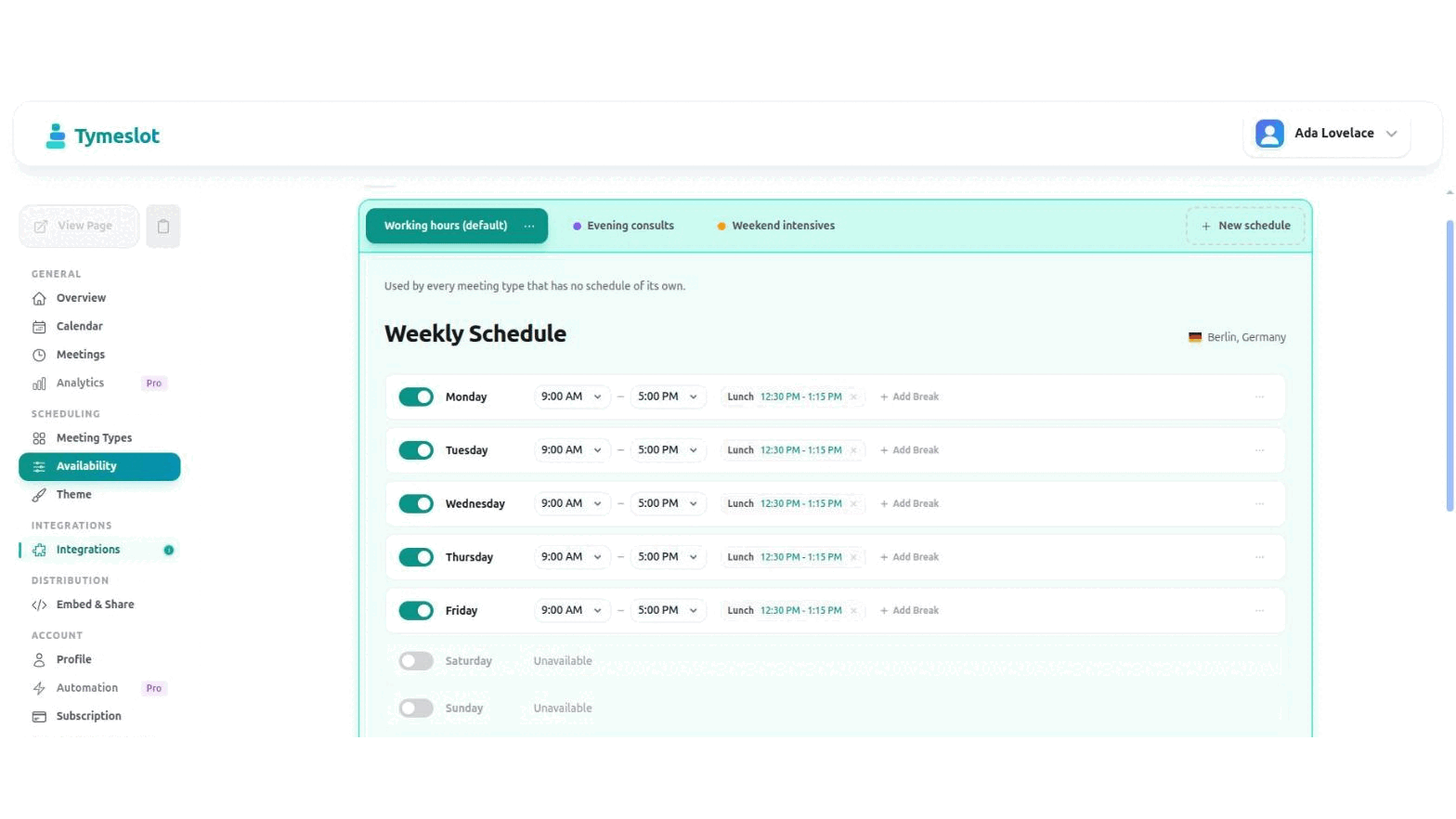
Select which connected calendars block your availability and which one new bookings are written to. Keep personal and work cleanly separated.

3

Availability is computed live

Tymeslot checks free/busy across every connected calendar the moment a guest opens your booking page — no stale snapshots.

4

Bookings sync both ways

Confirmed bookings are written to your calendar instantly; external changes flow back and update your availability automatically.

What you get

Everything Calendar Sync should do

📅

Google Calendar

Two-way sync over the Google Calendar API, with Google Meet rooms on request.

🗓️

Outlook / Microsoft 365

Two-way sync over the Microsoft Graph API, with Teams links generated automatically.

🔗

Any CalDAV server

Nextcloud, Radicale, Baïkal, Zimbra, and mailbox.org — generic CalDAV, fully supported.

🧮

Multi-calendar free/busy

Combine several calendars into one availability picture so nothing slips through.

Real-time conflict detection

Slots that clash with existing events are hidden before a guest can pick them.

🔒

Encrypted credentials

OAuth tokens and CalDAV passwords are AES-encrypted at rest, never stored in plaintext.

Why Tymeslot

Sync that respects your stack — and your privacy

Calendly and Acuity sync Google and Outlook and stop there. Tymeslot treats open calendar standards as equal citizens and keeps your data where it belongs.

CalDAV is first-class

Self-hosted Nextcloud or Radicale users get the same two-way sync as Google users — no plugins, no workarounds.

Choose what's exposed

Connected calendars block your time without leaking event details. Guests see open or busy, never what you are busy with.

Your own OAuth credentials

Self-host and you connect Google and Microsoft with your own app credentials — your calendar data never passes through us.

No tracking on booking pages

The page where someone picks a slot carries no advertising pixels or third-party scripts. Just scheduling.

FAQ

Frequently Asked Questions

Does Tymeslot sync both ways?
Yes. New bookings are written to your connected calendar immediately, and events you create or block elsewhere are read back and removed from your available slots. Your booking page always reflects your true availability.
Which calendars does Tymeslot support?
Google Calendar (Google Calendar API), Outlook and Microsoft 365 (Microsoft Graph API), and any CalDAV server — including Nextcloud, Radicale, Baïkal, Zimbra, and mailbox.org.
Can I connect more than one calendar?
Yes. You can connect multiple calendars, choose which ones block your availability, and pick which calendar new bookings are written to. This keeps personal and work commitments cleanly separated while still preventing conflicts.
Will my guests see what I'm busy with?
No. Connected calendars are used only to compute free/busy. The details of your existing events are never shown on your booking page — a slot is simply available or it isn't.
How are my calendar credentials stored?
OAuth tokens and CalDAV passwords are AES-encrypted at rest. If you self-host, you supply your own OAuth credentials and the data never leaves your server.
Does CalDAV get the same features as Google and Outlook?
Yes — two-way sync and real-time conflict detection work the same over CalDAV. Automatic video-room creation depends on the meeting provider you choose rather than the calendar.

Put your calendars to work

Free plan available. No credit card required. Setup in 5 minutes.

Create your free account