Self-Hosting

Scheduling you actually own

Tymeslot is open source. Run the whole platform on your own server with Docker, Cloudron, or Railway — every booking, calendar token, and client detail stays on infrastructure you control.

Open-source core Docker · Cloudron · Railway No per-seat fees
Start free — no credit card required

Why host your own scheduling tool?

Most scheduling tools are closed SaaS: your availability, your clients' names and emails, and your connected calendar tokens all live on someone else's servers, priced per seat and subject to terms that change without you. For a solo professional that is an annoyance. For a clinic, a law firm, or anyone handling regulated or sensitive data, it is a compliance problem you cannot wave away.

Tymeslot takes the opposite stance. The core product is open source and self-hostable end to end — there is no crippled community edition and no feature held back behind a hosted-only wall. Point it at your own PostgreSQL database, put it behind your own domain, and it behaves exactly like the managed version, because it is the same code. You own the server, the data, and the upgrade schedule.

How it works

Up and running in minutes

1

Pick a deployment target

Docker for any Linux box, Cloudron for one-click installs with automatic backups and SSL, or Railway from a community template. Same image, same features.

2

Point it at your database

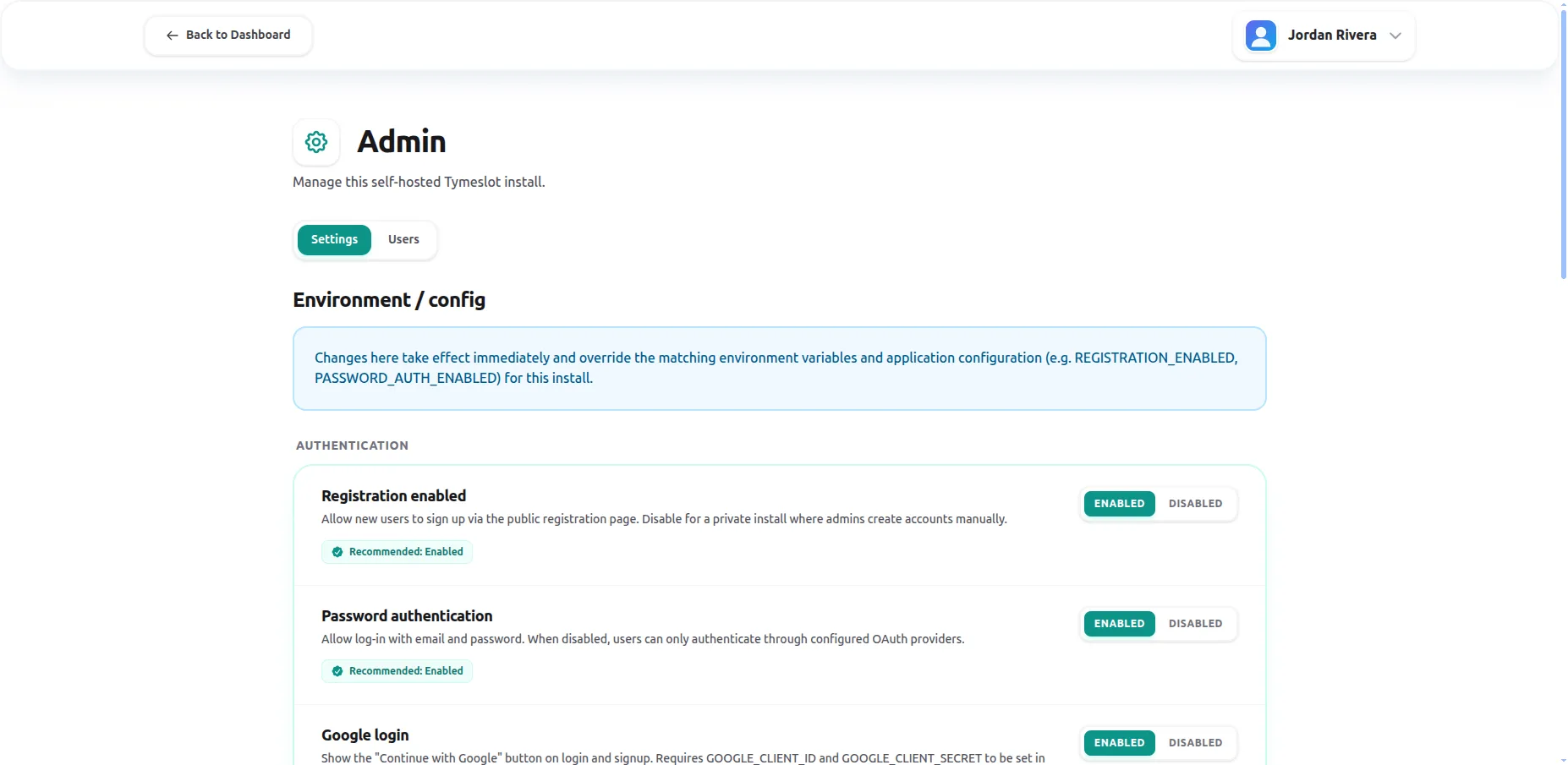
Bring your own PostgreSQL. Set a handful of environment variables for the database URL, secret key, and base URL — the env reference documents every option.

3

Add your domain and TLS

Run behind your own reverse proxy or let Cloudron handle certificates automatically. Your booking pages live on your domain, not a shared subdomain.

4

Connect calendars and go live

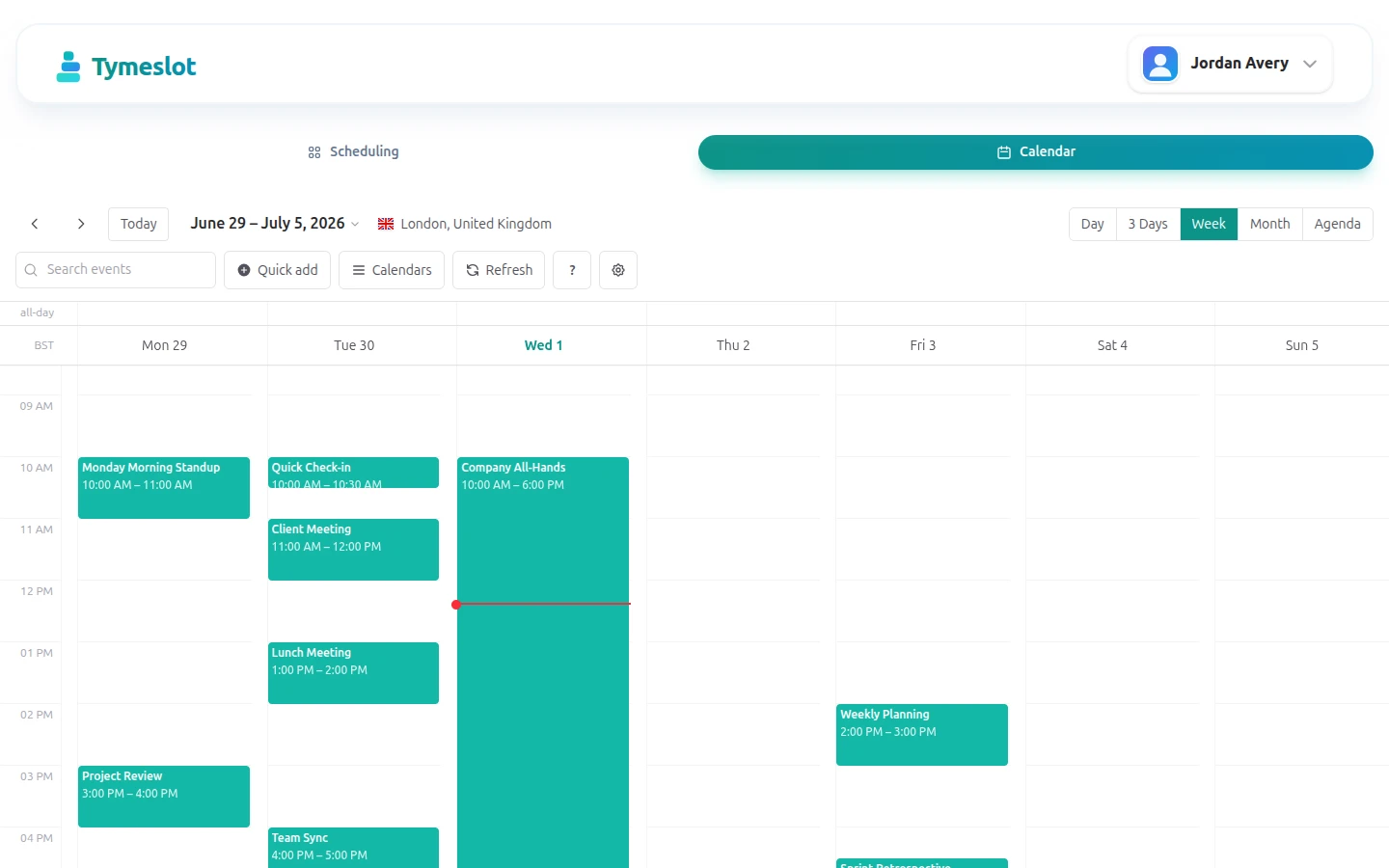
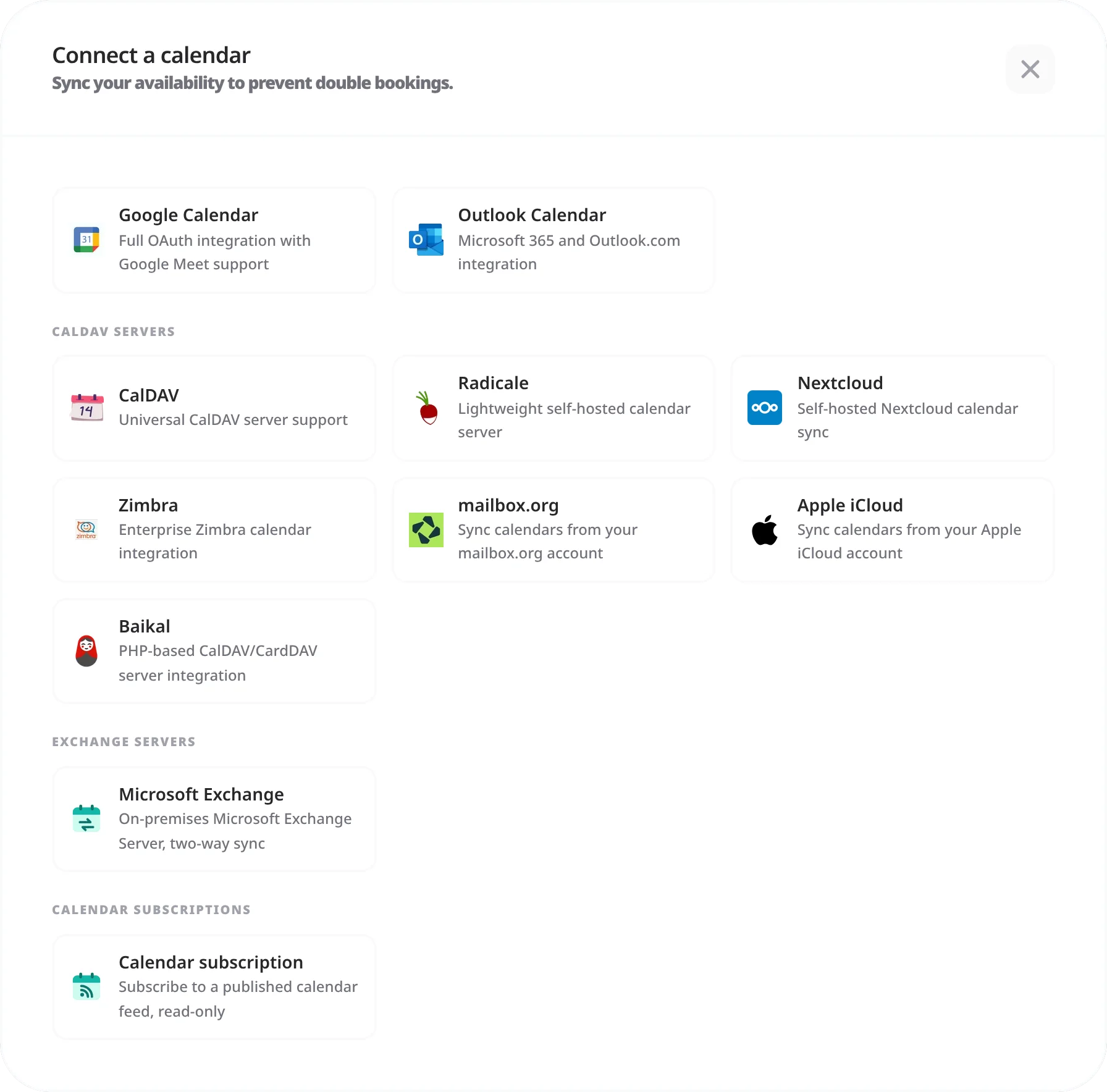
Add your own Google and Microsoft OAuth credentials, or connect any CalDAV server. Bookings flow straight into your calendars from day one.

What you get

Everything Self-Hosting should do

🐳

Docker image

One docker-compose file on any Linux server. The official image is the same build that powers the managed cloud.

📦

Cloudron app

One-click install with automatic updates, scheduled backups, and SSL handled for you.

🚂

Railway template

Deploy from the community template in minutes, no server administration required.

🔑

Your own OAuth & secrets

Supply your own Google, Microsoft, and OIDC credentials. API keys and tokens are AES-encrypted at rest.

🗄️

Your own database

Bring your own PostgreSQL. Back it up, replicate it, and audit it on your own schedule.

🔄

Upgrade on your terms

Pin a version, test in staging, and upgrade when you are ready. No forced migrations, no surprise UI changes.

Why Tymeslot

Self-hosting that isn't an afterthought

Plenty of tools say "open source" and ship a hollow community edition. Tymeslot self-hosts the complete product — and the managed cloud runs the very same code.

No crippled community edition

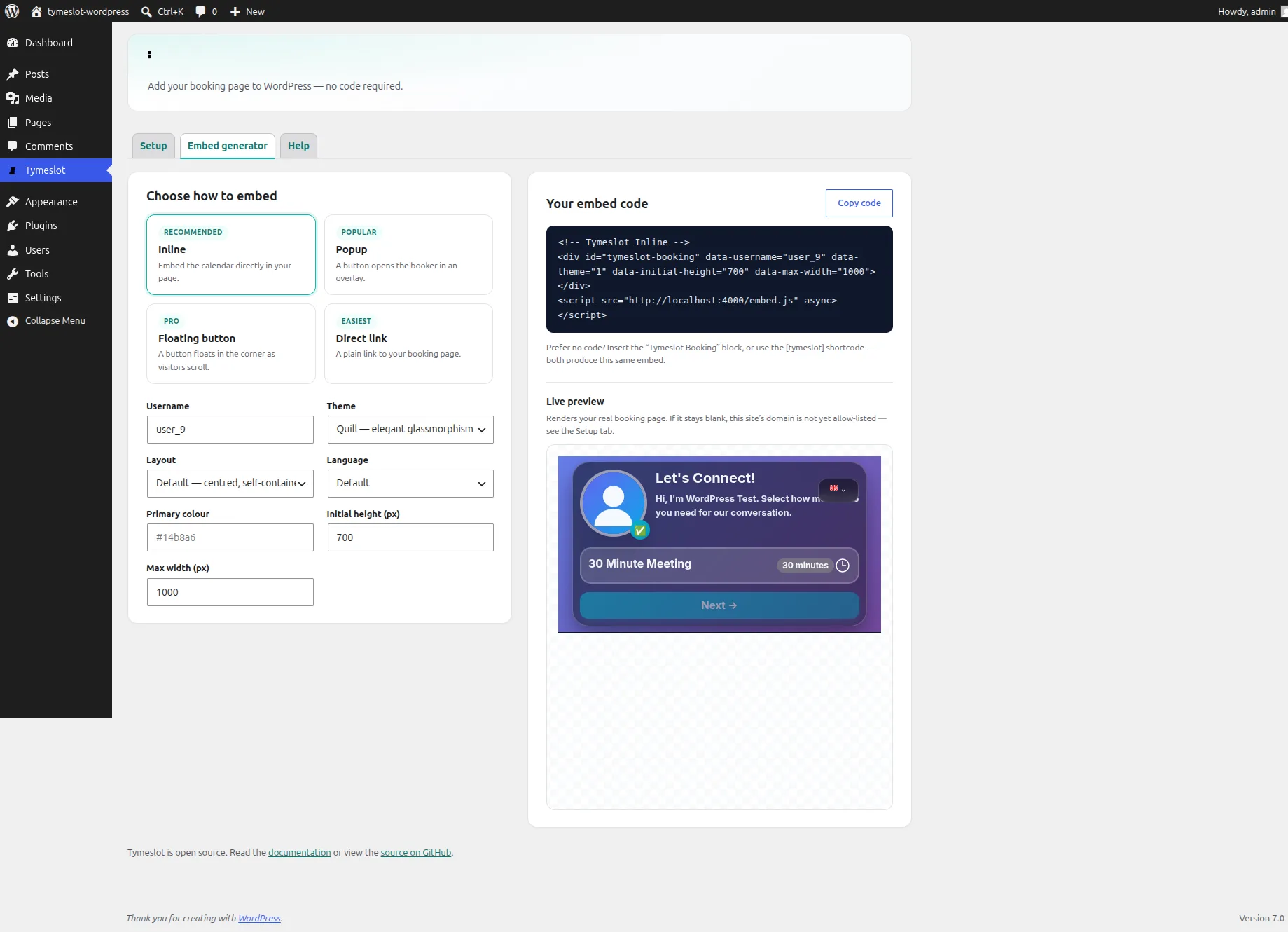
Calendar sync, payments, themes, embeds, and integrations all work self-hosted. There is no hosted-only feature wall.

Your data never leaves

Booking pages load no advertising pixels or third-party trackers. Self-hosted, nothing is sent to us at all — ideal for healthcare, legal, and other sensitive practices.

No per-seat pricing

Run it for one person or a whole team on the same instance. Your costs are your server, not a head-count multiplier.

Auditable and forkable

Every line is public on GitHub under the Elastic License v2. Read it, audit it, fork it, or contribute back.

FAQ

Frequently Asked Questions

Is Tymeslot really free to self-host?
Yes. The core scheduling product is open source and free to run on your own infrastructure. Your only costs are the server and database you provide. The managed cloud at tymeslot.app exists for people who would rather not run it themselves.
What do I need to run Tymeslot myself?
A Linux server (or Cloudron/Railway), a PostgreSQL database, and a domain name. For calendar sync you supply your own Google and Microsoft OAuth credentials, or connect any CalDAV server. The documentation walks through each deployment target end to end.
Is the self-hosted version missing any features?
No. Self-hosting ships the complete product — calendar sync, video integrations, payments, embeds, themes, automation, and i18n. The managed cloud runs the same code; it simply handles uptime, backups, and updates for you.
How do upgrades work?
You control them. Pin a specific image version, test upgrades in staging, and roll forward when you are ready. Cloudron can apply updates automatically if you prefer hands-off operation.
Can I move from the managed cloud to self-hosting later (or back)?
Yes. Because both run the same code against a standard PostgreSQL database, your data is portable. There is no proprietary lock-in keeping you on one or the other.
What licence is Tymeslot released under?
The core is published on GitHub under the Elastic License v2 — you can read, run, modify, and self-host it freely. The one restriction is that you may not offer it as a competing managed service.

Run Tymeslot on your own terms

Free plan available. No credit card required. Setup in 5 minutes.

Create your free account