Telegram Notifications
Instant Telegram notifications for every booking, cancellation, and reschedule. Supports a shared admin bot or per-user bot tokens — webhook-driven with automatic retries.
Receive instant Slack messages whenever a meeting is booked, cancelled, or rescheduled. Connect with one click via OAuth, or paste an Incoming Webhook URL for the quickest setup.

Updated June 23, 2026
Tymeslot posts formatted Slack messages the moment a meeting is booked, cancelled, or rescheduled — to any channel in your workspace, including private channels and DMs.
On tymeslot.app, Slack is one click away:
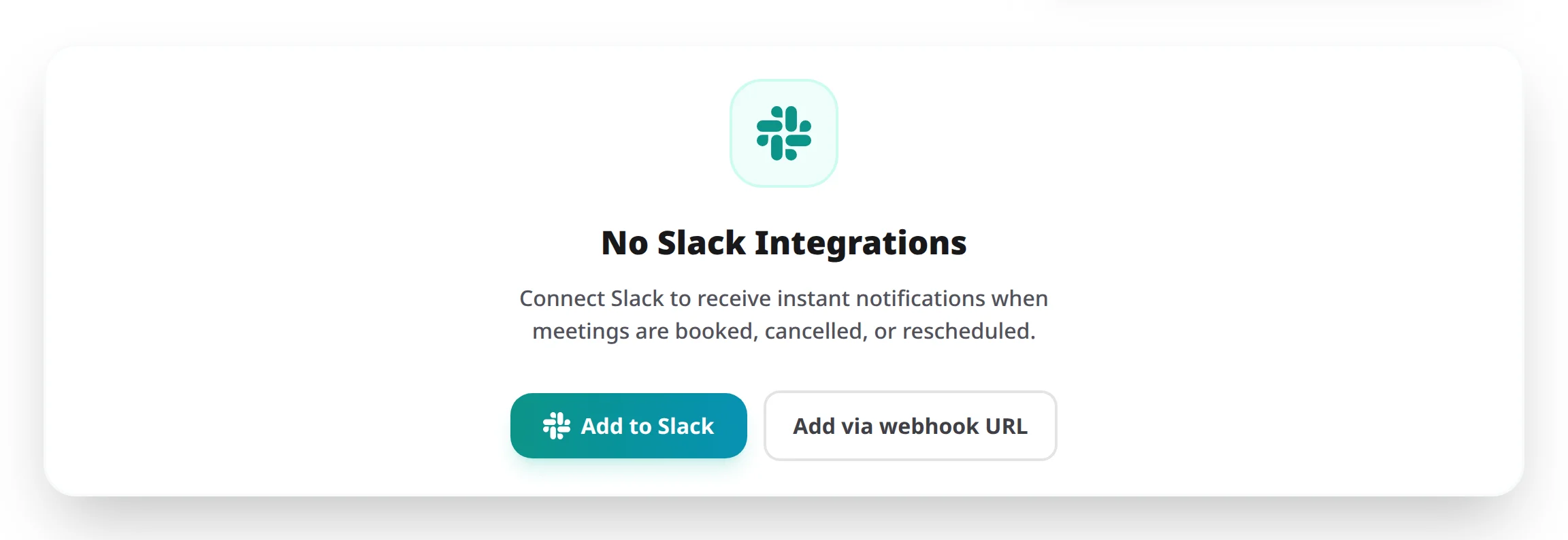
OAuth gives every user a one-click "Add to Slack" button, branded messages from your own Slack App, and the ability to switch channels without re-pasting URLs. It is the recommended mode for any team deployment.
Register a Slack App at api.slack.com/apps and configure it as follows:
https://your-domain/api/slack/oauth/callbackchat:write\nchat:write.public\nchannels:read\ngroups:read\nteam:readThen set these environment variables on your Tymeslot deployment:
SLACK_CLIENT_ID=<your client id>\nSLACK_CLIENT_SECRET=<your client secret>
Setting
SLACK_CLIENT_ID
enables Slack notifications. With both variables set, OAuth mode is active and users see the "Add to Slack" button in the dashboard.
If you do not want to register a Slack App, users can paste an Incoming Webhook URL directly. Set:
SLACK_ENABLED=true
With
SLACK_ENABLED=true
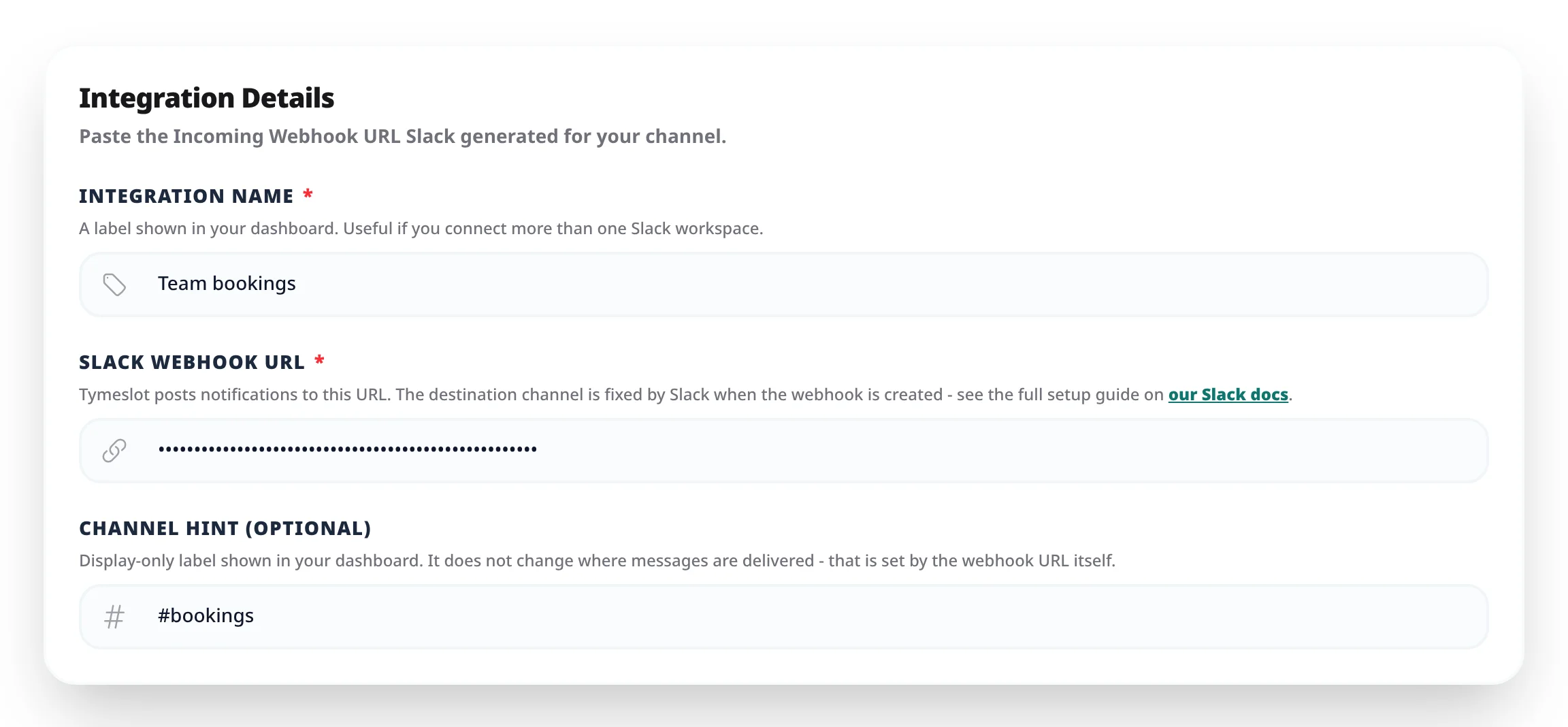
and no OAuth credentials, the dashboard offers only the Incoming Webhook URL form.
To generate a URL, in Slack:
https://hooks.slack.com/services/...) and paste it into Tymeslot.
OAuth mode:
open the integration, pick a new channel from the dropdown, and save. Public channels appear automatically. For private channels, invite the bot first (in Slack: /invite @YourApp) — only channels the bot belongs to are eligible for private posting.
Webhook URL mode: generate a new Incoming Webhook URL in Slack for the desired channel and paste it into Tymeslot — the previous URL is replaced.
channel_not_found
— the bot is not a member of the target channel. In Slack, run
/invite @YourApp
in that channel and retry.
not_in_channel
— same fix as above, or switch to a public channel that
chat:write.public
can reach without invitation.
token_revoked
/
account_inactive
— the workspace revoked the install or deactivated the bot user. Re-install the app from the Tymeslot dashboard.
Each notification contains only the data needed to identify the meeting: the attendee name, the meeting time, the email address used to book, the meeting type, and (where relevant) the video link or cancellation reason. No calendar contents or other meeting data are sent.
The scopes requested are the minimum needed to post messages and list channels the user picks from: chat:write, chat:write.public, channels:read, groups:read,
and team:read. The app cannot read messages, browse files, or access user profiles.
To revoke access at any time, open Slack → Settings & administration → Manage apps, find the Tymeslot app, and remove it. Tokens are invalidated immediately and Tymeslot stops trying to post.
Instant Telegram notifications for every booking, cancellation, and reschedule. Supports a shared admin bot or per-user bot tokens — webhook-driven with automatic retries.