Slack Notifications
Instant Slack notifications for every booking, cancellation, and reschedule. Connect via OAuth for branded messages and channel switching, or paste an Incoming Webhook URL for a quick setup.
Receive instant Telegram messages whenever a meeting is booked, cancelled, or rescheduled. This guide covers operator setup for self-hosted deployments running a shared bot.

Updated September 07, 2026
Tymeslot can send formatted Telegram messages the moment a meeting is booked, cancelled, or rescheduled — no polling, no email lag.
/newbot
and follow the prompts to choose a name and username.
123456789:ABCdef.... Save it.
MyTymeslotBot) — users will start a conversation with this bot to link their account.
Tymeslot verifies that incoming webhook calls genuinely come from Telegram using a shared secret. Generate a random value — any alphanumeric string of 64+ characters works:
openssl rand -hex 32
Save the output — you will set it as
TELEGRAM_WEBHOOK_SECRET
in the next step.
Add the following variables to your deployment environment:
TELEGRAM_BOT_TOKEN=123456789:ABCdef...\nTELEGRAM_BOT_USERNAME=MyTymeslotBot\nTELEGRAM_WEBHOOK_SECRET=<your generated secret>
Setting
TELEGRAM_BOT_TOKEN
is all that is needed to enable shared bot mode —
no separate feature flag is required. The application will refuse to start if the token is set but
TELEGRAM_BOT_USERNAME
or
TELEGRAM_WEBHOOK_SECRET
are missing.
TELEGRAM_ENABLED=true
without setting TELEGRAM_BOT_TOKEN.
Users will then enter their own bot credentials in the dashboard.
The webhook endpoint and bot-setup startup task are only activated in shared bot mode.
After restarting with the new variables, Tymeslot automatically registers the webhook with Telegram on startup. You can confirm it worked by calling the Telegram Bot API directly:
curl https://api.telegram.org/bot<YOUR_TOKEN>/getWebhookInfo
The response should show your instance URL under
url
and pending_update_count: 0.
The webhook registration is idempotent — it is safe to call on every restart.
Once the bot is running, your users connect their Telegram account from Dashboard → Automation → Telegram:
If the user has already started the bot before, Telegram will not resend the
/start
command when they tap the button again.
In that case the wizard shows a fallback command — e.g.
/start abc123...
— which the user can paste directly into the bot chat to complete linking.
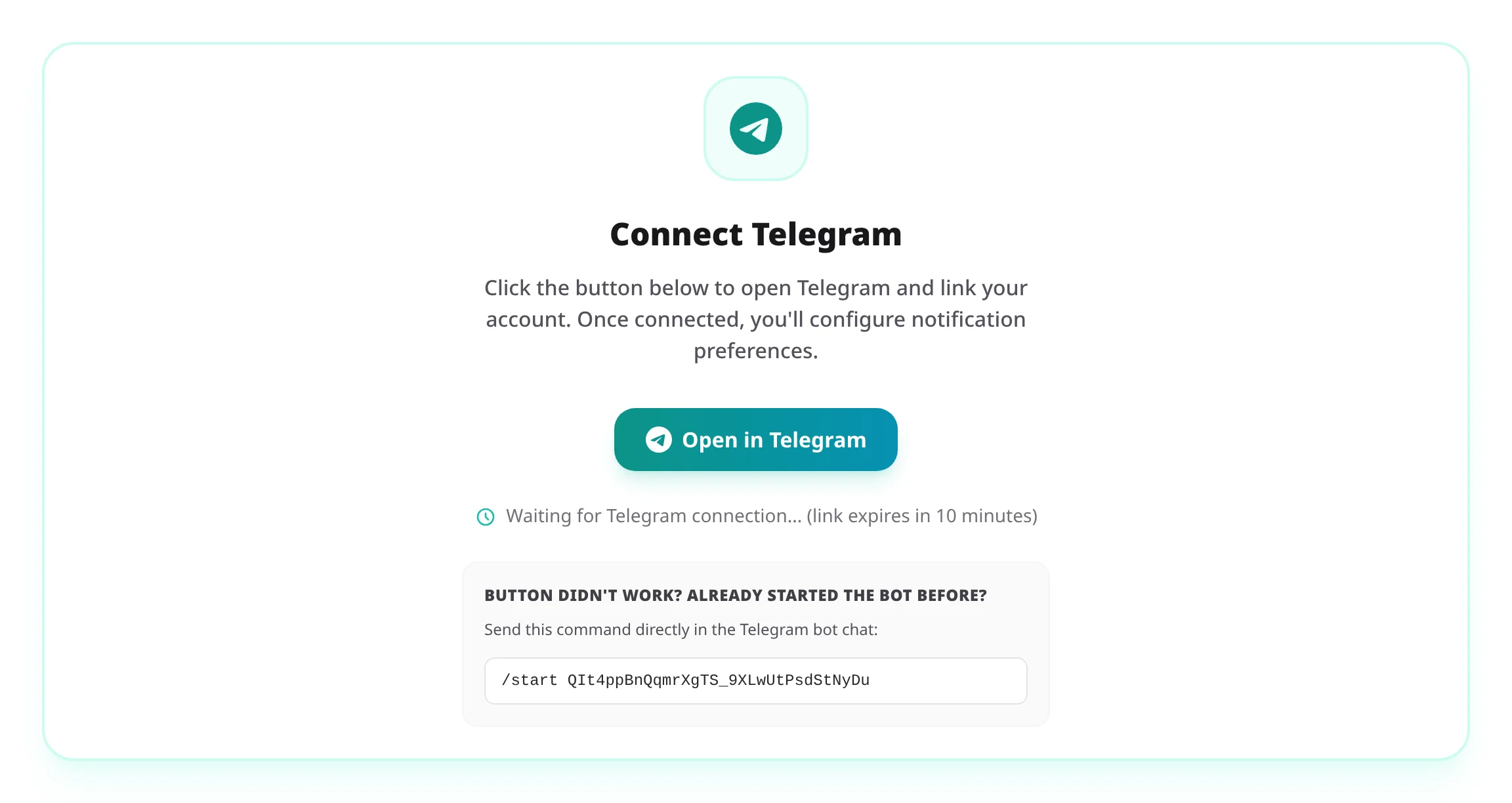
/start
command underneath.
Telegram webhooks require a publicly reachable HTTPS URL. For local development, use ngrok to expose your local server:
ngrok http 4000Then start Tymeslot with the ngrok URL as the host:
export TELEGRAM_BOT_TOKEN=...\nexport TELEGRAM_BOT_USERNAME=...\nexport TELEGRAM_WEBHOOK_SECRET=...\nexport PHX_HOST=abc123.ngrok-free.app\nexport URL_SCHEME=https\nmix phx.server
In production,
BotSetup
registers
https://abc123.ngrok-free.app/api/telegram/webhook
with Telegram. Webhook registration runs only when the shared bot is
enabled and the app is running in production, so in development
register the URL yourself with Telegram's setWebhook API. Restart
the server whenever your ngrok URL changes (free plan assigns a new
URL each session).
PHX_HOST
is read at startup by the bot setup task and by the message builder when generating
"View in dashboard" links in notifications. The scheme comes from URL_SCHEME,
which feeds the Phoenix endpoint config that both also fall back to for the host. Without
either, the application uses that endpoint config, which points to
localhost
over http
in development.
Instant Slack notifications for every booking, cancellation, and reschedule. Connect via OAuth for branded messages and channel switching, or paste an Incoming Webhook URL for a quick setup.