Comparison

Tymeslot vs Cal.diy

Cal.diy is what Cal.com left public when it went closed-source: an MIT community edition that its own README strictly recommends for personal, non-production use. Tymeslot is open source and meant for the bookings your business runs on, whether you host it yourself or let us.

Both free to self-host
Tymeslot is built for business use
Official Docker image, ready to run
Luka Breitig, Software Engineer & AI Developer
Luka Breitig

Updated 16 November 2026

The short version

Tymeslot or Cal.diy?

When Cal.com moved its production code closed-source in April 2026, it renamed its public repository to Cal.diy, removed the enterprise features and relicensed what remained under MIT. Cal.diy keeps Cal.com's scheduling engine and large app store, but its README calls it "strictly recommended for personal, non-production use", there is no hosted version, and no release has been tagged since the conversion. Tymeslot is an open-source scheduler (GNU AGPLv3) built for real client bookings: one Elixir app plus PostgreSQL, an official Docker image, regular releases, and a managed cloud if you would rather not run it yourself.

Side by side

Tymeslot vs Cal.diy, feature by feature

The differences that tend to matter when you're choosing between them.

Licence
Tymeslot: Open source (GNU AGPLv3)
Cal.diy: Open source (MIT)
Intended use
Tymeslot: Personal and business bookings alike
Cal.diy: "Strictly recommended for personal, non-production use" (its README)
Hosted version
Tymeslot: Yes: free plan, or Pro €9/mo, hosted in the EU
Cal.diy: None, self-host only
Releases
Tymeslot: Versioned releases
Cal.diy: None tagged since the April 2026 conversion; the latest, v6.2.0 (March 2026), is still the AGPL Cal.com code
Installing
Tymeslot: Official Docker image, Cloudron App Store or Railway; ~5-min setup
Cal.diy: Built from source, by you or a platform such as Railway; the Docker Hub repository its README names has no images yet
What it runs on
Tymeslot: One Elixir app + PostgreSQL
Cal.diy: Next.js monorepo + PostgreSQL; the separate API v2 service also uses Redis
Team scheduling
Tymeslot: Several users per install; no round-robin or collective events yet
Cal.diy: Removed: no teams, round-robin, collective or managed event types
Reminders and automation
Tymeslot: Up to three email reminders per event type; Slack, Telegram and webhooks (Pro, or free when self-hosted)
Cal.diy: Workflows (Cal.com's automated reminders) removed; webhooks, Zapier, n8n and messaging apps remain
Calendar sync
Tymeslot: Google, Outlook and CalDAV, with guided setup for Nextcloud, Radicale, Baïkal and iCloud
Cal.diy: Google, Outlook, Apple, CalDAV and more via its app store
Video meetings
Tymeslot: Google Meet, Teams, Zoom, Jitsi, MiroTalk, kMeet and Nextcloud Talk
Cal.diy: Cal Video (Daily.co), Zoom, Google Meet, Teams, Jitsi and more
Pay-to-book
Tymeslot: Stripe (Pro, or free when self-hosted)
Cal.diy: Stripe, PayPal and other payment apps
Interface languages
Tymeslot: 9: English, German, French, Italian, Ukrainian, Czech, Polish, Brazilian Portuguese, Spanish
Cal.diy: Over 40
Best fit
Tymeslot: Professionals and small businesses taking client bookings
Cal.diy: Developers running Cal.com's codebase for personal use
Where Tymeslot pulls ahead

What you gain by switching

Meant for business use

Cal.diy's own documentation says Cal.com, Inc. "does not guarantee security and safety of the open source project" and recommends it strictly for personal, non-production use. Tymeslot is designed and maintained for the client bookings your work depends on, self-hosted or managed.

Install it, don't build it

Tymeslot ships as an official Docker image, in the Cloudron App Store and on Railway: one container plus PostgreSQL, running in about five minutes. Cal.diy has published no image since the conversion, so self-hosting it means building a large Next.js monorepo from source, yourself or through a platform such as Railway or Vercel.

Releases you can track

Tymeslot publishes versioned releases with a public changelog, so you know what changed before you upgrade. Cal.diy has tagged no release since the April 2026 conversion; its latest tag, v6.2.0, predates the conversion and is still the AGPL Cal.com code.

A managed option when you want one

Cal.diy is self-host only, and its README sends commercial users to Cal.com's closed-source product. Tymeslot runs the same open-source software as a managed service hosted in the EU, with a free plan and a flat Pro price.

Reminders and automation built in

Cal.diy keeps webhooks and its app-based integrations, but removed Workflows, Cal.com's engine for automated reminder emails and follow-ups, along with routing forms, insights and SSO. Tymeslot sends up to three email reminders per event type, and its self-hosted build includes the whole product, Slack, Telegram and webhook notifications and payments among it, with nothing behind a licence key.

No ad trackers on the booking page

Tymeslot booking pages load no advertising pixels or third-party analytics: visits are counted by our own self-hosted, cookieless analytics, and connected calendars only ever expose busy/free, never event details. On tymeslot.app, Google reCAPTCHA loads once a client starts the booking form, to block spam bookings.

Our take

Tymeslot or Cal.diy: the real differences

On paper the two look alike: both open source, both free to self-host, both with booking pages, calendar sync, video links and payments. The difference is what each is meant for.

Cal.diy is Cal.com's codebase with the commercial features taken out (teams, round-robin and collective events, workflows, routing forms, SSO and insights among them), handed to the community under the MIT licence. Its own documentation says Cal.com, Inc. "does not guarantee security and safety of the open source project" and recommends it for personal, non-production use; for anything commercial, the README sends you to Cal.com instead. Since the conversion in April 2026 there has been no tagged release, the Docker Hub repository the README points to has no images, and self-hosting means building a large Next.js monorepo from source, yourself or through a platform such as Railway or Vercel.

Tymeslot is meant for the bookings you earn a living from. It is a single Elixir app plus PostgreSQL with an official Docker image and versioned releases, installable from the Cloudron App Store or on Railway, and the self-hosted build includes the whole product. If you would rather not run a server at all, the same software is available as a managed service hosted in the EU.

Choose Cal.diy if you want Cal.com's codebase and app catalogue for a personal project and are comfortable building and securing it yourself. Choose Tymeslot if clients book you through it.
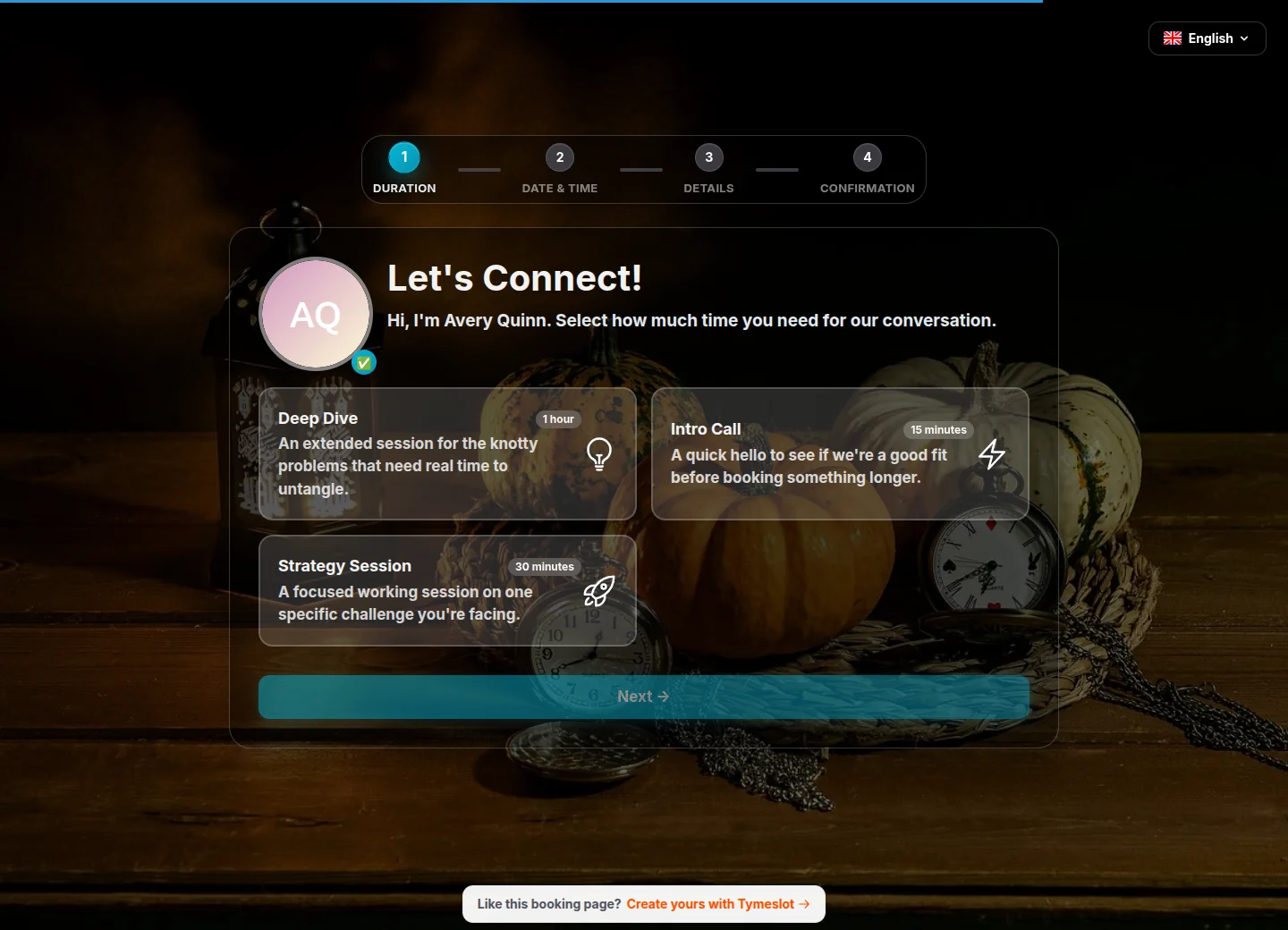

The verdict

Which one is right for you?

No tool wins for everyone. Here's how they split.

Choose Tymeslot if…

  • Clients book you through it, so you want software built for business use
  • You want to install a published image rather than build from source
  • You want the option of a managed, EU-hosted version of the same software
  • You want email reminders built in, and Slack, Telegram and webhook notifications at no extra cost when self-hosted

Choose Cal.diy if…

  • It's a personal project and you are comfortable building and securing a Next.js monorepo
  • You need an integration from Cal.com's large app store that Tymeslot doesn't offer
  • You want the permissive MIT licence rather than the AGPL's share-alike terms
Pricing

What each one costs

Tymeslot

  • Self-hosted Free, every feature included
  • Cloud Free €0, unlimited event types & calendars
  • Cloud Pro €9/mo (€90/yr), adds automation & payments

Cal.diy

  • Self-hosted $0 MIT licence, personal and non-production use recommended
  • Hosted None No hosted or managed version; commercial use is pointed to Cal.com

Cal.diy is free software with no paid plan or hosted version. Its README directs commercial users to Cal.com, hosted by Cal.com or as on-premises enterprise access arranged through its sales team. Prices checked on 16 November 2026. Tymeslot prices in EUR, including VAT where it applies. See Cal.diy's current pricing

Migration

Switching from Cal.diy to Tymeslot

1 Start Tymeslot with one docker run command, from the Cloudron App Store, on Railway, or sign up for the managed cloud.
2 Recreate your event types. The concepts are the same (durations, availability, buffers), and each takes a few minutes.
3 Connect your Google, Outlook or CalDAV calendar for two-way sync.
4 Point your booking links at Tymeslot, then shut down the Cal.diy instance once its last bookings are done.
FAQ

Tymeslot vs Cal.diy - common questions

What is Cal.diy?

Cal.diy is the open-source community edition of Cal.com. When Cal.com moved its production code closed-source in April 2026, it renamed its public repository to Cal.diy, removed the enterprise features (teams, organisations, workflows, routing forms, SSO, insights and more) and relicensed the rest under MIT. Contributions to Cal.diy do not flow back into Cal.com.

Can I use Cal.diy for my business?

The MIT licence allows it, but the project advises against it: its README says Cal.diy is "strictly recommended for personal, non-production use" and tells commercial users to use Cal.com instead. Tymeslot's project doesn't advise against business use; it is built for business bookings, whether you self-host it or use the managed cloud.

Is there a hosted version of Cal.diy?

No. Its README states that Cal.diy is self-hosted only, with no hosted or managed version. Tymeslot offers both: self-host it for free, or use the managed service hosted in the EU, with a free plan and Pro at €9/month.

Which is easier to self-host?

Tymeslot. It is a single Elixir app plus PostgreSQL with an official Docker image, also available in the Cloudron App Store and on Railway, and it starts in about five minutes. Cal.diy has no published image, so it is built from source as a Next.js monorepo, by you or a platform such as Railway, with a long list of environment variables, and its README warns that self-hosting "requires advanced knowledge of server administration, database management, and securing sensitive data".

Does either do team scheduling?

Not fully. Cal.diy removed teams along with round-robin, collective and managed event types. Tymeslot supports several users on one install, each with their own booking pages, but has no round-robin or collective events yet.

From the blog

All posts
Read Why I built Tymeslot
Why I built Tymeslot
product open-source

Why I built Tymeslot

I put out the first version of Tymeslot two days ago. I built it because the scheduling tools I tried were either dated or too heavy to run myself.

Luka Breitig 4 January 2026 · 3 min read

Ready to switch?

Sign up free, connect your calendar and share your first booking link in about five minutes. Upgrade to Pro only when you need payments or automation.

No credit card required
Open source & self-hostable
Privacy-first