CalDAV Integration
Sync Tymeslot with CalDAV calendars — Nextcloud, Radicale, Baikal, Zimbra, mailbox.org, iCloud, and Fastmail. Real-time conflict detection with no Google or Microsoft dependency.
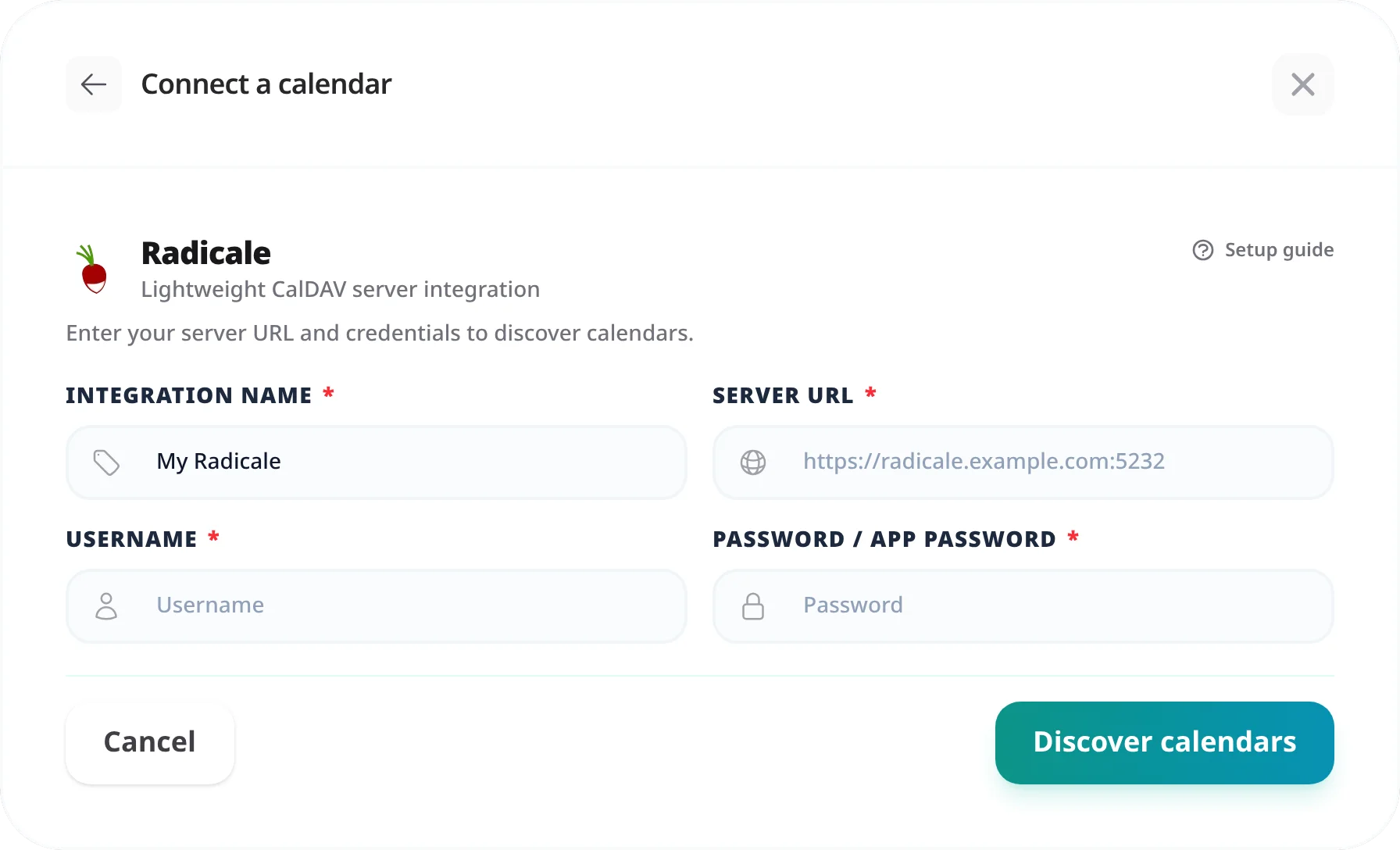
Connect Tymeslot to a Radicale CalDAV server. Covers the exact URL format, account password authentication, and how to handle common self-hosted network setups.

Updated August 19, 2026
Radicale is a minimal, open-source CalDAV and CardDAV server written in Python. It is popular among self-hosters who want a simple, dependency-light calendar server without a full groupware suite.
Unlike managed providers, Radicale uses a flat URL structure based on usernames and collection names that you define. The URL for your calendar follows a predictable pattern once you know your username and collection name.
Radicale's URL pattern is straightforward. The URL for a calendar collection is:
https://radicale.example.com/USERNAME/COLLECTION-NAME/~/.var/lib/radicale/collection-root/USERNAME/). Each subdirectory is a collection. Alternatively, connect with a CalDAV client such as Thunderbird and inspect the calendar properties — the URL shown there is the one to use.
Radicale does not support app passwords. Tymeslot authenticates using your Radicale account username and password — the same credentials you use to connect any CalDAV client.
If Radicale is configured with
htpasswd
authentication, your password is the one set in the htpasswd file. If it uses LDAP or another backend, use the credentials for that backend.
"404 Not Found"
The most common cause is a missing trailing slash or incorrect collection name casing. Radicale URLs are case-sensitive — check the exact directory name in your Radicale data store. Also confirm the path does not include a double slash or a missing path segment.
"Authentication failed" or 401 Unauthorized
Double-check the username and password match your Radicale configuration. If using htpasswd,
regenerate the hash with
htpasswd -B /path/to/htpasswd USERNAME
to reset and confirm the credentials.
"Connection refused" or unable to reach server
Radicale must be reachable from wherever Tymeslot runs. Confirm HTTPS is configured, that your reverse proxy forwards requests to it, and that port 443 is open on your firewall.
Self-hosting Tymeslot on that same network is the exception.
A host that resolves to a private address is refused by default, as protection against
server-side request forgery. Set
ALLOW_PRIVATE_IPS_FOR_CALENDAR=true
on your Tymeslot deployment to permit a CalDAV server on an internal network. This applies to
self-hosted installs only — on the managed service at tymeslot.app our servers have no route
to your network, so a private address cannot work there whatever you configure.
Radicale is behind a sub-path (e.g. /radicale/)
If Radicale is served under a sub-path via a reverse proxy, include that prefix in the URL:
https://example.com/radicale/USERNAME/COLLECTION-NAME/
The collection name is the internal identifier Radicale uses for a calendar. It is the name of the directory under your username in Radicale's collection root (default:
~/.var/lib/radicale/collection-root/USERNAME/
). When a calendar client creates a calendar automatically, it often assigns a UUID as the collection name. Connect with a CalDAV client and inspect the calendar URL to find the exact name.
Tymeslot requires the URL of a specific calendar collection. Pointing to the user root (
/USERNAME/
) will succeed the connection test but events will not sync correctly. Always use the full path down to the calendar collection.
Not directly. Tymeslot requires HTTPS and a publicly reachable server. For a local Radicale instance, you would need to expose it via a reverse proxy with a valid TLS certificate and a public DNS record. Services like Caddy or Nginx with Let's Encrypt can handle this automatically if your server is publicly reachable.
Sync Tymeslot with CalDAV calendars — Nextcloud, Radicale, Baikal, Zimbra, mailbox.org, iCloud, and Fastmail. Real-time conflict detection with no Google or Microsoft dependency.
Connect Tymeslot to Google Calendar. Real-time conflict detection respects Busy, Tentative, and Out of Office events — no double-bookings, automatic event creation.
Sync Tymeslot with Outlook Calendar via Microsoft Graph. Real-time conflict detection and automatic event creation — works with Outlook.com and Microsoft 365.