CalDAV Integration
Sync Tymeslot with CalDAV calendars — Nextcloud, Radicale, Baikal, Zimbra, mailbox.org, iCloud, and Fastmail. Real-time conflict detection with no Google or Microsoft dependency.
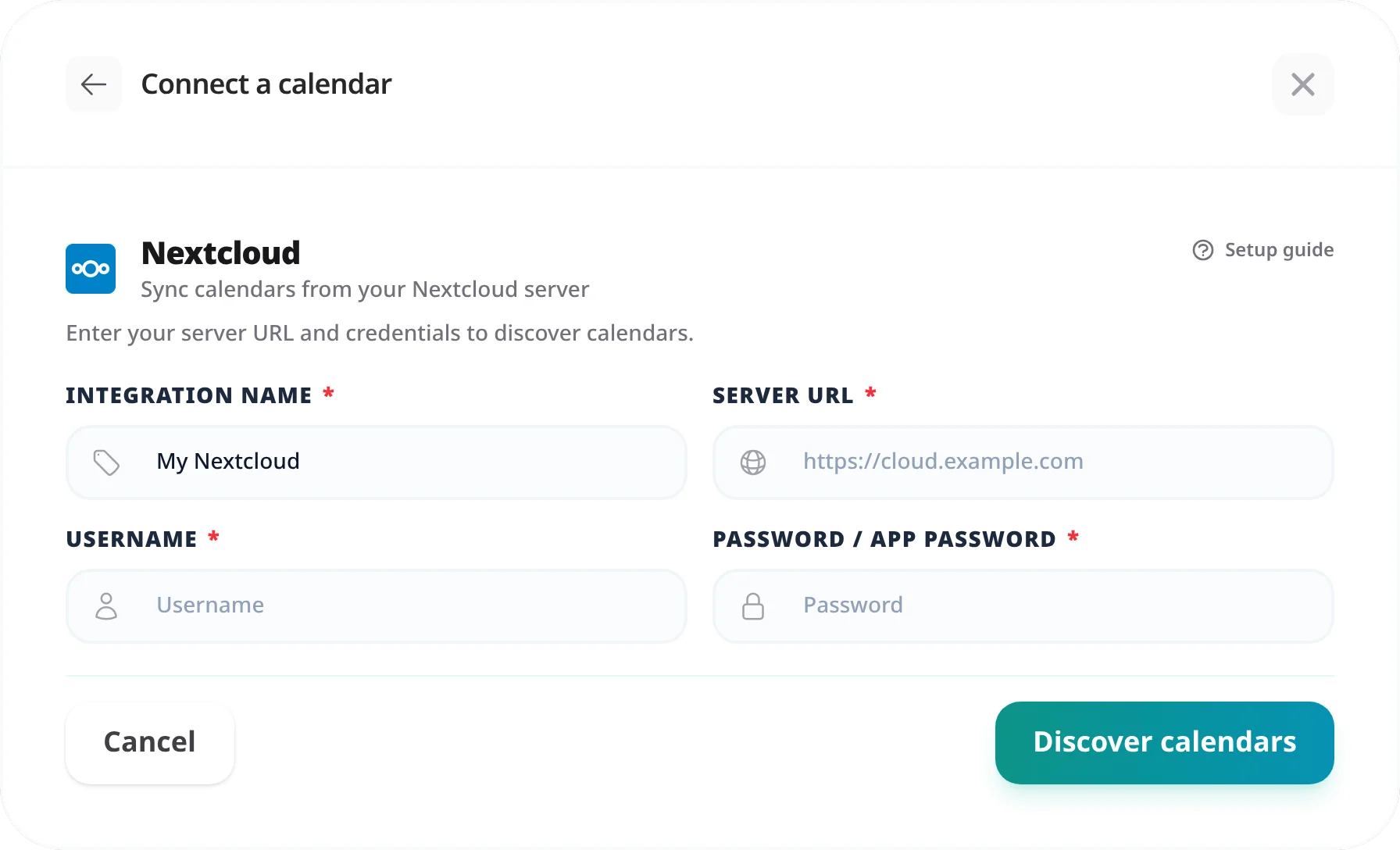
Connect Tymeslot to your Nextcloud calendar — with step-by-step instructions for finding your CalDAV URL, generating an app password, and verifying the sync.

Updated August 19, 2026
What you will have at the end
Tymeslot will read events from your Nextcloud calendar to block unavailable time slots, and write new bookings back to Nextcloud as events.
Nextcloud ships CalDAV support out of the box. Every calendar you create in the Nextcloud Calendar app is immediately accessible via a CalDAV URL — no plugins or configuration required. Tymeslot uses that URL to sync events bidirectionally using your account credentials.
Because Nextcloud supports app passwords, you can give Tymeslot its own revocable credential that never touches your main account password. This is the recommended approach even if two-factor authentication is not enabled.
Tymeslot needs the URL for a specific calendar, not the account-level principal URL. The easiest way to get the right URL is directly from the Calendar app.
The URL will look like this:
https://your-nextcloud.com/remote.php/dav/calendars/USERNAME/personal/
Replace
your-nextcloud.com
with your Nextcloud domain,
USERNAME
with your Nextcloud username, and
personal
with the internal name of your calendar (visible in the URL after you copy it).
/remote.php/dav/calendars/USERNAME/
without a calendar name at the end). Tymeslot requires a specific calendar URL with the calendar name appended. The per-calendar URL is what you get from the Calendar app's three-dot menu.
App passwords let Tymeslot authenticate without your main account password. If two-factor authentication is enabled on your Nextcloud account, an app password is required. Even without 2FA, it is the recommended approach.
"Authentication failed"
If two-factor authentication is enabled on your Nextcloud account, your main account password will not work — Nextcloud blocks it for third-party access. You must use an app password generated in Personal settings → Security. Also confirm the username is your short Nextcloud login name, not an email address (unless you sign in to Nextcloud using an email).
"Calendar not found" or "404 Not Found"
The URL is pointing to the wrong path. Make sure you copied the per-calendar URL (ending with the calendar name, like /personal/),
not the account-level URL. Confirm the trailing slash is present. Internal calendar names are case-sensitive — check the URL against what the Calendar app generated.
Connection succeeds but new bookings don't appear in Nextcloud
The calendar may be read-only or shared to you without write access. Verify the connected calendar belongs to your Nextcloud user (not shared from another user) and that the app password was generated under the same account that owns the calendar.
Events aren't blocking availability after sync
CalDAV sync runs on a schedule — allow up to 5 minutes for new events to be picked up. If still not blocked after 5 minutes, check the sync status indicator in [Integrations]. A red indicator shows the sync failed; click it for the error detail.
The internal name is the last path segment of the CalDAV URL. When you copy the private link from the Calendar app's three-dot menu, the URL ends with that name — for example,
/personal/
or /work/.
The display name shown in the sidebar may differ from the internal URL path.
Yes. Add one CalDAV integration per calendar in Tymeslot — each one connects to a separate per-calendar URL. Go to [Integrations] and click [Add CalDAV Calendar] for each additional calendar. You can then choose which calendar each event type reads from and writes to.
No. App passwords can be created whether or not two-factor authentication is active. If 2FA is enabled, app passwords become required for third-party CalDAV access. Even without 2FA, generating a dedicated app password is recommended so you can revoke Tymeslot's access independently without changing your main password.
On the managed service, only if your Nextcloud is reachable from the public internet over HTTPS: Tymeslot's sync service reaches out to your server rather than receiving inbound connections, so a server at a private IP (192.168.x.x) or behind a VPN without a public DNS record will not work. You need a public domain with a valid TLS certificate pointed at your Nextcloud.
Self-hosting Tymeslot on that same network is the exception.
A host that resolves to a private address is refused by default, as protection against
server-side request forgery. Set
ALLOW_PRIVATE_IPS_FOR_CALENDAR=true
on your Tymeslot deployment to permit a CalDAV server on an internal network. This applies to
self-hosted installs only — on the managed service at tymeslot.app our servers have no route
to your network, so a private address cannot work there whatever you configure.
Sync Tymeslot with CalDAV calendars — Nextcloud, Radicale, Baikal, Zimbra, mailbox.org, iCloud, and Fastmail. Real-time conflict detection with no Google or Microsoft dependency.
Connect Tymeslot to Google Calendar. Real-time conflict detection respects Busy, Tentative, and Out of Office events — no double-bookings, automatic event creation.
Sync Tymeslot with Outlook Calendar via Microsoft Graph. Real-time conflict detection and automatic event creation — works with Outlook.com and Microsoft 365.