CalDAV Integration
Sync Tymeslot with CalDAV calendars — Nextcloud, Radicale, Baikal, Zimbra, mailbox.org, iCloud, and Fastmail. Real-time conflict detection with no Google or Microsoft dependency.
Connect Tymeslot to Zimbra Collaboration Server via CalDAV. Covers the DAV URL format, user@domain authentication, and admin-managed account considerations.

Updated August 19, 2026
Zimbra Collaboration Server includes a built-in CalDAV endpoint. Every Zimbra account automatically has a CalDAV-accessible calendar — no additional configuration is required by the Zimbra administrator for individual users.
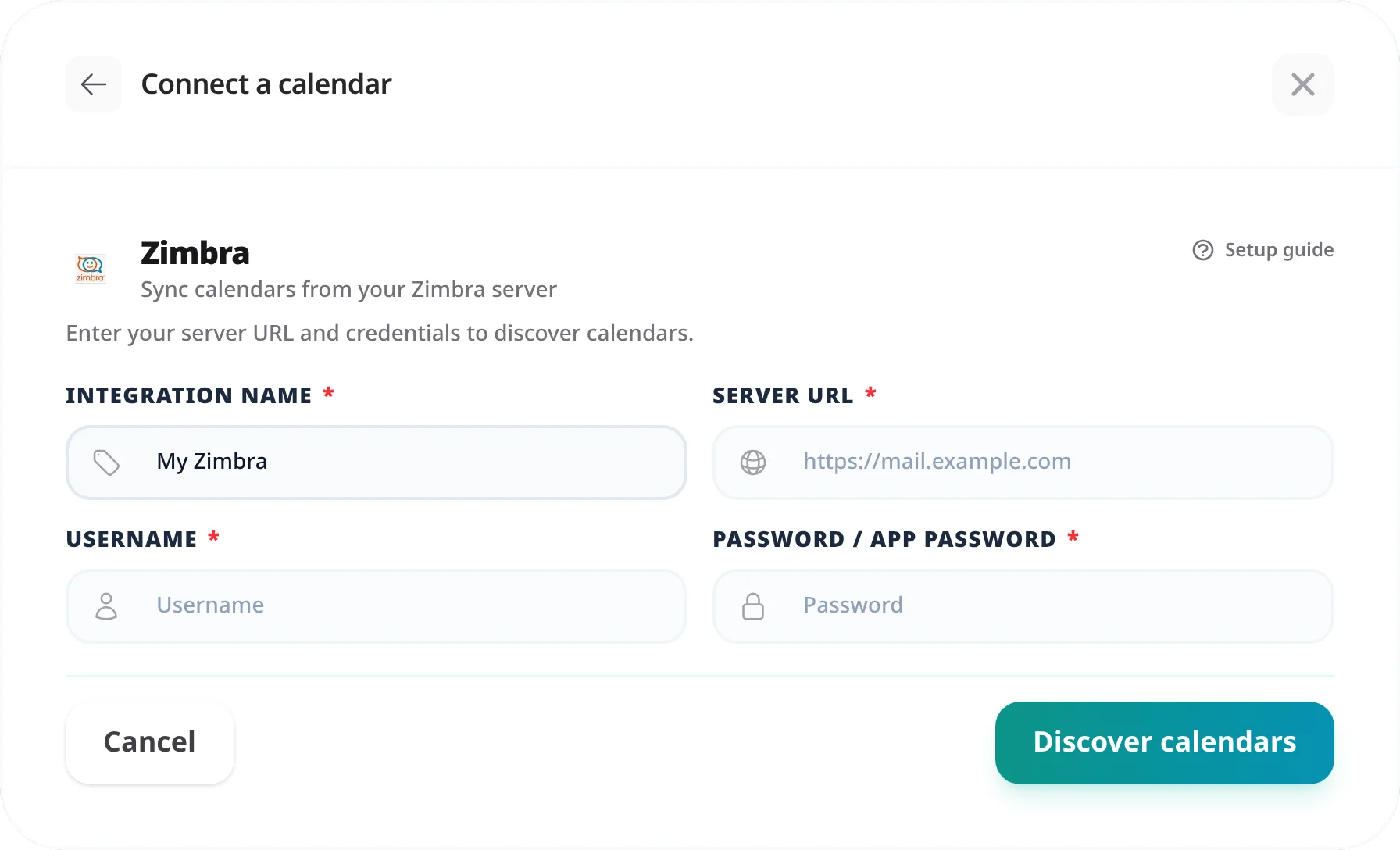
Zimbra's DAV URL uses the user's full email address as the path component. This differs from servers like Nextcloud where a short username is used. Tymeslot connects to Zimbra the same way any CalDAV client does — using the standard DAV endpoint and your account credentials.
Zimbra's CalDAV URL for the default calendar follows this pattern:
https://zimbra.example.com/dav/USER@DOMAIN/CalendarFor a calendar named "Work" rather than the default:
https://zimbra.example.com/dav/USER@DOMAIN/Work%20.
Zimbra does not have an app password system. Use your full Zimbra email address as the username and your account password.
Username format
Enter your email address in full — for example, alice@company.com.
A short username without the domain will result in an authentication error.
If your organisation uses Active Directory or LDAP integration with Zimbra, use the same credentials you use to log into the Zimbra web client.
"Authentication failed"
Confirm the username is your full email address including the domain. A short username (e.g. "alice" instead of "alice@company.com") will be rejected. Also verify the password matches what you use to log into the Zimbra web client.
"Calendar not found" or "404 Not Found"
The calendar name in the URL path does not match the actual calendar name in Zimbra. Check the exact name in the Zimbra web client (right-click the calendar → Edit Properties). Replace any spaces with
%20
in the URL.
Administrator-blocked external CalDAV access
Some Zimbra administrators disable CalDAV access for users or restrict it to specific IP ranges. If the connection is refused despite correct credentials, contact your Zimbra administrator to confirm that CalDAV access is permitted for your account.
CalDAV has been supported in Zimbra Collaboration Server since version 5. Both Zimbra Open Source Edition and Zimbra Network Edition include CalDAV. The DAV endpoint is
/dav/
on the standard Zimbra HTTPS port (443).
Only if you have been granted write access to that calendar and the CalDAV endpoint exposes it under your credentials. Shared read-only calendars will pass a connection test but booking events cannot be written back. For a shared calendar, use the URL path of the original owner's calendar with your own credentials — Zimbra will enforce the access level the owner granted.
No additional setup is required on the server side for standard user accounts. CalDAV is enabled by default. If access is restricted in your organisation's Zimbra policy, ask your administrator to allow CalDAV access from Tymeslot's server IPs, or to whitelist the endpoint for your account.
Sync Tymeslot with CalDAV calendars — Nextcloud, Radicale, Baikal, Zimbra, mailbox.org, iCloud, and Fastmail. Real-time conflict detection with no Google or Microsoft dependency.
Connect Tymeslot to Google Calendar. Real-time conflict detection respects Busy, Tentative, and Out of Office events — no double-bookings, automatic event creation.
Sync Tymeslot with Outlook Calendar via Microsoft Graph. Real-time conflict detection and automatic event creation — works with Outlook.com and Microsoft 365.