For Barbers

Barber Booking Software for Regulars and New Faces

Regulars rebook their usual cut from one link, new clients book from your Instagram bio, and the hours you keep for walk-ins stay off the page.

Free for unlimited bookings
Instagram bio link
No ad trackers on the page
Luka Breitig, Software Engineer & AI Developer
Luka Breitig

Updated 5 October 2026

The Problem

Why do barbers spend so much time on their phone between cuts?

Your regulars want the same slot every three weeks. New clients find you on Instagram and DM to ask what is free. Walk-ins arrive while you are mid-fade. Handling all of that by message means putting the clippers down to answer, and still ending up with a gap because the question got buried under three other chats. Tymeslot gives you one booking link for regulars and your Instagram bio, with the right length for each service, and you check your phone when the chair is empty.

Why barbers outgrow booking by DM

A barber's day is short appointments packed tight: a cut every 30 minutes, a cut and beard every 45. Booking by message can't keep up with that pace, and an office scheduler built for hour-long calls leaves odd gaps between services.

The barber apps fix the pace but bring their own costs: a monthly subscription, often a charge per extra barber, and a marketplace that may take a share of a new client's first visit. Tymeslot is free for unlimited bookings. Each service gets its exact length, a short buffer for sweeping up, and email reminders. Hours you keep for walk-ins simply stay out of your booking schedule, and on Pro you can ask for a small deposit on the services that are hardest to refill.

Features

Everything Barbers need. Nothing they don't.

Scheduling features shaped around how your practice works.

📅

Exact Lengths for Short Services

Haircut, cut and beard, beard trim and skin fade each get their own duration, so the day packs tightly without overruns.

⏰

Room for Walk-Ins

Your availability schedule decides which hours go online. Keep Saturday afternoon or the first hour of the day for walk-ins, and a 5-minute buffer to sweep up between booked clients.

👥

One Link Regulars Rebook From

Regulars save your booking link or get it on WhatsApp, and rebook the usual service in a few taps whenever they need the next cut.

🔔

Reminder Emails, Not Reminder Texts

Clients get a confirmation email and reminder emails at the times you choose, and can cancel or move the appointment from the link inside.

💳

Optional Deposits

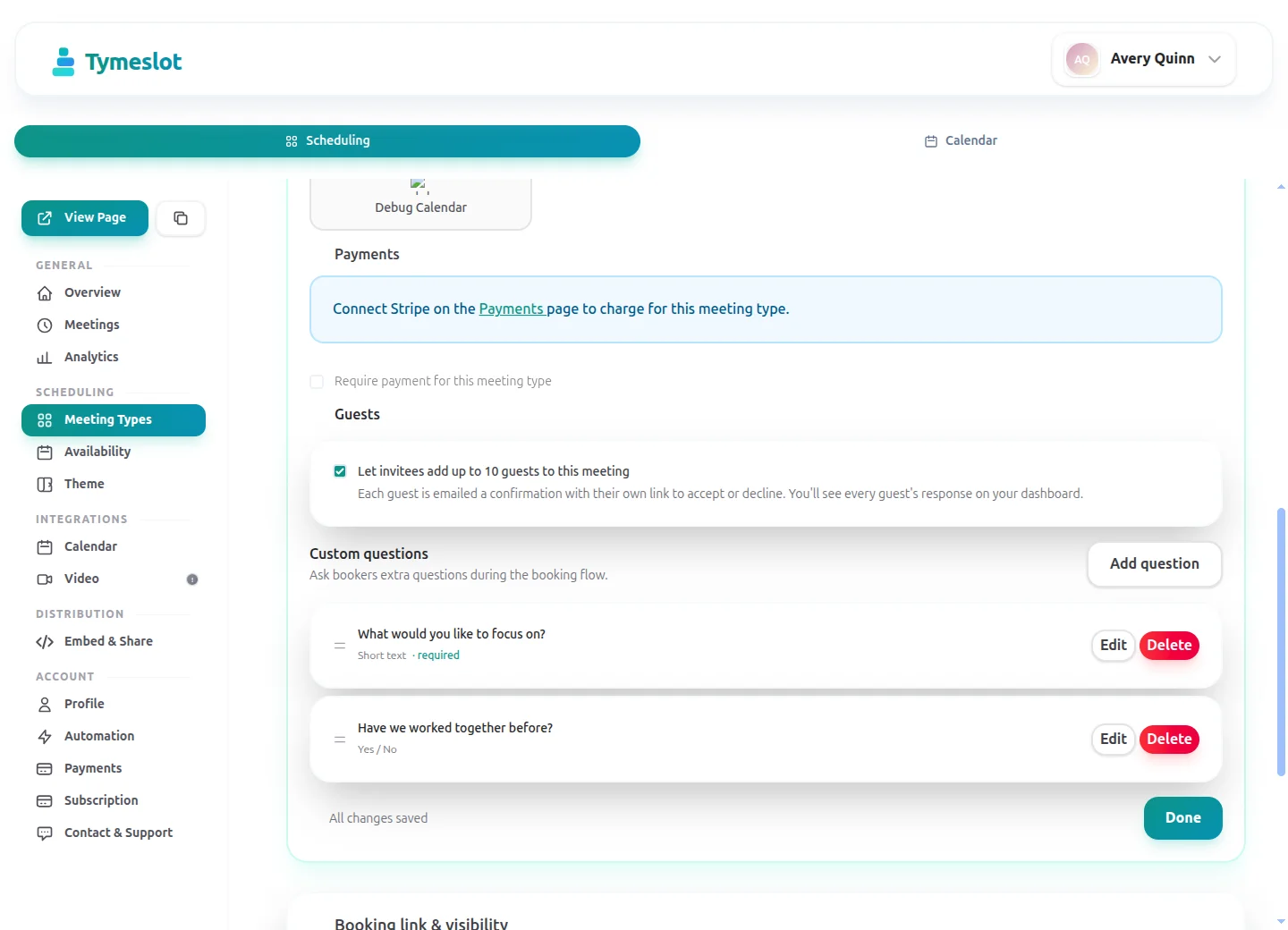
On Pro, set a small fixed deposit such as €10 on longer services, paid through Stripe before the slot is confirmed. Quick trims can stay free to book.

🔐

No Ad Trackers on Your Page

Booking pages load no advertising trackers or third-party analytics. On tymeslot.app, Google reCAPTCHA loads once a client starts the booking form, to block spam bookings. Data is stored in Germany, or on your own server if you self-host.

Before & After

See the difference

Same profession. Completely different scheduling experience.

Without Tymeslot

1 Regular messages to ask if their usual slot is free
2 Walk-in arrives mid-cut and waits or leaves
3 No-show leaves a 30-minute gap with no warning

With Tymeslot

1 Regular taps the saved link and books their usual service
2 Booked clients fill the morning; walk-ins have the hours you kept free
3 Reminder emails go out, and cancellations free the slot for someone else
Use Cases

Common scheduling scenarios

How other Barbers use Tymeslot every day.

Scenario 1

How do barbers keep regulars on their usual rhythm?

Regulars keep a barber's diary full, and they drift when rebooking takes a message and a wait. A link they can tap from their phone removes the wait.

  • Set up your services with their exact lengths: haircut 30 minutes, cut and beard 45, beard trim 20.
  • Send regulars your booking link on WhatsApp once, so it sits in the chat when they need the next cut.
  • Before they leave the chair, remind them they can book the next one from the link, and see the free slots three or four weeks out.
  • They get a confirmation and reminder emails, and you see the booking in your calendar.
Result: Regulars rebook themselves without a message to you, and the weeks ahead fill with familiar names.
Scenario 2

How do barbers turn Instagram followers into booked clients?

A good reel brings new clients, but only if booking is one tap away. A bio link that opens your booking page skips the DM entirely.

  • Put your booking page address, tymeslot.app/yourname, in your Instagram bio.
  • End posts and reels with "Book through the link in my bio".
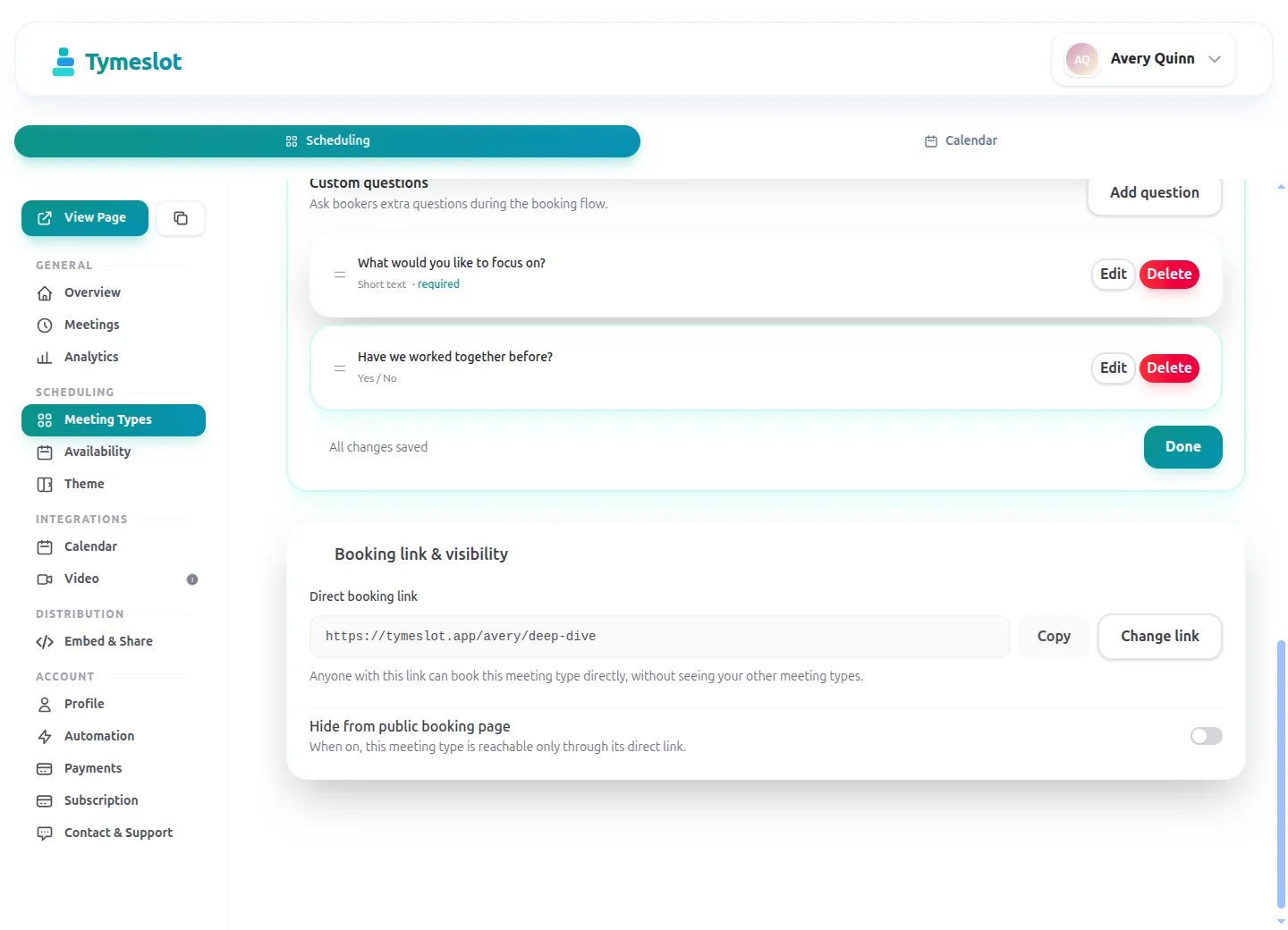
  • Add a booking question (a Pro feature on the managed service) such as "Is this your first visit?" so you know who is new.
  • New clients pick a service and a time, and get the shop's address in their confirmation.
Result: Followers book without a conversation, and you know who is new before they sit down.
Scenario 3

How do barbers run a tight day without gaps?

A barbershop day is many short appointments. The wrong lengths or long buffers leave gaps that walk-ins rarely fill at the right moment.

  • Give each service its exact length, so a beard trim never takes a 30-minute slot.
  • Set a 5-minute buffer on the availability schedule, enough to sweep and reset.
  • Set a 15-minute slot interval so start times line up and the day has no odd 10-minute holes.
  • Set minimum notice to an hour, so nobody books a slot you are already walking a client into.
Result: A day of back-to-back cuts that keeps to time from the first client to the last.
Starter setup

A starter setup for Barbers

Recommended settings to start from. You can change any of them in your dashboard.

Haircut

Duration
30 min
Buffer
5 min
Minimum notice
1 hour
Bookable ahead
4 weeks
Payment at booking
None

Cut and beard

Duration
45 min
Buffer
5 min
Minimum notice
1 hour
Bookable ahead
4 weeks
Payment at booking
€10 deposit at booking

Beard trim

Duration
20 min
Buffer
5 min
Minimum notice
1 hour
Bookable ahead
4 weeks
Payment at booking
None

Intake questions

  • Is this your first visit?
  • What do you usually ask for? A clipper grade or a photo link is fine.
  • A mobile number in case I'm running late.

All three services share one availability schedule, because they use the same buffer, notice and horizon; leave walk-in hours out of it. The deposit sits only on the longest service, where a no-show leaves the biggest gap.

Intake questions and payments at booking are part of Pro on the managed service, and free when you self-host.

Compare

Tymeslot compared with Fresha, Booksy, Acuity and Calendly

Facts from each vendor's own pages, with the date we checked them.

Feature Tymeslot Fresha Booksy Acuity Calendly
Free plan Yes: unlimited bookings and meeting types No: 7-day trial on the paid plans No: 14-day trial, no card needed No: 7-day trial, no card needed Yes, limited to 1 event type and 1 calendar
Entry price Pro €9/month, flat; self-hosting is free €12.95/month, plus card fees of 1.29% + €0.20 $29.99/month + tax, plus $20/month per extra staff member $16/month paid annually ($20 paid monthly) $10/seat/month, billed yearly
Hosting in the EU Yes, in Germany Partly: data may be processed outside the UK and EEA Not checked No: data is stored in US data centres No: data is stored in US data centres
Self-hosting Yes: Docker, Cloudron or Railway No: hosted service only No: hosted service only No: hosted service only No: hosted service only
Open source Yes, GNU AGPLv3 No: hosted service only No: hosted service only No: hosted service only No: hosted service only
Booking page without third-party scripts No ad trackers; reCAPTCHA on the booking form Not checked Not checked Not checked No: third-party scripts are referenced (Stripe, reCAPTCHA, Airbrake, Google Tag Manager)
Deposit or payment at booking Pro or self-hosted: a fixed amount via Stripe Yes: deposit or full prepayment, with Fresha Payments Yes: a deposit or cancellation fee, with a card on file Yes, on all plans: Stripe, Square, PayPal, Venmo Paid plans only: Stripe or PayPal at booking
Custom intake questions Pro or self-hosted: 10 question types Yes: custom forms sent when an appointment is booked Yes: custom forms completed at booking Yes, on all plans: custom client forms Yes: up to 10 questions per event type, on all plans
Signed data processing agreement Enterprise plan only Yes: part of the Partner Terms of Business Not checked Not checked Yes: accepted with the customer terms

Sources: Fresha: Fresha pricing (checked 5 October 2026) Fresha: Fresha data protection addendum (checked 5 October 2026) Fresha: Fresha client forms (checked 5 October 2026) Fresha: Fresha payment policies (checked 5 October 2026) Booksy: Booksy pricing (checked 5 October 2026) Booksy: Booksy no-show protection (checked 5 October 2026) Booksy: Booksy custom forms (checked 5 October 2026) Acuity: Acuity Scheduling pricing (checked 5 October 2026) Acuity: Where Squarespace stores data (checked 5 October 2026) Calendly: Calendly pricing (checked 5 October 2026) Calendly: Calendly data storage (checked 5 October 2026) Calendly: Calendly data processing addendum (checked 5 October 2026) Calendly: Calendly demo booking page (checked 5 October 2026) Calendly: Calendly invitee questions (checked 5 October 2026)

How to choose

What to check before you choose

  • Decide whether you want a marketplace listing or a booking page that is only yours.
  • Check the commission or fee on each booking, and on new clients in particular.
  • Confirm you can take a deposit at booking to cut down on no-shows.
  • Make sure the booking link works from your Instagram bio and your own website.
  • Ask who owns the client list and whether you can export it if you leave.

Compare Tymeslot's plans

ROI Calculator

How much time could you save?

Adjust to match your practice and see your potential savings.

Calculate your time savings

Drag the sliders to match your practice.

35
140
€35
€20 €500
5m
5m60m

175

minutes saved per week

151.7

hours saved per year

€5,310

annual value of saved time

Integrations

Which calendar apps do barbers use with Tymeslot?

Connects to the tools you already use. No extra setup.

Google Calendar
Outlook
CalDAV
Pricing

Start free, upgrade when you're ready

Core scheduling is always free. No credit card required.

Free

€0 / month

  • Unlimited bookings and meeting types
  • Calendar sync (Google, Outlook, CalDAV)
  • Auto video rooms (Meet, Teams, Zoom, Jitsi, Nextcloud Talk and more)
  • Booking page at tymeslot.app/you
  • Email reminders & notifications
  • Both booking themes and website embeds
Pro

Pro

€9 / month

  • Everything in Free
  • Custom booking questions for intake
  • Payments at booking via your own Stripe account
  • Remove Tymeslot branding from booking pages
  • Booking analytics and automation
Booking Themes

See Tymeslot in action

Try both booking themes live - no account needed.

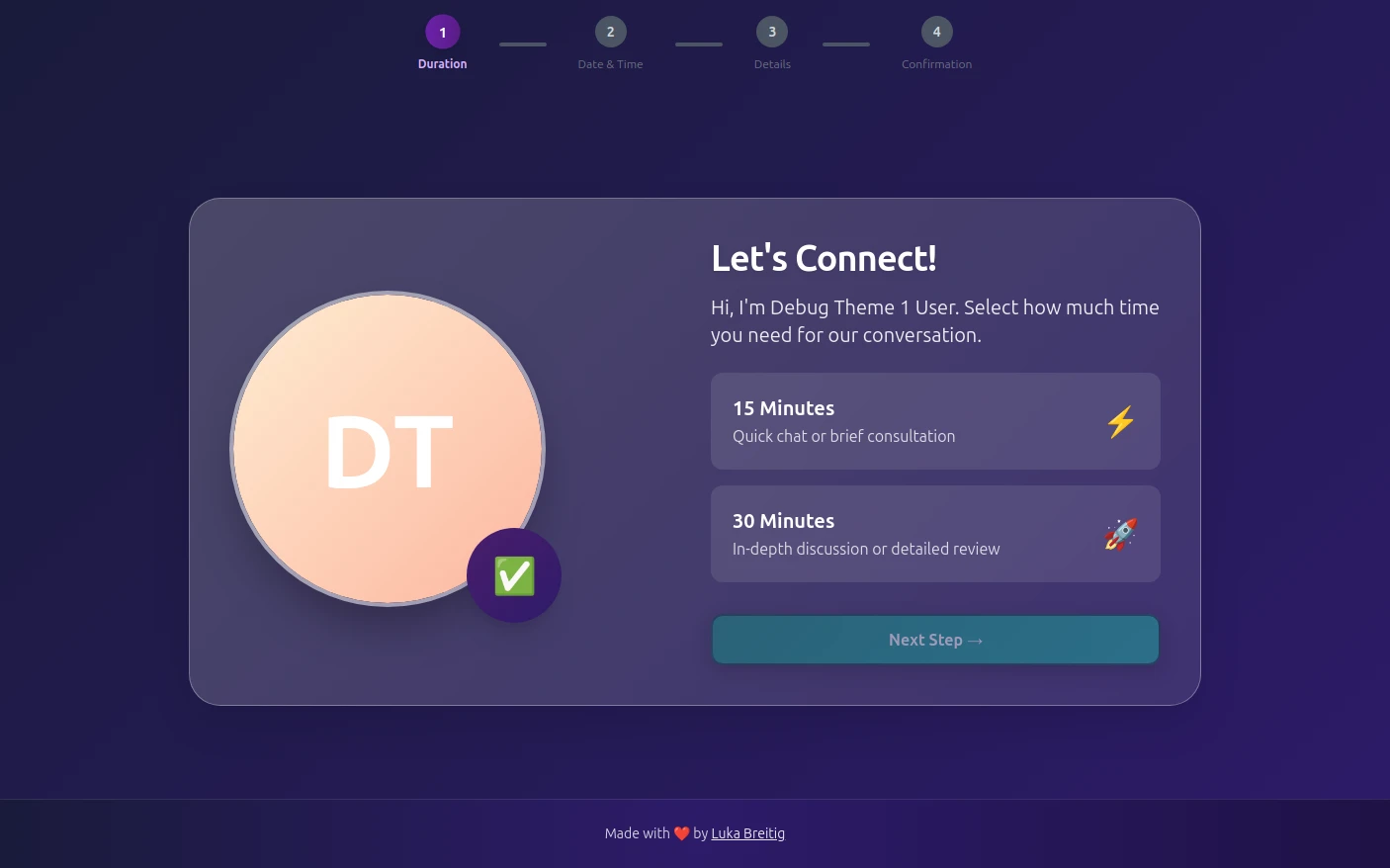
Quill theme preview
Quill

Quill

Professional Glassmorphism

Try Live Demo
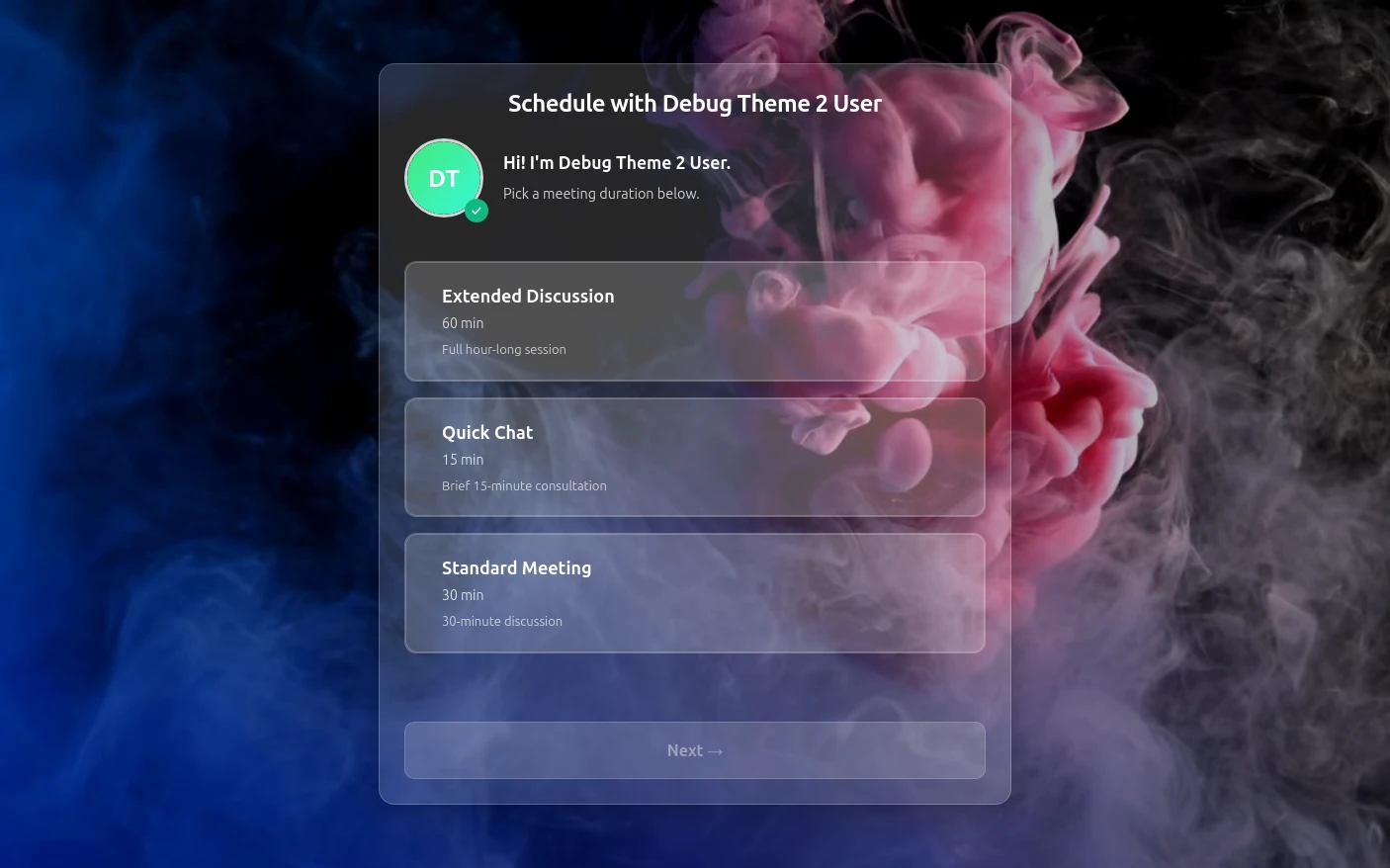
Rhythm theme preview
Rhythm

Rhythm

Immersive Experience

Try Live Demo
FAQ

Frequently Asked Questions

Is Tymeslot GDPR compliant for barbershops?

For a barbershop, Tymeslot's part in GDPR is small: booking pages hosted in Germany that load no advertising trackers or third-party analytics, so a client booking a cut is not handed to an ad network. On tymeslot.app, Google reCAPTCHA loads once a client starts filling in the booking form, to block spam bookings; a self-hosted instance runs it only if you configure it. How you store regulars' phone numbers, and whether you text them offers, is your responsibility. A signed data processing agreement comes only with the Enterprise plan, not with Free or Pro. For full control, a shop can self-host Tymeslot.

Is Tymeslot a barbershop point-of-sale system?

No, Tymeslot is barber booking software: it fills the diary, sends reminders and can take a deposit, but has no till, card reader, product sales or commission tracking. Barbers who take payment in the chair keep their card reader and use Tymeslot for the appointments. It suits an independent barber or a chair renter who wants bookings without a shop-wide system.

Can barbers take a deposit or charge for no-shows with Tymeslot?

Barbers on Tymeslot Pro can take a fixed deposit at booking, such as €10 on a cut and beard, paid through Stripe before the slot is confirmed. Tymeslot does not keep a card on file, so it cannot charge a no-show fee after the fact; the deposit is the protection. Payments settle in your own Stripe account, and the managed service adds a 0.5% platform fee. You can leave quick cuts free to book and let reminder emails do the rest.

How does Tymeslot compare with Booksy for barbers?

Booksy is a paid booking app for barbers and salons with its own marketplace, while Tymeslot is barber booking software with a free plan for unlimited bookings and no marketplace. Booksy's US pricing page lists $29.99 a month plus tax after a 14-day trial, $20 a month for each extra team member, and an optional Boost feature that charges 30% of a new client's first visit, up to $100. It also supports deposits and cancellation fees with a card on file. Choose Booksy if you want its marketplace and cancellation fees; choose Tymeslot if you want a free plan and a booking page that loads no ad trackers.

Can a barbershop self-host Tymeslot?

Yes, though a barbershop that self-hosts Tymeslot needs someone to keep the server running on a Saturday morning, while clients are booking. The self-hosted version installs with Docker, Cloudron or Railway and is free and open source under the GNU AGPLv3, with deposits, booking questions and every other feature included and no platform fee. Someone in the shop has to look after updates and backups, so an independent barber will usually find the managed service simpler.

Is Tymeslot free for barbers?

Yes, Tymeslot is free for barbers with unlimited bookings, so a full week of cuts costs nothing for the diary, the rebooking link regulars use or the reminder emails. Pro (€9/month) is only needed for a deposit on longer services such as a cut and beard, a first-visit question on the form, booking analytics, automation or a page without Tymeslot branding. Self-hosting is free too, with every feature.

Which calendars work with Tymeslot for barbers?

Tymeslot connects barbers' Google Calendar, Outlook, Apple iCloud and other CalDAV calendars, so every booking appears on your phone next to everything else. Personal plans in the same calendar, such as a dentist appointment or a football match, block those times on the booking page without clients seeing what they are.

Moving from another booking tool? See how Tymeslot compares with Calendly, Cal.com and others

Ready to reclaim your time?

Free plan available. No credit card required. Setup in 5 minutes.

No credit card required
Setup in 5 minutes
Privacy-first