What's new in Tymeslot 1.1
Tymeslot 1.1 adds custom booking questions, payment at the moment of booking, automatic Zoom meetings, and Slack notifications.
Luka Breitig
16 June 2026 · 4 min read
Vet discovery calls before they reach your calendar, give each engagement its own private link, and let the client's project lead bring their colleagues along.
Updated 5 October 2026
An independent consultant sells a small number of expensive hours. Each discovery call might lead to a three-month engagement, or it might be a student writing a thesis, a competitor fishing for your rates, or someone selling you software. A public booking link lets them all straight into your week. Tymeslot lets you see who is asking before you say yes: the request arrives with their answers, and the call is confirmed only when you approve it.
Scheduling tools built for sales teams want as many meetings as possible. Consulting runs the other way: a few clients at once, each with its own rhythm of check-ins and workshops, and a calendar that should never show one client another client's commitments.
Tymeslot keeps each engagement apart. A discovery call can require your approval. Each running engagement can get its own private meeting type, with its own link and duration, which stops taking bookings the day you switch it off. The client's project lead books the workshop and adds the colleagues who need to attend, and every guest gets an invitation and reminders. Your connected calendars block busy times across all engagements, and clients only ever see that a slot is taken, not by whom.
Scheduling features shaped around how your practice works.
Turn on approval for discovery calls. The request arrives with the prospect's answers, and the booking is confirmed only when you accept it.
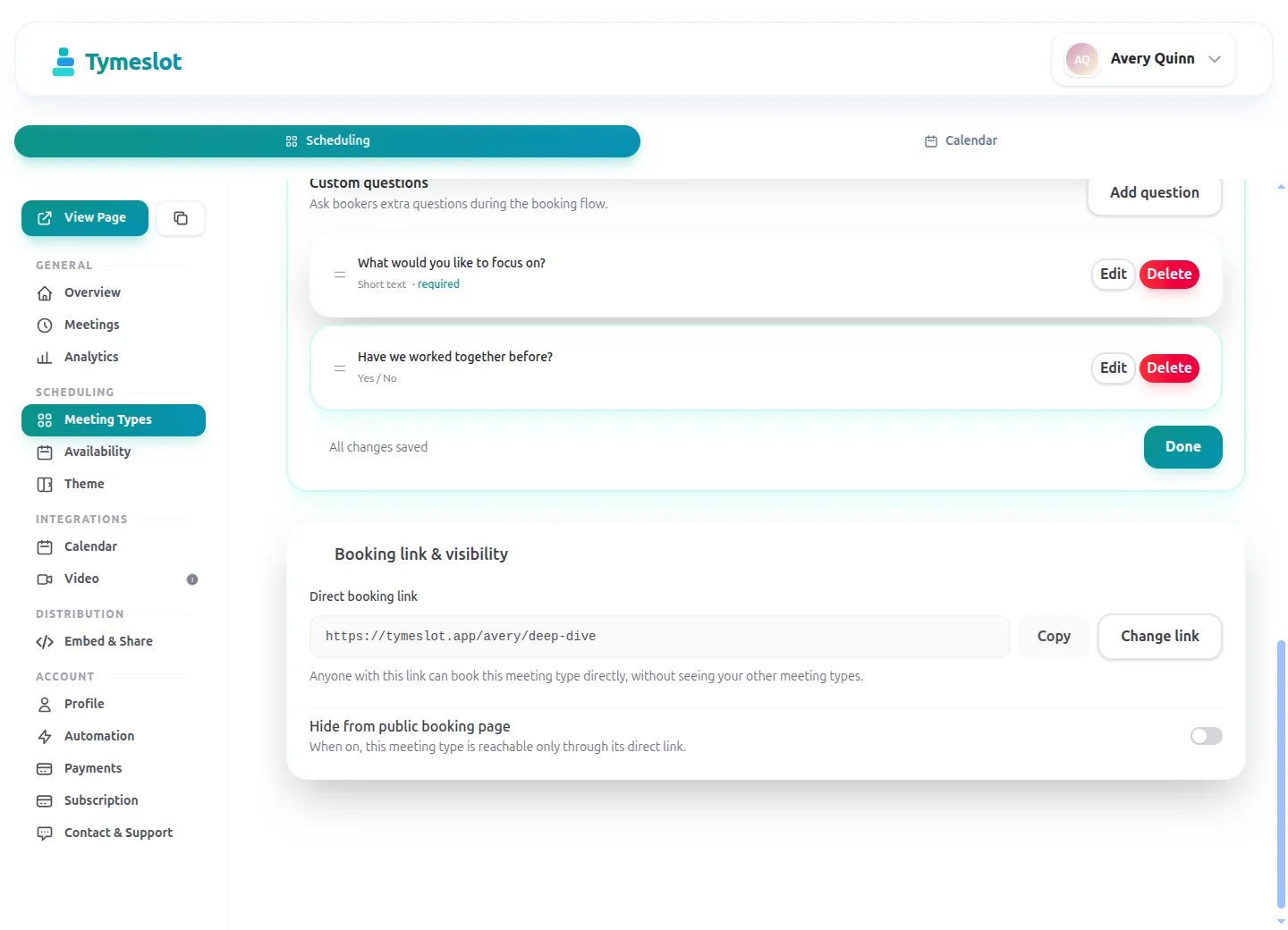
Create a private meeting type for each client's check-ins. It is not listed on your public booking page, and switching it off closes the link when the engagement ends.
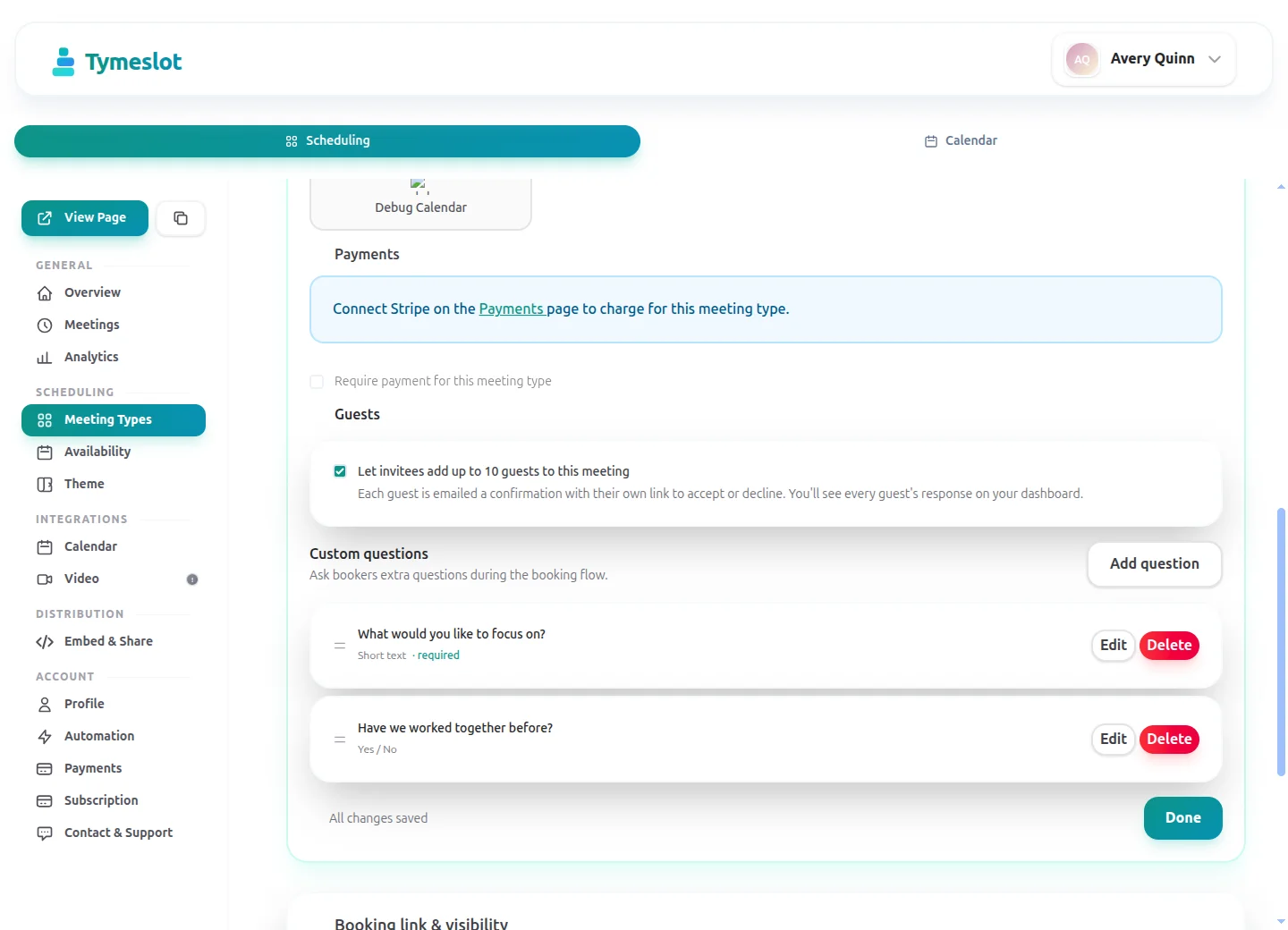
Let the person booking add colleagues as guests. Each guest receives the invitation, the reminders and any change to the time.
Offer a workshop at the client's office and by video on the same meeting type. The booker picks one, and video bookings get a Teams, Zoom or Google Meet link automatically.
On Pro, put a fixed price on a strategy call and the client pays through your own Stripe account when they book. If you cancel, you can refund in the same step.
On Pro, webhooks send each booking, cancellation and reschedule to your CRM or invoicing tool, and Slack or Telegram can tell you the moment a request arrives.
Same profession. Completely different scheduling experience.
Without Tymeslot
With Tymeslot
How other Consultants use Tymeslot every day.
A free discovery call is worth offering, but not to everyone. Approval lets you read the request first and keep the call for people who might become clients.
Two or three engagements in parallel means two or three cadences of check-ins and reviews. Each client should book only their own meetings, and none should see the others.
A workshop pulls in five people from the client side. Finding a time by email takes days, and you do not need to be part of their internal negotiation.
Recommended settings to start from. You can change any of them in your dashboard.
Approval on the discovery call keeps unqualified requests out, and the check-in becomes one private meeting type per client. The discovery call uses a shorter notice than the other two, so it needs its own availability schedule.
Intake questions and payments at booking are part of Pro on the managed service, and free when you self-host.
Facts from each vendor's own pages, with the date we checked them.
| Feature | Tymeslot | Paperbell | Calendly | SavvyCal |
|---|---|---|---|---|
| Free plan | Yes: unlimited bookings and meeting types | Free account to set up, before choosing a paid plan | Yes, limited to 1 event type and 1 calendar | No: free trial only; a paid plan is needed to activate links |
| Entry price | Pro €9/month, flat; self-hosting is free | One plan, billed $97/month or $970/year | $10/seat/month, billed yearly | From $10/user/month; annual billing saves 2 months |
| Hosting in the EU | Yes, in Germany | Not checked | No: data is stored in US data centres | No: hosted in the US (Virginia) |
| Self-hosting | Yes: Docker, Cloudron or Railway | No: hosted service only | No: hosted service only | No: hosted service only |
| Open source | Yes, GNU AGPLv3 | No: hosted service only | No: hosted service only | No: hosted service only |
| Booking page without third-party scripts | No ad trackers; reCAPTCHA on the booking form | Not checked | No: third-party scripts are referenced (Stripe, reCAPTCHA, Airbrake, Google Tag Manager) | No: third-party scripts load (Tally, Help Scout, PostHog) |
| Deposit or payment at booking | Pro or self-hosted: a fixed amount via Stripe | Yes: payment plans and set-up fees; first payment taken at purchase | Paid plans only: Stripe or PayPal at booking | Premium plan only: paid bookings |
| Custom intake questions | Pro or self-hosted: 10 question types | Yes: customisable intake surveys | Yes: up to 10 questions per event type, on all plans | Yes: custom questions on scheduling links |
| Signed data processing agreement | Enterprise plan only | Terms name Paperbell as data processor | Yes: accepted with the customer terms | Yes: accepted with the Terms of Use |
Sources: Paperbell: Paperbell pricing (checked 5 October 2026) Paperbell: Paperbell FAQ (checked 5 October 2026) Paperbell: Paperbell terms and conditions (checked 5 October 2026) Paperbell: Paperbell set-up fees (checked 5 October 2026) Calendly: Calendly pricing (checked 5 October 2026) Calendly: Calendly data storage (checked 5 October 2026) Calendly: Calendly data processing addendum (checked 5 October 2026) Calendly: Calendly demo booking page (checked 5 October 2026) Calendly: Calendly invitee questions (checked 5 October 2026) SavvyCal: SavvyCal pricing (checked 5 October 2026) SavvyCal: SavvyCal security and hosting (checked 5 October 2026) SavvyCal: SavvyCal data processing addendum (checked 5 October 2026) SavvyCal: Custom questions in SavvyCal (checked 5 October 2026) SavvyCal: SavvyCal demo booking page (checked 5 October 2026)
How to choose
Adjust to match your practice and see your potential savings.
Drag the sliders to match your practice.
160
minutes saved per week
138.7
hours saved per year
€27,740
annual value of saved time
Connects to the tools you already use. No extra setup.
Core scheduling is always free. No credit card required.
Free
€0 / month
Pro
€9 / month
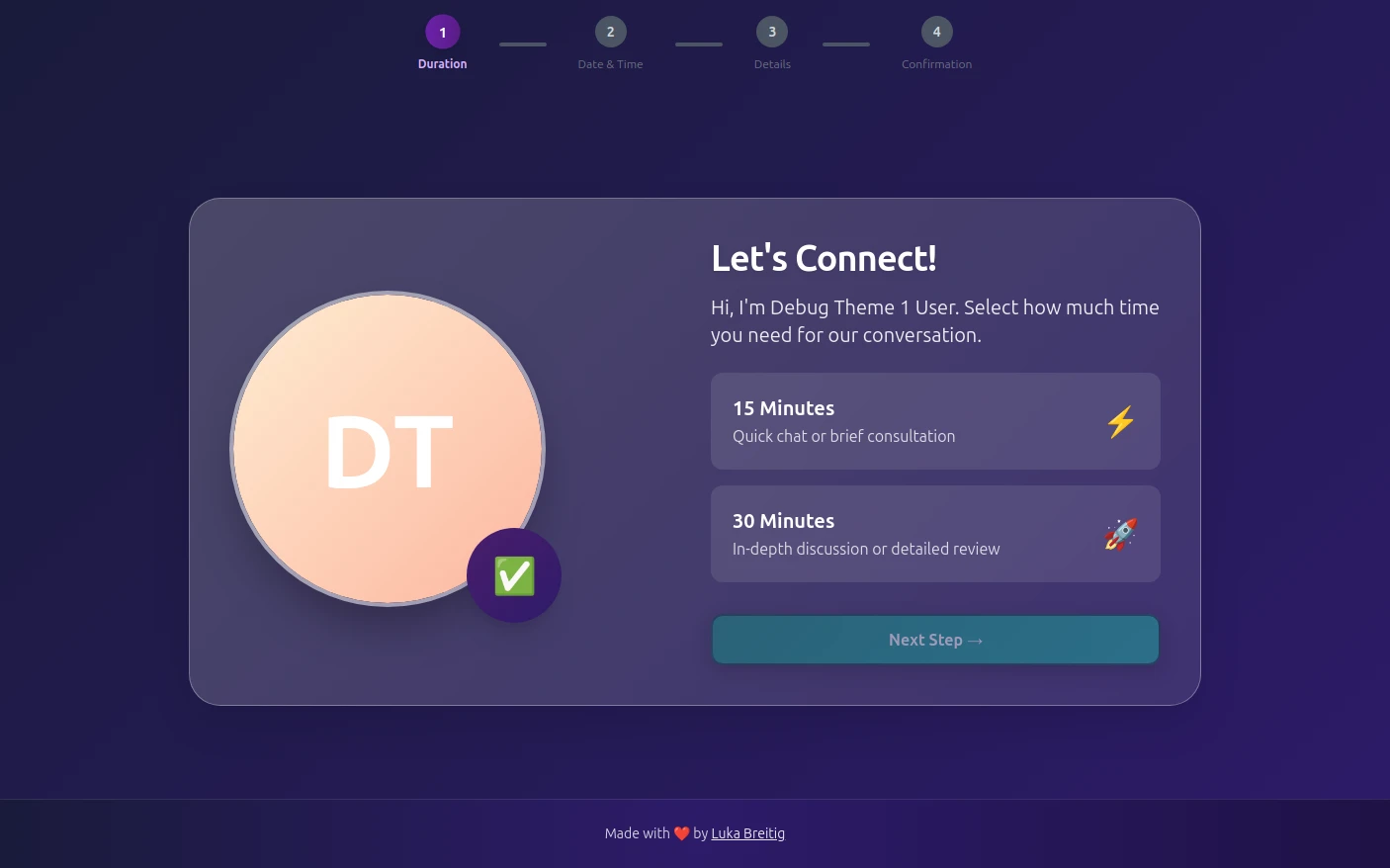
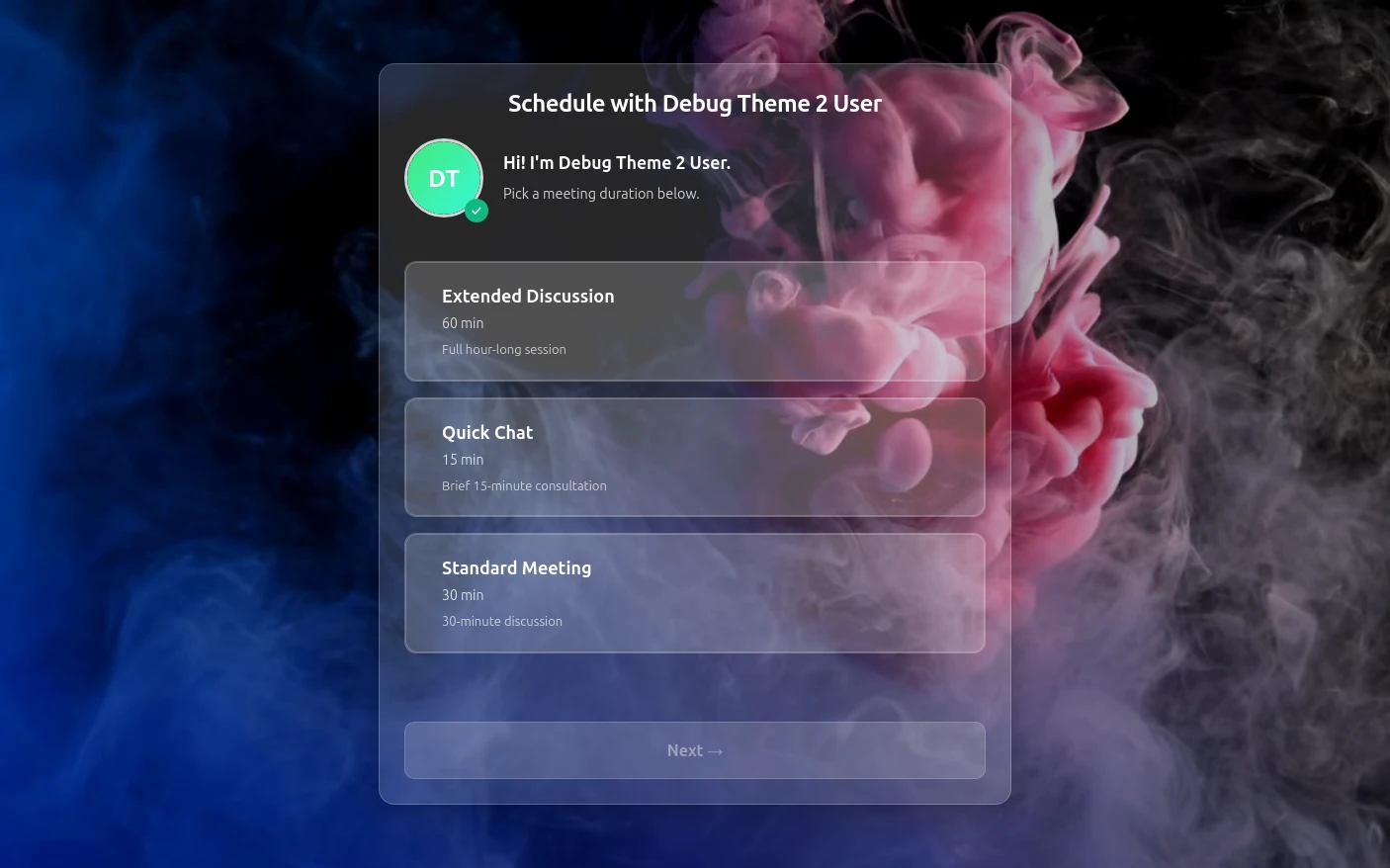
Try both booking themes live - no account needed.
Moving from another booking tool? See how Tymeslot compares with Calendly, Cal.com and others
Tymeslot 1.1 adds custom booking questions, payment at the moment of booking, automatic Zoom meetings, and Slack notifications.
Luka Breitig
16 June 2026 · 4 min read
Free plan available. No credit card required. Setup in 5 minutes.