Scheduling Software for Life Coaches Running Programmes
A 12-week programme only works if the sessions keep happening. Clients book their next session from a private link, often in the evening after work, and a reminder lands before each one.

Updated 22 October 2026
Why do life coaching programmes lose momentum?
Life coaching clients sign up at a moment of change: a new job, a break-up, a decision they keep putting off. The first two sessions usually happen. It is week five that goes wrong. A session gets moved by text, then moved again, then quietly dropped, and the programme that was meant to run twelve weeks ends at six. What usually breaks is the arranging: every session negotiated by message is one more chance for it to slip. Tymeslot moves that to a booking page: enrolled clients pick their next session themselves, and a reminder goes out before every one.
Why mainstream scheduling tools miss the shape of a programme
Most scheduling tools assume a stranger is booking one meeting. A life coach mostly serves people who are already enrolled, meeting weekly or fortnightly for months, often in the evening because the client has a day job. The public page is only the front door, for discovery calls. The real work happens behind it.
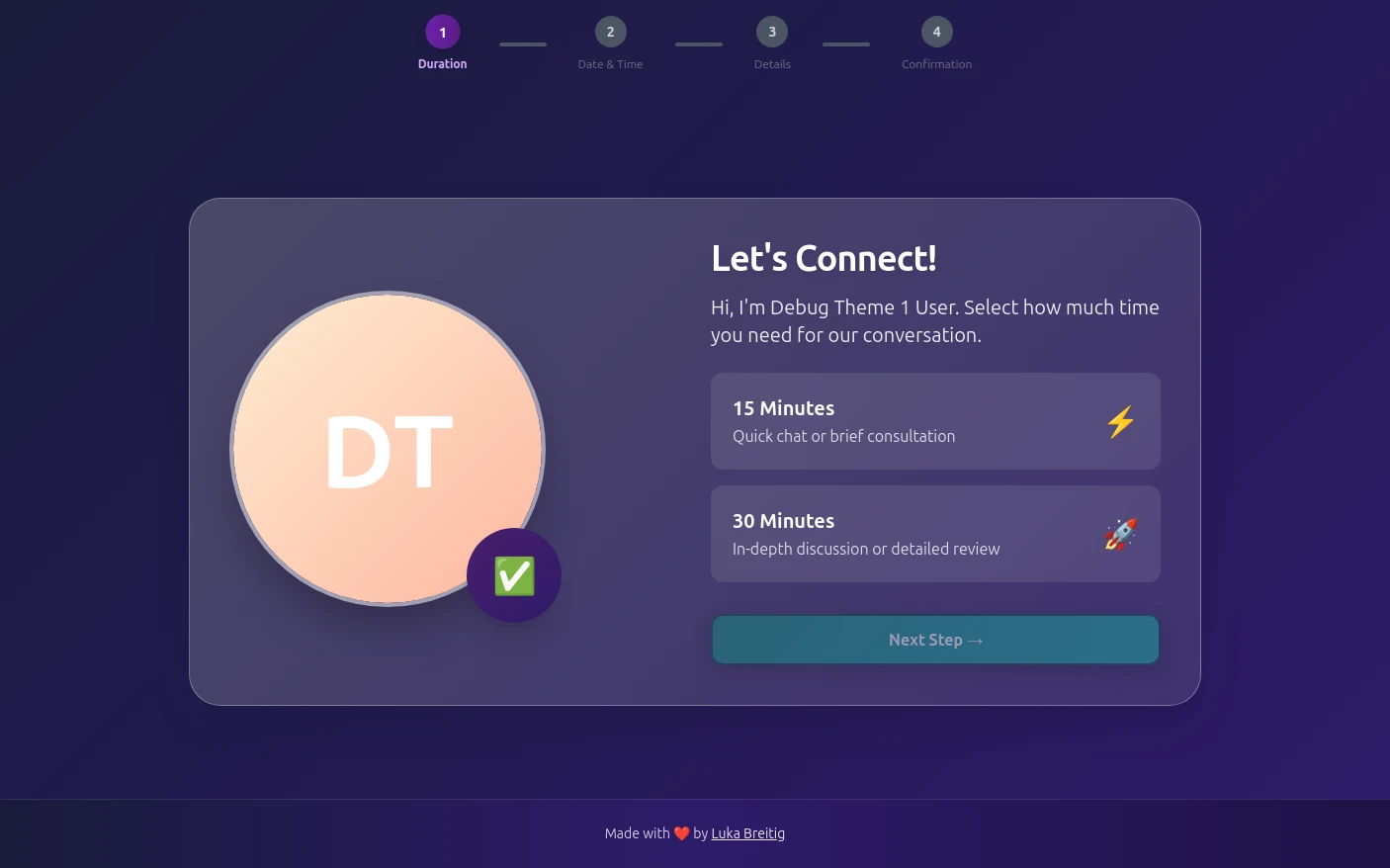
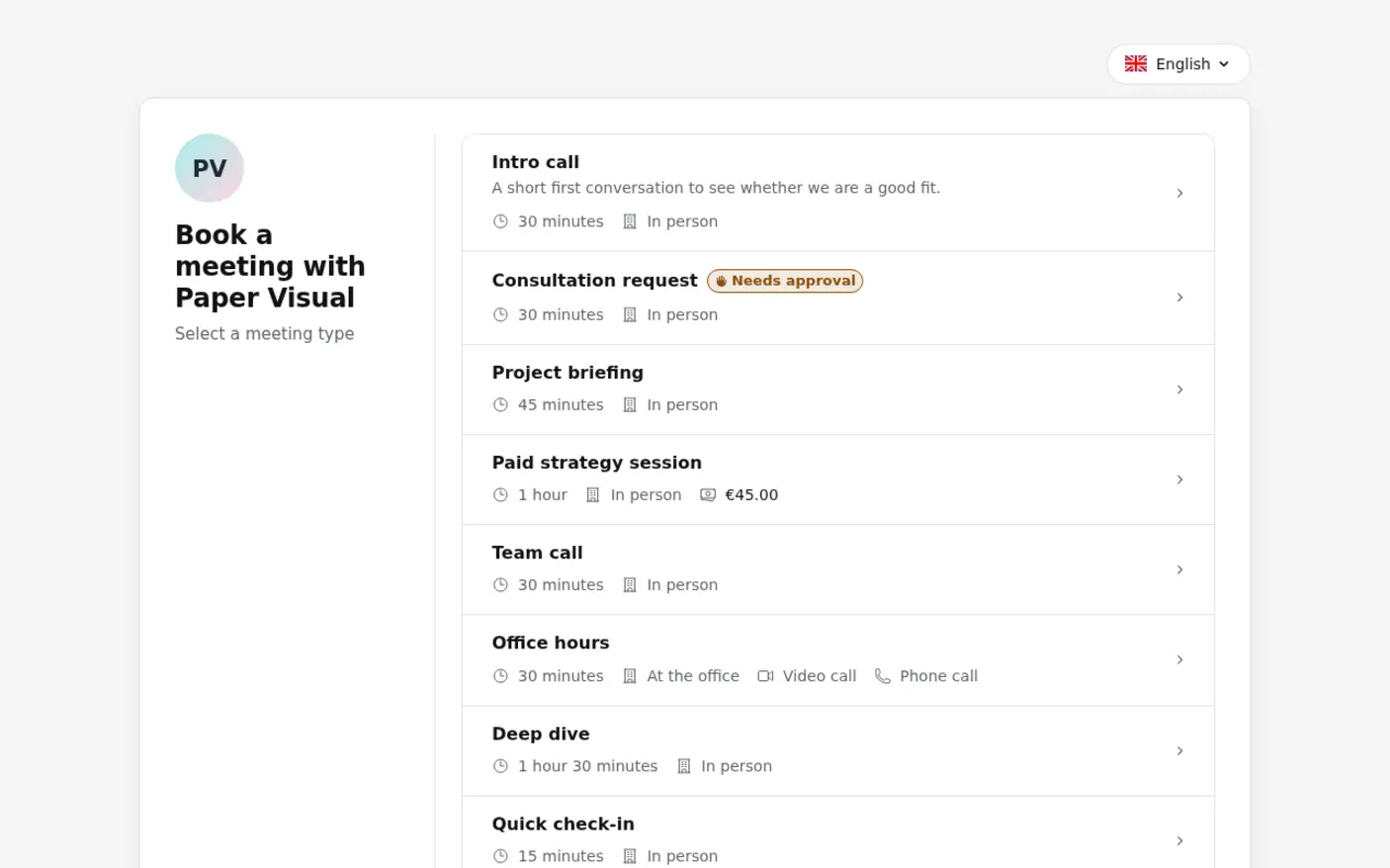
Tymeslot handles that with private meeting types. The discovery call sits on your public booking page; the programme session and the short check-in are private, so only the clients you have sent the links to can book them. Each can follow its own availability schedule, with evening hours for sessions and lunchtime slots for check-ins. Clients reschedule from their confirmation email rather than by message, and you see every change in your calendar.
Everything life coaches need. Nothing they don't.
Private Links for Enrolled Clients
Make the programme session a private meeting type. It stays off your public booking page, and only clients who have the link can book it.
Evening Hours for Clients with Day Jobs
Give programme sessions their own availability schedule, such as Tuesday to Thursday from 17:00 to 20:00, without opening your evenings to discovery calls.
Reminders That Keep the Rhythm
Send several reminder emails per session at times you choose, for example 24 hours and one hour before, so week five happens like week one.
Each Client's Own Time Zone
Slots appear in whatever time zone the client's device is set to, so a client who moves abroad mid-programme still books the right hour.
Programme Terms Read Before Booking
The ICF Code of Ethics asks coaches to agree financial arrangements with the client before coaching begins. Write the programme's length, fee and your rescheduling terms into the discovery call's description, and every prospect has read them by the time you speak.
A Paid Kick-Off Session
On Pro, a kick-off session can carry a fixed price paid through Stripe, so enrolling and the first session happen in one step. The weekly sessions that follow stay unpaid at booking.
See the difference
Without Tymeslot
With Tymeslot
Common scheduling scenarios
How do life coaches turn website visitors into discovery calls?
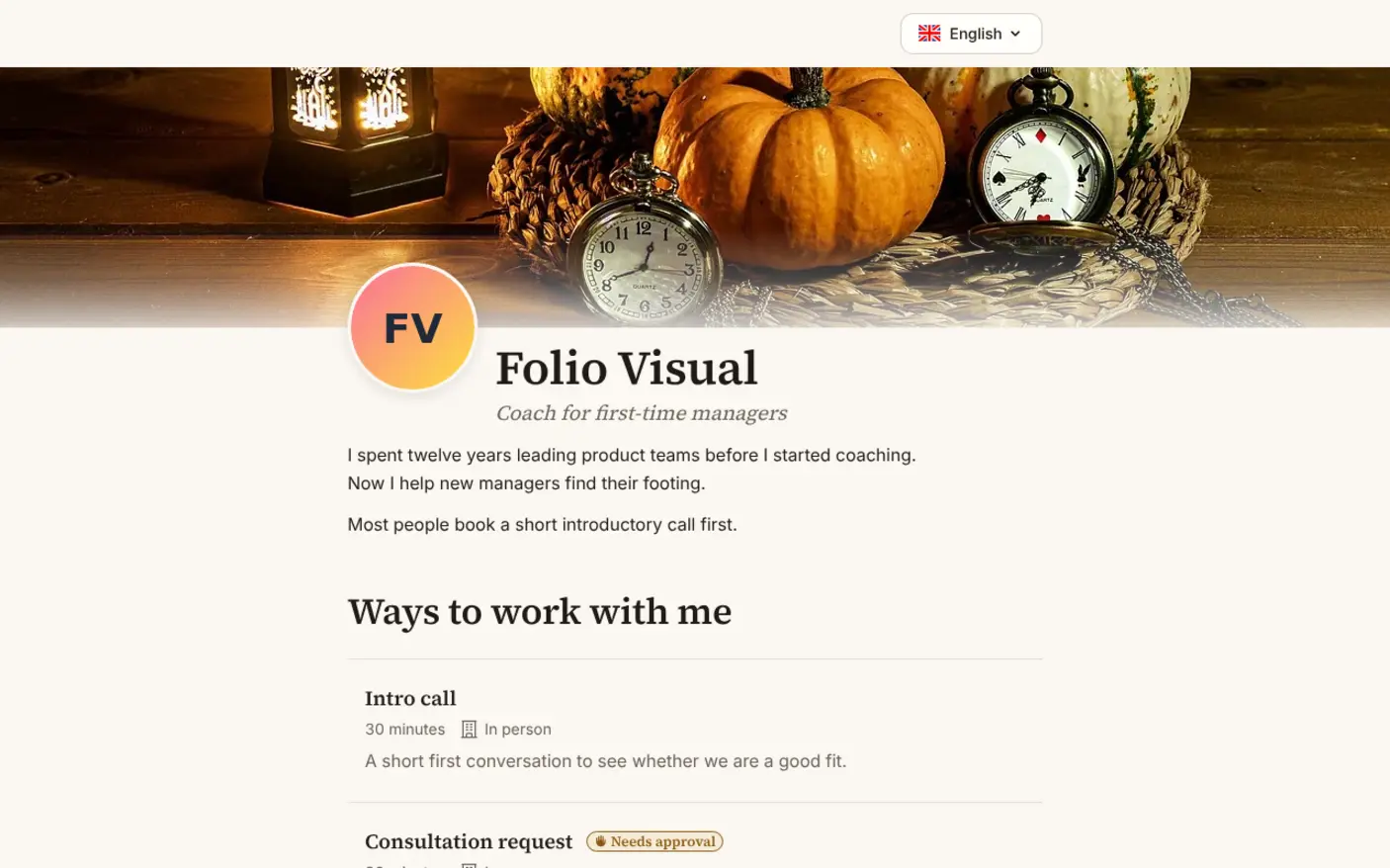
People often read a life coach's website late in the evening, when the thing they want to change feels most pressing. A booking page they can use there and then catches that moment; a contact form and a reply the next day often does not.
- Create a public "Discovery call" meeting type of 30 minutes and embed it on your homepage and about page, inline or as a floating button.
- Open discovery calls in a few evening and lunchtime slots, so people with office jobs can take the call without asking for time off.
- On Pro, ask one question at booking, such as what has prompted them to look for a coach now.
- Tymeslot sends the confirmation with the video link, then a reminder the day before.
How do life coaches keep a 12-week programme on schedule?
A programme of weekly sessions needs each one to happen roughly a week after the last. When every session is arranged by message, gaps creep in and the programme loses its shape.
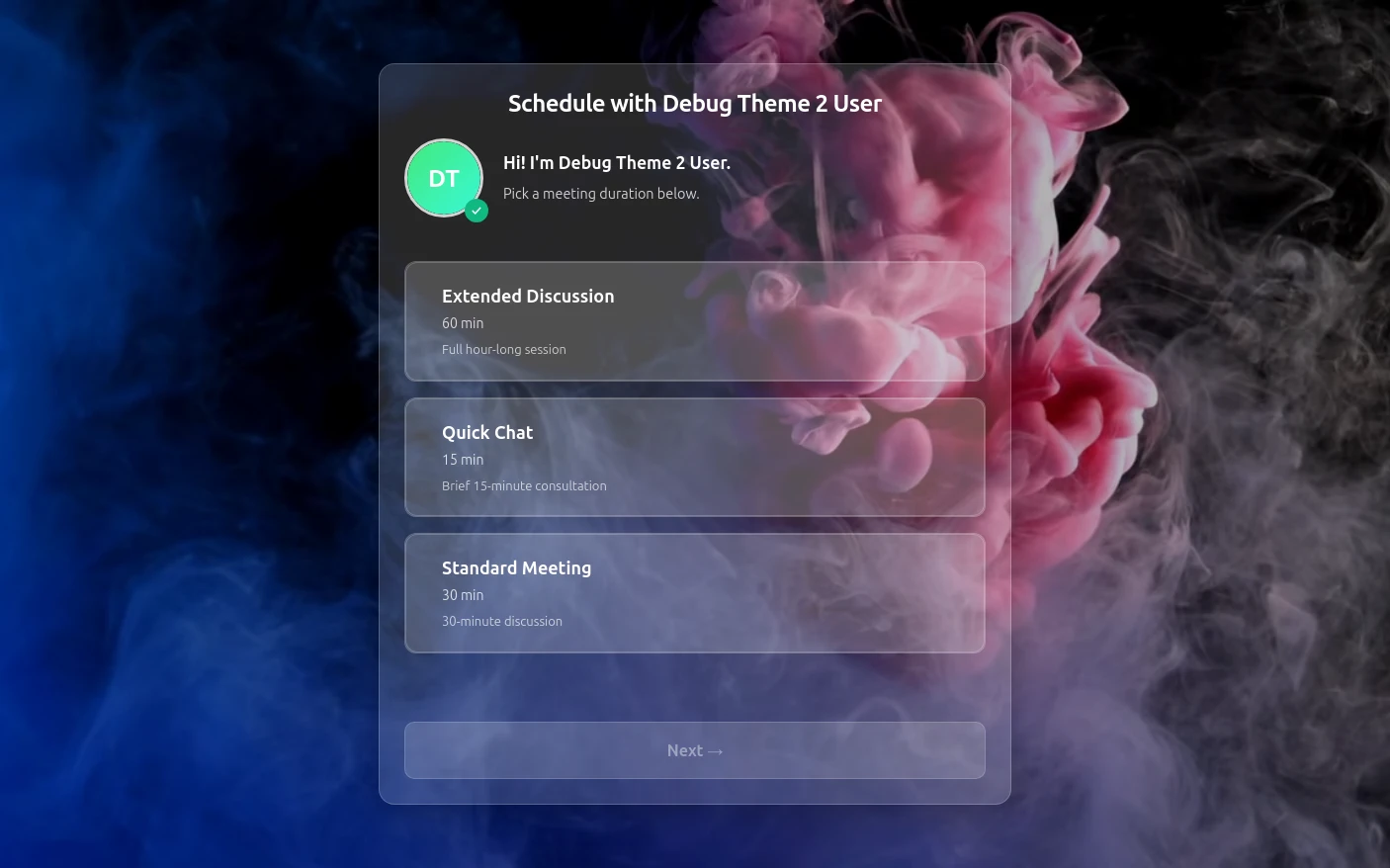
- Create a private "Programme session" meeting type of 60 minutes and send the link to each client when they enrol.
- Set a minimum notice of 24 hours and a booking horizon of 3 weeks, so clients book the next session or two rather than months ahead.
- Send reminders 24 hours and one hour before each session; for a 19:00 session, the first one lands the evening before.
- A client who has to move a session picks the new time from their confirmation email, so the session is moved rather than dropped.
How do life coaches schedule short check-ins between sessions?
Many programmes add a 15-minute accountability call between the full sessions. Arranged by message, these are the first thing to slip.
- Create a private "Check-in" meeting type of 15 minutes with its own link for enrolled clients.
- Put check-ins on a lunchtime schedule so they never take an evening slot meant for a full session.
- Set a weekly limit on the meeting type, for example 10 check-ins a week across all clients, so they never crowd out session preparation.
- Check-ins and sessions appear side by side in your calendar, each with its own video link.
See Tymeslot in action
A starter setup for life coaches
| Meeting type | Duration | Buffer | Minimum notice | Bookable ahead | Payment at booking |
|---|---|---|---|---|---|
| Discovery call | 30 min | 10 min | 12 hours | 3 weeks | None |
| Programme session | 60 min | 15 min | 1 day | 3 weeks | None |
| Accountability check-in | 15 min | 5 min | 4 hours | 1 week | None |
Intake questions
- What has prompted you to look for a coach now?
- What would you like to be different in six months?
- Which evenings usually suit you best?
Nothing here takes payment, because the programme fee is settled at enrolment. A check-in booked four hours ahead and a session booked a day ahead cannot share a schedule, and the discovery call differs from both in notice and buffer, so this setup runs three schedules: evenings, lunchtimes and discovery slots.
Tymeslot compared with Paperbell and TidyCal
Life coaches weighing Tymeslot against Paperbell and TidyCal are mostly weighing cost against convenience, so the rows here are the free plan, the entry price and whether the code is open. TidyCal has a free plan and a low lifetime deal; Paperbell charges one higher monthly price for a full back office with payment plans. Tymeslot's free plan runs a whole programme of private sessions, and its code is published under the AGPLv3. If clients pay for your programme in instalments, Paperbell is the better fit.
| Feature | Tymeslot | Paperbell | TidyCal |
|---|---|---|---|
| Free plan | Discovery calls, programme sessions and check-ins, all free | Free account to set up, before choosing a paid plan | Yes: unlimited bookings and booking types |
| Entry price | Nothing, if you invoice the programme yourself | One plan, billed $97/month or $970/year | Pro $12/month or $99/year; lifetime from $29 |
| Open source | AGPLv3: run it on your own server | No: hosted service only | No: hosted service only |
Sources checked 5 October 2026.
How much time could you save?
A rough estimate, not a promise.
150
minutes saved per week
130.0
hours saved per year
€11,700
annual value of saved time
Which calendars and tools do life coaches use with Tymeslot?




Start free, upgrade when you're ready
In this setup the programme fee is agreed at enrolment and invoiced outside Tymeslot, so all three meeting types run on Free. Upgrade to Pro (€9/month) if you want the question about what prompted someone to look for a coach answered before the discovery call, or a paid kick-off session that opens each programme.
Free
€0 / month
Pro
€9 / month