Hair Stylist Booking Software, from Your Instagram Bio
Clients pick a trim, a root colour or a balayage, see only the slots long enough for it, and pay a deposit on the long ones. No DMs to answer.
Updated 5 October 2026
Why do hair stylists lose chair time to booking by DM?
A trim takes 30 minutes. A full balayage takes four hours. When clients book through DMs and WhatsApp they rarely say which, so you either squeeze a colour into a cut slot or leave a gap nobody fills. Then there is the client who booked Saturday at ten and never turned up. Tymeslot gives every service its own length, buffer and price, so the booking page only offers times that fit, and the long colour appointments can carry a deposit.
Why a bio link and a DM inbox don't protect a column
Running a column out of Instagram DMs works until it doesn't. Every enquiry needs an answer, the answer needs your diary, and none of it holds anyone to anything. A client who books a four-hour colour by message has put nothing down, so a no-show costs you the afternoon and the product you prepared.
The salon platforms solve this, but they come with a monthly subscription, a marketplace you may not want to be listed on, and card fees through their own payment service. Tymeslot is smaller. You get a booking page of your own to put in your bio, a length and buffer for each service, email reminders, and on Pro a fixed deposit through your own Stripe account before the slot is confirmed.
Everything Hair Stylists need. Nothing they don't.
Scheduling features shaped around how your practice works.
A Length for Every Service
Trim, cut and blow-dry, root colour and balayage each get their own duration from 5 minutes to 8 hours, so the booking page only shows times the whole service fits.
Clean-Up Time and Notice
Set a buffer between clients for sweeping up and mixing colour, and longer minimum notice on colour so you can order product before the appointment.
Fixed Deposits on Long Appointments
On Pro, take a fixed deposit such as €50 when a client books a balayage. The slot is confirmed once payment clears, and the money settles in your own Stripe account.
Email Reminders You Don't Send
Choose when reminder emails go out for each service, for example the day before and three hours before, and clients cancel or move the appointment from the link in their email.
Your Bio Link Is the Booking Page
Put tymeslot.app/yourname in your Instagram bio, or embed the booking page on your website as a calendar, a popup or a floating button.
No Ad Trackers on Your Page
Booking pages load no advertising trackers or third-party analytics, so a client who books a colour is not followed around the internet by ads. On tymeslot.app, Google reCAPTCHA loads once a client starts the booking form, to block spam bookings. Data is stored in Germany.
See the difference
Same profession. Completely different scheduling experience.
Without Tymeslot
With Tymeslot
Common scheduling scenarios
How other Hair Stylists use Tymeslot every day.
How do hair stylists stop clients booking the wrong length of appointment?
Clients don't always know how long a service takes. If they pick the service first and the time second, the length is never their problem.
- Create a meeting type for each service: trim (30 min), cut and blow-dry (60 min), root colour (90 min), full balayage (240 min).
- Add a short clean-up buffer on your availability schedule so every appointment ends with time to reset the chair.
- Add a booking question (a Pro feature on the managed service) asking for a photo link of the look the client wants.
- Share one booking page link; clients choose the service, then see only the slots it fits into.
How do hair stylists cut no-shows on long colour appointments?
A missed trim is half an hour. A missed balayage is an afternoon. The protection should match the size of the appointment.
- On Pro, connect Stripe and set a fixed deposit on the long services, such as €20 on root colour and €50 on balayage. Leave trims without one.
- Set reminder emails for the colour services the day before and three hours before.
- Clients who can't make it cancel or reschedule from their confirmation email, which frees the slot straight away.
- Write your deposit and cancellation terms in each service description, so clients read them before paying.
How do hair stylists take bookings from Instagram without a website?
Instagram is where clients find stylists, but DMs are a poor diary. A booking page as your bio link turns a follower into an appointment without a conversation.
- Set up your services and opening hours in Tymeslot.
- Put your booking page address, tymeslot.app/yourname, in your Instagram bio.
- Mention it in posts and stories: "Book through the link in my bio".
- Clients book while you are mid-cut or asleep, and the appointment appears in your calendar.
A starter setup for Hair Stylists
Recommended settings to start from. You can change any of them in your dashboard.
Cut and blow-dry
- Duration
- 60 min
- Buffer
- 10 min
- Minimum notice
- 4 hours
- Bookable ahead
- 6 weeks
- Payment at booking
- None
Root colour
- Duration
- 90 min
- Buffer
- 15 min
- Minimum notice
- 2 days
- Bookable ahead
- 60 days
- Payment at booking
- €20 deposit at booking
Full balayage
- Duration
- 240 min
- Buffer
- 15 min
- Minimum notice
- 2 days
- Bookable ahead
- 60 days
- Payment at booking
- €50 deposit at booking
Intake questions
- Is this your first visit?
- How long is your hair at the moment?
- Has your hair been coloured or bleached in the last six months?
- A link to a photo of the look you would like.
Colour services carry 48 hours' notice so you can order product and fit in a skin test, while a cut can be booked the same morning. Buffer, minimum notice and booking horizon belong to an availability schedule, so cuts get one schedule and the two colour services share another.
Intake questions and payments at booking are part of Pro on the managed service, and free when you self-host.
Tymeslot compared with Fresha, Booksy, Acuity and Calendly
Facts from each vendor's own pages, with the date we checked them.
| Feature | Tymeslot | Fresha | Booksy | Acuity | Calendly |
|---|---|---|---|---|---|
| Free plan | Yes: unlimited bookings and meeting types | No: 7-day trial on the paid plans | No: 14-day trial, no card needed | No: 7-day trial, no card needed | Yes, limited to 1 event type and 1 calendar |
| Entry price | Pro €9/month, flat; self-hosting is free | €12.95/month, plus card fees of 1.29% + €0.20 | $29.99/month + tax, plus $20/month per extra staff member | $16/month paid annually ($20 paid monthly) | $10/seat/month, billed yearly |
| Hosting in the EU | Yes, in Germany | Partly: data may be processed outside the UK and EEA | Not checked | No: data is stored in US data centres | No: data is stored in US data centres |
| Self-hosting | Yes: Docker, Cloudron or Railway | No: hosted service only | No: hosted service only | No: hosted service only | No: hosted service only |
| Open source | Yes, GNU AGPLv3 | No: hosted service only | No: hosted service only | No: hosted service only | No: hosted service only |
| Booking page without third-party scripts | No ad trackers; reCAPTCHA on the booking form | Not checked | Not checked | Not checked | No: third-party scripts are referenced (Stripe, reCAPTCHA, Airbrake, Google Tag Manager) |
| Deposit or payment at booking | Pro or self-hosted: a fixed amount via Stripe | Yes: deposit or full prepayment, with Fresha Payments | Yes: a deposit or cancellation fee, with a card on file | Yes, on all plans: Stripe, Square, PayPal, Venmo | Paid plans only: Stripe or PayPal at booking |
| Custom intake questions | Pro or self-hosted: 10 question types | Yes: custom forms sent when an appointment is booked | Yes: custom forms completed at booking | Yes, on all plans: custom client forms | Yes: up to 10 questions per event type, on all plans |
| Signed data processing agreement | Enterprise plan only | Yes: part of the Partner Terms of Business | Not checked | Not checked | Yes: accepted with the customer terms |
Sources: Fresha: Fresha pricing (checked 5 October 2026) Fresha: Fresha data protection addendum (checked 5 October 2026) Fresha: Fresha client forms (checked 5 October 2026) Fresha: Fresha payment policies (checked 5 October 2026) Booksy: Booksy pricing (checked 5 October 2026) Booksy: Booksy no-show protection (checked 5 October 2026) Booksy: Booksy custom forms (checked 5 October 2026) Acuity: Acuity Scheduling pricing (checked 5 October 2026) Acuity: Where Squarespace stores data (checked 5 October 2026) Calendly: Calendly pricing (checked 5 October 2026) Calendly: Calendly data storage (checked 5 October 2026) Calendly: Calendly data processing addendum (checked 5 October 2026) Calendly: Calendly demo booking page (checked 5 October 2026) Calendly: Calendly invitee questions (checked 5 October 2026)
How to choose
What to check before you choose
- Decide whether you want a marketplace listing or a booking page that is only yours.
- Check the commission or fee on each booking, and on new clients in particular.
- Confirm you can take a deposit at booking to cut down on no-shows.
- Make sure the booking link works from your Instagram bio and your own website.
- Ask who owns the client list and whether you can export it if you leave.
How much time could you save?
Adjust to match your practice and see your potential savings.
Calculate your time savings
Drag the sliders to match your practice.
320
minutes saved per week
277.3
hours saved per year
€15,252
annual value of saved time
Which calendar apps do hair stylists use with Tymeslot?
Connects to the tools you already use. No extra setup.
Start free, upgrade when you're ready
Core scheduling is always free. No credit card required.
Free
€0 / month
- Unlimited bookings and meeting types
- Calendar sync (Google, Outlook, CalDAV)
- Auto video rooms (Meet, Teams, Zoom, Jitsi, Nextcloud Talk and more)
- Booking page at tymeslot.app/you
- Email reminders & notifications
- Both booking themes and website embeds
Pro
€9 / month
- Everything in Free
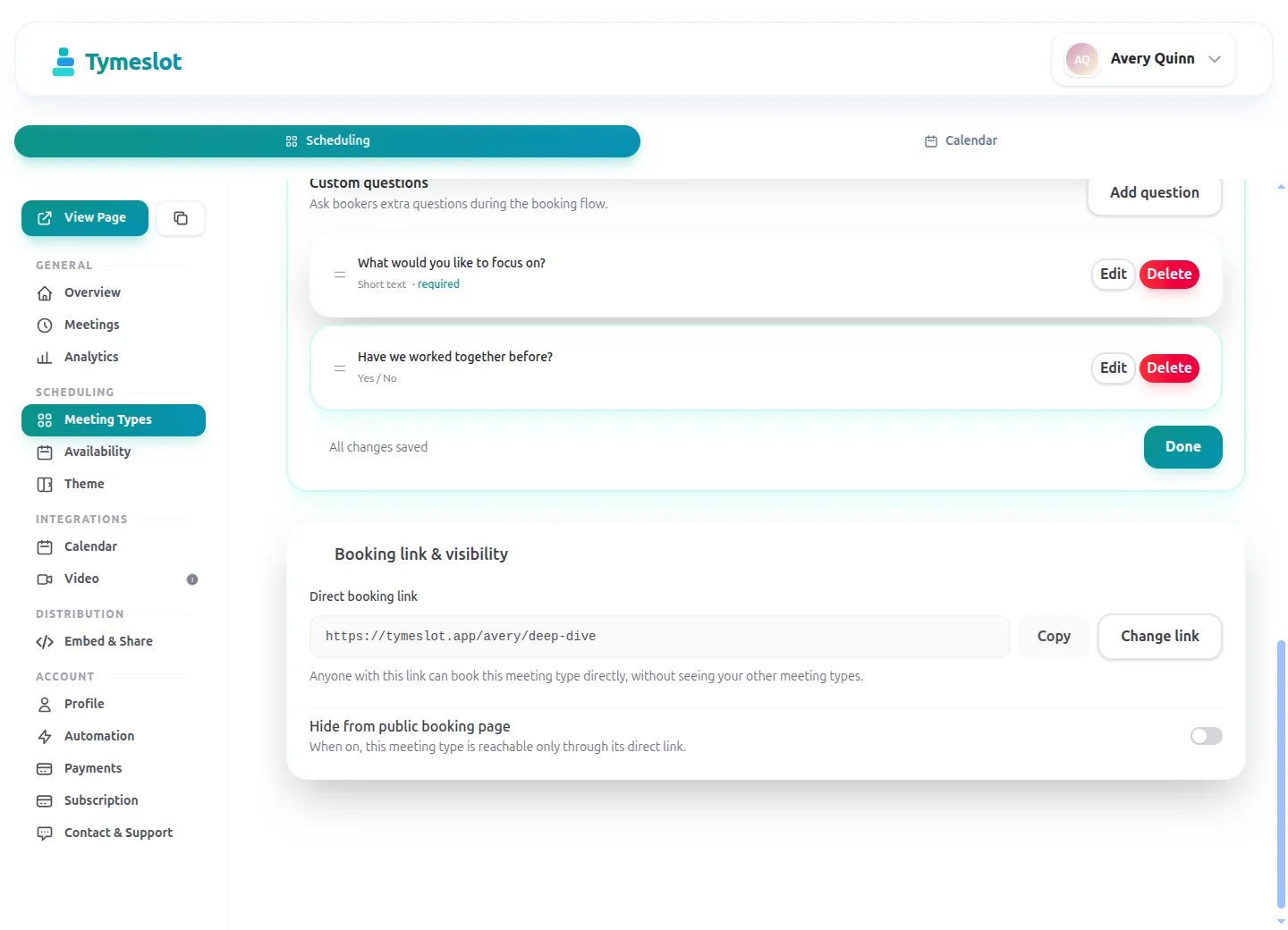
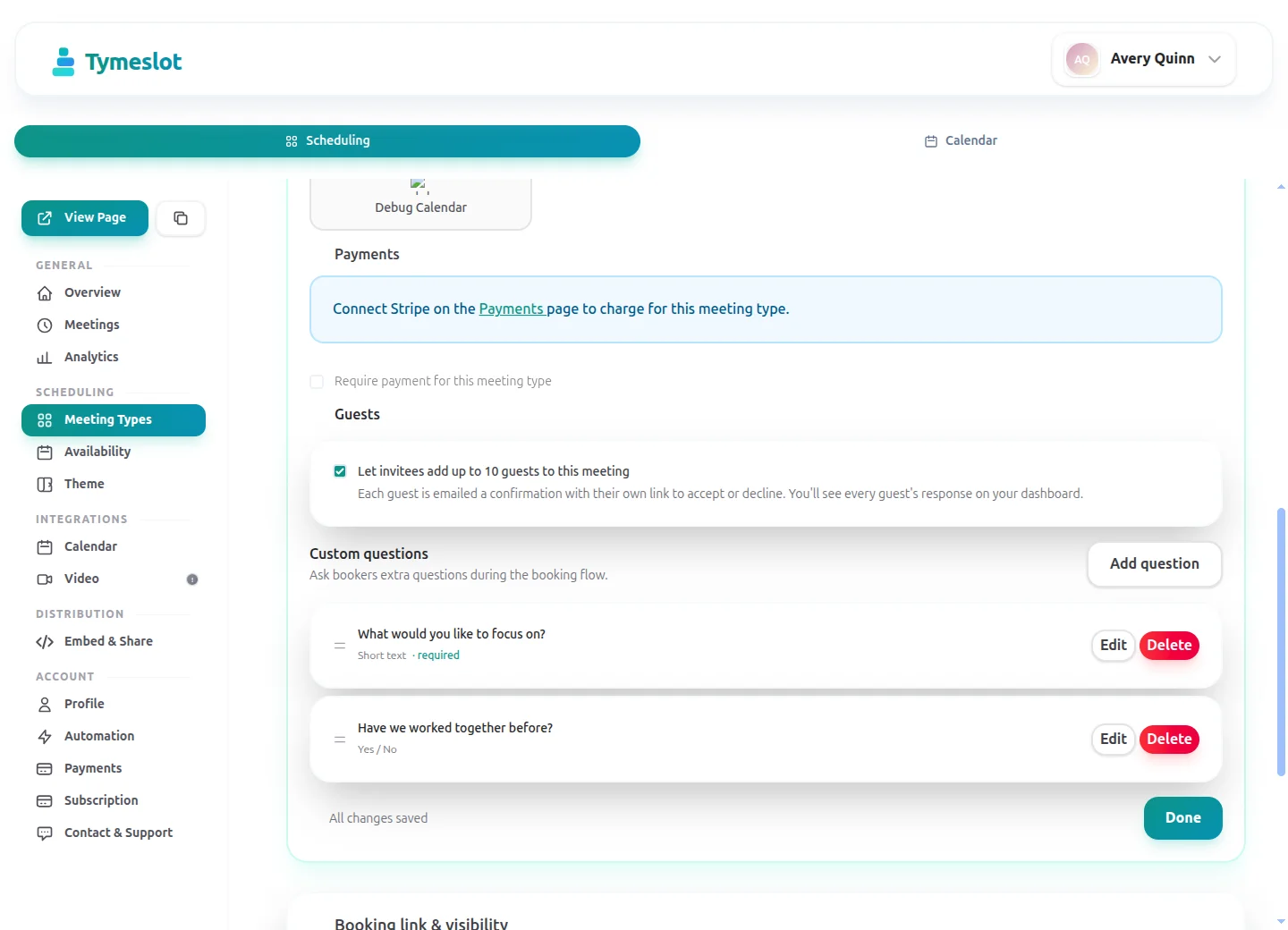
- Custom booking questions for intake
- Payments at booking via your own Stripe account
- Remove Tymeslot branding from booking pages
- Booking analytics and automation
See Tymeslot in action
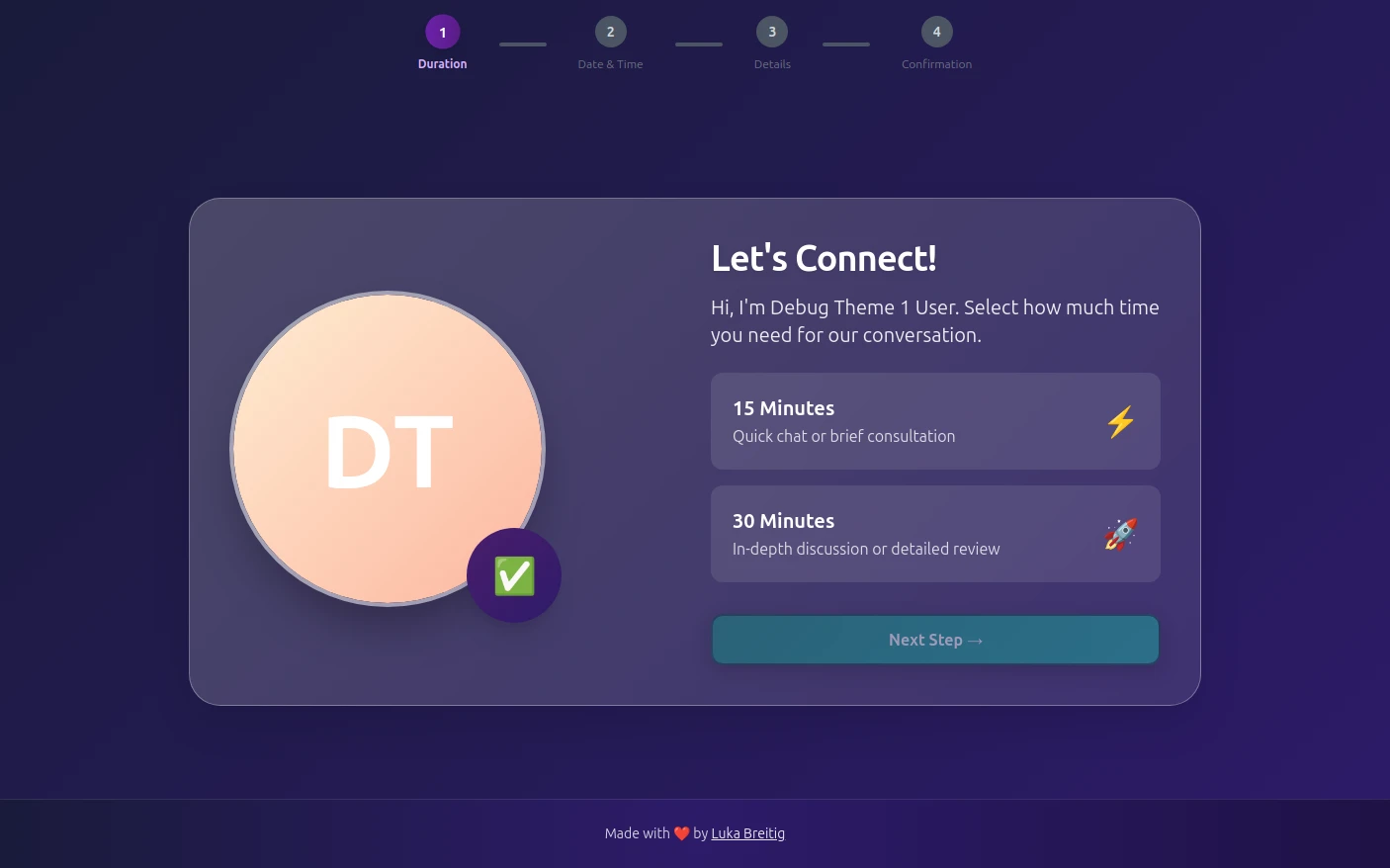
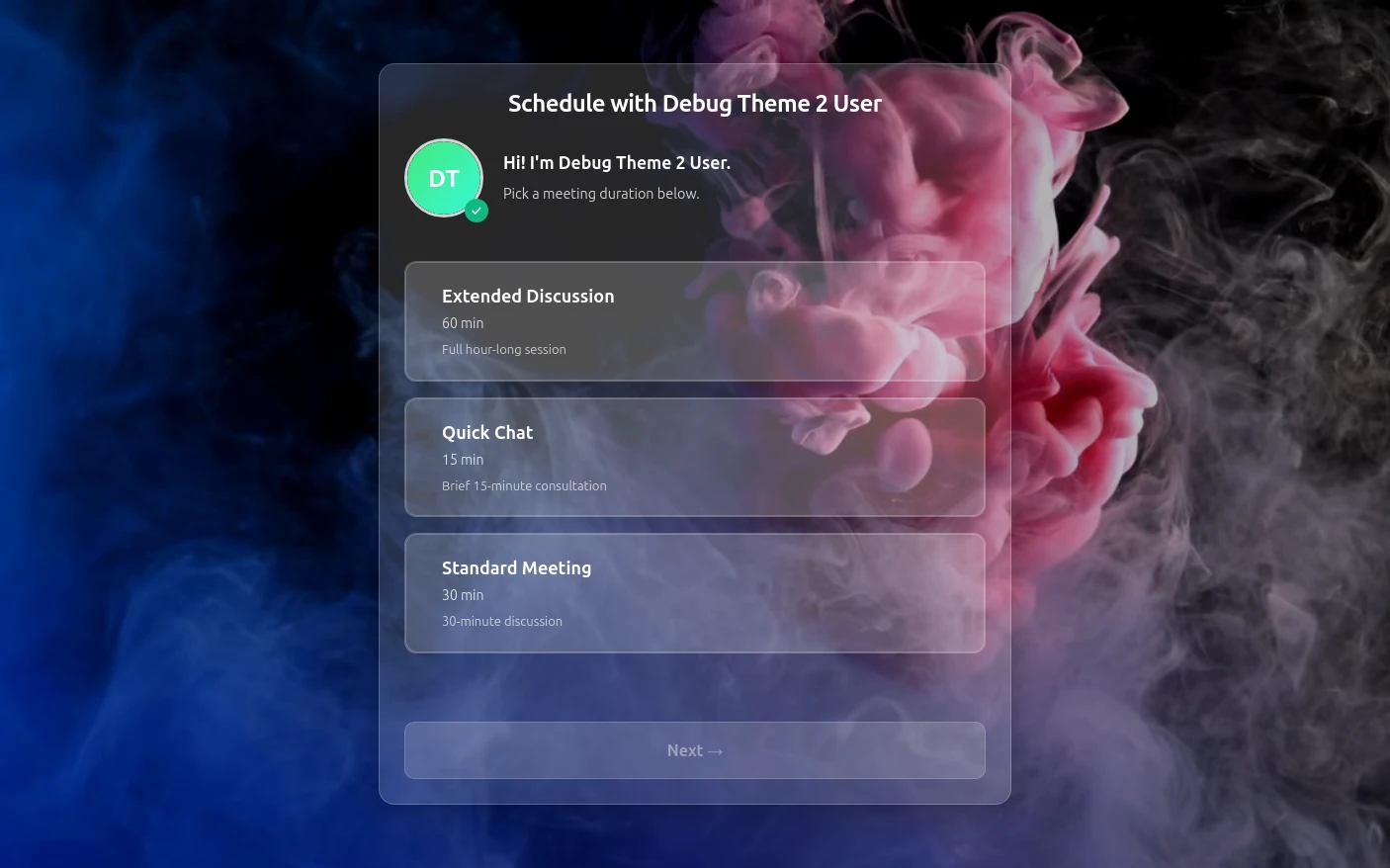
Try both booking themes live - no account needed.
Frequently Asked Questions
Is Tymeslot GDPR compliant for hair stylists?
Is Tymeslot salon software with a till and stock control?
How can hair stylists take a deposit to stop no-shows?
How does Tymeslot compare with Fresha for hair stylists?
Can a hair stylist self-host Tymeslot?
Is there a free plan for hair stylists?
Which calendars work with Tymeslot for hair stylists?
Moving from another booking tool? See how Tymeslot compares with Calendly, Cal.com and others
Ready to reclaim your time?
Free plan available. No credit card required. Setup in 5 minutes.