Scheduling Software for Nutritionists Who Work Online
Clients book a first consultation or a follow-up, in the clinic or by video, and see your hours in their own time zone. No advertising trackers on the page.
Updated 5 October 2026
Why do nutritionists lose so much time to booking emails?
A nutrition practice often runs online, with clients in other cities or other countries. A first consultation takes an hour and needs a food diary beforehand; a follow-up takes half that and happens every few weeks. Arranged by email, each one means checking time zones, sending a video link and reminding the client to bring their diary. Tymeslot lets clients pick a slot in their own time zone, creates the video link when they book, and sends the reminders for you.
What an online nutrition practice needs from its calendar
A first consultation is where you hear the whole story: eating habits, routine, goals and any medical background the client chooses to share. Book it into a 30-minute gap and you run out of time before you can give advice. Book a follow-up into a 60-minute slot and an hour of your week goes unused.
Clients abroad add a second layer. A client in Lisbon and one in Helsinki see different clocks, and a mistake in either direction means a missed call. In Tymeslot each consultation type has its own duration and availability, the booking page shows times in the client's time zone, and the confirmation email carries a calendar file and the video link.
Everything Nutritionists need. Nothing they don't.
Scheduling features shaped around how your practice works.
First Consultations and Follow-Ups Kept Apart
A 60-minute first consultation, a 30-minute follow-up and a free 15-minute discovery call each get their own meeting type, link and availability.
Video Links Created at Booking
Connect Google Meet, Microsoft Teams, Zoom, Jitsi or another supported provider. Each video booking gets its own link in the confirmation email and in your calendar.
Times in the Client's Time Zone
Clients abroad see your available slots in their local time, and the calendar file in their confirmation puts the consultation at the right hour in their own calendar.
The Consultation Fee at Booking
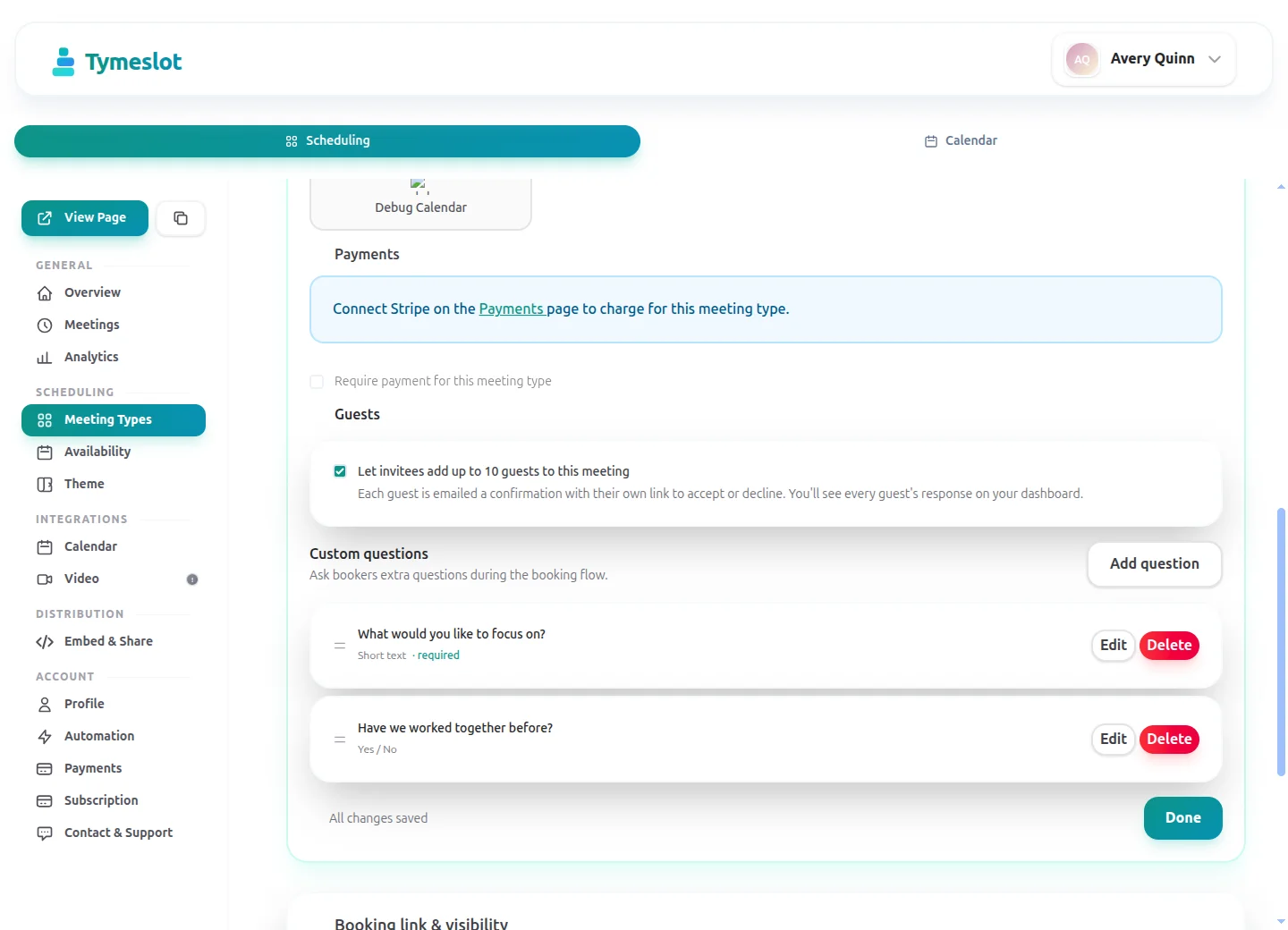
On Pro, connect your own Stripe account and charge a fixed fee when a first consultation is booked. Tymeslot charges per booking; it does not sell multi-session programmes or packages.
Reminders That Mention the Food Diary
Set reminder emails at the times you choose, for example three days before a first consultation, and use the meeting type's description to remind clients what to prepare.
No Advertising Trackers
Booking pages load no advertising trackers and no third-party analytics. On tymeslot.app, Google reCAPTCHA loads once a client starts the booking form, to block spam bookings. Client details are stored in Germany on the managed service, or on your own server if you self-host.
Privacy and compliance for Nutritionists
Clients often tell a nutritionist about a diagnosis, a medication or a difficult relationship with food, and that is health data, which GDPR treats as special category data. Tymeslot keeps the booking side lean: the form collects only the questions you add, booking pages load no advertising trackers, and you can self-host.
Hosted in the EU
The managed service runs on servers in Germany. Booking pages load no advertising trackers; Google reCAPTCHA loads once a client starts the booking form, to block spam bookings.
Data processing agreement
A signed data processing agreement (DPA) comes with the Enterprise plan. The Free and Pro plans do not include one.
Self-host for full control
Run Tymeslot on your own server with Docker, Cloudron or Railway, and booking data never leaves infrastructure you control.
No HIPAA business associate agreement
Tymeslot does not sign HIPAA business associate agreements on any plan. Practices covered by HIPAA should not use it for protected health information.
See the difference
Same profession. Completely different scheduling experience.
Without Tymeslot
With Tymeslot
Common scheduling scenarios
How other Nutritionists use Tymeslot every day.
How do nutritionists prepare for a first consultation?
A first consultation works best when the client has kept a food diary for a few days and you know their goal before the call starts. That preparation should be arranged by the booking, not by a separate email.
- Create an "Initial consultation" meeting type of 60 minutes with two locations, your clinic and video, and let the client choose.
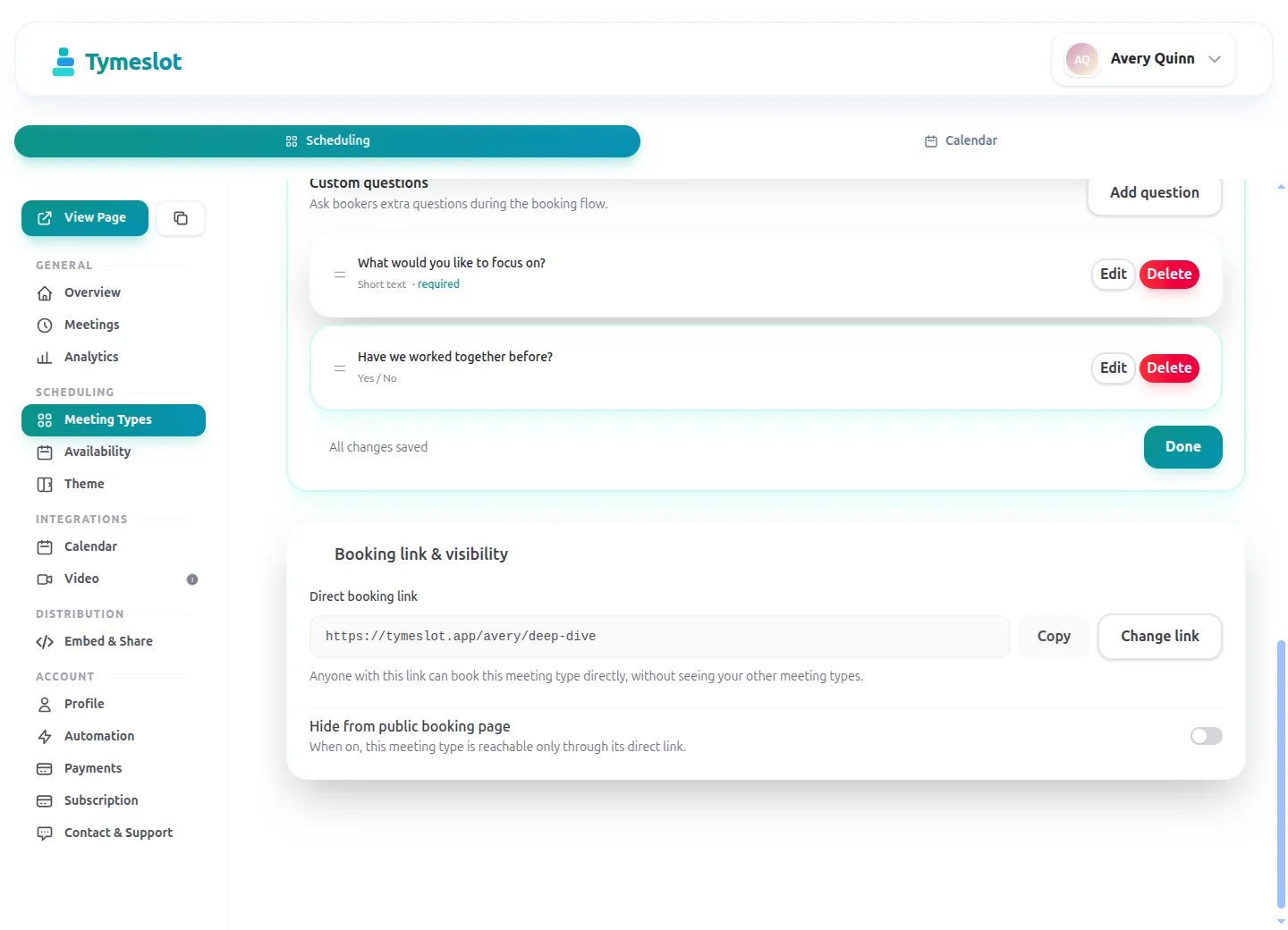
- Ask a few booking questions (a Pro feature on the managed service): their main goal, whether a doctor referred them, and whether they can keep a three-day food diary first.
- Set a minimum notice of 48 hours, so there is time to start the diary before you meet.
- Send a reminder three days before, and describe what to prepare in the meeting type's description.
How do nutritionists keep follow-ups regular?
Follow-ups every two to four weeks keep a plan on track. Each one is booked separately, so the next booking should be one click away when the last one ends.
- Make the "Follow-up" meeting type private and send its link at the end of the first consultation.
- Give it a booking horizon of six weeks, so clients can book the next follow-up while the plan is fresh.
- Keep follow-ups on their own schedule, for example lunchtimes and early evenings, so first consultations never crowd them out.
- Clients reschedule from the link in their confirmation email if a week gets away from them.
How do nutritionists work with clients in other time zones?
An online practice can have clients in three or four time zones. Every time you convert a time by hand, there is a chance someone joins an hour early or an hour late.
- Clients open your booking page and see your available slots in their own local time.
- Booking a video consultation creates a Google Meet, Microsoft Teams, Zoom or Jitsi link straight away.
- The confirmation email includes the link and a calendar file the client can add to their own calendar.
- Reminders arrive before the call, with the time and the link.
A starter setup for Nutritionists
Recommended settings to start from. You can change any of them in your dashboard.
Initial consultation
- Duration
- 60 min
- Buffer
- 15 min
- Minimum notice
- 2 days
- Bookable ahead
- 4 weeks
- Payment at booking
- Full fee at booking
Follow-up
- Duration
- 30 min
- Buffer
- 15 min
- Minimum notice
- 1 day
- Bookable ahead
- 6 weeks
- Payment at booking
- None
Discovery call
- Duration
- 15 min
- Buffer
- 15 min
- Minimum notice
- 1 day
- Bookable ahead
- 2 weeks
- Payment at booking
- None
Intake questions
- What is the main thing you would like help with?
- Has a doctor or another professional referred you?
- Can you keep a three-day food diary before we meet?
- How did you hear about the practice?
The first consultation takes its full fee at booking, while the short discovery call stays free for people who are still deciding. Each meeting type has its own minimum notice and booking horizon, which are set on an availability schedule, so give each its own schedule.
Intake questions and payments at booking are part of Pro on the managed service, and free when you self-host.
Tymeslot compared with Jane, Cliniko, Acuity and Calendly
Facts from each vendor's own pages, with the date we checked them.
| Feature | Tymeslot | Jane | Cliniko | Acuity | Calendly |
|---|---|---|---|---|---|
| Free plan | Yes: unlimited bookings and meeting types | No: paid plans only; a demo account to try | No: 30-day free trial | No: 7-day trial, no card needed | Yes, limited to 1 event type and 1 calendar |
| Entry price | Pro €9/month, flat; self-hosting is free | CAD $59/month (1 practitioner, 20 bookings) | US$45/month for 1 practitioner | $16/month paid annually ($20 paid monthly) | $10/seat/month, billed yearly |
| Hosting in the EU | Yes, in Germany | No: UK and Europe clinics are stored in the UK | Yes: Ireland for accounts created in Europe | No: data is stored in US data centres | No: data is stored in US data centres |
| Self-hosting | Yes: Docker, Cloudron or Railway | No: hosted service only | No: hosted service only | No: hosted service only | No: hosted service only |
| Open source | Yes, GNU AGPLv3 | No: hosted service only | No: hosted service only | No: hosted service only | No: hosted service only |
| Booking page without third-party scripts | No ad trackers; reCAPTCHA on the booking form | No: third-party scripts load (Google Analytics, Google Tag Manager) | Not checked | Not checked | No: third-party scripts are referenced (Stripe, reCAPTCHA, Airbrake, Google Tag Manager) |
| Deposit or payment at booking | Pro or self-hosted: a fixed amount via Stripe | Yes: card on file, deposit or full payment | Yes: deposit or full payment via Stripe | Yes, on all plans: Stripe, Square, PayPal, Venmo | Paid plans only: Stripe or PayPal at booking |
| Custom intake questions | Pro or self-hosted: 10 question types | Intake forms are sent after booking | Intake forms are sent with confirmations | Yes, on all plans: custom client forms | Yes: up to 10 questions per event type, on all plans |
| Signed data processing agreement | Enterprise plan only | Yes: provides data processing agreements | Yes: incorporated into the terms where GDPR applies | Not checked | Yes: accepted with the customer terms |
| Signs a HIPAA business associate agreement | No | Yes, on request for HIPAA-covered subscribers | Yes, on request | Not checked | Not checked |
Sources: Jane: Jane pricing (checked 5 October 2026) Jane: Jane GDPR and data storage guide (checked 5 October 2026) Jane: Jane online booking pre-payments (checked 5 October 2026) Jane: Jane online booking (checked 5 October 2026) Jane: Jane terms of use (checked 5 October 2026) Jane: Jane demo booking page (checked 5 October 2026) Cliniko: Cliniko pricing (checked 5 October 2026) Cliniko: Cliniko security (checked 5 October 2026) Cliniko: Cliniko deposits at online booking (checked 5 October 2026) Cliniko: Cliniko patient forms (checked 5 October 2026) Cliniko: Cliniko GDPR help article (checked 5 October 2026) Acuity: Acuity Scheduling pricing (checked 5 October 2026) Acuity: Where Squarespace stores data (checked 5 October 2026) Calendly: Calendly pricing (checked 5 October 2026) Calendly: Calendly data storage (checked 5 October 2026) Calendly: Calendly data processing addendum (checked 5 October 2026) Calendly: Calendly demo booking page (checked 5 October 2026) Calendly: Calendly invitee questions (checked 5 October 2026)
How to choose
What to check before you choose
- Find out where client data is stored and which companies process it for the vendor.
- Ask whether a signed data processing agreement comes with the plan you would buy.
- If your practice is covered by HIPAA, confirm the vendor signs a business associate agreement.
- Open the vendor's booking page in a fresh browser and see which third-party scripts it loads.
- Decide whether you need notes and invoicing in the same tool, or scheduling alone.
- Check that deposits and intake questions are on a plan you can afford.
How much time could you save?
Adjust to match your practice and see your potential savings.
Calculate your time savings
Drag the sliders to match your practice.
144
minutes saved per week
124.8
hours saved per year
€10,608
annual value of saved time
Which calendars and video tools do nutritionists use with Tymeslot?
Connects to the tools you already use. No extra setup.
Start free, upgrade when you're ready
Core scheduling is always free. No credit card required.
Free
€0 / month
- Unlimited bookings and meeting types
- Calendar sync (Google, Outlook, CalDAV)
- Auto video rooms (Meet, Teams, Zoom, Jitsi, Nextcloud Talk and more)
- Booking page at tymeslot.app/you
- Email reminders & notifications
- Both booking themes and website embeds
Pro
€9 / month
- Everything in Free
- Custom booking questions for intake
- Payments at booking via your own Stripe account
- Remove Tymeslot branding from booking pages
- Booking analytics and automation
See Tymeslot in action
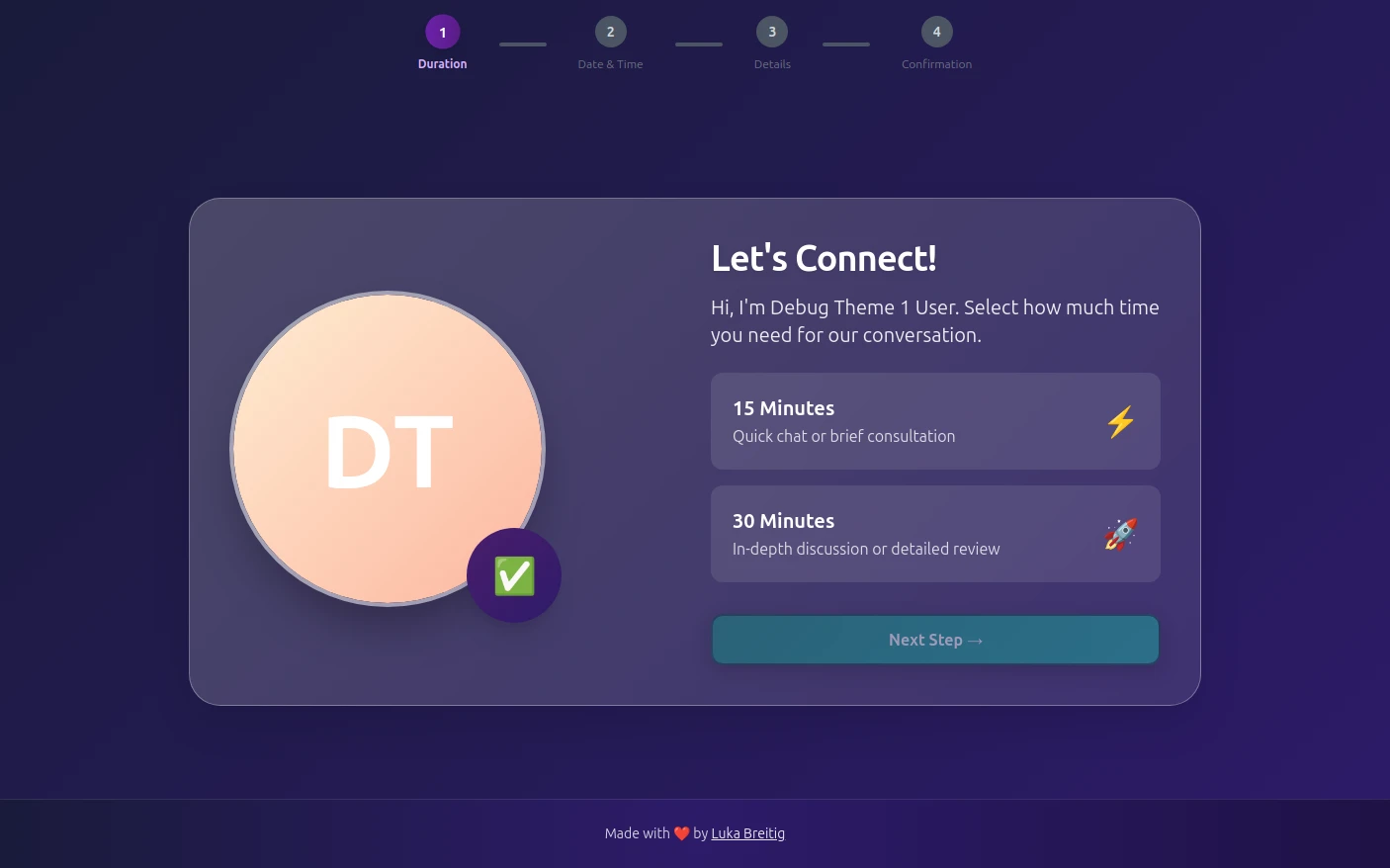
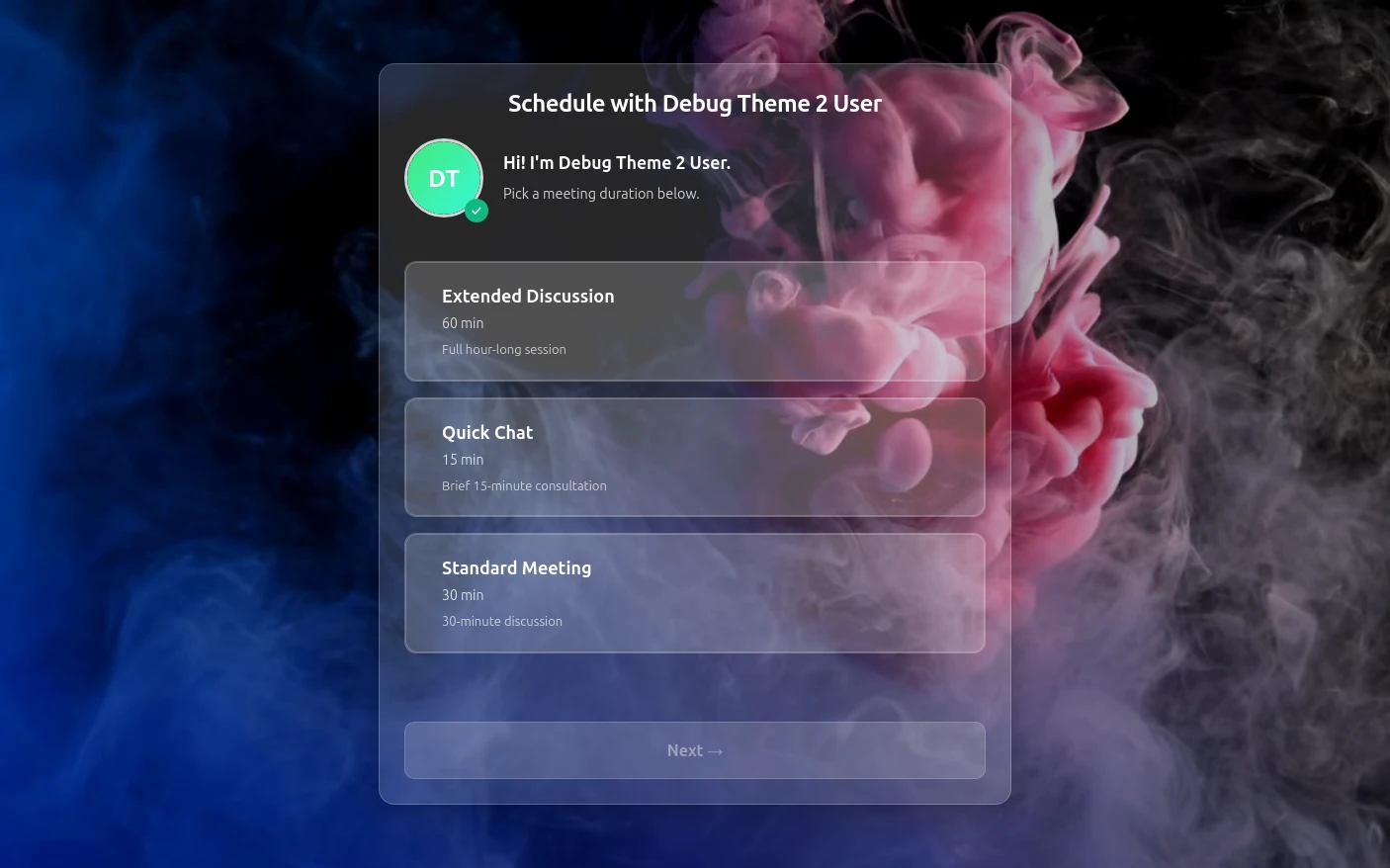
Try both booking themes live - no account needed.
Frequently Asked Questions
Is Tymeslot GDPR compliant for nutritionists?
Is Tymeslot a client-management platform for nutritionists?
Does Tymeslot sign a HIPAA business associate agreement for dietitians?
How do nutritionists avoid no-shows for online consultations?
How does Tymeslot compare with Acuity Scheduling for nutritionists?
Can nutritionists self-host Tymeslot?
Is there a free plan for nutritionists starting out?
Which calendars and video tools do nutritionists connect to Tymeslot?
Moving from another booking tool? See how Tymeslot compares with Calendly, Cal.com and others
Ready to reclaim your time?
Free plan available. No credit card required. Setup in 5 minutes.