Scheduling Software for Coaches Who Charge per Session
One link for the free discovery call, another for the paid session. Clients pick a time, pay if the session costs money, and get the video link and reminders without you sending anything.
Updated 5 October 2026
Why do coaches lose clients between the enquiry and the first session?
Someone reads your site, decides they want to talk, and sends an email. You reply the next morning with three times. They answer two days later, and one of the three has gone. By the time the discovery call happens, the person who was ready to start has cooled off. Coaches rarely lose clients on the call itself; they lose them in the gap before it. Tymeslot closes that gap: the discovery call books straight from your availability, the video link is in the confirmation, and a reminder goes out before the call.
Why mainstream scheduling tools fit coaching awkwardly
Most scheduling tools grew up around sales calls, where every meeting is the same 30-minute slot. A coaching practice runs two different kinds of meeting. The discovery call is free, short and open to strangers. The coaching session is paid, longer, and meant for people who have already said yes. They need different links, different notice and different rules about money.
Put both on one generic link and the problems are predictable. Strangers book paid-length slots for a chat, existing clients book the free call to avoid paying, and sessions get booked for tomorrow morning when you need a day to prepare. Tymeslot treats them as separate meeting types. The discovery call is public and free. The paid session takes the full fee through your own Stripe account when the client books, can be hidden from your public page, and only accepts bookings with the notice you set.
Everything Coaches need. Nothing they don't.
Scheduling features shaped around how your practice works.
Free Calls and Paid Sessions, Kept Apart
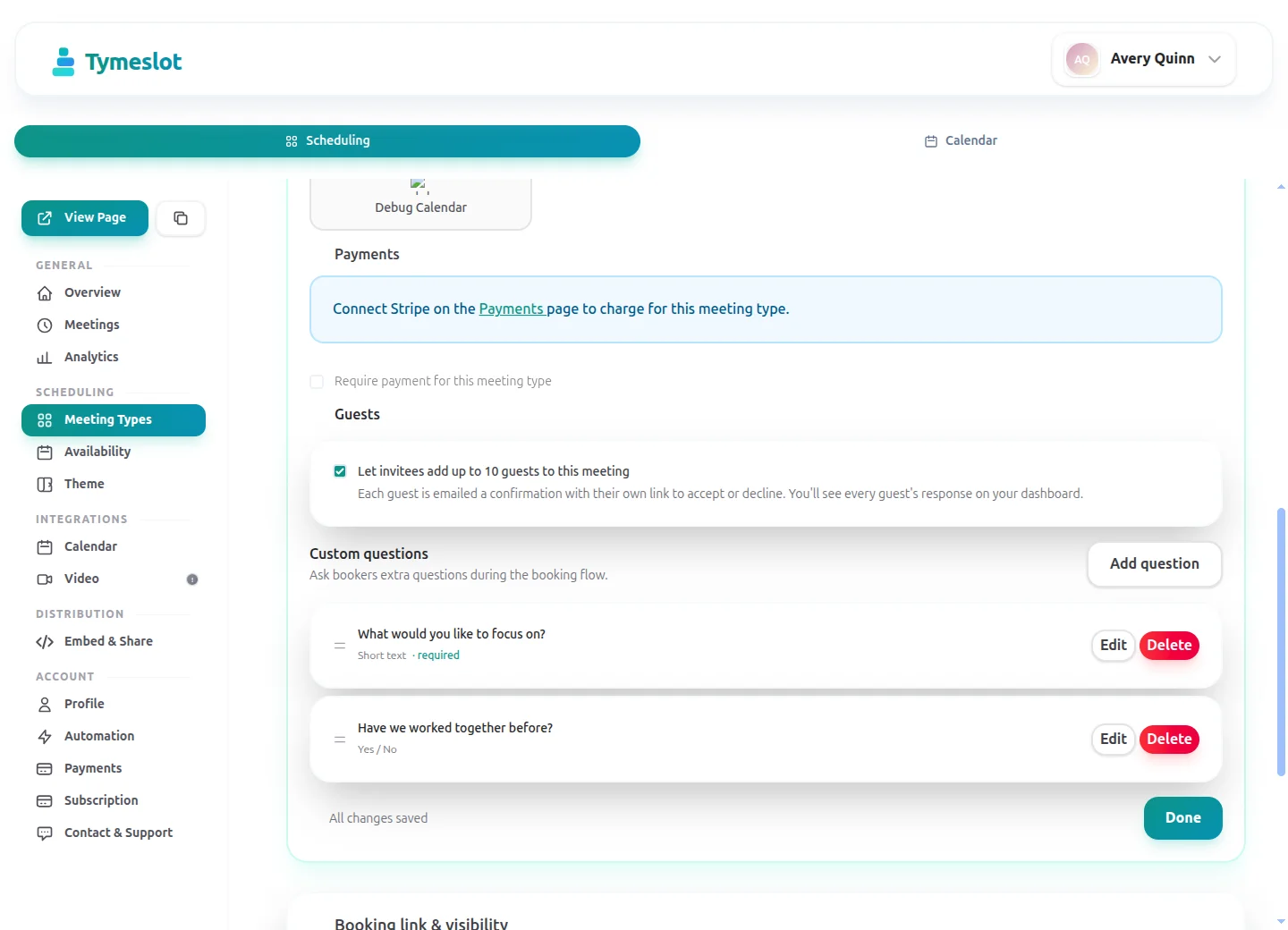
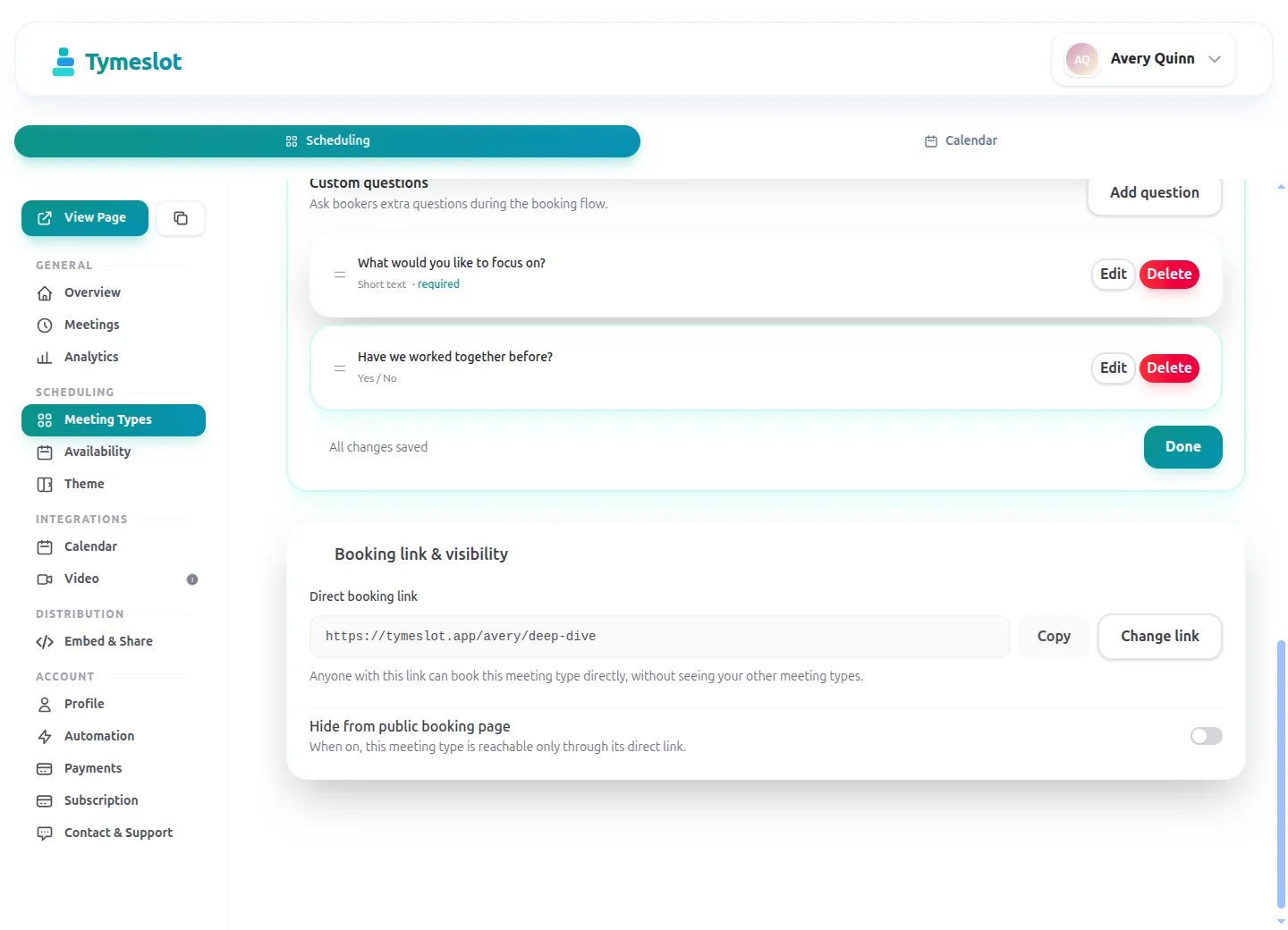
Give the discovery call and the coaching session their own meeting types, each with its own link, duration and price. Mark the paid session as private so only clients you have sent the link to can book it.
Session Fee Taken at Booking
On Pro, connect your own Stripe account and set a fixed price per meeting type. The client pays when they book, the slot is confirmed once payment clears, and you can refund in the same step if you cancel.
Video Link in Every Confirmation
Tymeslot creates the meeting in Google Meet, Microsoft Teams, Zoom or Jitsi when the client books and puts the link in the confirmation email and calendar entry.
Preparation Time You Set Once
A minimum notice of 24 hours stops sessions landing before you have read the client's answers, and a buffer between bookings leaves time to write up notes.
No Ad Trackers on the Booking Page
Booking pages load no advertising pixels and no third-party analytics. On tymeslot.app, Google reCAPTCHA loads once a client starts the booking form, to block spam bookings. On the managed service, client details are stored in Germany.
Booking on Your Own Website
Embed the booking page inline, as a popup or as a floating button, or share the link in your newsletter, email signature and social profiles.
See the difference
Same profession. Completely different scheduling experience.
Without Tymeslot
With Tymeslot
Common scheduling scenarios
How other Coaches use Tymeslot every day.
How do coaches set up a free discovery call?
The discovery call is where a prospect decides whether to work with you. It should be easy to book, short, and kept to times that do not crowd out paying clients.
- Create a "Discovery call" meeting type of 20 to 30 minutes with no payment, and share its link on your website, in your email signature and in your social bios.
- Add two or three booking questions on Pro, such as what the person would like to work on and how they heard about you, so you start the call with some context.
- Give the discovery call its own availability schedule, for example two afternoons a week, so it never takes a slot a paying client could have had.
- Tymeslot creates the video link and sends a reminder before the call, so you do not have to.
Can coaches give paid sessions and discovery calls different availability?
A 60-minute session needs your full attention and some preparation; a 30-minute discovery call fits around it. Tymeslot lets each meeting type use its own availability schedule.
- Put coaching sessions on a schedule that runs Monday to Thursday and discovery calls on one that runs Friday mornings only.
- Set a 15-minute buffer on the coaching schedule for notes, and a minimum notice of 24 hours so no session is booked before you can prepare.
- Limit how far ahead each type can be booked, for example 6 weeks for sessions and 2 weeks for discovery calls.
- Changing one schedule leaves the other untouched, so opening an extra discovery afternoon never opens session slots by accident.
How do coaches cut no-shows on paid sessions?
A missed 60-minute session is an hour you kept free and cannot sell again. Two things help most: a reminder the client cannot miss, and a session that is already paid for.
- Tymeslot sends a confirmation as soon as the client books, then reminder emails at the times you choose, for example 48 hours and 2 hours before.
- On Pro, take the session fee at booking through Stripe, so the client has already committed money to the hour.
- Clients reschedule or cancel from the link in their confirmation email, which frees the slot for someone else.
- Write your cancellation policy into the session description, since Tymeslot does not enforce a deadline for you.
A starter setup for Coaches
Recommended settings to start from. You can change any of them in your dashboard.
Discovery call
- Duration
- 30 min
- Buffer
- 10 min
- Minimum notice
- 12 hours
- Bookable ahead
- 2 weeks
- Payment at booking
- None
Coaching session
- Duration
- 60 min
- Buffer
- 15 min
- Minimum notice
- 1 day
- Bookable ahead
- 6 weeks
- Payment at booking
- Full fee at booking
Intake questions
- What would you like to work on?
- Have you worked with a coach before?
- How did you hear about me?
- Which time zone are you in?
Keep the discovery call free and public, and make the coaching session private so only clients you have sent the link to can book and pay for it. The two types use different buffer, notice and horizon values, so each needs its own availability schedule.
Intake questions and payments at booking are part of Pro on the managed service, and free when you self-host.
Tymeslot compared with Paperbell, Calendly and SavvyCal
Facts from each vendor's own pages, with the date we checked them.
| Feature | Tymeslot | Paperbell | Calendly | SavvyCal |
|---|---|---|---|---|
| Free plan | Yes: unlimited bookings and meeting types | Free account to set up, before choosing a paid plan | Yes, limited to 1 event type and 1 calendar | No: free trial only; a paid plan is needed to activate links |
| Entry price | Pro €9/month, flat; self-hosting is free | One plan, billed $97/month or $970/year | $10/seat/month, billed yearly | From $10/user/month; annual billing saves 2 months |
| Hosting in the EU | Yes, in Germany | Not checked | No: data is stored in US data centres | No: hosted in the US (Virginia) |
| Self-hosting | Yes: Docker, Cloudron or Railway | No: hosted service only | No: hosted service only | No: hosted service only |
| Open source | Yes, GNU AGPLv3 | No: hosted service only | No: hosted service only | No: hosted service only |
| Booking page without third-party scripts | No ad trackers; reCAPTCHA on the booking form | Not checked | No: third-party scripts are referenced (Stripe, reCAPTCHA, Airbrake, Google Tag Manager) | No: third-party scripts load (Tally, Help Scout, PostHog) |
| Deposit or payment at booking | Pro or self-hosted: a fixed amount via Stripe | Yes: payment plans and set-up fees; first payment taken at purchase | Paid plans only: Stripe or PayPal at booking | Premium plan only: paid bookings |
| Custom intake questions | Pro or self-hosted: 10 question types | Yes: customisable intake surveys | Yes: up to 10 questions per event type, on all plans | Yes: custom questions on scheduling links |
| Signed data processing agreement | Enterprise plan only | Terms name Paperbell as data processor | Yes: accepted with the customer terms | Yes: accepted with the Terms of Use |
Sources: Paperbell: Paperbell pricing (checked 5 October 2026) Paperbell: Paperbell FAQ (checked 5 October 2026) Paperbell: Paperbell terms and conditions (checked 5 October 2026) Paperbell: Paperbell set-up fees (checked 5 October 2026) Calendly: Calendly pricing (checked 5 October 2026) Calendly: Calendly data storage (checked 5 October 2026) Calendly: Calendly data processing addendum (checked 5 October 2026) Calendly: Calendly demo booking page (checked 5 October 2026) Calendly: Calendly invitee questions (checked 5 October 2026) SavvyCal: SavvyCal pricing (checked 5 October 2026) SavvyCal: SavvyCal security and hosting (checked 5 October 2026) SavvyCal: SavvyCal data processing addendum (checked 5 October 2026) SavvyCal: Custom questions in SavvyCal (checked 5 October 2026) SavvyCal: SavvyCal demo booking page (checked 5 October 2026)
How to choose
What to check before you choose
- Find out where client data is stored and whether a data processing agreement comes with your plan.
- Work out the cost at your firm's size: per-seat pricing grows with every colleague.
- Check that the tool syncs with the calendar standard your firm uses, such as CalDAV.
- See whether you can take a fee or retainer at booking, and on which plan.
- Try embedding the booking page on your firm's website.
- Ask how you would export your data if you left.
How much time could you save?
Adjust to match your practice and see your potential savings.
Calculate your time savings
Drag the sliders to match your practice.
150
minutes saved per week
130.0
hours saved per year
€15,600
annual value of saved time
Which calendars and video apps do coaches use with Tymeslot?
Connects to the tools you already use. No extra setup.
Start free, upgrade when you're ready
Core scheduling is always free. No credit card required.
Free
€0 / month
- Unlimited bookings and meeting types
- Calendar sync (Google, Outlook, CalDAV)
- Auto video rooms (Meet, Teams, Zoom, Jitsi, Nextcloud Talk and more)
- Booking page at tymeslot.app/you
- Email reminders & notifications
- Both booking themes and website embeds
Pro
€9 / month
- Everything in Free
- Custom booking questions for intake
- Payments at booking via your own Stripe account
- Remove Tymeslot branding from booking pages
- Booking analytics and automation
See Tymeslot in action
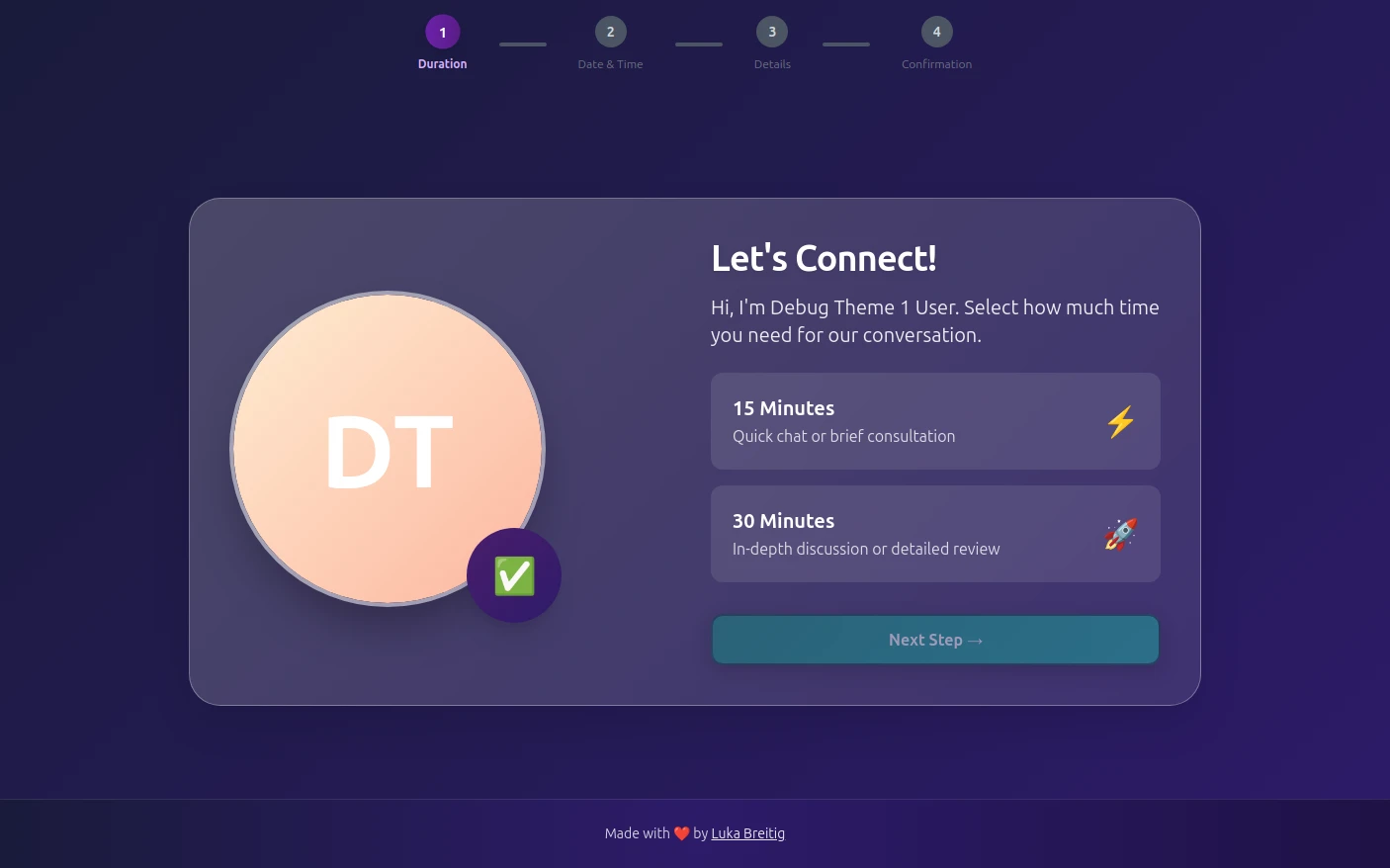
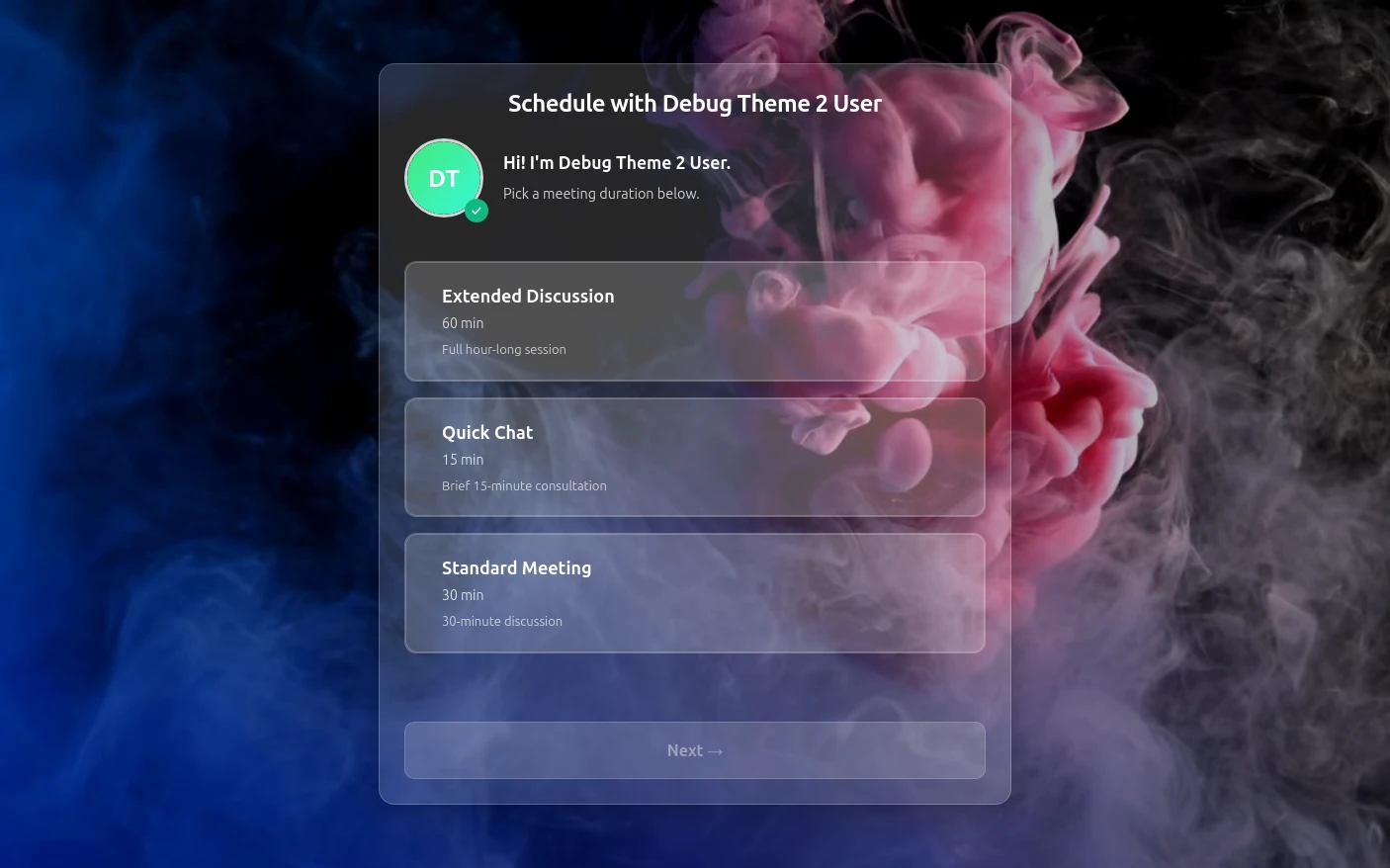
Try both booking themes live - no account needed.
Frequently Asked Questions
Is Tymeslot GDPR compliant for coaches?
Is Tymeslot a full coaching platform or just scheduling software for coaches?
How can coaches stop no-shows on discovery calls and paid sessions?
How does Tymeslot compare with Paperbell for coaches?
Can coaches self-host Tymeslot?
Is there a free plan for coaches?
Which calendars and video tools can coaches connect to Tymeslot?
Moving from another booking tool? See how Tymeslot compares with Calendly, Cal.com and others
Ready to reclaim your time?
Free plan available. No credit card required. Setup in 5 minutes.