Client Scheduling Software for Interior Designers
New enquiries book a discovery call from your portfolio, site visits come with a fee and travel time, and project clients book check-ins from their own link.
Updated 5 October 2026
Why do interior designers lose time and leads to scheduling?
Someone finds your portfolio at ten in the evening, ready to talk about their kitchen, and all they can do is fill in a contact form. By the time you answer they have written to two other studios. Once a project starts, it runs for months through discovery calls, site visits, presentations and regular check-ins, each a different length and some across town. Arranging all of that by email is a part-time job. Tymeslot gives each kind of meeting its own booking link and rules, so enquiries book on the spot and project clients book their next check-in without asking you for times.
Why generic schedulers fit a design practice badly
Most schedulers assume every meeting is the same video call. An interior design practice runs a 30-minute call, a two-hour visit to a flat across town and a presentation at the client's home in the same week. If the scheduler doesn't know the visit needs an hour of travel on either side, you fix it by hand or arrive late.
The free site visit is the other leak. Measuring a room and talking through options is real work, and some prospects use it as free advice. Tymeslot lets you charge a fixed visit fee through your own Stripe account before the visit is confirmed, give site visits their own availability with a travel buffer, and keep check-ins for existing clients on private links that never appear on your public page.
Everything Interior Designers need. Nothing they don't.
Scheduling features shaped around how your practice works.
A Meeting Type for Each Project Stage
Discovery call, site visit, design presentation and project check-in each get their own duration, booking link and booking questions.
Travel Time Around Site Visits
Give site visits their own availability schedule with a buffer of up to two hours, so the next booking always leaves time to drive across town, and limit visits to two a day.
Paid Discovery Calls and Site Visits
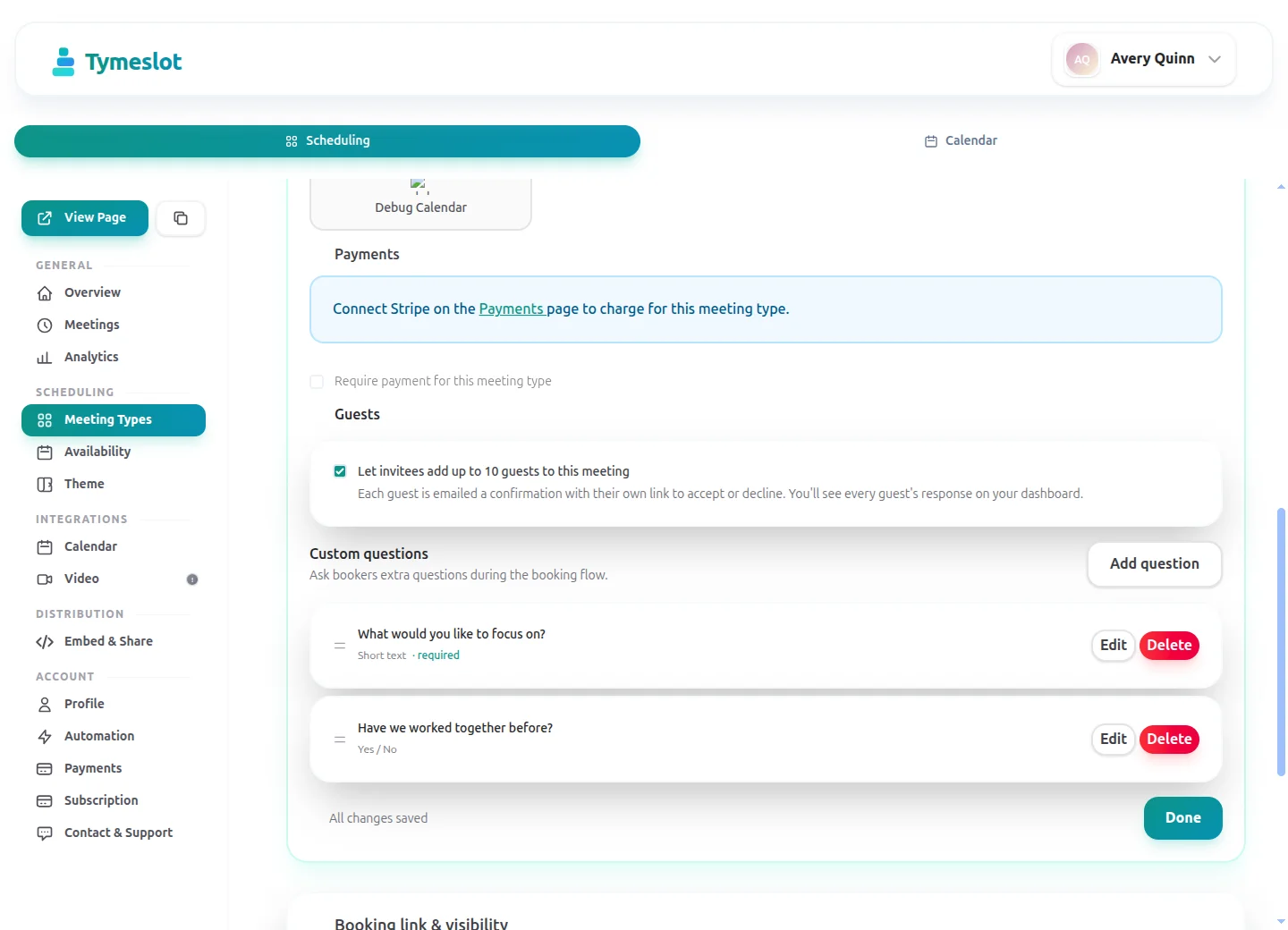
On Pro, charge a fixed fee when a client books, such as €120 for a site visit. The visit is confirmed once payment clears and the money settles in your own Stripe account.
Video or In Person, the Client Chooses
Offer a presentation at your studio or by video on the same meeting type. Video bookings get a Google Meet, Microsoft Teams or Zoom link automatically.
Private Check-In Links
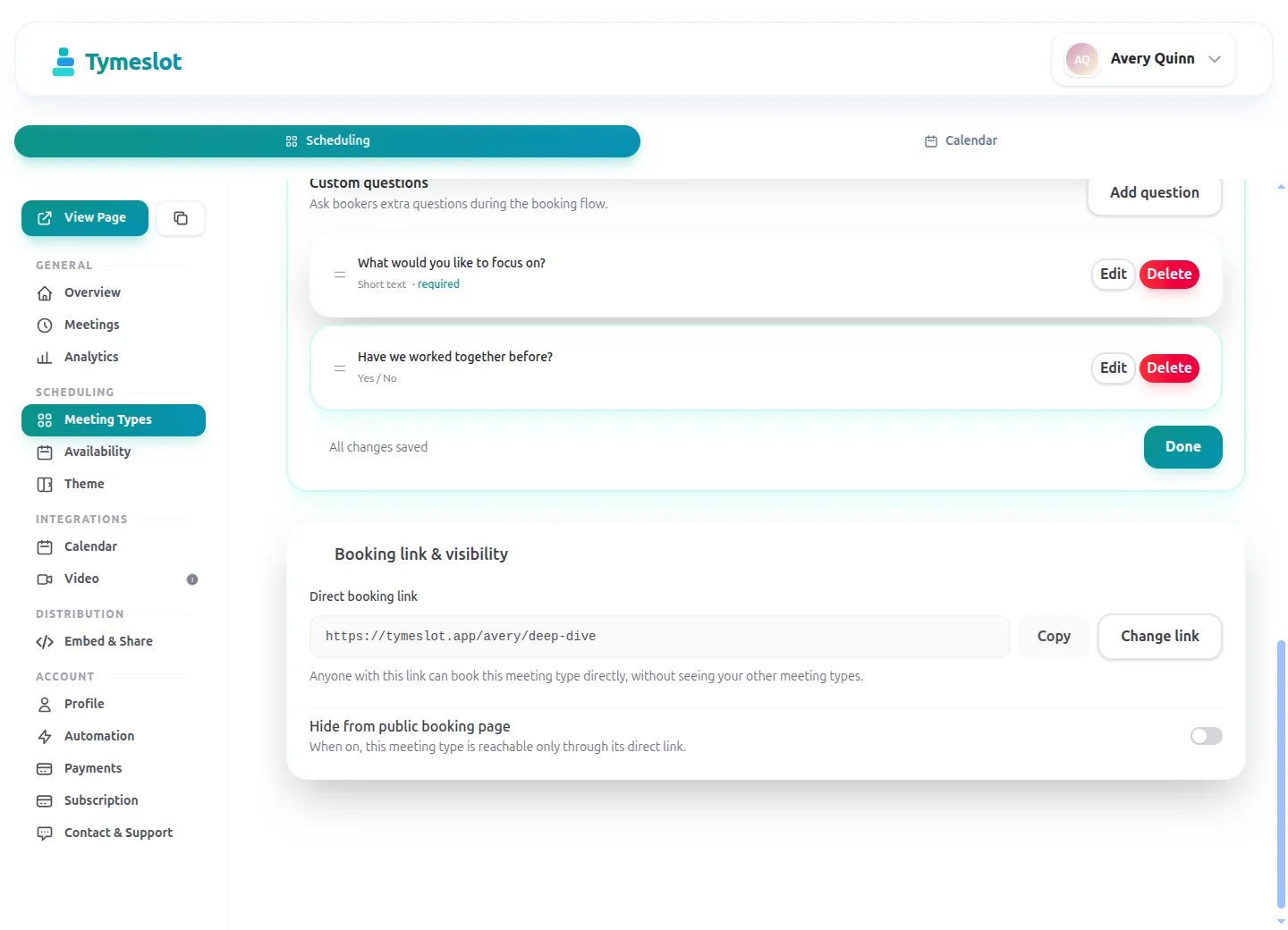
Make project check-ins a private meeting type and send the link only to active clients. Partners or contractors can be added as guests to the booking.
Home Addresses Kept Out of Ad Networks
Booking pages load no advertising trackers or third-party analytics, and on the managed service client details are stored in Germany. On tymeslot.app, Google reCAPTCHA loads once a client starts the booking form, to block spam bookings.
See the difference
Same profession. Completely different scheduling experience.
Without Tymeslot
With Tymeslot
Common scheduling scenarios
How other Interior Designers use Tymeslot every day.
How do interior designers turn late-night enquiries into discovery calls?
Many enquiries arrive in the evening, when someone is sitting in the room they want changed. A contact form with a two-day reply loses that moment; a booking button keeps it.
- Create a 30-minute "Discovery call" with video and phone as two locations, and let the client choose.
- Add booking questions (a Pro feature on the managed service): which rooms, the type of project, and when they would like to start.
- Embed the booking page on your portfolio's contact page and link it from your Instagram bio.
- Read the answers before the call, so you arrive knowing whether it is a kitchen, a whole flat or a single sofa.
How do interior designers schedule site visits and presentations?
After the call, the project moves to a site visit and later a design presentation. Each runs a different length and needs different preparation, and the visit needs travel time.
- Create a 2-hour "Site visit" with an in-person location labelled "At your property"; the address comes from a booking question.
- Give it its own availability schedule with a 60-minute buffer for travel and three days' minimum notice.
- List what the client should have ready (measurements, existing plans, photos of the rooms) in the visit's description, where they read it as they book.
- Create a 60-minute "Design presentation" offered at your studio or by video, and send its link once the concept is ready.
How do interior designers handle check-ins across several projects?
With three or four projects on the go, arranging fortnightly check-ins takes hours of messages. A private link moves the job to the client.
- Create a private 45-minute "Project check-in" meeting type; it never appears on your public page.
- Limit it to the days you keep for client meetings, and cap it at three a day.
- Send the link to each client when their project starts; they book the next check-in whenever it suits them.
- Let clients add a partner or their contractor as a guest, so everyone who needs to be there gets the invitation.
A starter setup for Interior Designers
Recommended settings to start from. You can change any of them in your dashboard.
Discovery call
- Duration
- 30 min
- Buffer
- 15 min
- Minimum notice
- 1 day
- Bookable ahead
- 30 days
- Payment at booking
- None
Site visit
- Duration
- 120 min
- Buffer
- 60 min
- Minimum notice
- 3 days
- Bookable ahead
- 45 days
- Payment at booking
- €120 visit fee at booking
Project check-in
- Duration
- 45 min
- Buffer
- 15 min
- Minimum notice
- 2 days
- Bookable ahead
- 30 days
- Payment at booking
- None
Intake questions
- Which rooms or spaces is the project about?
- Is it a renovation, a new build or furnishing an existing space?
- The address or area of the property.
- When would you like the work to start?
- A link to photos of the space or a Pinterest board, if you have one.
Site visits carry an hour's buffer for travel, which you don't want between video calls. Buffer, minimum notice and booking horizon belong to an availability schedule, so give each of these three types its own schedule.
Intake questions and payments at booking are part of Pro on the managed service, and free when you self-host.
Tymeslot compared with HoneyBook, Calendly and Cal.com
Facts from each vendor's own pages, with the date we checked them.
| Feature | Tymeslot | HoneyBook | Calendly | Cal.com |
|---|---|---|---|---|
| Free plan | Yes: unlimited bookings and meeting types | No: 30-day free trial on each plan | Yes, limited to 1 event type and 1 calendar | Yes: free forever for 1 user |
| Entry price | Pro €9/month, flat; self-hosting is free | $29/month, billed yearly (Starter) | $10/seat/month, billed yearly | Teams $12/user/month, billed yearly |
| Hosting in the EU | Yes, in Germany | Not checked | No: data is stored in US data centres | EU data residency on request |
| Self-hosting | Yes: Docker, Cloudron or Railway | No: hosted service only | No: hosted service only | Only the Cal.diy community edition |
| Open source | Yes, GNU AGPLv3 | No: hosted service only | No: hosted service only | Cal.com is closed source; Cal.diy is open source |
| Booking page without third-party scripts | No ad trackers; reCAPTCHA on the booking form | Not checked | No: third-party scripts are referenced (Stripe, reCAPTCHA, Airbrake, Google Tag Manager) | Yes: only Cal.com hosts contacted |
| Deposit or payment at booking | Pro or self-hosted: a fixed amount via Stripe | Yes: scheduler can require payment to lock the slot | Paid plans only: Stripe or PayPal at booking | Yes, on the free plan: Stripe or PayPal |
| Custom intake questions | Pro or self-hosted: 10 question types | Yes: questions block before the scheduler | Yes: up to 10 questions per event type, on all plans | Yes: customisable booking questions |
| Signed data processing agreement | Enterprise plan only | Yes: DPA is part of the terms for businesses | Yes: accepted with the customer terms | Not checked |
Sources: HoneyBook: HoneyBook pricing (checked 5 October 2026) HoneyBook: HoneyBook scheduling guide (checked 5 October 2026) HoneyBook: HoneyBook terms of service (checked 5 October 2026) Calendly: Calendly pricing (checked 5 October 2026) Calendly: Calendly data storage (checked 5 October 2026) Calendly: Calendly data processing addendum (checked 5 October 2026) Calendly: Calendly demo booking page (checked 5 October 2026) Calendly: Calendly invitee questions (checked 5 October 2026) Cal.com: Cal.com pricing (checked 5 October 2026) Cal.com: Cal.com privacy policy (checked 5 October 2026) Cal.com: Cal.com is going closed source (checked 5 October 2026) Cal.com: The Cal.diy repository (checked 5 October 2026) Cal.com: Cal.com demo booking page (checked 5 October 2026)
How to choose
What to check before you choose
- Try embedding the booking page on your portfolio site.
- Check whether you can take a deposit for a shoot or project at booking, and on which plan.
- See whether enquiry questions can be asked before a call is booked.
- Decide whether you need contracts and invoicing in the same tool, or scheduling alone.
- Open the booking page as a client would and note what it shows.
How much time could you save?
Adjust to match your practice and see your potential savings.
Calculate your time savings
Drag the sliders to match your practice.
160
minutes saved per week
138.7
hours saved per year
€20,805
annual value of saved time
Which calendars and video tools do interior designers use with Tymeslot?
Connects to the tools you already use. No extra setup.
Start free, upgrade when you're ready
Core scheduling is always free. No credit card required.
Free
€0 / month
- Unlimited bookings and meeting types
- Calendar sync (Google, Outlook, CalDAV)
- Auto video rooms (Meet, Teams, Zoom, Jitsi, Nextcloud Talk and more)
- Booking page at tymeslot.app/you
- Email reminders & notifications
- Both booking themes and website embeds
Pro
€9 / month
- Everything in Free
- Custom booking questions for intake
- Payments at booking via your own Stripe account
- Remove Tymeslot branding from booking pages
- Booking analytics and automation
See Tymeslot in action
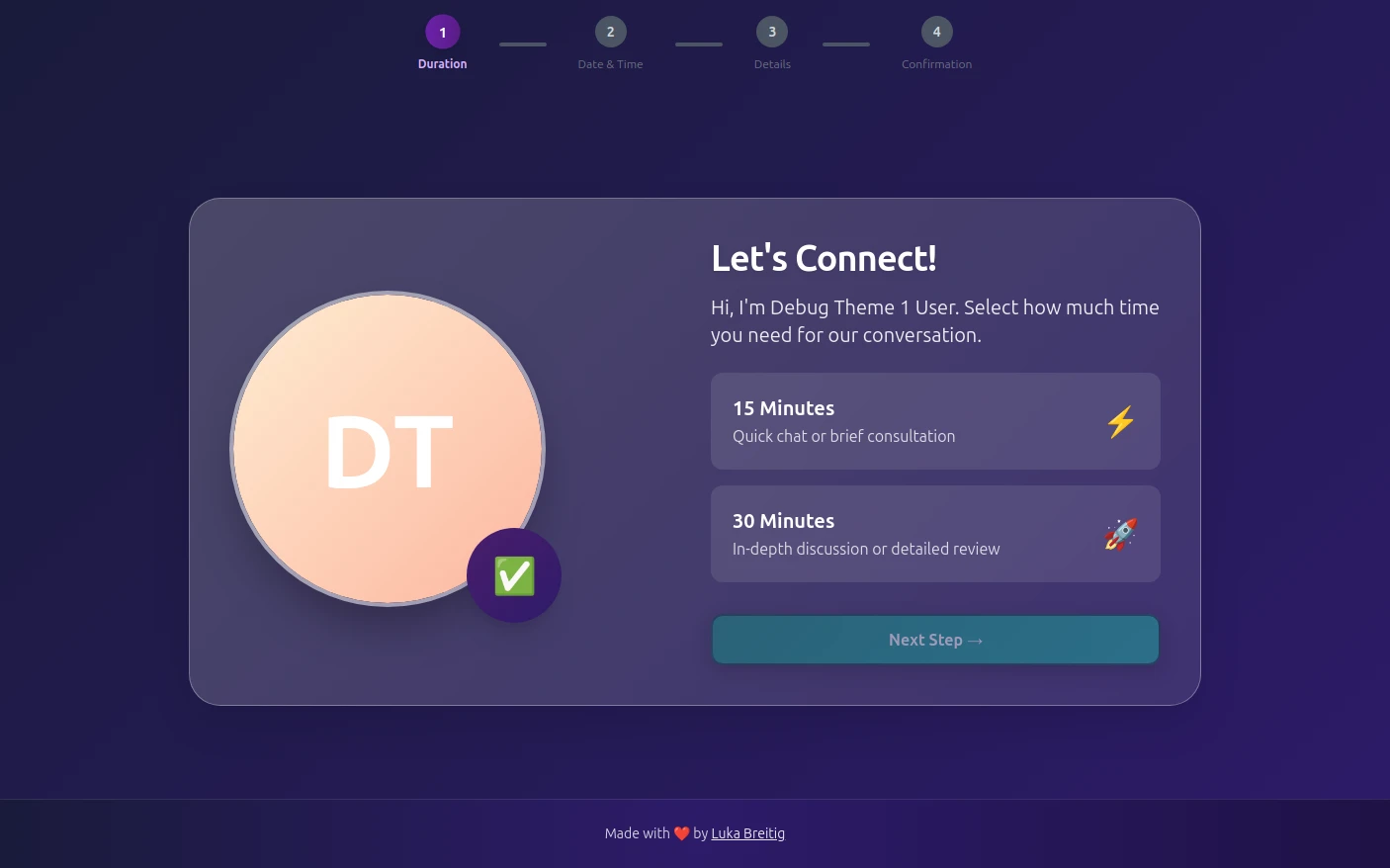
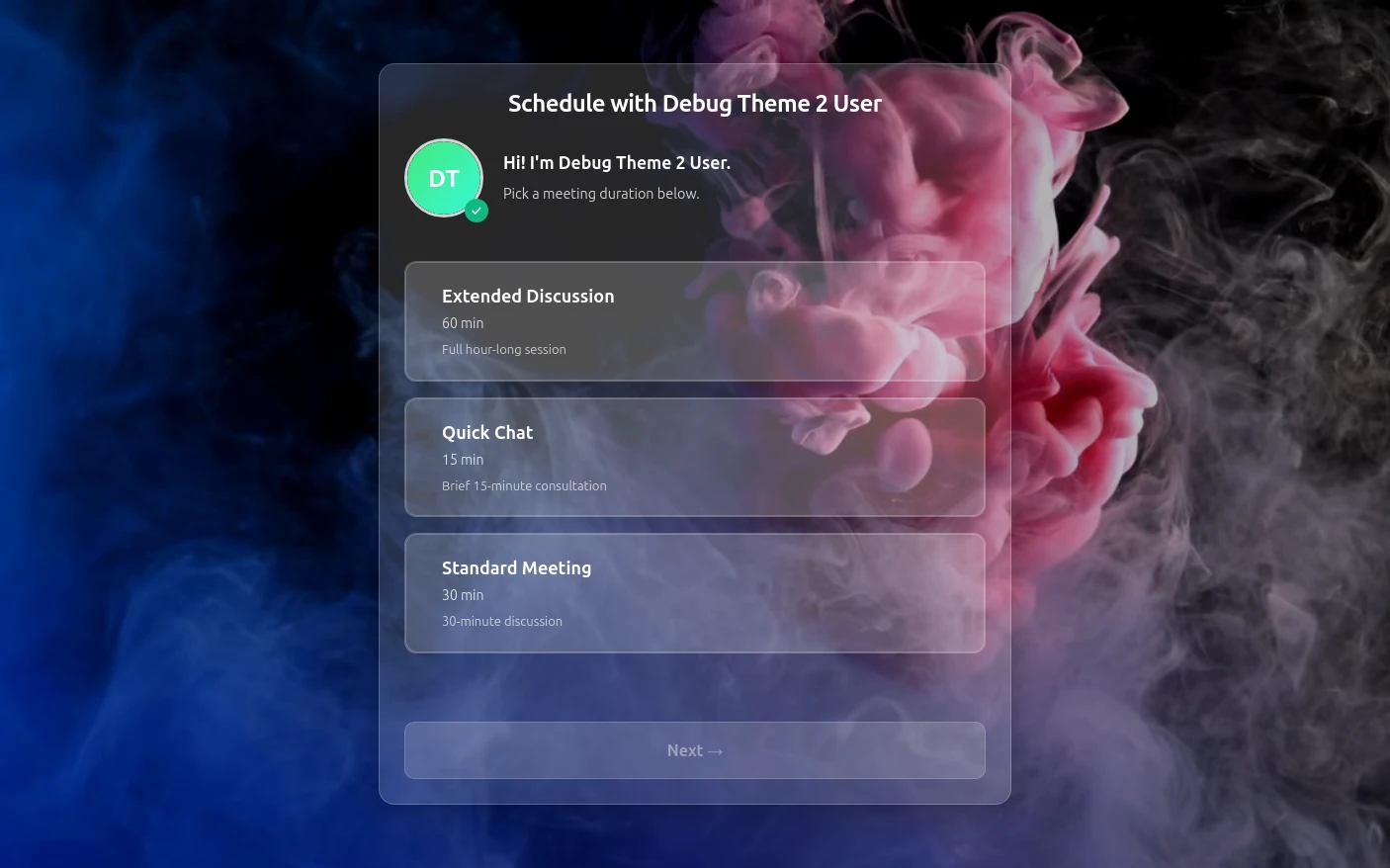
Try both booking themes live - no account needed.
Frequently Asked Questions
Is Tymeslot GDPR compliant for interior design studios?
Is Tymeslot project management software for interior designers?
Can interior designers charge for a site visit or consultation when it is booked?
How does Tymeslot compare with HoneyBook or Calendly for interior designers?
Can interior designers self-host Tymeslot?
Is there a free plan for interior designers?
Which calendars and video tools do interior designers connect to Tymeslot?
Moving from another booking tool? See how Tymeslot compares with Calendly, Cal.com and others
Ready to reclaim your time?
Free plan available. No credit card required. Setup in 5 minutes.