Scheduling Software for Language Tutors Across Time Zones
Students anywhere see your free times in their own time zone, book a trial or a regular lesson, and get the video link and reminders without you converting a single hour.
Updated 5 October 2026
Why does scheduling take so much time for online language tutors?
Your students are spread across continents, so every booking is a time zone sum, a video link made by hand and a confirmation email. A morning lesson in Berlin is late afternoon in Tokyo and before dawn in São Paulo, and the gap shifts when Europe changes its clocks and Japan and Brazil do not. Trial lessons, where long-term students start, add another round of messages. Tymeslot takes it off your plate: students book in their own time zone, get a video link straight away and receive reminders. Your time goes on the teaching.
Why generic tools don't fit independent language tutors
If you found your first students on a tutoring marketplace, their lessons live in its calendar. Once students want to book you directly, the choice is usually a generic scheduling link or a tutoring business system with invoicing and payroll, built for a company with staff. Neither is made for one tutor with students in five time zones, a trial lesson that should be short and easy to book, and regulars who pay per lesson.
Tymeslot fits that shape. Your booking page shows each student your free times in their own time zone, detected from their browser. A trial lesson gets its own length, link and weekly limit. Video links are created as the student books. On Pro, regular lessons are paid at booking through your own Stripe account, in the currency you set.
Everything Language Tutors need. Nothing they don't.
Scheduling features shaped around how your practice works.
Times in Each Student's Time Zone
The booking page detects the student's time zone from their browser and shows your free times in it. Confirmation and reminder emails use the same zone, and the student can add the lesson to their own calendar.
Video Links Created at Booking
Choose Google Meet, Microsoft Teams, Zoom, Jitsi, MiroTalk, kMeet or Nextcloud Talk, or your own room link. The link is in the confirmation before the student closes the page.
A Separate Trial Lesson
Give trial lessons their own meeting type, length and availability, so trials only take the times you choose and never crowd out regular students.
Limits for Intensive Weeks
Cap intensive lessons per day or per week, so a business learner's crash course does not take over the rest of your timetable.
Lesson Fees at Booking
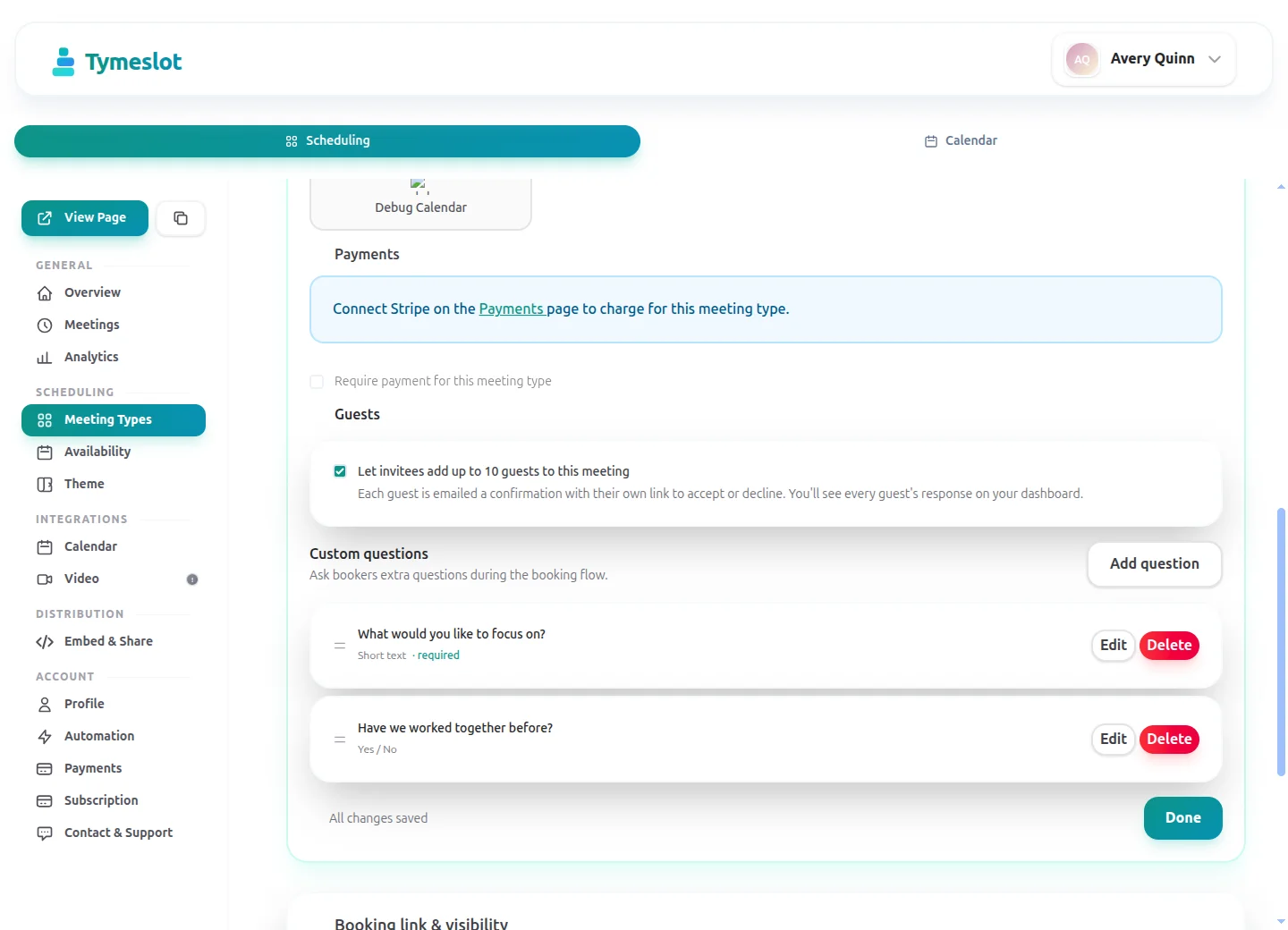
On Pro, set a fixed price per lesson type in your currency. Students pay through your own Stripe account when they book, and the lesson is confirmed once payment clears.
No Ad Trackers on Your Booking Page
Booking pages load no advertising trackers or third-party analytics and run on servers in Germany. On tymeslot.app, Google reCAPTCHA loads once a client starts the booking form, to block spam bookings. Self-host Tymeslot if you want the data on your own server.
See the difference
Same profession. Completely different scheduling experience.
Without Tymeslot
With Tymeslot
Common scheduling scenarios
How other Language Tutors use Tymeslot every day.
How do language tutors turn trial lesson enquiries into regular students?
The trial lesson is the first impression and where a long-term student starts. Every message it takes to book one is a chance for the student to drift off.
- Create a free 25-minute "Trial lesson" meeting type with its own availability schedule, open at the times you want to meet new students.
- Limit trials to five a week, so they never take over the slots your regular students need.
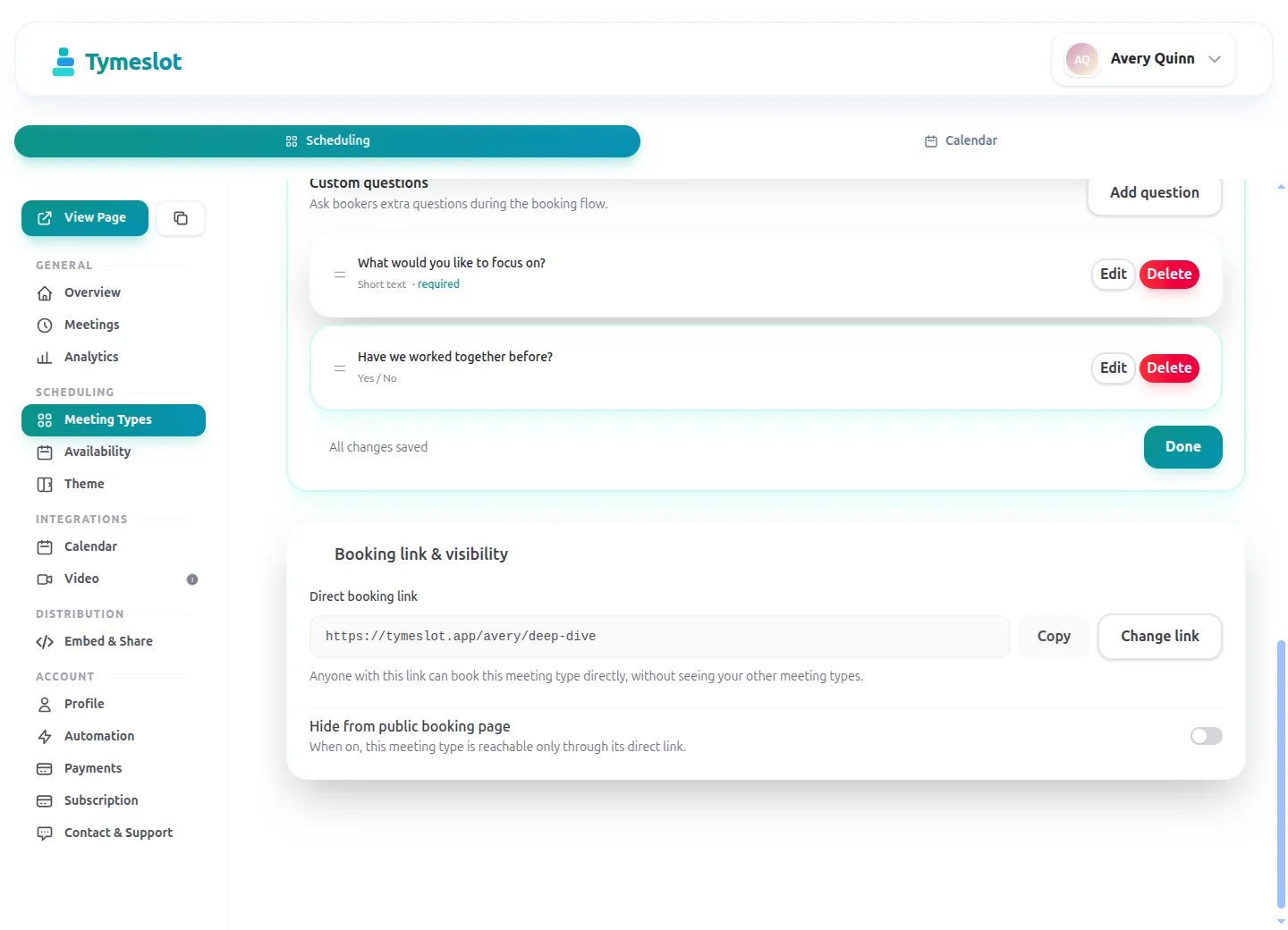
- Add booking questions (a Pro feature): the language, the student's level and what they want it for. You start the trial with the right material.
- Share the trial link on your website or profile, and at the end of the lesson send the student the link to your regular lessons.
How do language tutors run intensive weeks for business learners?
A learner preparing for a job interview or a move abroad often wants a lesson every day for a week or two. That is a different rhythm from a weekly regular.
- Create a 90-minute "Intensive lesson" meeting type with daily availability during the hours you set aside for intensives.
- Limit it to two bookings a day, so intensives leave room for your regular students.
- The learner books each day's lesson from the same page, and each booking gets its own video link and reminders.
- On Pro, set a price per intensive lesson so every session is paid when it is booked.
How do language tutors avoid time zone mistakes with students in several countries?
A tutor teaching students in Japan, Brazil and Germany works across three time zones at once, and two of them change their clocks on different dates or not at all. One wrong conversion is a missed lesson.
- Tymeslot detects the student's time zone from their browser when they open your booking page, and they can change it if they are travelling.
- Your free hours appear in the student's local time, so nobody does the arithmetic.
- The confirmation email shows the lesson in the student's time zone, and the confirmation page offers a calendar file to add it to their own calendar.
- Each lesson is stored as one fixed moment, so it stays right in both calendars when either country changes its clocks.
A starter setup for Language Tutors
Recommended settings to start from. You can change any of them in your dashboard.
Trial lesson
- Duration
- 25 min
- Buffer
- 10 min
- Minimum notice
- 12 hours
- Bookable ahead
- 2 weeks
- Payment at booking
- None
Regular lesson
- Duration
- 50 min
- Buffer
- 10 min
- Minimum notice
- 12 hours
- Bookable ahead
- 6 weeks
- Payment at booking
- Full fee at booking
Intensive lesson
- Duration
- 90 min
- Buffer
- 15 min
- Minimum notice
- 1 day
- Bookable ahead
- 4 weeks
- Payment at booking
- Full fee at booking
Intake questions
- Which language would you like to learn, and what is your first language?
- How would you describe your level: beginner, intermediate or advanced?
- What is your goal, for example an exam, a move abroad or work?
Ask for level and goal so the trial starts with the right material; everything else can wait for the lesson. Trial, regular and intensive lessons use different notice, horizon or buffer settings, so give each its own availability schedule, with trials open only at the times you want new students.
Intake questions and payments at booking are part of Pro on the managed service, and free when you self-host.
Tymeslot compared with TutorBird, Calendly and TidyCal
Facts from each vendor's own pages, with the date we checked them.
| Feature | Tymeslot | TutorBird | Calendly | TidyCal |
|---|---|---|---|---|
| Free plan | Yes: unlimited bookings and meeting types | No: 30-day free trial, no card needed | Yes, limited to 1 event type and 1 calendar | Yes: unlimited bookings and booking types |
| Entry price | Pro €9/month, flat; self-hosting is free | $16.95/month, plus $4.95 per extra tutor | $10/seat/month, billed yearly | Pro $12/month or $99/year; lifetime from $29 |
| Hosting in the EU | Yes, in Germany | Processed in Canada, the US and other jurisdictions where its service providers operate | No: data is stored in US data centres | Not checked |
| Self-hosting | Yes: Docker, Cloudron or Railway | No: hosted service only | No: hosted service only | No: hosted service only |
| Open source | Yes, GNU AGPLv3 | No: hosted service only | No: hosted service only | No: hosted service only |
| Booking page without third-party scripts | No ad trackers; reCAPTCHA on the booking form | Not checked | No: third-party scripts are referenced (Stripe, reCAPTCHA, Airbrake, Google Tag Manager) | No: third-party scripts load (Google Tag Manager, Stripe) |
| Deposit or payment at booking | Pro or self-hosted: a fixed amount via Stripe | Yes: deposit or registration fee charged at sign-up | Paid plans only: Stripe or PayPal at booking | Yes: Stripe or PayPal; 1% fee on Free and lifetime plans |
| Custom intake questions | Pro or self-hosted: 10 question types | Yes: custom sign-up form fields | Yes: up to 10 questions per event type, on all plans | Not checked |
| Signed data processing agreement | Enterprise plan only | Yes: published DPA covers TutorBird customers | Yes: accepted with the customer terms | Yes: DPA published on its website |
Sources: TutorBird: TutorBird pricing (checked 5 October 2026) TutorBird: TutorBird sign-up form (checked 5 October 2026) TutorBird: TutorBird custom sign-up fields (checked 5 October 2026) TutorBird: Port 443 privacy policy (checked 5 October 2026) TutorBird: Port 443 data processing agreement (checked 5 October 2026) Calendly: Calendly pricing (checked 5 October 2026) Calendly: Calendly data storage (checked 5 October 2026) Calendly: Calendly data processing addendum (checked 5 October 2026) Calendly: Calendly demo booking page (checked 5 October 2026) Calendly: Calendly invitee questions (checked 5 October 2026) TidyCal: TidyCal pricing (checked 5 October 2026) TidyCal: TidyCal data processing agreement (checked 5 October 2026) TidyCal: TidyCal demo booking page (checked 5 October 2026)
How to choose
What to check before you choose
- Check how the booking page shows times to students in other timezones.
- Find out whether a weekly lesson can be booked once or must be booked each time.
- See what the form asks when a parent books for a child.
- Confirm whether payment before the lesson is possible, and on which plan.
- Work out the monthly cost for a sole tutor, not only for a school.
How much time could you save?
Adjust to match your practice and see your potential savings.
Calculate your time savings
Drag the sliders to match your practice.
210
minutes saved per week
182.0
hours saved per year
€6,370
annual value of saved time
Which calendars and video apps do language tutors use with Tymeslot?
Connects to the tools you already use. No extra setup.
Start free, upgrade when you're ready
Core scheduling is always free. No credit card required.
Free
€0 / month
- Unlimited bookings and meeting types
- Calendar sync (Google, Outlook, CalDAV)
- Auto video rooms (Meet, Teams, Zoom, Jitsi, Nextcloud Talk and more)
- Booking page at tymeslot.app/you
- Email reminders & notifications
- Both booking themes and website embeds
Pro
€9 / month
- Everything in Free
- Custom booking questions for intake
- Payments at booking via your own Stripe account
- Remove Tymeslot branding from booking pages
- Booking analytics and automation
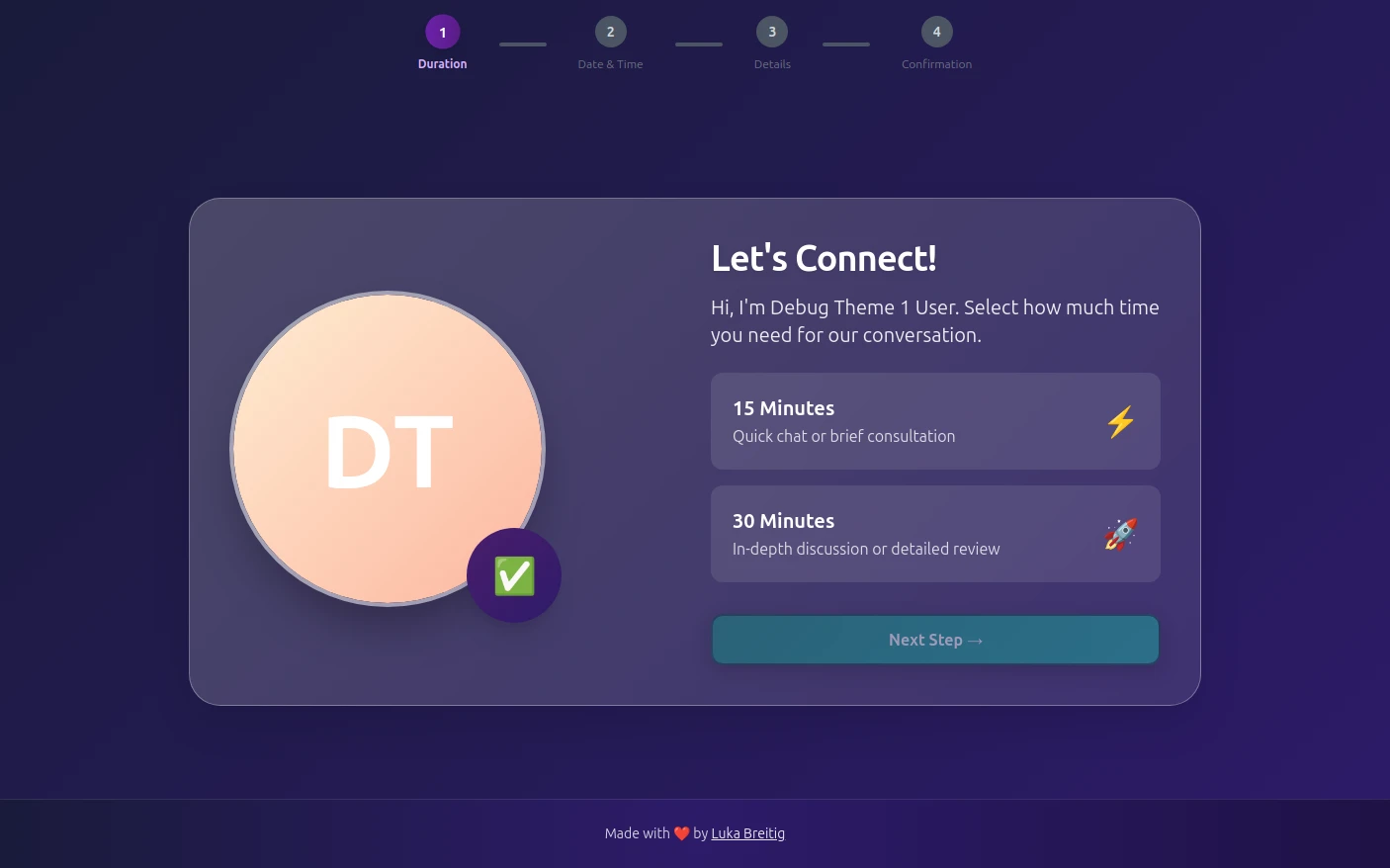
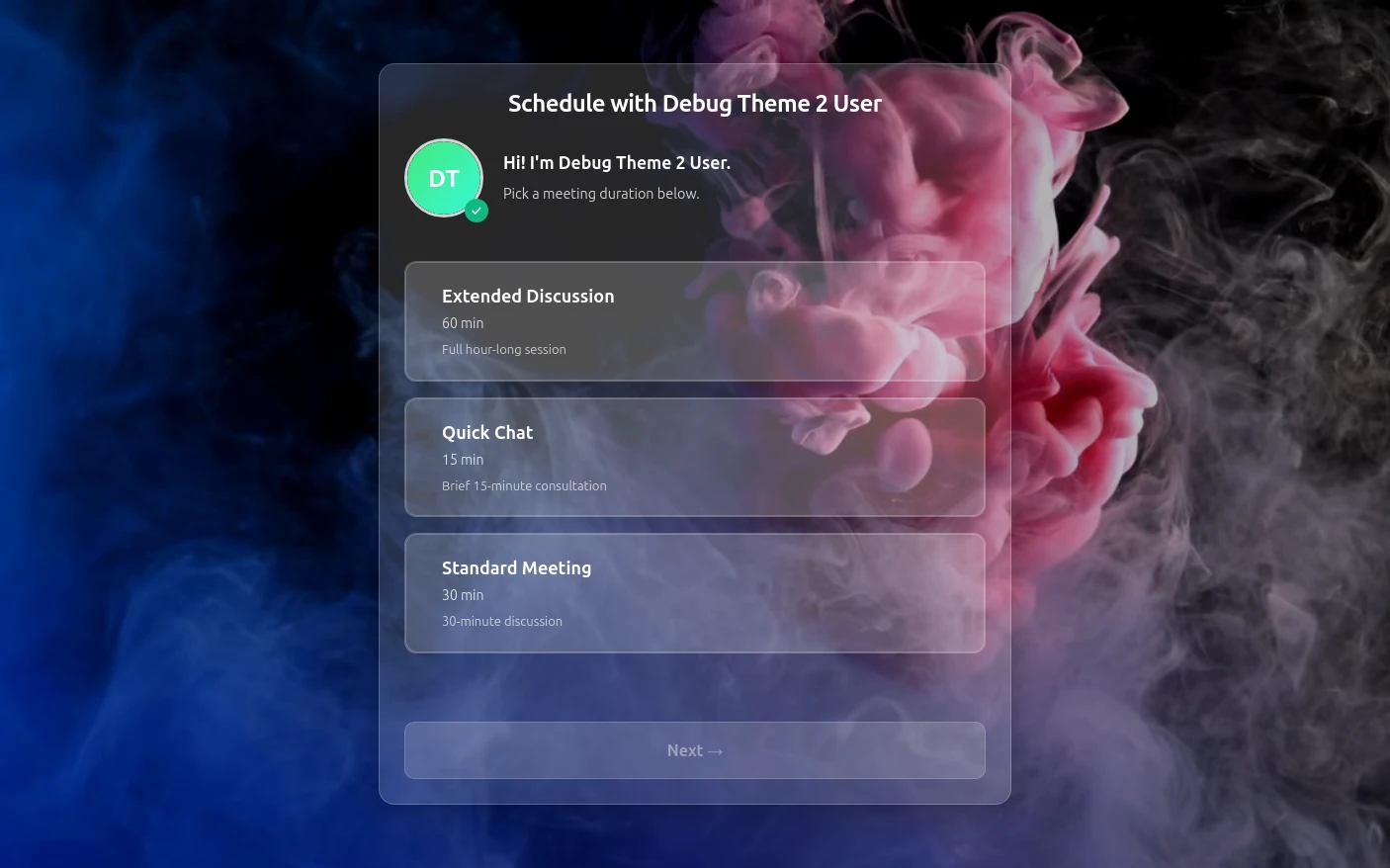
See Tymeslot in action
Try both booking themes live - no account needed.
Frequently Asked Questions
Is Tymeslot GDPR compliant for online language tutors?
Is Tymeslot a tutoring marketplace that finds language students?
How do language tutors reduce no-shows from students in other time zones?
How does Tymeslot compare with TutorBird for language tutors?
Can language tutors self-host Tymeslot?
Is there a free plan for language tutors?
Which video tools does Tymeslot support for online language lessons?
Moving from another booking tool? See how Tymeslot compares with Calendly, Cal.com and others
Ready to reclaim your time?
Free plan available. No credit card required. Setup in 5 minutes.