For Web Designers

Automated Booking Software for Freelance Web Designers

Your freelance web design booking page — automate client discovery calls, design reviews, and handoff sessions without a single email chain or timezone conversion.

Embed on your portfolio
Project deposits via Stripe
Faster review cycles
Luka Breitig, Software Engineer & AI Developer
Luka Breitig

Updated June 30, 2026

The Problem

Why do freelance web designers lose project momentum to scheduling overhead?

A web project moves at the speed of client feedback. Every day a client takes to answer a meeting request is a day the work sits still and the next project slips. A 15-minute feedback round that should happen Tuesday turns into a Thursday call after three rounds of 'does this time suit you?' emails. Run a few clients in different cities and time zones and the manual scheduling piles up. Tymeslot takes the back-and-forth off your plate so you can stay on the design.

Why generic schedulers stall design projects instead of moving them forward

Calendly, Acuity, and SimplyBook.me were built for one-off appointments, not for the project cadence a web designer works in. There is no kickoff deposit, no way to gate a scope-of-work call behind a signing fee, and no link between a booked design review and the milestone it signs off. Their booking widgets also load third-party trackers, which drag down the same Lighthouse score you ship as a deliverable, and the free tiers cap event types right where a working studio needs three or four.

The revenue hit is concrete. Most studios take a 30 to 50% deposit on signing, yet plenty still chase it by email in the days after the kickoff call, and some projects quietly fall apart before the money lands. A studio that loses two £4,000 projects a year to deposit drift is £8,000 down for a fixable reason. Add design reviews that slide across a week because nothing is on the calendar, and a four-week iteration becomes six. Tymeslot takes the deposit when the client books the kickoff, locks the slot only once payment clears, and gives you one fast booking link to attach to every mockup so reviews land inside 48 hours.

Features

Everything Web Designers need. Nothing they don't.

Scheduling features shaped around how your practice works.

📅

Meeting Types for Every Project Stage

Create separate booking pages for discovery calls, wireframe reviews, design feedback sessions, and project handoffs — each with its own duration, buffer, and booking link.

🌍

Timezone Handling for Remote Clients

Clients book in their timezone, you see everything in yours. DST transitions handled automatically so no meeting ever lands at the wrong hour.

🔗

Embed on Your Portfolio

Drop a booking widget into your portfolio site as an inline calendar, popup, or floating button — inbound leads book directly without leaving your page.

🎥

Auto Video Conferencing Links

Google Meet or Microsoft Teams links generated automatically with each booking — no copy-pasting video links before every client call.

🔐

Privacy-first and open-source

No trackers, no analytics scripts loaded on your booking page. Self-host on your own server and own every byte of your clients' contact data.

💳

Project Deposits at Kickoff

Collect a 30 to 50% deposit or a fixed signing fee when the client books their kickoff call. The slot locks only once payment clears, so you never start design work on a project the client has not actually paid to start. Stripe-powered, with the refund policy in your hands.

Before & After

See the difference

Same profession. Completely different scheduling experience.

Without Tymeslot

1 Client emails asking to review the homepage concept — three timezone emails before a slot is confirmed
2 Video link pasted manually into the calendar invite the morning of the call
3 Client joins the call without having reviewed the shared mockup link

With Tymeslot

1 Client opens your 'Design Review' booking page from your portfolio
2 Picks a slot that shows live availability in their local timezone
3 Receives a confirmation with the video link and a reminder to review the shared mockup — nothing left to do
Use Cases

Common scheduling scenarios

How other Web Designers use Tymeslot every day.

Scenario 1

How do web designers convert inbound enquiries before momentum is lost?

A prospective client lands on your portfolio after seeing a project you completed for a mutual contact. The window to book a discovery call before they move on to another designer is often 24–48 hours. A friction-filled booking process loses that window.

  • Embed a 'Book a Discovery Call' widget on your portfolio's contact or hire page
  • Client picks a 30-minute slot from your live availability — no email exchange required
  • A video conferencing link is generated and sent to both of you automatically
  • You walk into the call knowing the client's project details from the booking form
Result: Inbound leads book a call within minutes of landing on your portfolio, without a single scheduling email.
Scenario 2

How do web designers run design review cycles without losing a week per iteration?

Effective design review requires a synchronous conversation — not an inbox thread of screenshots and comments. Getting that conversation scheduled within 24 hours of sharing a mockup is the difference between a two-week iteration cycle and a four-week one.

  • Create a 'Design Review' event type with a 45-minute duration and 24-hour notice requirement
  • Share the booking link when you send the mockup — client books their review slot at the same time they view the work
  • Both receive confirmation and a reminder with the mockup link embedded
  • Review happens within 48 hours of delivery rather than drifting across a week
Result: Design iterations happen at speed — feedback is collected and acted on in days, not weeks, and projects finish ahead of schedule.
Scenario 3

How do web designers handle project handoffs cleanly?

Handing off a completed website to a client involves training them on the CMS, walking through the hosting setup, and documenting any ongoing maintenance requirements. This meeting needs preparation time — and clients often need to involve additional team members.

  • Set up a 'Project Handoff' meeting type with a 90-minute duration and a 48-hour advance notice requirement
  • Share the link with the client at project completion — they book at a time their team can attend
  • Confirmation email lists what to prepare: hosting credentials, domain access, team members to invite
  • Both parties receive reminders; handoff happens prepared on both sides
Result: Project handoffs are professional, well-prepared, and completed in a single session — reducing the post-delivery support requests that eat into your next project.
ROI Calculator

How much time could you save?

Adjust to match your practice and see your potential savings.

Calculate your time savings

Drag the sliders to match your practice.

10
140
€100
€20 €500
12m
5m60m

120

minutes saved per week

104.0

hours saved per year

€10,400

annual value of saved time

Integrations

Which calendars and tools do web designers use with Tymeslot?

Connects to the tools you already use. No extra setup.

google_calendar icon
Google Calendar
outlook icon
Outlook
google_meet icon
Google Meet
teams icon
Teams
zoom icon
Zoom
caldav icon
CalDAV
nextcloud icon
Nextcloud
Pricing

Start free, upgrade when you're ready

Core scheduling is always free. No credit card required.

Free

€0 / month

  • Unlimited bookings
  • Calendar sync (Google, Outlook, CalDAV)
  • Auto video rooms (Meet, Teams, Zoom, Jitsi, Nextcloud Talk and more)
  • Booking page at tymeslot.app/you
  • Email reminders & notifications
  • Intake forms & custom questions
Pro

Pro

€9 / month

  • Everything in Free
  • White-label branding
  • Custom domain
  • Remove Tymeslot branding from booking pages
  • Support independent development
Booking Themes

See Tymeslot in action

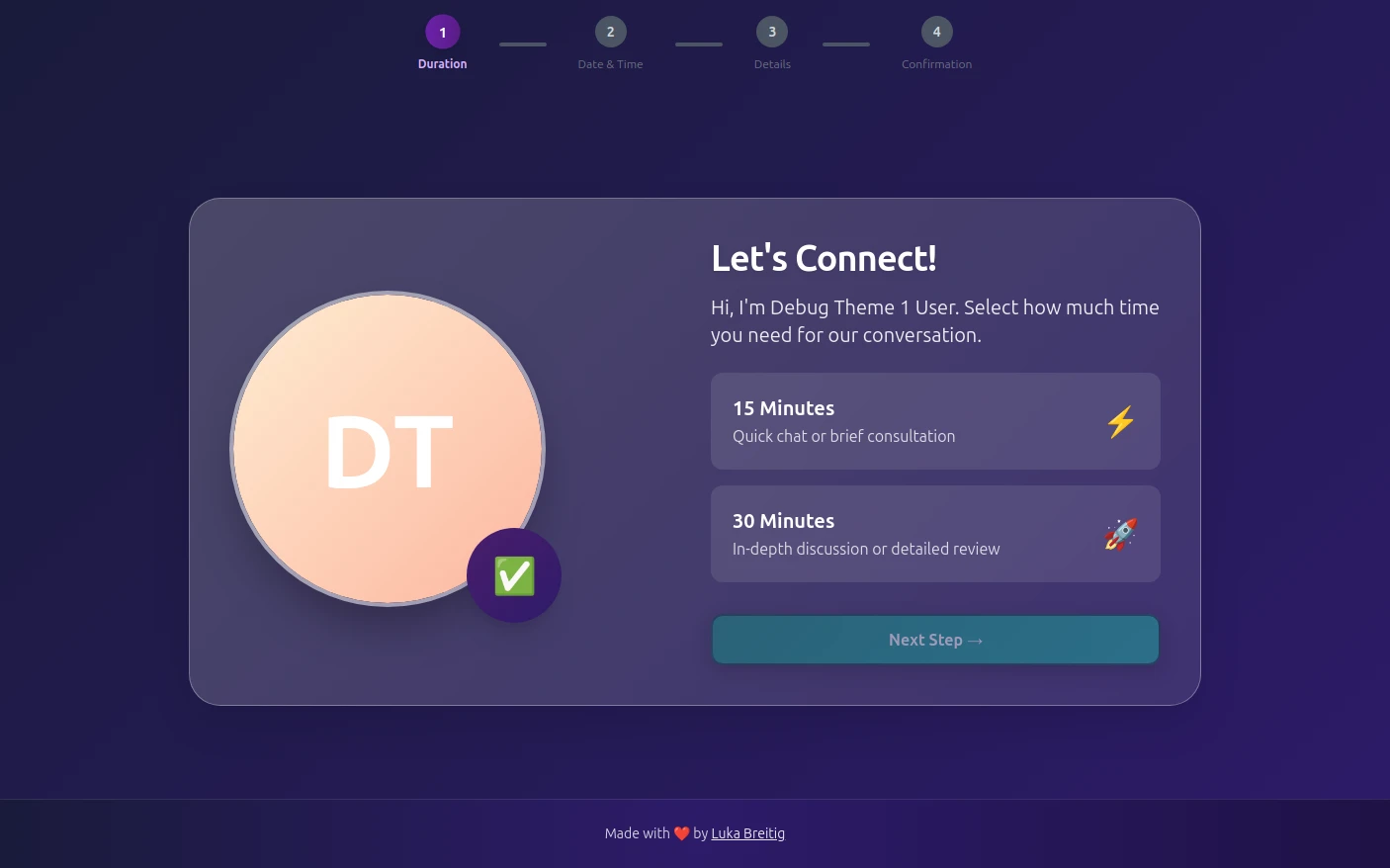
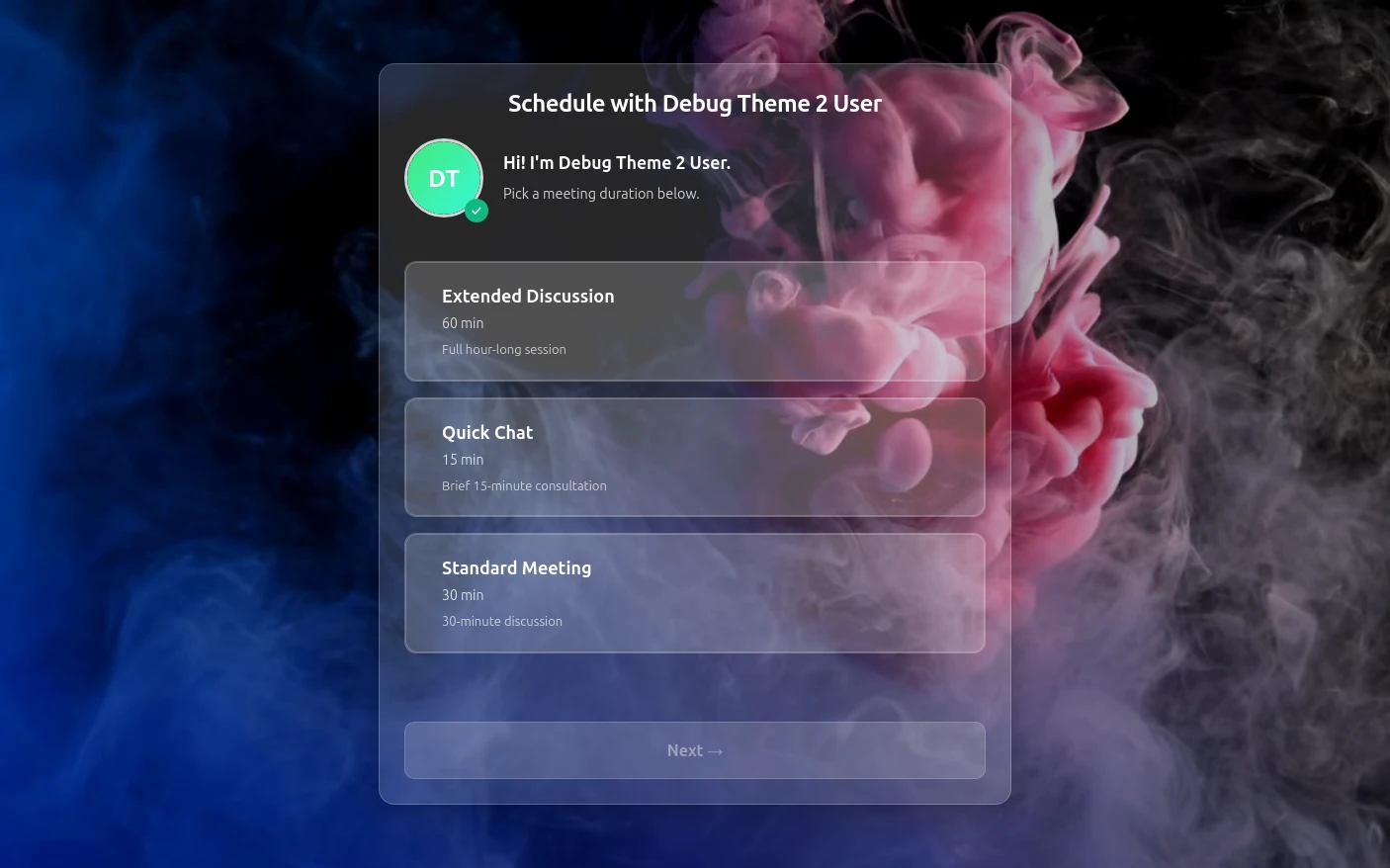
Try both booking themes live - no account needed.

Quill theme preview
Quill

Quill

Professional Glassmorphism

Try Live Demo
Rhythm theme preview
Rhythm

Rhythm

Immersive Experience

Try Live Demo
FAQ

Frequently Asked Questions

Can I embed a booking widget on my portfolio site?
Yes — Tymeslot provides an embed widget that can be placed on any website as an inline calendar, popup, or floating button. Clients book without leaving your portfolio page, reducing drop-off between interest and confirmed meeting.
How does Tymeslot handle clients in different timezones?
Each booking page detects the visitor's local timezone and displays your availability converted to their time. You always see appointments in your own timezone, and DST transitions are handled automatically.
Is Tymeslot free for freelancers?
Yes — the free plan covers all core scheduling features. Pro (€9/month) adds custom domains, white-label branding, and advanced integrations if you need them.
Can I self-host Tymeslot?
Yes — Tymeslot is open-source and designed for self-hosting. Deploy on Docker, Cloudron, or Railway and you own the server, the data, and the infrastructure entirely.
Can I collect a project deposit when a client books a kickoff?
Yes — each event type can require a deposit, a fixed fee, or full payment at booking, powered by Stripe. Most studios take 30–50% on signing, which fits the kickoff call perfectly: set a percentage or flat amount, choose whether the deposit is refundable within your cancellation window, and Tymeslot collects payment before the slot is confirmed. Use the same mechanism for paid scope-of-work calls or milestone reviews. Failed payments release the slot automatically, so no kickoff is ever pencilled in without the deposit actually clearing.

Moving from another booking tool? See how Tymeslot compares with Calendly, Cal.com and others

From the blog

All posts
Read What's new in Tymeslot 1.2
What's new in Tymeslot 1.2
release features

What's new in Tymeslot 1.2

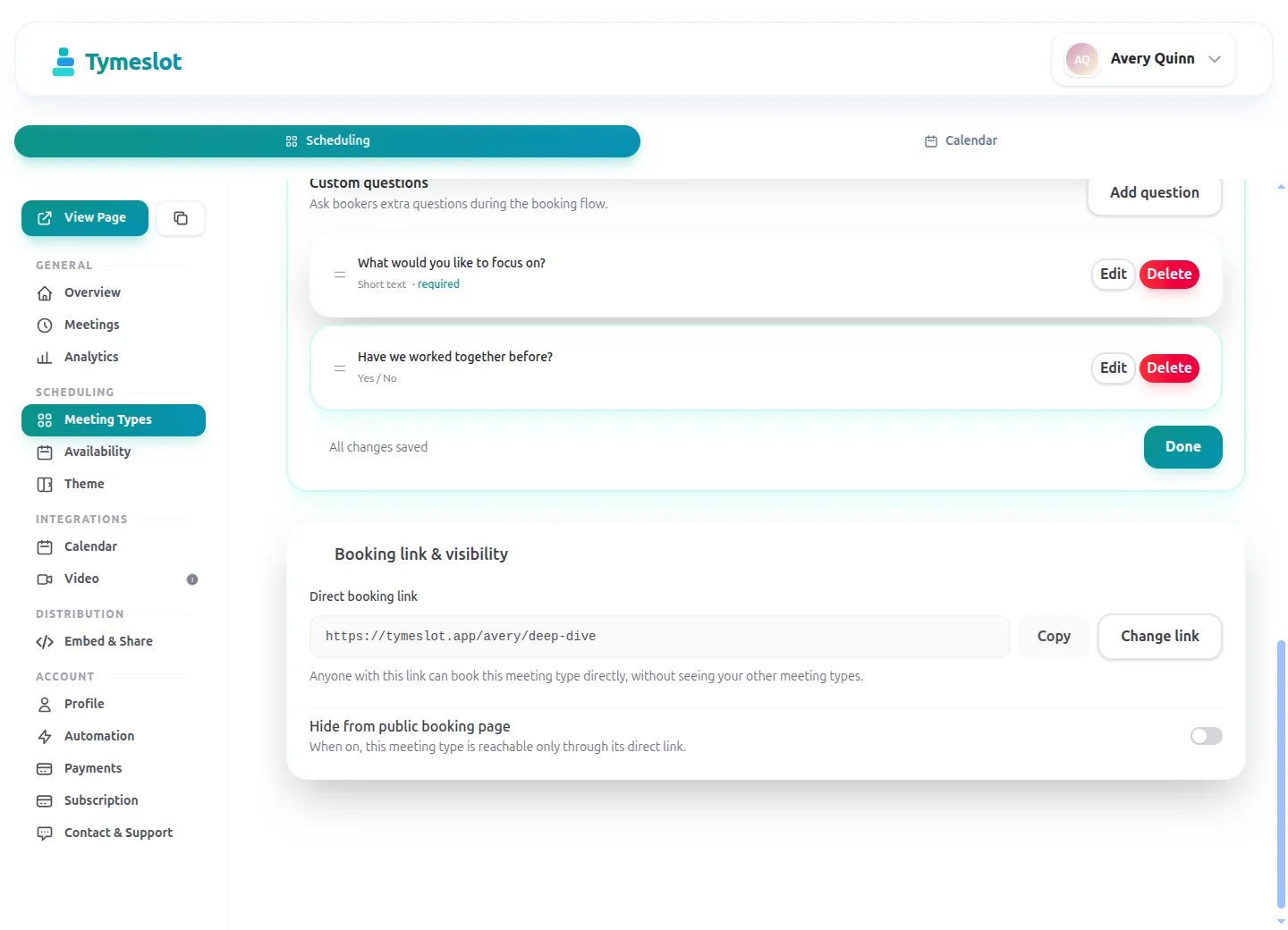
Tymeslot 1.2 adds guest attendees with email RSVPs, private and direct booking links, and rich previews when you share a link.

Luka Breitig June 19, 2026 · 4 min read
Read What's new in Tymeslot 1.1
What's new in Tymeslot 1.1
release features

What's new in Tymeslot 1.1

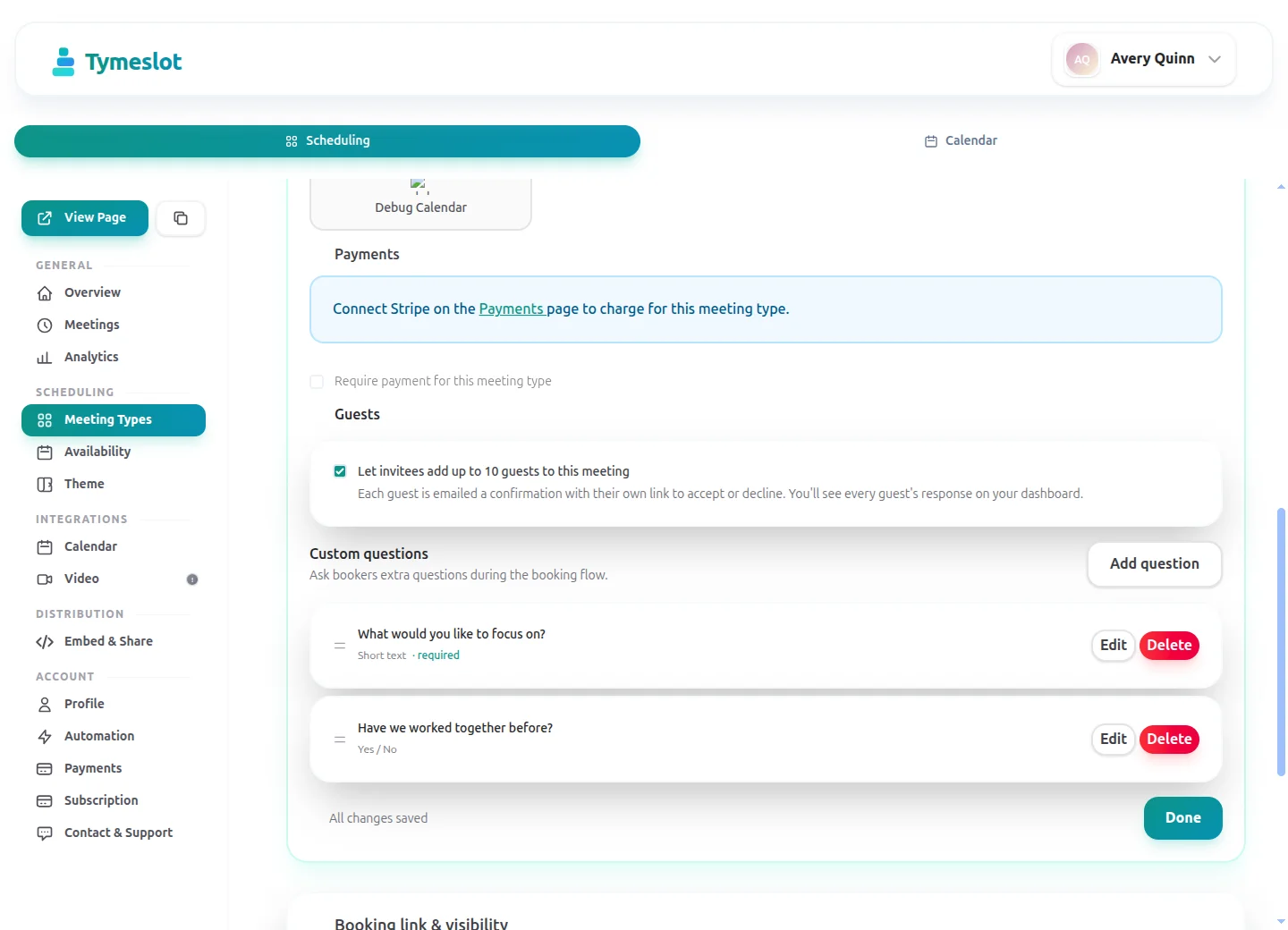
Tymeslot 1.1 adds custom booking questions, payment at the moment of booking, automatic Zoom meetings, and Slack notifications.

Luka Breitig June 16, 2026 · 4 min read

Ready to reclaim your time?

Free plan available. No credit card required. Setup in 5 minutes.

No credit card required
Setup in 5 minutes
Privacy-first