Tattoo Booking Software for Consults and Long Sessions
Clients send their idea with the booking, you approve the requests you want to take on, and the session is held once the deposit has cleared.
Updated 5 October 2026
Why do tattoo artists lose whole days to no-shows and DM bookings?
A no-show on a six-hour session is a day you can't sell twice. When bookings run through Instagram DMs there is no confirmation, no reminder and no record of what was agreed: some clients skip the consultation, others go quiet the night before. Tymeslot keeps the consultation and the session apart, lets you read each idea before you accept it, and takes the deposit before the date is held. Confirmations and reminders go out without you.
Why a tattoo diary needs more than a calendar link
Many schedulers assume a 30-minute meeting that anyone can book. A tattoo session is four to eight hours, needs a design you have agreed to draw, and should not exist until money is down. So artists fall back on DMs, a bank transfer for the deposit and a spreadsheet of who has paid.
Tymeslot covers that path in one place. A short consultation is free and open to anyone. Sessions can require your approval, so a request for a style you don't do never reaches your diary, and on Pro a fixed deposit is paid through your own Stripe account before the booking is confirmed. If you decline a request after the client has paid, the deposit is refunded in full.
Everything Tattoo Artists need. Nothing they don't.
Scheduling features shaped around how your practice works.
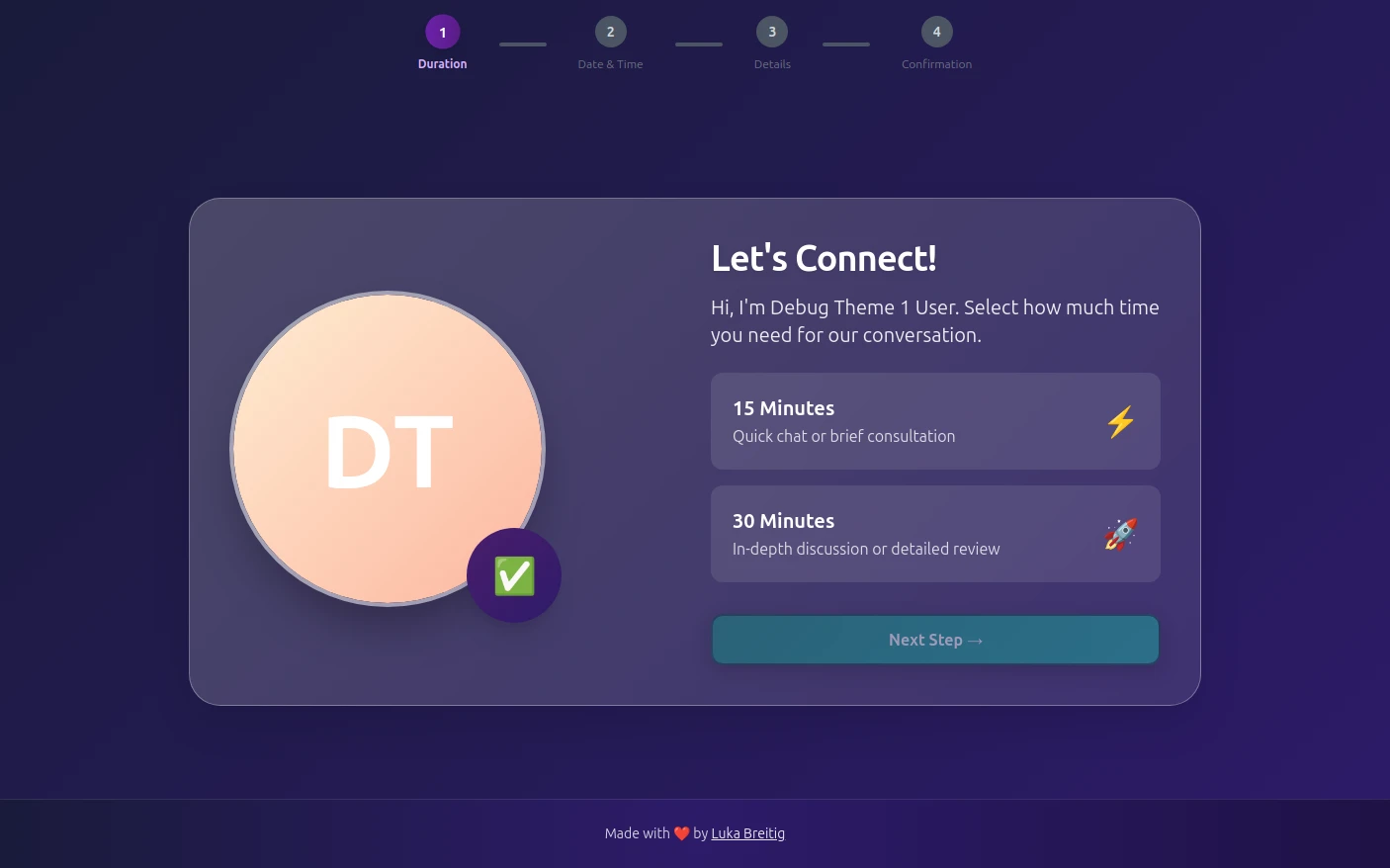
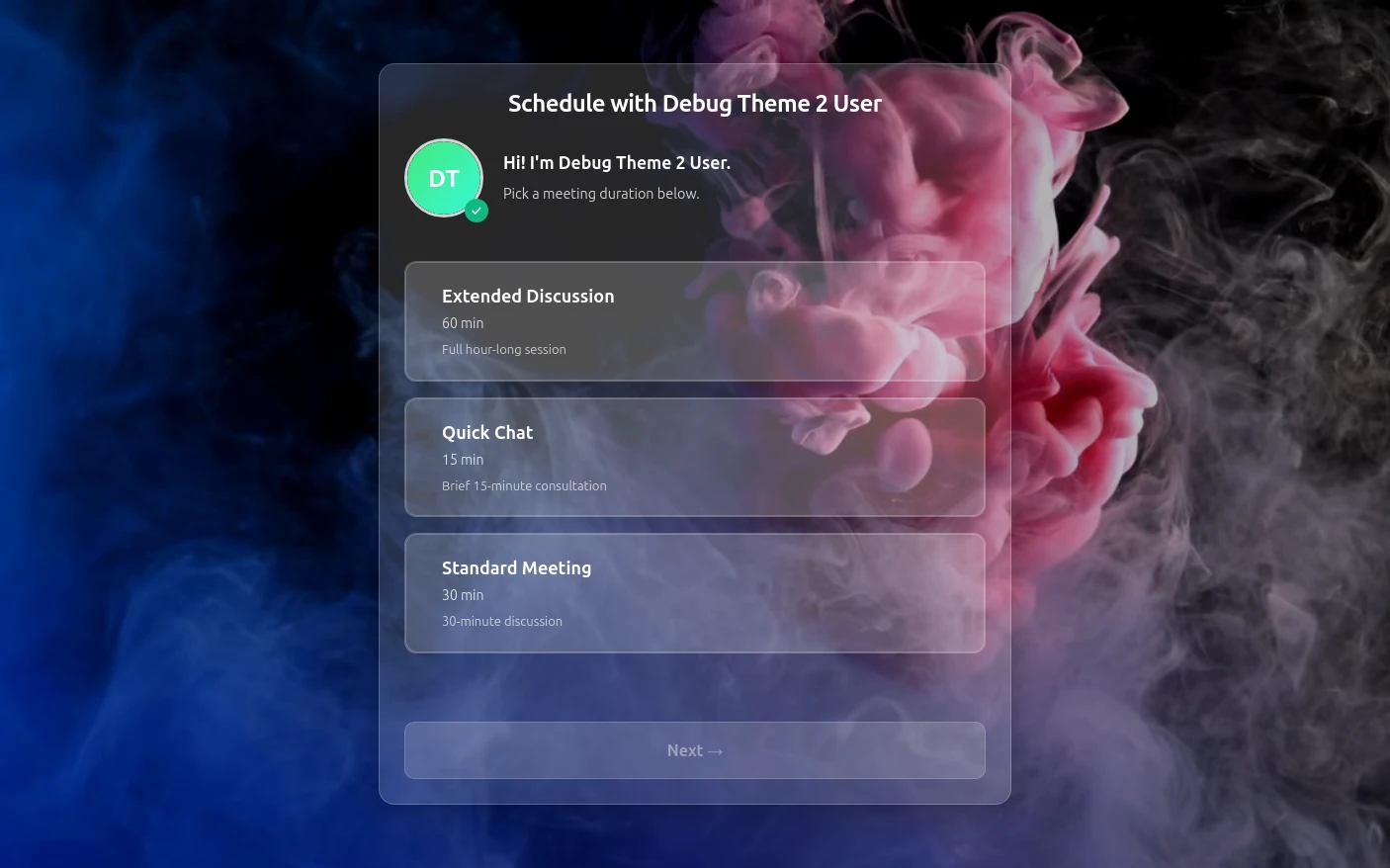
Consultations and Sessions Kept Apart
A short consultation and a long session are separate meeting types with their own lengths, rules and links, and sessions can run up to 8 hours.
Approve Requests Before They Are Booked
Turn on approval for sessions and each booking arrives as a request with the client's idea. Accept it and it is confirmed; decline it and the slot opens again.
Fixed Deposits Through Stripe
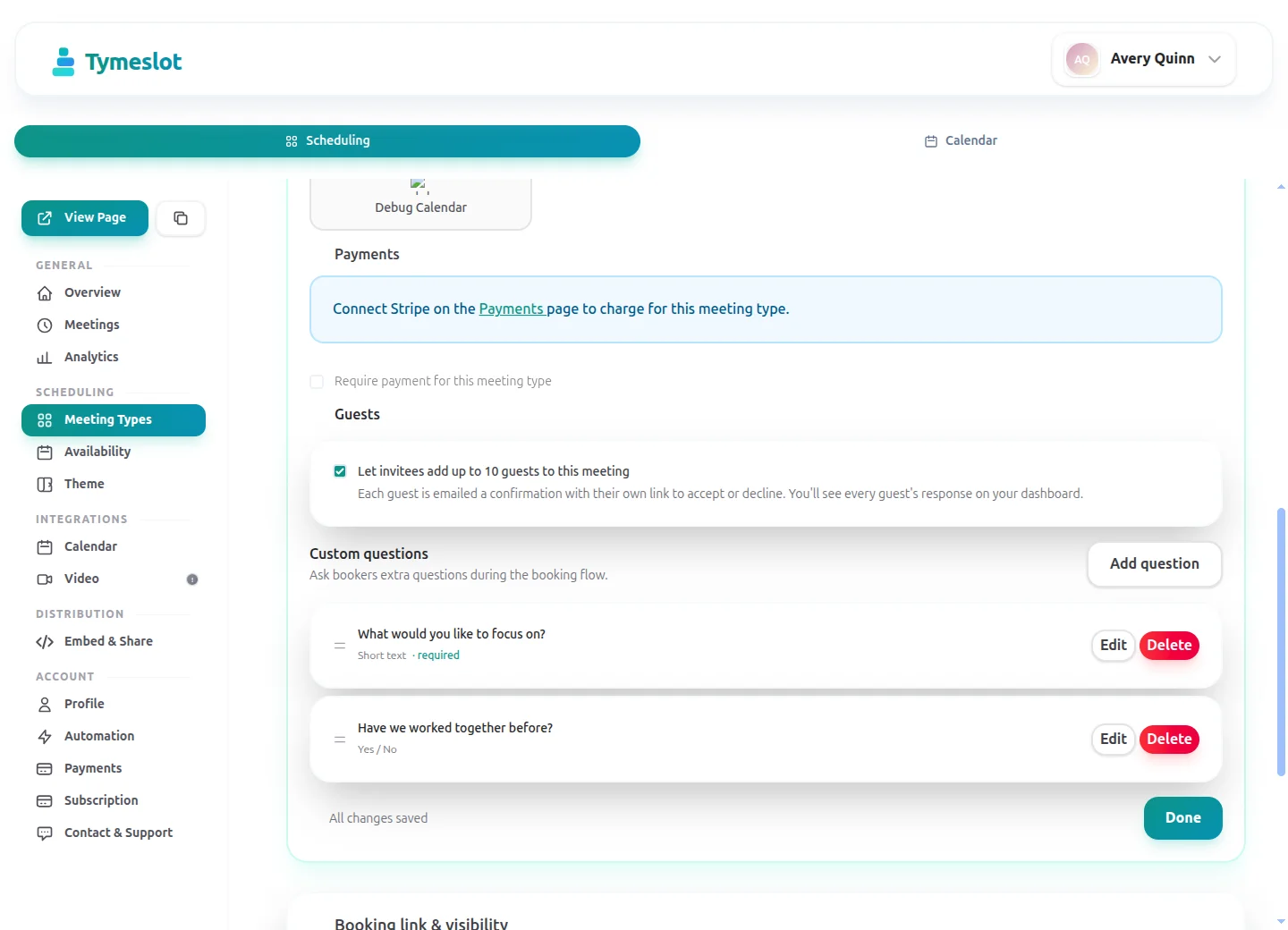
On Pro, take a fixed deposit such as €100 on a half-day session. The booking is confirmed once payment clears, and the money settles in your own Stripe account.
Prep Notes and Reminders
Write your prep notes (eat beforehand, sleep well, what to wear for the placement) into the session description, which clients read before they book. Reminder emails follow at the times you choose.
Days You Can Actually Hold
Cap full-day sessions at one a day, add a buffer for cleaning down and setting up, and require days of notice so nobody books a back piece for tomorrow.
No Ad Trackers on the Booking Page
Booking pages load no advertising trackers or third-party analytics, and the managed service stores bookings in Germany. On tymeslot.app, Google reCAPTCHA loads once a client starts the booking form, to block spam bookings. Self-host to keep them on your own server.
See the difference
Same profession. Completely different scheduling experience.
Without Tymeslot
With Tymeslot
Common scheduling scenarios
How other Tattoo Artists use Tymeslot every day.
How do tattoo artists manage the path from consultation to session?
A tattoo takes more than one booking. Keeping consultations and sessions as separate meeting types shows where each client is, and stops anyone booking a full day before you have talked.
- Create a 30-minute "Design consultation", free, in the studio or by video, open to anyone on your page.
- Create private session types (half day, full day) that do not appear on your public page; send their link after the consultation.
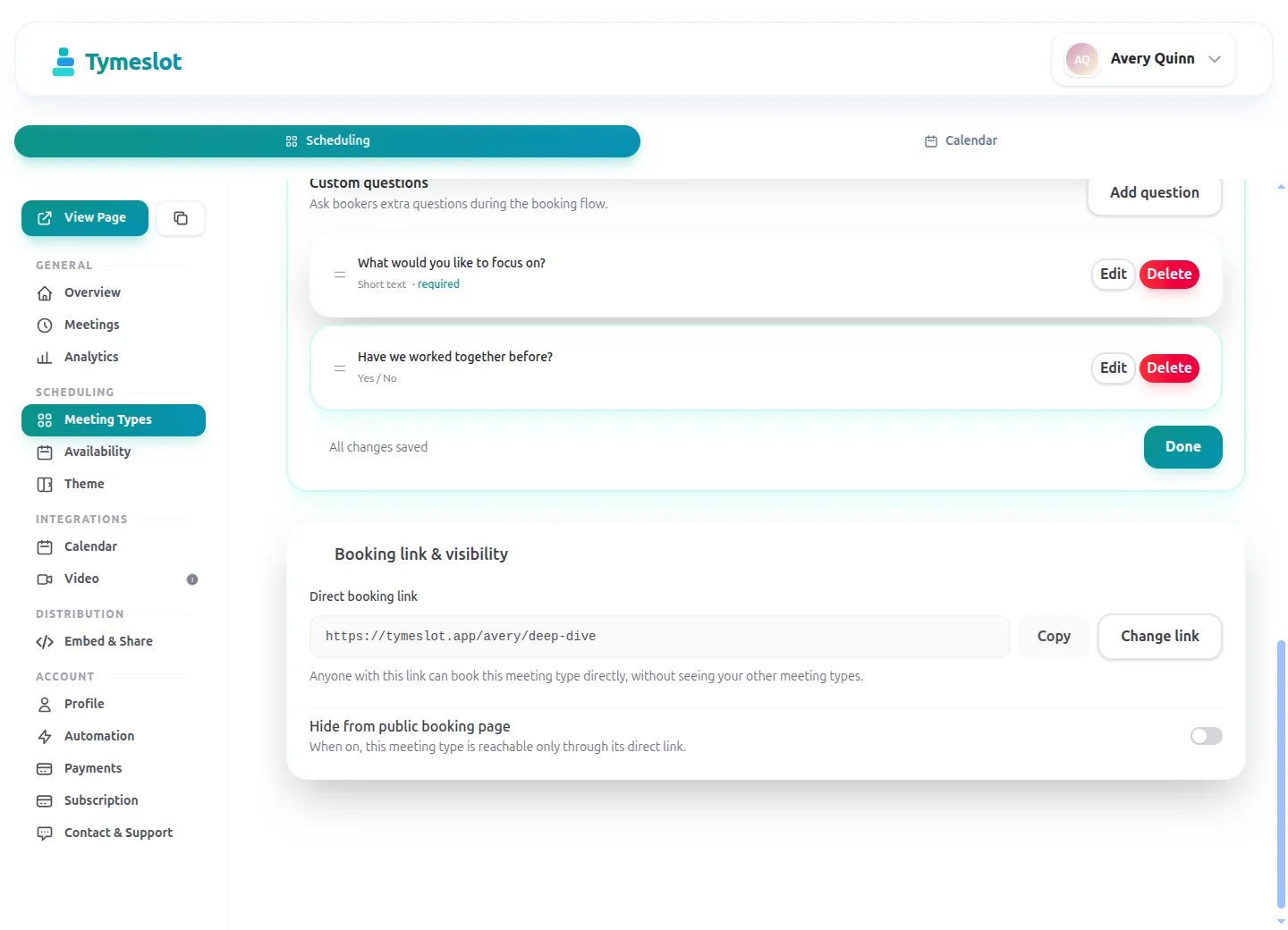
- Add booking questions (a Pro feature on the managed service) for the idea, placement and size, and a link to reference images.
- Turn on approval for the sessions, so each request waits for you to accept it.
How do tattoo artists prevent no-shows on long sessions?
A no-show on a half-day session is half a day's income gone. A deposit and good reminders close off the easy ways out.
- On Pro, set a fixed deposit on each session type, such as €100 for a half day and €200 for a full day.
- Put your prep notes in the session description, so the client reads them before paying the deposit.
- Set reminder emails 3 days and 1 day before, enough time for the client to rest, eat and plan the day.
- Write your deposit and rescheduling terms in the session description; Tymeslot does not enforce a cancellation deadline for you.
How do tattoo artists stop booking too many pieces in one day?
A back piece and two sleeve sessions in one day isn't sustainable. The limits belong in the booking rules, not in your memory.
- Set your working hours on the availability schedule; the page only shows sessions that fit inside them in full.
- Add a 30-minute buffer after each session for cleaning down and setting up the next station.
- Cap the full-day session type at one booking a day, and half days at two.
- Block conventions, guest spots and days off as time off, and they disappear from the booking page.
A starter setup for Tattoo Artists
Recommended settings to start from. You can change any of them in your dashboard.
Design consultation
- Duration
- 30 min
- Buffer
- 15 min
- Minimum notice
- 1 day
- Bookable ahead
- 30 days
- Payment at booking
- None
Tattoo session, half day
- Duration
- 240 min
- Buffer
- 30 min
- Minimum notice
- 3 days
- Bookable ahead
- 180 days
- Payment at booking
- €100 deposit at booking
Tattoo session, full day
- Duration
- 420 min
- Buffer
- 30 min
- Minimum notice
- 3 days
- Bookable ahead
- 180 days
- Payment at booking
- €200 deposit at booking
Intake questions
- Describe your idea: the subject, the style and anything it must include.
- Where on the body, and roughly how big?
- Is it a new piece, a cover-up or a continuation of existing work?
- A link to reference images.
Keep consent forms and medical questions on paper at the studio, not in the booking form. The two session types share one availability schedule; the consultation, with shorter notice and horizon, needs its own.
Intake questions and payments at booking are part of Pro on the managed service, and free when you self-host.
Tymeslot compared with Fresha, Booksy, Acuity and Calendly
Facts from each vendor's own pages, with the date we checked them.
| Feature | Tymeslot | Fresha | Booksy | Acuity | Calendly |
|---|---|---|---|---|---|
| Free plan | Yes: unlimited bookings and meeting types | No: 7-day trial on the paid plans | No: 14-day trial, no card needed | No: 7-day trial, no card needed | Yes, limited to 1 event type and 1 calendar |
| Entry price | Pro €9/month, flat; self-hosting is free | €12.95/month, plus card fees of 1.29% + €0.20 | $29.99/month + tax, plus $20/month per extra staff member | $16/month paid annually ($20 paid monthly) | $10/seat/month, billed yearly |
| Hosting in the EU | Yes, in Germany | Partly: data may be processed outside the UK and EEA | Not checked | No: data is stored in US data centres | No: data is stored in US data centres |
| Self-hosting | Yes: Docker, Cloudron or Railway | No: hosted service only | No: hosted service only | No: hosted service only | No: hosted service only |
| Open source | Yes, GNU AGPLv3 | No: hosted service only | No: hosted service only | No: hosted service only | No: hosted service only |
| Booking page without third-party scripts | No ad trackers; reCAPTCHA on the booking form | Not checked | Not checked | Not checked | No: third-party scripts are referenced (Stripe, reCAPTCHA, Airbrake, Google Tag Manager) |
| Deposit or payment at booking | Pro or self-hosted: a fixed amount via Stripe | Yes: deposit or full prepayment, with Fresha Payments | Yes: a deposit or cancellation fee, with a card on file | Yes, on all plans: Stripe, Square, PayPal, Venmo | Paid plans only: Stripe or PayPal at booking |
| Custom intake questions | Pro or self-hosted: 10 question types | Yes: custom forms sent when an appointment is booked | Yes: custom forms completed at booking | Yes, on all plans: custom client forms | Yes: up to 10 questions per event type, on all plans |
| Signed data processing agreement | Enterprise plan only | Yes: part of the Partner Terms of Business | Not checked | Not checked | Yes: accepted with the customer terms |
Sources: Fresha: Fresha pricing (checked 5 October 2026) Fresha: Fresha data protection addendum (checked 5 October 2026) Fresha: Fresha client forms (checked 5 October 2026) Fresha: Fresha payment policies (checked 5 October 2026) Booksy: Booksy pricing (checked 5 October 2026) Booksy: Booksy no-show protection (checked 5 October 2026) Booksy: Booksy custom forms (checked 5 October 2026) Acuity: Acuity Scheduling pricing (checked 5 October 2026) Acuity: Where Squarespace stores data (checked 5 October 2026) Calendly: Calendly pricing (checked 5 October 2026) Calendly: Calendly data storage (checked 5 October 2026) Calendly: Calendly data processing addendum (checked 5 October 2026) Calendly: Calendly demo booking page (checked 5 October 2026) Calendly: Calendly invitee questions (checked 5 October 2026)
How to choose
What to check before you choose
- Decide whether you want a marketplace listing or a booking page that is only yours.
- Check the commission or fee on each booking, and on new clients in particular.
- Confirm you can take a deposit at booking to cut down on no-shows.
- Make sure the booking link works from your Instagram bio and your own website.
- Ask who owns the client list and whether you can export it if you leave.
How much time could you save?
Adjust to match your practice and see your potential savings.
Calculate your time savings
Drag the sliders to match your practice.
100
minutes saved per week
86.7
hours saved per year
€10,404
annual value of saved time
Which calendar and video apps do tattoo artists use with Tymeslot?
Connects to the tools you already use. No extra setup.
Start free, upgrade when you're ready
Core scheduling is always free. No credit card required.
Free
€0 / month
- Unlimited bookings and meeting types
- Calendar sync (Google, Outlook, CalDAV)
- Auto video rooms (Meet, Teams, Zoom, Jitsi, Nextcloud Talk and more)
- Booking page at tymeslot.app/you
- Email reminders & notifications
- Both booking themes and website embeds
Pro
€9 / month
- Everything in Free
- Custom booking questions for intake
- Payments at booking via your own Stripe account
- Remove Tymeslot branding from booking pages
- Booking analytics and automation
See Tymeslot in action
Try both booking themes live - no account needed.
Frequently Asked Questions
Is Tymeslot GDPR compliant for tattoo studios?
Can tattoo artists approve a booking before it is confirmed?
How do tattoo artists take deposits with Tymeslot?
How does Tymeslot compare with Booksy or Fresha for tattoo artists?
Can a tattoo studio self-host Tymeslot?
Is there a free plan for tattoo artists?
Which calendars and video tools work with Tymeslot for tattoo artists?
Moving from another booking tool? See how Tymeslot compares with Calendly, Cal.com and others
Ready to reclaim your time?
Free plan available. No credit card required. Setup in 5 minutes.