Private Scheduling Software for Therapists
Therapy scheduling that keeps client data private. Booking pages load no advertising trackers and send nothing to data brokers.
Updated 5 October 2026
Why do therapists struggle with mainstream scheduling tools?
Open the developer console on many booking pages and you will find advertising pixels and analytics scripts loading before the client has typed a single word. For a therapy practice that is a real problem. Those tools store client data on servers you don't control and leave a trail that can undermine the confidentiality your clients depend on. Tymeslot loads none of that. Booking pages carry no advertising trackers or third-party analytics, client data is never shared with ad networks, and you can self-host so client data stays on your own server. The scheduling part is unremarkable in the best way: clients book, it appears in your calendar, reminders go out on their own.
Why mainstream booking tools miss the mark for therapy practices
A general booking tool is good at filling a calendar. A therapy practice needs other things from it: a first contact that feels safe, a missed session that does not simply cost you the hour, intake questions that ask only what you need, and a calendar that stops accepting bookings before your week is overfull.
No-shows and same-day cancellations cost a private practice income, and rescheduling by email takes time you cannot spend with clients. In Tymeslot a deposit at booking makes a casual no-show less likely, intake answers stay inside your account, and a buffer on your availability schedule stops sessions running back to back.
Everything Therapists need. Nothing they don't.
Scheduling features shaped around how your practice works.
Confidential by Design
Booking pages load no advertising pixels and no third-party analytics; visits are counted by our own cookieless analytics. On tymeslot.app, Google reCAPTCHA loads once a client starts the booking form, to block spam bookings. On the managed service client data is stored in Germany, and if you self-host it never leaves your server.
Session Buffer Management
Set mandatory gaps between sessions for notes, emotional reset or travel. Therapists typically need 10 to 15 minutes; set it once on your availability schedule and every booking respects it.
Separate First-Consultation Workflow
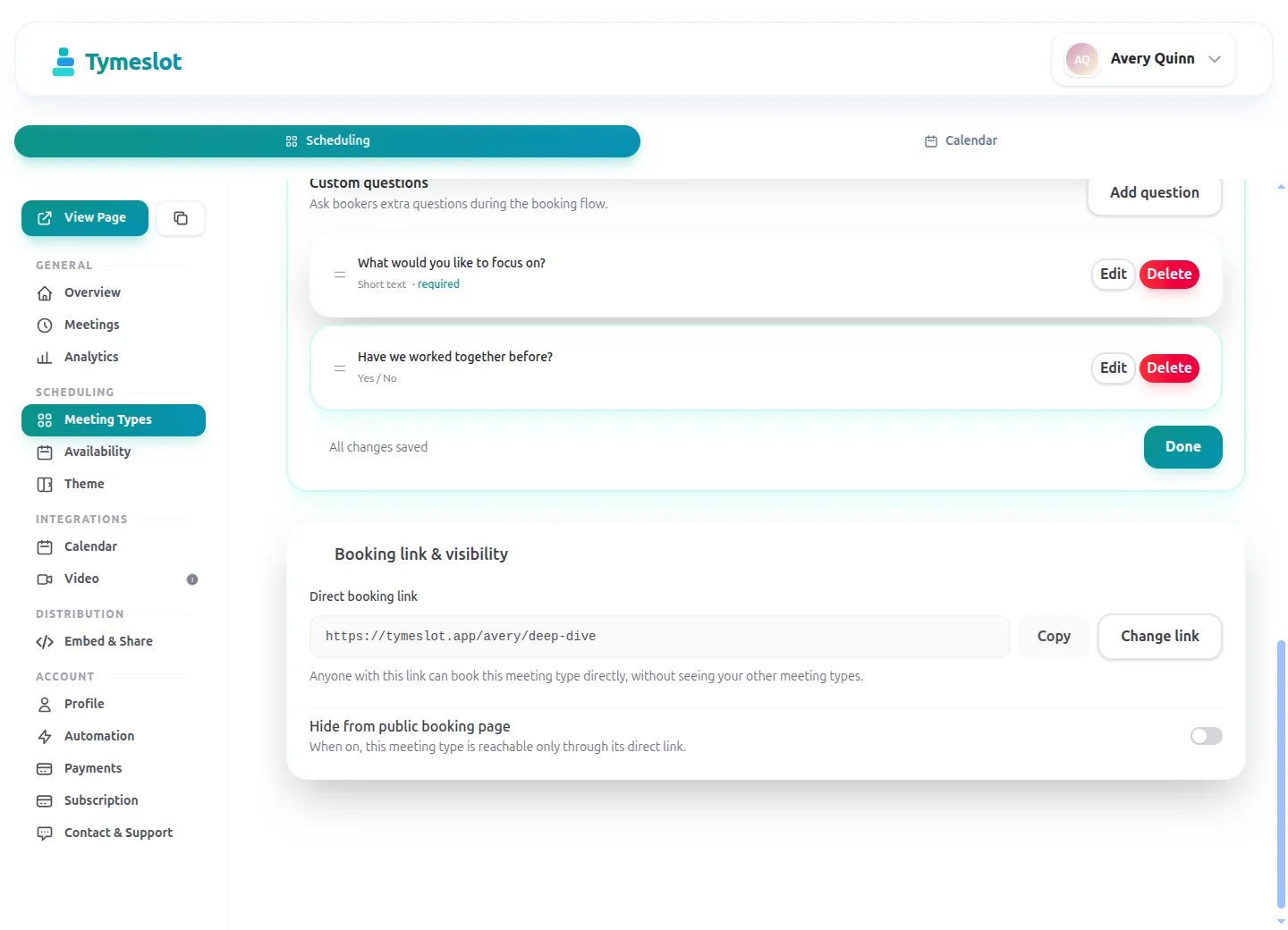
Create a dedicated intake meeting type with its own booking link, intake questions and availability schedule, completely separate from your regular session slots.
Automatic Session Reminders
Reminder emails go out at the times you choose before each session, so clients remember without any manual work on your part.
Deposits and Session Fees at Booking
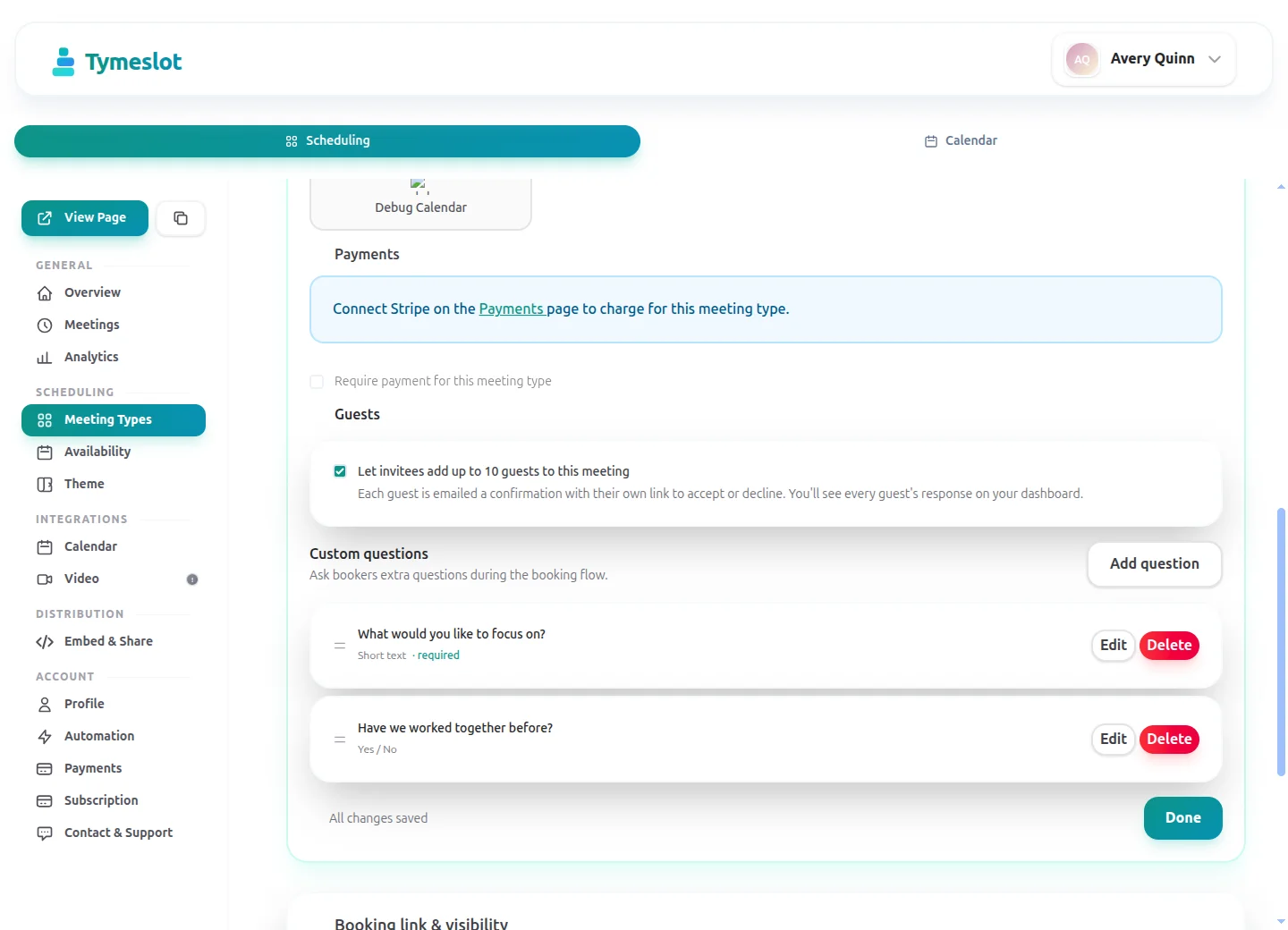
Connect Stripe to take a fixed deposit or the full session fee when a client books, so a missed slot still earns and casual enquiries think twice. The slot is confirmed once payment clears, the money settles in your own Stripe account, and when you cancel you can refund in the same step.
Self-Host for Full Data Control
Run Tymeslot on your own server with Docker, Cloudron or Railway. Your data never touches our infrastructure, which suits practices with strict data protection requirements.
Privacy and compliance for Therapists
A therapy booking reveals that someone is looking for mental health support, so even a name and an email address deserve care, and anything a client writes about their health is special category data under GDPR. Tymeslot keeps the booking side lean: it collects only what your form asks for, loads no advertising trackers, and can run on your own server.
Hosted in the EU
The managed service runs on servers in Germany. Booking pages load no advertising trackers; Google reCAPTCHA loads once a client starts the booking form, to block spam bookings.
Data processing agreement
A signed data processing agreement (DPA) comes with the Enterprise plan. The Free and Pro plans do not include one.
Self-host for full control
Run Tymeslot on your own server with Docker, Cloudron or Railway, and booking data never leaves infrastructure you control.
No HIPAA business associate agreement
Tymeslot does not sign HIPAA business associate agreements on any plan. Practices covered by HIPAA should not use it for protected health information.
See the difference
Same profession. Completely different scheduling experience.
Without Tymeslot
With Tymeslot
Common scheduling scenarios
How other Therapists use Tymeslot every day.
How do therapists handle first-contact and intake confidentially?
The first contact a potential client makes with a therapy practice is sensitive. They may be in distress, may not want their name associated with a mental health booking on a third-party platform, and need to trust your practice from the first interaction. Tymeslot's intake workflow keeps this process private and professional.
- Create a dedicated "Initial consultation" meeting type with its own booking link, a 50 to 60 minute duration and its own availability schedule, separate from your regular therapy slots so intake never crowds out existing clients.
- Add intake questions to the booking form (a Pro feature on the managed service), such as what the client would like help with and whether they have had therapy before. Answers are stored in your Tymeslot account and never shared with advertising networks.
- Set a minimum notice of 48 to 72 hours so you always have time to review intake answers and prepare before the first session.
- Set a booking horizon, for example 4 weeks, so your intake list stays manageable and clients aren't left waiting without contact.
How do therapists manage back-to-back session buffers?
Seeing clients back-to-back with no breathing room wears you down fast. Writing notes, resetting between sessions and preparing for the next client all need time that many booking tools ignore. In Tymeslot that time is part of your availability schedule.
- Set a buffer between sessions on your availability schedule, typically 10 to 15 minutes, or longer for EMDR or trauma-focused work. Tymeslot blocks this time automatically so clients can never book into it.
- Give each kind of session its own availability schedule so your week never fills beyond what is sustainable: deep sessions on Tuesday and Thursday only, check-ins any morning.
- Use the minimum notice setting so no same-day booking arrives without preparation time, giving you control over when your week is set.
- Because each meeting type can use its own schedule, supervision meetings and individual therapy can follow different spacing rules without any manual calendar management.
How do therapists reduce no-shows without chasing clients?
A missed 50-minute session is lost income and a disrupted day. Automatic reminders help clients remember, and when a client does need to cancel, they can do it themselves, so you are not the go-between.
- Tymeslot sends a confirmation email as soon as a client books, then reminder emails at the times you choose, for example 48 hours and 2 hours before the session.
- Clients can reschedule or cancel from the link in their confirmation email, which frees the slot automatically for another client.
- Let clients choose in person or telehealth when they book the same session type. Telehealth bookings get a video link generated automatically, reducing the "I couldn't find the link" cancellation.
- Put your cancellation policy in the session description, since Tymeslot does not enforce a cancellation deadline itself.
A starter setup for Therapists
Recommended settings to start from. You can change any of them in your dashboard.
Initial consultation
- Duration
- 50 min
- Buffer
- 15 min
- Minimum notice
- 2 days
- Bookable ahead
- 4 weeks
- Payment at booking
- €30 deposit at booking
Therapy session
- Duration
- 50 min
- Buffer
- 15 min
- Minimum notice
- 1 day
- Bookable ahead
- 6 weeks
- Payment at booking
- None
Short check-in call
- Duration
- 20 min
- Buffer
- 15 min
- Minimum notice
- 1 day
- Bookable ahead
- 2 weeks
- Payment at booking
- None
Intake questions
- What would you like support with? A sentence or two is enough.
- Have you had therapy before?
- Do you have a preferred day or time of day?
- How did you hear about the practice?
Ask only what you need to prepare for a first session, and keep clinical history in your records system rather than the booking form. Minimum notice and booking horizon belong to an availability schedule, so give each of these session types its own schedule.
Intake questions and payments at booking are part of Pro on the managed service, and free when you self-host.
Tymeslot compared with Jane, Cliniko, Acuity and Calendly
Facts from each vendor's own pages, with the date we checked them.
| Feature | Tymeslot | Jane | Cliniko | Acuity | Calendly |
|---|---|---|---|---|---|
| Free plan | Yes: unlimited bookings and meeting types | No: paid plans only; a demo account to try | No: 30-day free trial | No: 7-day trial, no card needed | Yes, limited to 1 event type and 1 calendar |
| Entry price | Pro €9/month, flat; self-hosting is free | CAD $59/month (1 practitioner, 20 bookings) | US$45/month for 1 practitioner | $16/month paid annually ($20 paid monthly) | $10/seat/month, billed yearly |
| Hosting in the EU | Yes, in Germany | No: UK and Europe clinics are stored in the UK | Yes: Ireland for accounts created in Europe | No: data is stored in US data centres | No: data is stored in US data centres |
| Self-hosting | Yes: Docker, Cloudron or Railway | No: hosted service only | No: hosted service only | No: hosted service only | No: hosted service only |
| Open source | Yes, GNU AGPLv3 | No: hosted service only | No: hosted service only | No: hosted service only | No: hosted service only |
| Booking page without third-party scripts | No ad trackers; reCAPTCHA on the booking form | No: third-party scripts load (Google Analytics, Google Tag Manager) | Not checked | Not checked | No: third-party scripts are referenced (Stripe, reCAPTCHA, Airbrake, Google Tag Manager) |
| Deposit or payment at booking | Pro or self-hosted: a fixed amount via Stripe | Yes: card on file, deposit or full payment | Yes: deposit or full payment via Stripe | Yes, on all plans: Stripe, Square, PayPal, Venmo | Paid plans only: Stripe or PayPal at booking |
| Custom intake questions | Pro or self-hosted: 10 question types | Intake forms are sent after booking | Intake forms are sent with confirmations | Yes, on all plans: custom client forms | Yes: up to 10 questions per event type, on all plans |
| Signed data processing agreement | Enterprise plan only | Yes: provides data processing agreements | Yes: incorporated into the terms where GDPR applies | Not checked | Yes: accepted with the customer terms |
| Signs a HIPAA business associate agreement | No | Yes, on request for HIPAA-covered subscribers | Yes, on request | Not checked | Not checked |
Sources: Jane: Jane pricing (checked 5 October 2026) Jane: Jane GDPR and data storage guide (checked 5 October 2026) Jane: Jane online booking pre-payments (checked 5 October 2026) Jane: Jane online booking (checked 5 October 2026) Jane: Jane terms of use (checked 5 October 2026) Jane: Jane demo booking page (checked 5 October 2026) Cliniko: Cliniko pricing (checked 5 October 2026) Cliniko: Cliniko security (checked 5 October 2026) Cliniko: Cliniko deposits at online booking (checked 5 October 2026) Cliniko: Cliniko patient forms (checked 5 October 2026) Cliniko: Cliniko GDPR help article (checked 5 October 2026) Acuity: Acuity Scheduling pricing (checked 5 October 2026) Acuity: Where Squarespace stores data (checked 5 October 2026) Calendly: Calendly pricing (checked 5 October 2026) Calendly: Calendly data storage (checked 5 October 2026) Calendly: Calendly data processing addendum (checked 5 October 2026) Calendly: Calendly demo booking page (checked 5 October 2026) Calendly: Calendly invitee questions (checked 5 October 2026)
How to choose
What to check before you choose
- Find out where client data is stored and which companies process it for the vendor.
- Ask whether a signed data processing agreement comes with the plan you would buy.
- If your practice is covered by HIPAA, confirm the vendor signs a business associate agreement.
- Open the vendor's booking page in a fresh browser and see which third-party scripts it loads.
- Decide whether you need notes and invoicing in the same tool, or scheduling alone.
- Check that deposits and intake questions are on a plan you can afford.
How much time could you save?
Adjust to match your practice and see your potential savings.
Calculate your time savings
Drag the sliders to match your practice.
150
minutes saved per week
130.0
hours saved per year
€10,400
annual value of saved time
Which calendars and video tools do therapists use with Tymeslot?
Connects to the tools you already use. No extra setup.
Start free, upgrade when you're ready
Core scheduling is always free. No credit card required.
Free
€0 / month
- Unlimited bookings and meeting types
- Calendar sync (Google, Outlook, CalDAV)
- Auto video rooms (Meet, Teams, Zoom, Jitsi, Nextcloud Talk and more)
- Booking page at tymeslot.app/you
- Email reminders & notifications
- Both booking themes and website embeds
Pro
€9 / month
- Everything in Free
- Custom booking questions for intake
- Payments at booking via your own Stripe account
- Remove Tymeslot branding from booking pages
- Booking analytics and automation
See Tymeslot in action
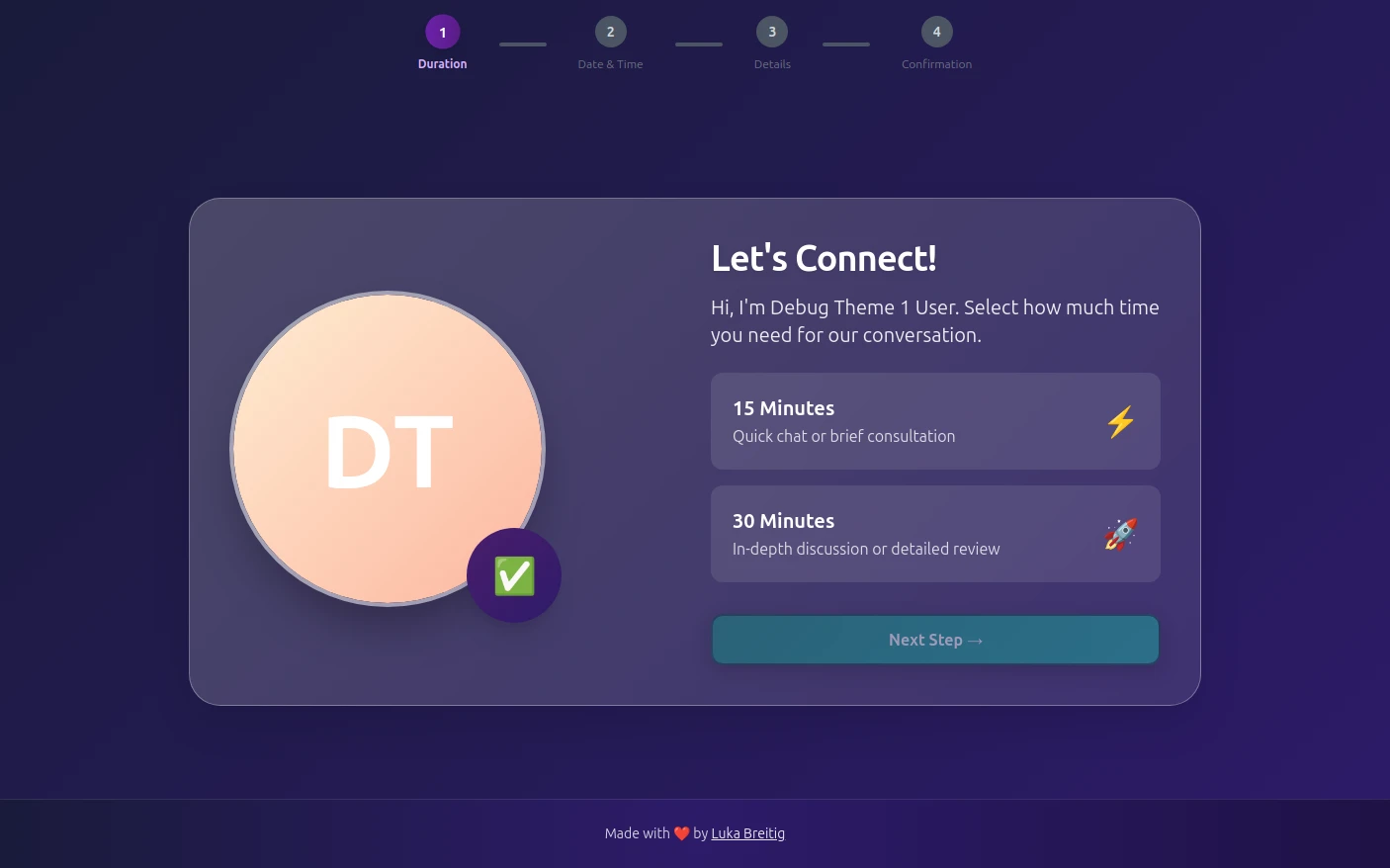
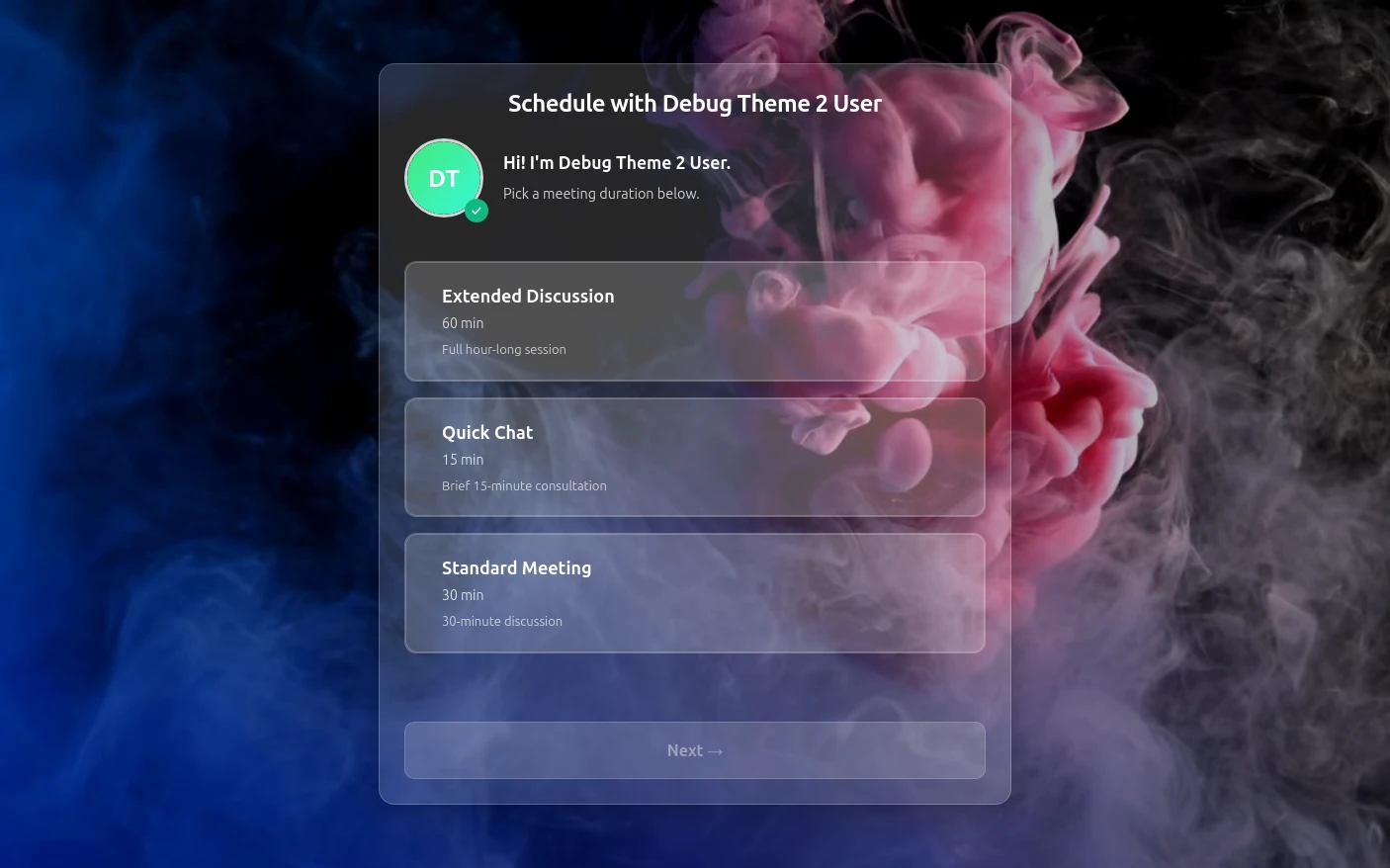
Try both booking themes live - no account needed.
Frequently Asked Questions
Is Tymeslot GDPR compliant for therapy practices?
Can Tymeslot replace an EHR or practice-management system for therapists?
Does Tymeslot sign a HIPAA business associate agreement?
How do therapists reduce no-shows with Tymeslot?
Is Tymeslot a good alternative to Jane for therapists?
Can therapists self-host Tymeslot to keep client data on their own server?
Is there a free plan for therapists?
Which calendars and video tools work with Tymeslot for therapy sessions?
Moving from another booking tool? See how Tymeslot compares with Calendly, Cal.com and others
Ready to reclaim your time?
Free plan available. No credit card required. Setup in 5 minutes.