For Wedding Planners

Scheduling Software for Wedding Planners and Couples

Couples book the first consultation and invite their partner in the same step. Venue visits and planning sessions get their own links, with weekend slots where you want them and none on your wedding days.

Both partners invited
Weekend and evening slots
Approve consultations first
Luka Breitig, Software Engineer & AI Developer
Luka Breitig

Updated 5 October 2026

The Problem

Why do wedding planners lose hours every week to scheduling?

Couples plan their wedding around two full-time jobs, so they want evenings and Saturdays, which are exactly when you are at other people's weddings. Every consultation needs both partners, often a parent, sometimes a venue manager, each with their own diary. And a wedding takes a year or more of meetings to plan. Holding all of that together by email becomes a second job. Tymeslot gives each kind of meeting its own link and its own hours, lets couples bring their partner along when they book, and keeps your wedding days closed.

Why generic scheduling tools fit wedding planning badly

Most scheduling tools assume one person books one meeting in office hours. Wedding planning breaks each of those. The booker is half a couple. The best slots are Thursday evenings and Saturday mornings. And the same planner runs a 60-minute video consultation with a new enquiry, a two-hour planning session with a signed couple and a 90-minute visit at a venue an hour's drive away.

In Tymeslot each of those is its own meeting type. The consultation can need your approval, so you can check whether you are free on the couple's wedding date before you confirm. The person booking adds their partner as a guest, and both get the invitation and reminders. Venue visits follow a weekend schedule with a long buffer for travel, and time off blocks the dates you are working on someone else's day.

Features

Everything Wedding Planners need. Nothing they don't.

Scheduling features shaped around how your practice works.

👥

Both Partners on Every Booking

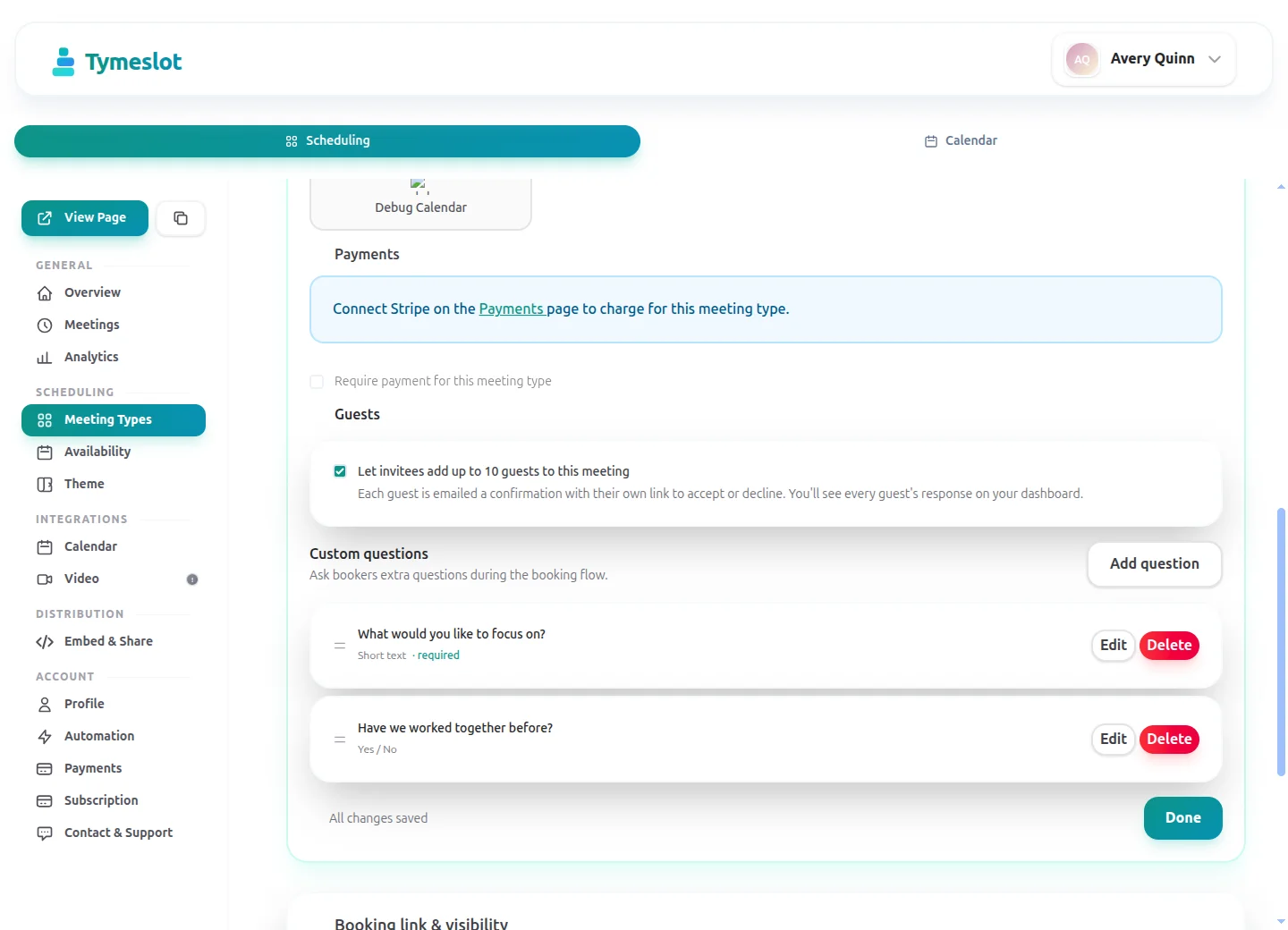
Let the person booking add their partner, a parent or a co-planner as guests. Each guest receives the invitation, the reminders and any change of time.

📅

Approve Consultations Before Confirming

Turn on approval for the first consultation, read the couple's wedding date and venue, and confirm only if you can take the date.

⏰

Weekend Hours and Travel Buffers

Give venue visits a Saturday schedule with a 60-minute buffer for driving, and keep weekday evenings for video consultations.

🌍

Venue, Studio or Video

Offer several locations on one meeting type, such as your studio, a video call or a phone call, and let the couple choose when they book. Couples planning from abroad see your hours in their own time zone.

🔗

Your Wedding Days Kept Closed

Add each wedding you are working as time off, and no consultation or visit can be booked on that day, however open the weekend schedule looks.

💳

Paid Planning Sessions

On Pro, put a fixed price on a meeting type, such as a paid day-of-coordination consultation, and the couple pays through your own Stripe account when they book.

Before & After

See the difference

Same profession. Completely different scheduling experience.

Without Tymeslot

1 Couple emails about a consultation, three rounds to find an evening both can do
2 Partner forwarded the details separately, venue manager phoned
3 Reminder sent by hand the day before; nobody brought the guest list

With Tymeslot

1 Couple books a consultation and adds their partner as a guest
2 You approve once you have checked the wedding date
3 Both receive the confirmation, then reminders
Use Cases

Common scheduling scenarios

How other Wedding Planners use Tymeslot every day.

Scenario 1

How do wedding planners handle the first consultation with a couple?

The first consultation decides whether a couple books you. It should be easy to arrange for both partners, and it should not take an evening slot for a wedding date you are already booked on.

  • Create a "Couple consultation" meeting type of 60 minutes with approval turned on, offered by video or at your studio.
  • On Pro, ask for the wedding date, the venue if chosen and the expected number of guests.
  • The person booking adds their partner as a guest; you check the date and approve, and both receive the confirmation with the video link.
  • Reminders go out 24 hours and two hours before, to both partners.
Result: Both partners arrive at the consultation, and you only confirm couples whose date you can take.
Scenario 2

How do wedding planners schedule venue visits and tastings?

Venue visits and tastings happen on site, often at weekends, and each one needs travel time either side. Trying to fit them into the same schedule as video calls leads to impossible days.

  • Create a "Venue visit" meeting type of 90 minutes, in person, on a schedule that runs Friday afternoons and Saturdays.
  • Set a 60-minute buffer on that schedule for travel and a limit of two visits a day.
  • Add your own wedding days as time off, so no visit can be booked on a day you are working.
  • Send reminders two days and two hours before, so both partners have the visit in mind.
Result: Site visits fit into the weekend with time to drive between them, and never land on a wedding day.
Scenario 3

How do wedding planners run the final walk-through with everyone involved?

The final walk-through brings together the couple, the venue manager and sometimes the caterer. Getting everyone to the same place at the same time is the hard part.

  • Create a private "Final walk-through" meeting type of 120 minutes and send the link to the couple a few months before the date.
  • The couple books it and adds the venue manager and caterer as guests.
  • If you need someone else there, invite them as a guest after the booking.
  • Every guest receives reminders 48 hours before, and an update if the time moves.
Result: Everyone involved in the walk-through gets the same invitation and the same reminders, without a group email.
Starter setup

A starter setup for Wedding Planners

Recommended settings to start from. You can change any of them in your dashboard.

Couple consultation

Duration
60 min
Buffer
15 min
Minimum notice
2 days
Bookable ahead
60 days
Payment at booking
None

Planning session

Duration
120 min
Buffer
30 min
Minimum notice
3 days
Bookable ahead
120 days
Payment at booking
None

Venue visit

Duration
90 min
Buffer
60 min
Minimum notice
5 days
Bookable ahead
180 days
Payment at booking
None

Intake questions

  • What is your wedding date, or your preferred season?
  • Have you chosen a venue yet?
  • Roughly how many guests are you expecting?
  • How did you hear about us?

Turn on approval for the consultation so you can check the wedding date before confirming. Venue visits need a weekend schedule with a long travel buffer, and each type here uses different notice and horizon values, so each needs its own availability schedule.

Intake questions and payments at booking are part of Pro on the managed service, and free when you self-host.

Compare

Tymeslot compared with Paperbell, Calendly and SavvyCal

Facts from each vendor's own pages, with the date we checked them.

Feature Tymeslot Paperbell Calendly SavvyCal
Free plan Yes: unlimited bookings and meeting types Free account to set up, before choosing a paid plan Yes, limited to 1 event type and 1 calendar No: free trial only; a paid plan is needed to activate links
Entry price Pro €9/month, flat; self-hosting is free One plan, billed $97/month or $970/year $10/seat/month, billed yearly From $10/user/month; annual billing saves 2 months
Hosting in the EU Yes, in Germany Not checked No: data is stored in US data centres No: hosted in the US (Virginia)
Self-hosting Yes: Docker, Cloudron or Railway No: hosted service only No: hosted service only No: hosted service only
Open source Yes, GNU AGPLv3 No: hosted service only No: hosted service only No: hosted service only
Booking page without third-party scripts No ad trackers; reCAPTCHA on the booking form Not checked No: third-party scripts are referenced (Stripe, reCAPTCHA, Airbrake, Google Tag Manager) No: third-party scripts load (Tally, Help Scout, PostHog)
Deposit or payment at booking Pro or self-hosted: a fixed amount via Stripe Yes: payment plans and set-up fees; first payment taken at purchase Paid plans only: Stripe or PayPal at booking Premium plan only: paid bookings
Custom intake questions Pro or self-hosted: 10 question types Yes: customisable intake surveys Yes: up to 10 questions per event type, on all plans Yes: custom questions on scheduling links
Signed data processing agreement Enterprise plan only Terms name Paperbell as data processor Yes: accepted with the customer terms Yes: accepted with the Terms of Use

Sources: Paperbell: Paperbell pricing (checked 5 October 2026) Paperbell: Paperbell FAQ (checked 5 October 2026) Paperbell: Paperbell terms and conditions (checked 5 October 2026) Paperbell: Paperbell set-up fees (checked 5 October 2026) Calendly: Calendly pricing (checked 5 October 2026) Calendly: Calendly data storage (checked 5 October 2026) Calendly: Calendly data processing addendum (checked 5 October 2026) Calendly: Calendly demo booking page (checked 5 October 2026) Calendly: Calendly invitee questions (checked 5 October 2026) SavvyCal: SavvyCal pricing (checked 5 October 2026) SavvyCal: SavvyCal security and hosting (checked 5 October 2026) SavvyCal: SavvyCal data processing addendum (checked 5 October 2026) SavvyCal: Custom questions in SavvyCal (checked 5 October 2026) SavvyCal: SavvyCal demo booking page (checked 5 October 2026)

How to choose

What to check before you choose

  • Find out where client data is stored and whether a data processing agreement comes with your plan.
  • Work out the cost at your firm's size: per-seat pricing grows with every colleague.
  • Check that the tool syncs with the calendar standard your firm uses, such as CalDAV.
  • See whether you can take a fee or retainer at booking, and on which plan.
  • Try embedding the booking page on your firm's website.
  • Ask how you would export your data if you left.

Compare Tymeslot's plans

ROI Calculator

How much time could you save?

Adjust to match your practice and see your potential savings.

Calculate your time savings

Drag the sliders to match your practice.

12
140
€80
€20 €500
15m
5m60m

180

minutes saved per week

156.0

hours saved per year

€12,480

annual value of saved time

Integrations

Which calendars and tools do wedding planners use with Tymeslot?

Connects to the tools you already use. No extra setup.

Google Calendar
Outlook
Google Meet
Teams
Pricing

Start free, upgrade when you're ready

Core scheduling is always free. No credit card required.

Free

€0 / month

  • Unlimited bookings and meeting types
  • Calendar sync (Google, Outlook, CalDAV)
  • Auto video rooms (Meet, Teams, Zoom, Jitsi, Nextcloud Talk and more)
  • Booking page at tymeslot.app/you
  • Email reminders & notifications
  • Both booking themes and website embeds
Pro

Pro

€9 / month

  • Everything in Free
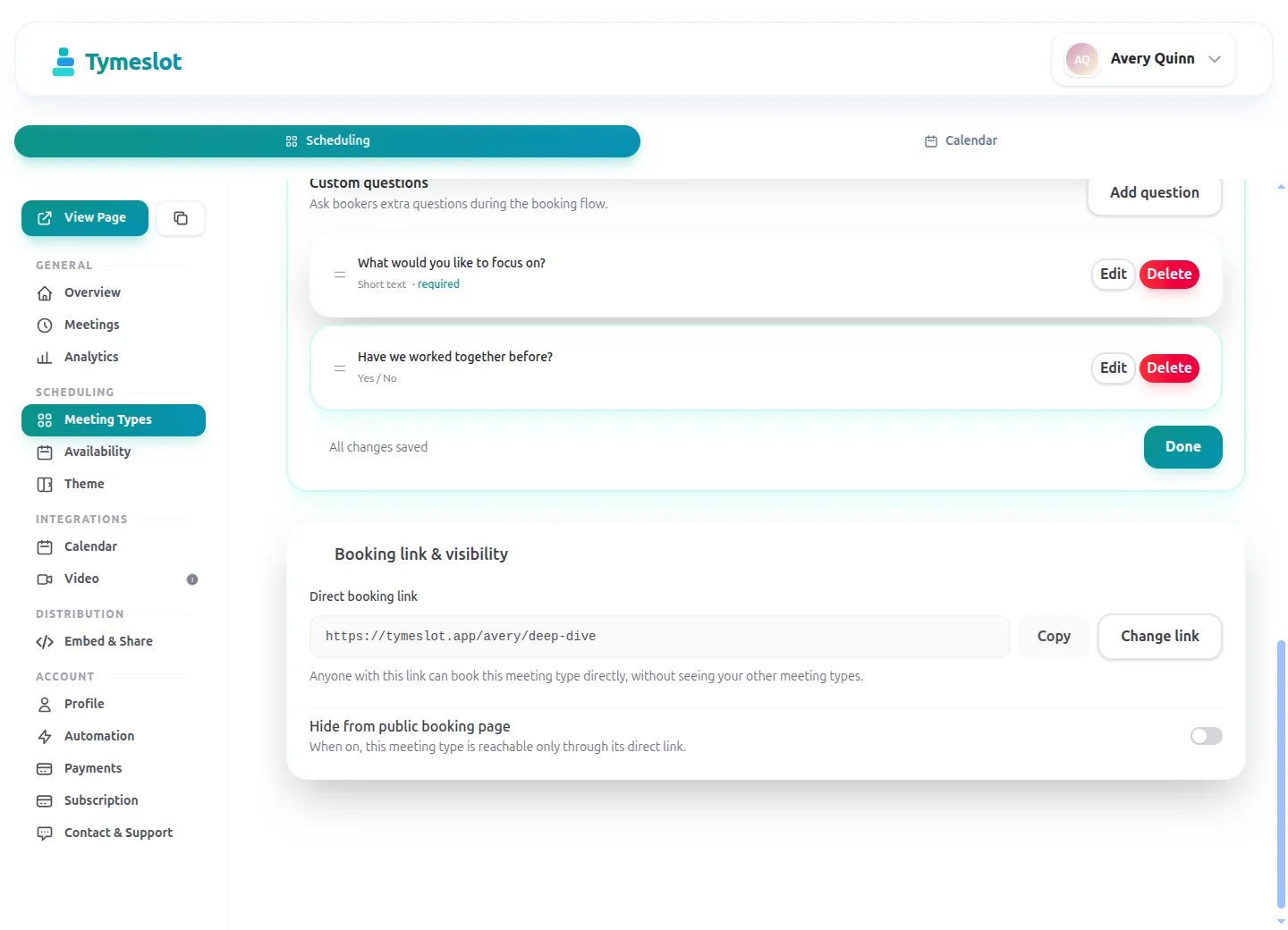
  • Custom booking questions for intake
  • Payments at booking via your own Stripe account
  • Remove Tymeslot branding from booking pages
  • Booking analytics and automation
Booking Themes

See Tymeslot in action

Try both booking themes live - no account needed.

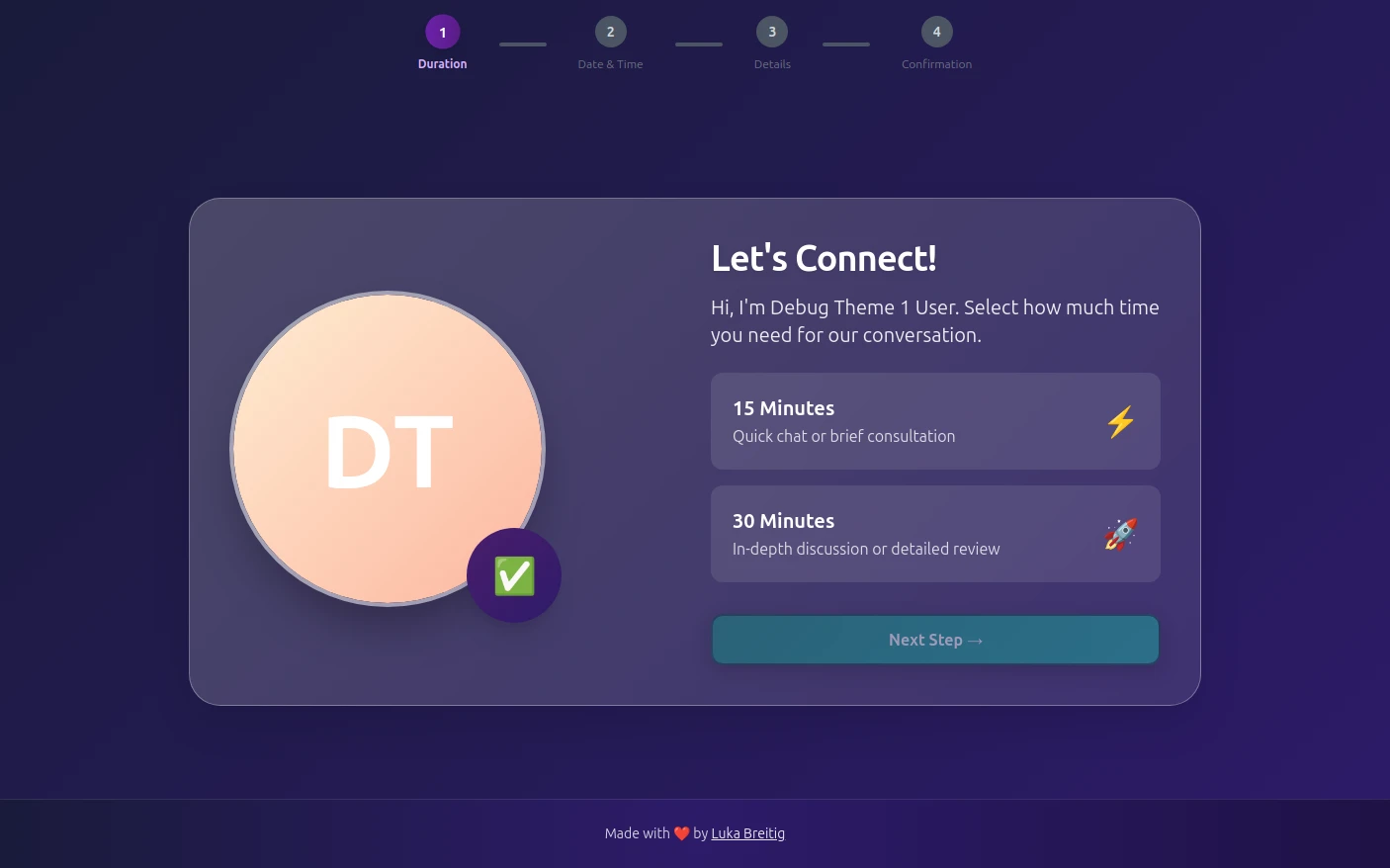
Quill theme preview
Quill

Quill

Professional Glassmorphism

Try Live Demo
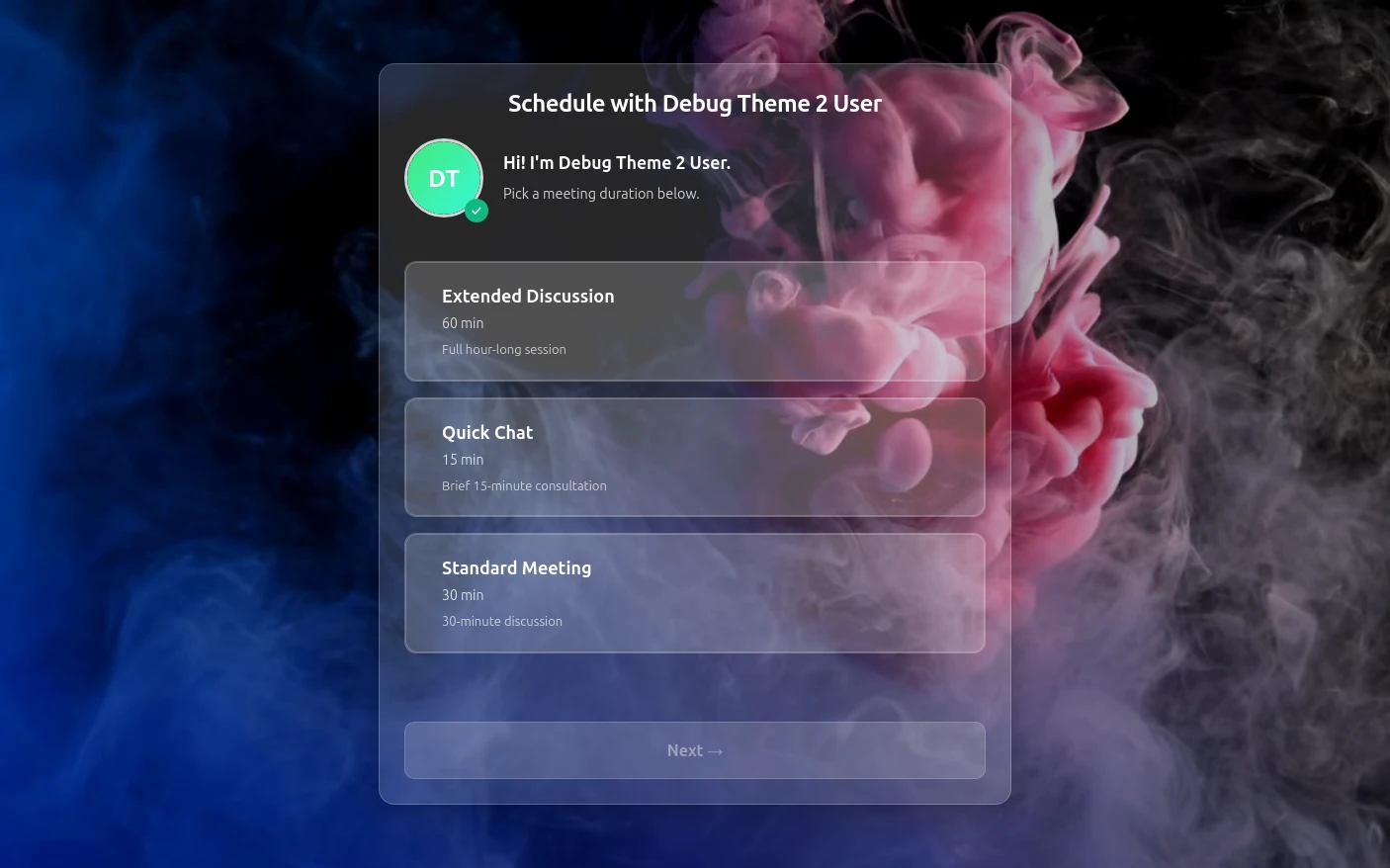
Rhythm theme preview
Rhythm

Rhythm

Immersive Experience

Try Live Demo
FAQ

Frequently Asked Questions

Is Tymeslot GDPR compliant for wedding planners?

Tymeslot keeps a couple's wedding enquiry out of advertising networks: the wedding planner's booking page is hosted in Germany and loads no advertising trackers or third-party analytics, and the only analytics is a cookieless page-view count on Tymeslot's own servers. On tymeslot.app, Google reCAPTCHA loads once a client starts filling in the booking form, to block spam bookings; a self-hosted instance runs it only if you configure it. Couples share only what your booking form asks, plus the email addresses of any guests they invite. A signed data processing agreement is available on the Enterprise plan only, not Free or Pro. Planners who want bookings kept on a server they control can self-host Tymeslot.

Is Tymeslot wedding planning software?

No, Tymeslot handles only the meetings in a wedding planner's year: it is scheduling software for wedding planners that books consultations, venue visits and planning sessions, with no budgets, timelines, vendor contracts, seating plans or invoices. It sits alongside whatever you use for those, and keeps the meetings in your calendar.

How do wedding planners reduce no-shows on consultations and venue visits?

Tymeslot helps wedding planners reduce no-shows by inviting both partners to every booking and sending them reminder emails at the times you choose, such as 48 hours and two hours before a venue visit. Couples reschedule or cancel from their confirmation email, which frees a weekend slot for another couple. On Pro you can charge a fixed fee for a paid session through your own Stripe account when the couple books; Tymeslot does not take percentage deposits, so wedding retainers stay in your contract and invoicing.

How does Tymeslot compare with Calendly for wedding planners?

Both Tymeslot and Calendly let wedding planners take payment when a couple books: Calendly's pricing page lists Stripe or PayPal payments on paid plans only, and Tymeslot takes Stripe payments on Pro, or on any self-hosted install. Calendly's help centre says data is stored in US data centres, while Tymeslot's managed service is hosted in Germany and keeps ad trackers off the booking page. Calendly's free plan is limited to one event type, which a planner with consultations, planning sessions and venue visits will outgrow.

Can wedding planners self-host Tymeslot?

Wedding planners can self-host Tymeslot, but in peak season few have the time to run a server, and the managed service in Germany needs no upkeep. Self-hosting with Docker, Cloudron or Railway is free and open source under the GNU AGPLv3, with every feature included. It suits a planning agency that already has someone looking after its website server.

Is Tymeslot free for wedding planners?

Yes, Tymeslot's free plan covers what a wedding planner's diary needs most: both partners as guests, approval before a consultation is confirmed, Saturday venue schedules and wedding days blocked as time off. Pro (€9/month) adds booking questions such as the wedding date, paid sessions through Stripe, booking analytics and automation, and removes Tymeslot branding from your booking page.

Which calendars and video tools do wedding planners use with Tymeslot?

Tymeslot connects to a wedding planner's Google Calendar, Outlook or CalDAV calendar, so the weddings already in your diary block those days on your booking page. For video consultations, Tymeslot creates a Google Meet, Microsoft Teams, Zoom or Jitsi link; for venue visits, choose an in-person location and the couple gets the address instead.

Moving from another booking tool? See how Tymeslot compares with Calendly, Cal.com and others

Ready to reclaim your time?

Free plan available. No credit card required. Setup in 5 minutes.

No credit card required
Setup in 5 minutes
Privacy-first