Scheduling Software for Massage Therapists and Clinics
Clients choose a treatment length, pay when they book if you want them to, and get a reminder before they come. Hosted in the EU, with no advertising trackers on the page.

Updated 22 October 2026
Why do massage therapists lose bookings between treatments?
You cannot answer the phone with oil on your hands. Messages pile up during a 90-minute treatment, and by the time you reply, some clients have booked elsewhere. The ones you do reach then need a time, a treatment length and a reminder. Tymeslot puts your treatment menu and live availability on one page. Clients pick the length they want, book a free slot, and get a confirmation and a reminder without you stepping out of the room.
What a treatment room needs from its booking page
A massage diary is physical. Each treatment needs time afterwards to change the linen and air the room, and your hands and shoulders set a limit on how many deep tissue sessions you can give in a day. A booking page that ignores either fills the day with treatments you cannot do well.
And a slot left empty by a no-show cannot be sold again. Tymeslot lets you take the full fee or a fixed deposit when a client books (a Pro feature on the managed service, paid into your own Stripe account), keep a buffer after every treatment, and cap the number of treatments per day so the last client gets the same pressure as the first.
Everything massage therapists need. Nothing they don't.
A Treatment Menu by Length
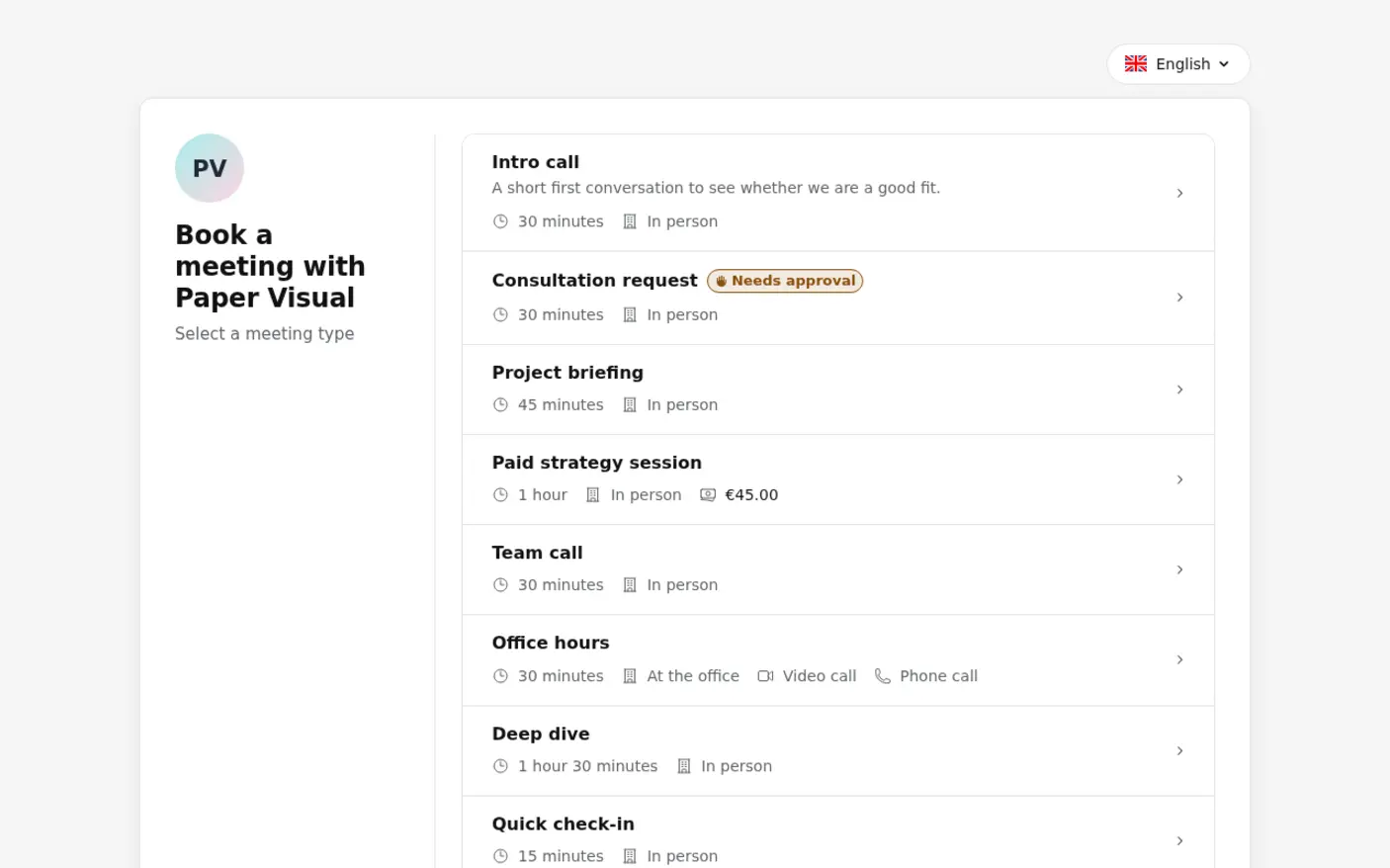
Offer a 30-minute back and shoulders treatment, a 60-minute massage and a 90-minute deep tissue session as separate meeting types. Each description can say what the treatment covers, what to wear and whether oil is used.
Time to Change the Room
Keep 15 minutes after every treatment to strip the couch, put on fresh linen and air the room. If you prefer clients to start on the hour, sell a 50-minute treatment with a 10-minute gap instead.
A Daily Cap That Protects Your Hands
Limit how many treatments of a type can be booked per day, week or month, for example three 90-minute deep tissue sessions a day and no more than twelve a week.
The Fee or a Deposit at Booking
On Pro, set a fixed amount per treatment: the full €90 for a 90-minute deep tissue session, say, or €25 towards it. A client who has paid for a Saturday slot rarely forgets it.
Mobile Visits With Travel Time
Give home visits their own meeting type, with the address arranged after booking or asked on the form, and a longer buffer on their schedule so there is time to pack the table and drive to the next client.
Reminders Before Each Treatment
Send reminder emails at the times you choose, such as the day before and two hours before, so a client has time to rearrange childcare or let you know they have come down with a cold.
Privacy and compliance for massage therapists
A massage booking is mostly logistics: a name, a time, a treatment and sometimes a payment. The health side of the work (case history, contraindications, consent, treatment notes) is where the legal duties sit, so the useful decision is which of it reaches the booking form at all.
Health answers are special category data
Under GDPR Article 9, a client's pregnancy, injuries or medication is data concerning health, which needs a separate legal basis such as explicit consent. Keep booking questions to pressure, focus area and first visit, and collect contraindications on your consultation form.
Payment records apart from health records
The CNHC code (A.7) says a bookkeeper or accountant must see your payment information separately from clients' health records. A booking tool that holds the client, the treatment, the time and the fee, with no case history, keeps that split for you.
Fees clients can find before they book
CNHC registrants must make sure clients can easily find their fees and fee structures (P.1.1). Put each treatment's price, any deposit and your notice period in its description, so the client reads them on the booking page before choosing a time.
- Hosted in the EU
- Signed DPA on Enterprise only
- Self-hosting for full control
- No HIPAA BAA on any plan
See the difference
Without Tymeslot
With Tymeslot
Common scheduling scenarios
How do massage therapists keep the treatment room full?
Every hour the room is empty is an hour that cannot be sold again. The aim is to make free time visible to clients the moment it exists, without you checking messages between treatments.
- A client who cancels a Thursday evening treatment frees the slot on your page at once, and the next person looking for an after-work massage can take it.
- Open Saturdays for 90-minute treatments only, by giving deep tissue its own schedule with Saturday hours.
- Set a minimum notice of 4 hours on the 30-minute back and shoulders treatment, so a morning gap can still be sold to someone on their lunch break.
- Put the link on your Google Business Profile, where people searching for a massage near them can book without ringing you.
How do massage therapists stop clients booking the wrong treatment?
A client books 30 minutes and arrives expecting a full-body massage. Clear options at booking prevent the awkward conversation at the door.
- Describe each treatment in plain words: which areas it covers, whether it is oil or clothed, and how long the client is on the table.
- Clients choose the treatment first and see only the slots long enough for it, buffer included.
- Ask about pressure and an area to focus on (booking questions are a Pro feature on the managed service), so you can plan the session before they arrive.
- The confirmation email names the treatment and its length, so a client who picked the short one by mistake can cancel it and book the right one before the day.
How do massage therapists reduce no-shows?
A missed 90-minute treatment is the most expensive gap in your week. Many no-shows are simply forgotten appointments, and prepayment makes the rest less likely.
- Send a reminder email the day before and another two hours before each treatment.
- On Pro, take the full fee for deep tissue and Saturday treatments, and nothing upfront for a regular's 30-minute session.
- A client who wakes up unwell moves the treatment from their confirmation email, and the slot goes back on your page for someone else.
- State your notice period, such as 24 hours, in each treatment's description; Tymeslot shows it but does not enforce it or charge a fee.
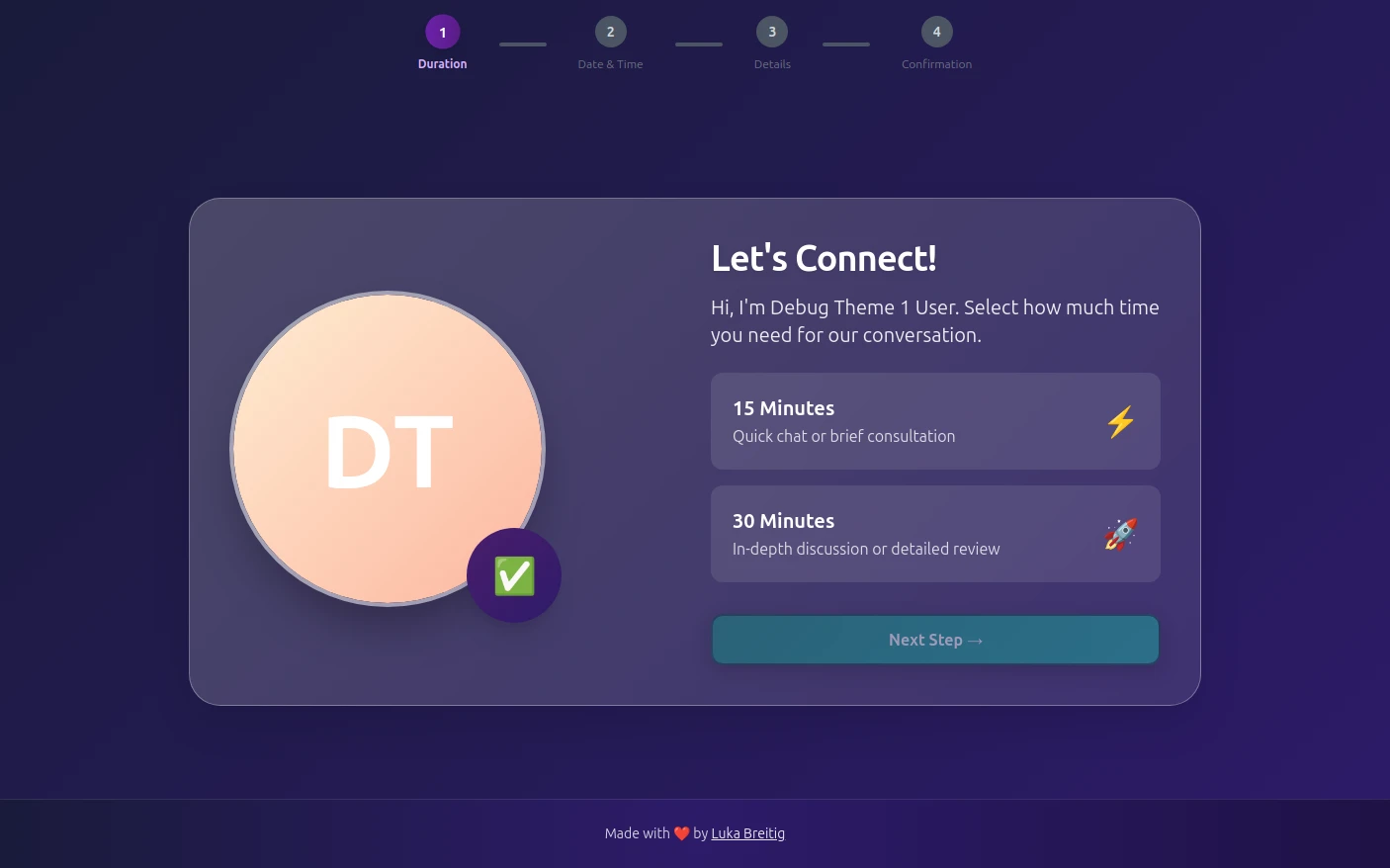
See Tymeslot in action


A starter setup for massage therapists
| Meeting type | Duration | Buffer | Minimum notice | Bookable ahead | Payment at booking |
|---|---|---|---|---|---|
| 60-minute massage | 60 min | 15 min | 1 day | 6 weeks | Full fee at booking |
| 90-minute deep tissue | 90 min | 15 min | 1 day | 6 weeks | Full fee at booking |
| 30-minute back and shoulders | 30 min | 15 min | 4 hours | 3 weeks | None |
Intake questions
- Is this your first visit?
- Do you prefer firm, medium or light pressure?
- Is there an area you would like the treatment to focus on?
- How did you hear about us?
The 60 and 90-minute treatments share one schedule (24 hours' notice, six weeks ahead); the short back and shoulders treatment gets a second one with 4 hours' notice, so lunchtime gaps sell on the day. Leave contraindications such as pregnancy, recent surgery or blood thinners for your consultation form, not these questions.
Tymeslot compared with Fresha and Acuity
Tymeslot is the cheaper start for a massage therapist who books clients through their own website and social profiles: the free plan covers the whole treatment menu, and prepayment and booking questions come with Pro. Those three rows decide most switches, because a missed 90-minute treatment and a client booked onto the wrong table both cost money. Fresha suits you better if you want new clients from its marketplace and gift cards, and Acuity if you sell packages or gift certificates alongside appointments.
| Feature | Tymeslot | Fresha | Acuity |
|---|---|---|---|
| Deposit or payment at booking | Pro: full fee for deep tissue at booking | Yes: deposit or full prepayment, with Fresha Payments | Yes, on all plans: Stripe, Square, PayPal, Venmo |
| Custom intake questions | Pro: pressure and focus area before the table | Yes: custom forms sent when an appointment is booked | Yes, on all plans: custom client forms |
| Free plan | Yes: the full treatment menu and daily caps | No: 7-day trial on the paid plans | No: 7-day trial, no card needed |
Sources checked 5 October 2026.
How much time could you save?
A rough estimate, not a promise.
200
minutes saved per week
173.3
hours saved per year
€12,998
annual value of saved time
Which calendars do massage therapists sync with Tymeslot?




Start free, upgrade when you're ready
A therapist whose clients turn up reliably can run the 60, 90 and 30-minute menu on Free. Taking the fee for deep tissue at booking, or asking about pressure and focus areas, needs Pro at €9/month. A mobile practice that needs the client's address before driving out needs Pro too.
Free
€0 / month
Pro
€9 / month