Viewing Scheduling Software for Real Estate Agents
Buyers book viewings from the listing at any hour. You set how many a day, how much travel time between them, and which ones wait for the seller's say-so.

Updated 31 October 2026
Why do estate agents lose so much time arranging viewings?
A viewing involves three diaries: yours, the buyer's and the seller's. Arranged by phone, each one takes several calls, and a buyer who cannot get a slot quickly moves on to the next listing. Tymeslot lets buyers book straight from the listing, with the property's address already in the confirmation, a travel buffer between appointments, and a daily limit so the day stays drivable.
What a viewing day needs that a generic booking link lacks
Most booking links assume every meeting happens in one place and that any free slot is fine. Estate agency is the opposite. A 2pm viewing on one side of town cannot run into a 2.30pm valuation on the other, an occupied house may need the seller's agreement before a buyer turns up, and a new listing can draw a week's worth of requests in a weekend.
Tymeslot has a setting for each of those. Each listing can have its own private meeting type with the property saved as its location, so the confirmation tells the buyer exactly where to go. A buffer on your availability schedule keeps travel time free. Limits per day stop a popular listing from swallowing your diary, and approval makes a viewing request wait until you have checked with the seller. When the property goes under offer, switch its viewing type off and the link stops taking bookings.
Everything real estate agents need. Nothing they don't.
A Meeting Type per Listing
Create a viewing type for each property, save the address as its location and hide it from your public page. Share the link in the listing, and buyers only ever see that property's slots.
Travel Time Between Appointments
Reserve driving time of up to two hours after each appointment, plus minimum notice so you can collect keys and arrange access. Buyers can never book into the gap.
Daily Viewing Limits
Tell each listing how many viewings it may take in a day, a week or a month, and a busy one fills the slots you planned and no more.
Seller Approval First
Turn on approval for occupied properties. Each viewing request waits while you check with the seller, and you approve or decline from the request email.
Open-House Places
On Pro, turn a Saturday hour into one slot with, say, twelve places. The page marks the slot as it fills, and it leaves the page once the last place is taken.
Booking From Your Website
Embed your booking page on your agency website, inline, as a popup or behind a floating button, and put each property's own viewing link on its page as a link or button, so a buyer studying the floor plan is one click from a viewing.
See the difference
Without Tymeslot
With Tymeslot
Common scheduling scenarios
How do estate agents handle a flood of viewing requests for a new listing?
A well-priced new listing can draw a dozen requests in its first weekend. Arranged by phone, that is a day of calls. A viewing type for the listing lets buyers sort themselves into the slots you open.
- Create a private "Viewing: 12 Elm Road" meeting type of 20 minutes, with the property saved as its location.
- Cap it at eight viewings a day, so the listing cannot take over every other appointment.
- Set a 20-minute buffer on the availability schedule you use for viewings, so there is time to drive between properties.
- Put the link in the listing and in your replies to portal enquiries. Buyers pick a slot, and the confirmation gives them the address.
How do estate agents get valuation appointments booked before a rival does?
A homeowner asking for a valuation is usually asking other agents too. The one who gets a date in the diary first has the best chance of the instruction.
- Create a 60-minute "Valuation" meeting type on your public booking page.
- On Pro, ask for the property address and whether it is a flat, terraced, semi-detached or detached house, so you can pull comparable sales beforehand.
- Set 24 hours' minimum notice to leave time for that research.
- Embed the booking page on your website's valuation page, so a homeowner can pick a time on the spot instead of waiting for a call back.
How do estate agents check with the seller before a viewing is confirmed?
An occupied home is not a show flat. Some sellers want to agree each viewing, and a buyer turning up unannounced loses goodwill fast. Approval lets the buyer choose a time while the seller keeps a say.
- Turn on approval for the viewing type of an occupied property, with 24 hours to answer each request.
- While you ring the seller, the slot is held for that buyer and sits as a tentative entry in your calendar.
- Approve or decline from the request email; the buyer gets a confirmation with the address, or a decline with your note.
- Requests you have not answered in time are released, so slots never sit blocked for long.
See Tymeslot in action
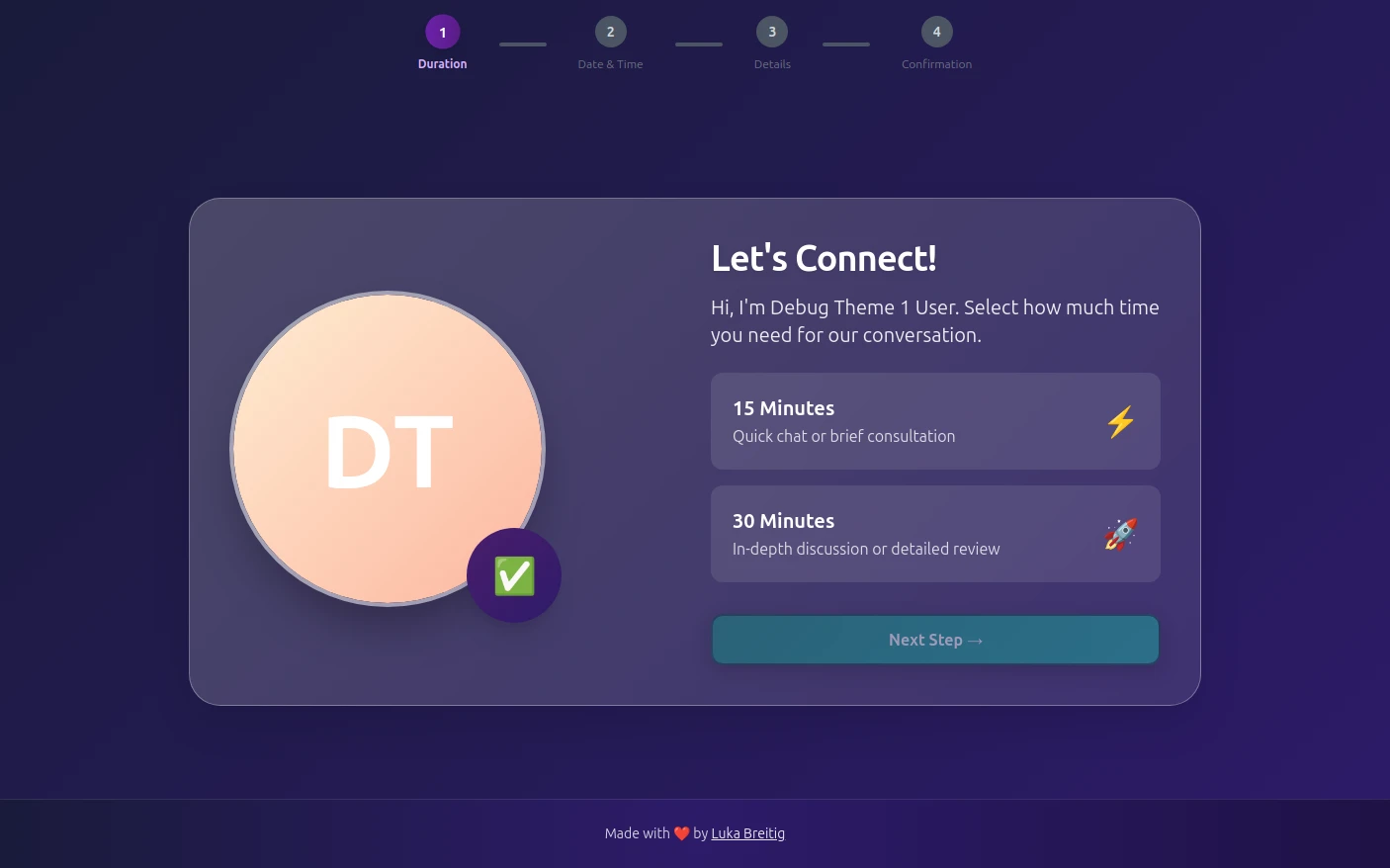

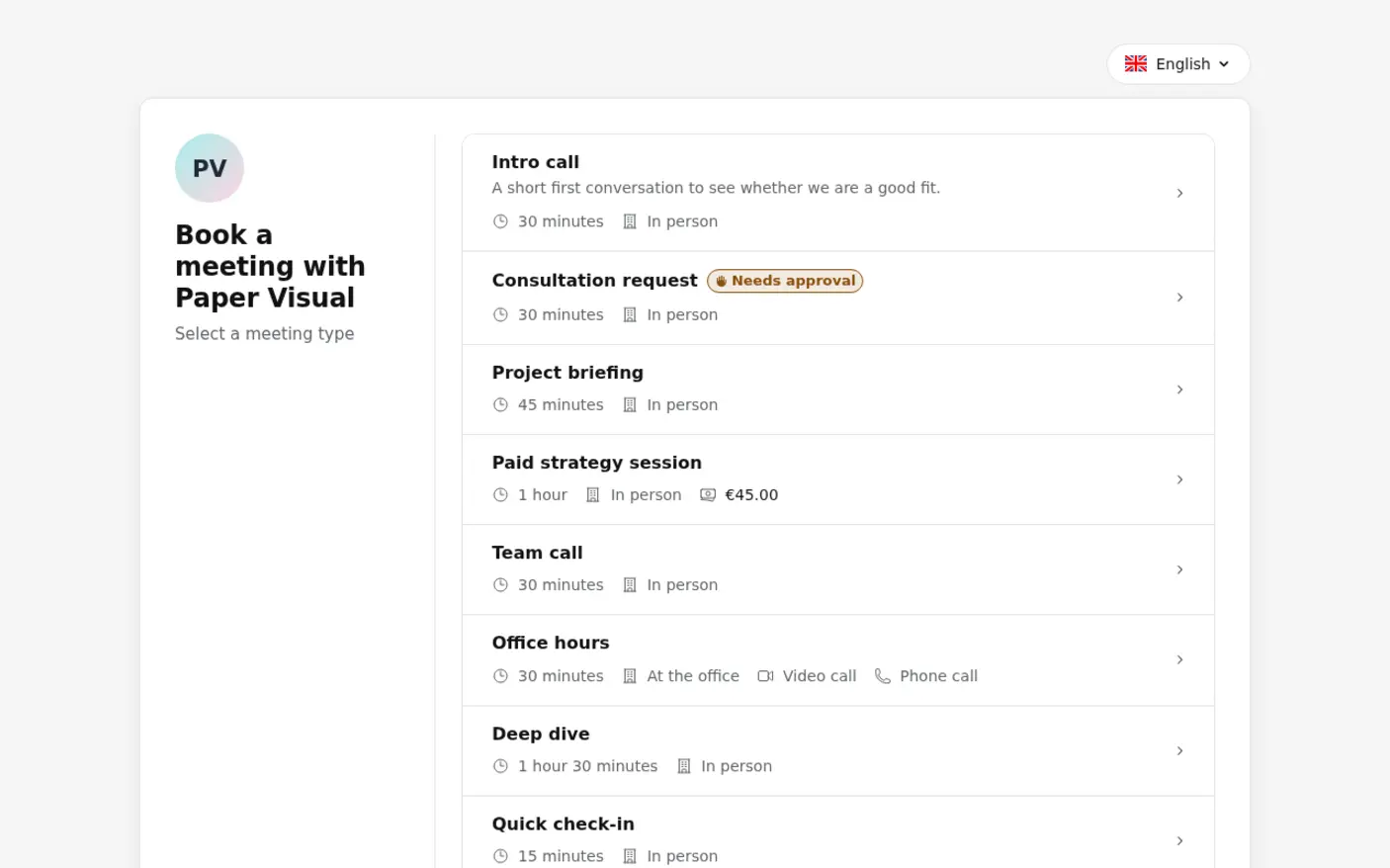
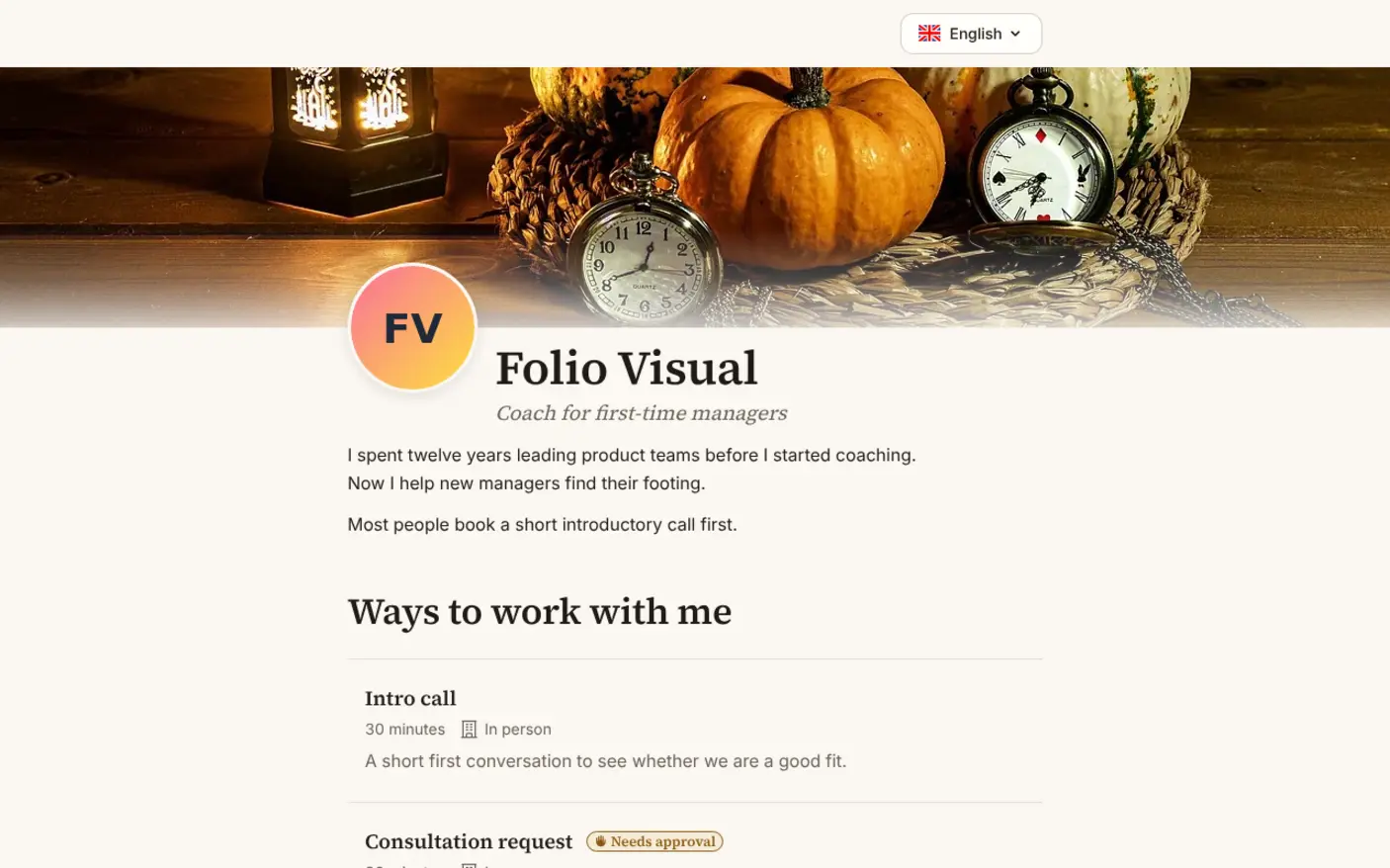
A starter setup for real estate agents
| Meeting type | Duration | Buffer | Minimum notice | Bookable ahead | Payment at booking |
|---|---|---|---|---|---|
| Viewing (one per listing) | 20 min | 20 min | 12 hours | 2 weeks | None |
| Open house (Pro, 12 places) | 60 min | 20 min | 12 hours | 2 weeks | None |
| Valuation | 60 min | 20 min | 1 day | 3 weeks | None |
Intake questions
- Are you buying, selling, or both?
- Do you have a mortgage in principle, or are you buying with cash?
- Do you have a property to sell first?
- Property address (valuations only)
Ask the buying-position questions on viewings and the address on valuations, so neither form runs long. Open-house slots take several buyers at once and cannot wait for approval, so keep seller sign-off for private viewings. Viewings and open houses can share one schedule with a 20-minute travel buffer; valuations need a day's notice and a schedule of their own.
Tymeslot compared with Calendly and Acuity
Next to Calendly and Acuity, Tymeslot is the one that lets an agent give every listing its own viewing link without paying: its free plan has no cap on meeting types, while Calendly's free tier allows a single one and Acuity offers only a trial. Hence price and the free plan lead here. Buyer questions are the honest exception: both rivals ask them on every plan, Tymeslot only on Pro, so a solo agent content with one generic viewing link and a questionnaire may manage on Calendly's free tier.
| Feature | Tymeslot | Calendly | Acuity |
|---|---|---|---|
| Free plan | Yes: a separate viewing link per listing | Yes, limited to 1 event type and 1 calendar | No: 7-day trial, no card needed |
| Custom intake questions | Pro: mortgage in principle, asked before viewings | Yes: up to 10 questions per event type, on all plans | Yes, on all plans: custom client forms |
| Entry price | Pro €9/month, however many listings | $10/seat/month, billed yearly | $16/month paid annually ($20 paid monthly) |
Sources checked 5 October 2026.
How much time could you save?
A rough estimate, not a promise.
180
minutes saved per week
156.0
hours saved per year
€17,160
annual value of saved time
Which calendars and tools do real estate agents use with Tymeslot?






Start free, upgrade when you're ready
A sole agent booking viewings, valuations and seller-approved visits needs nothing beyond Free. Pro (€9/month) pays off when you want a buyer's position (mortgage in principle, a home to sell) before you unlock the door, or open-house slots that several buyers book into. The price stays the same with forty listings as with four.
Free
€0 / month
Pro
€9 / month